


Trusted by 1M+ creators
Add Stickers to Video
Add stickers, logos, watermarks, emojis to videos online. No account required
No credit card required
4.6
2,100+ reviews















Add Stickers to Videos and Photos
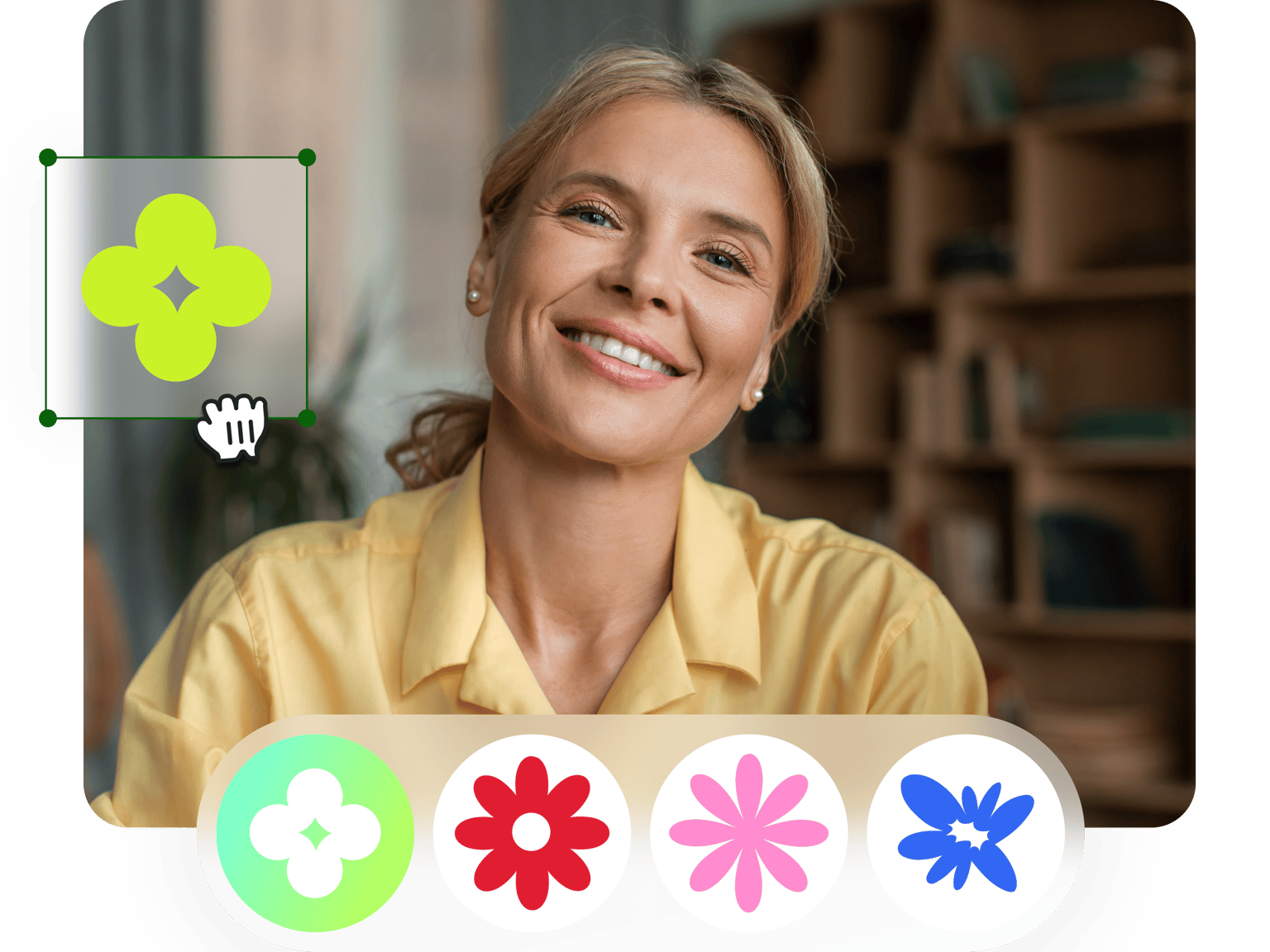
Looking for stickers to add to your video? Then look no further than VEED’s huge selection of stickers and emojis. On our online video editor, you’ll find every type of sticker, from static and animated to cute and funky. Use VEED to add your favourite emojis and stickers to a video in just a few clicks. VEED has many playful stickers, smileys, emoticons and CTA’s (Call to Action) you can position on your video. Change size, colour, rotation, and much more. Whether you’re making a TikTok video, Instagram reel, a vlog or an explainer video, you will find plenty of stickers to help you get your story heard! No download needed - VEED is a simple and easy to use video editing app that works straight from your browser. Upload your file, in any format - MP4, H264, ASF, FVI, MPEG & more - season it with some cute stickers, and you’re done! No need to download any cranky sticker apps. VEED ‘sticks’ nicely with Windows 10, Mac, Linux, and mobile devices!
How to Add Stickers to Video
Step 01
Upload Video
Upload the video you want to add stickers to. Just drag & drop, it's super easy.
Step 02
Add Stickers and Emojis
Select from the range of stickers or upload an image of your own (try using your brand's logo!)
Step 03
Download Video
Once you're happy with your new video, simply click download and it will render in seconds, stickers included!
Learn More
‘How to Add Stickers to Video’ Tutorial

Upload your own images
Stay on brand by uploading your own brand logos and images for free. Upload images in any format and adjust their size, shape and rotation on our video editor. Click the ‘Upload’ button on the left panel, then click ‘Upload Image’ and choose the image you wish to upload. Alternatively, for advanced brand collaboration and control, upgrade to PRO to use our BrandKit. Brand Kit is our special feature that lets you add your own custom brand images, colors, fonts, and watermarks. You can access and reuse them whenever you like in future projects. VEED is built for the next generation of creators, with a focus on brand alignment, ease of use, convenience and quality.
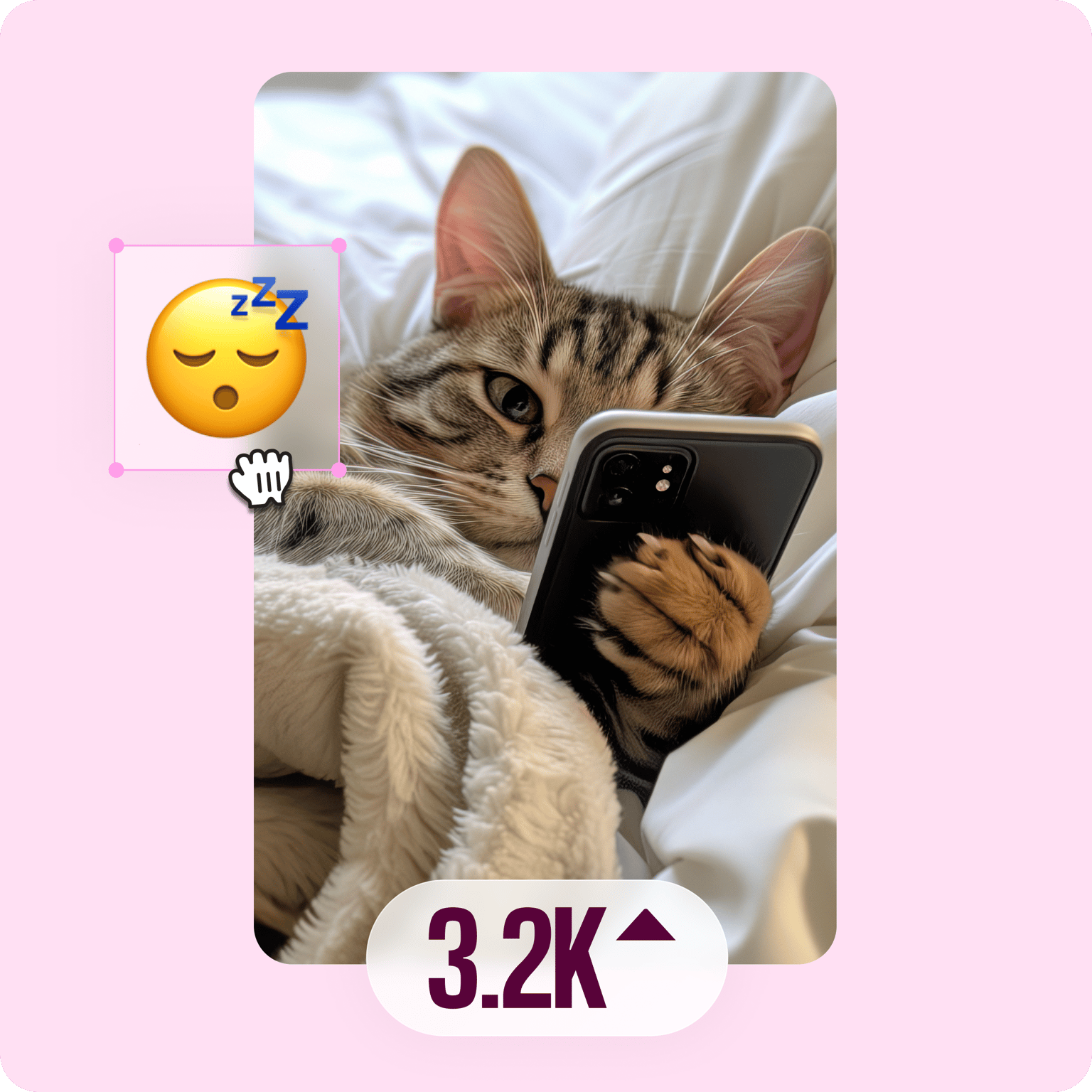
Create Viral Memes
Use VEED to create your own memes for instant messaging and social media. Stickers and emojis can help you design eye-catching and funny memes. VEED’s large collection of stickers will enable you to make memes for a diverse range of audiences. So, to make your own meme, simply upload an image or video using VEED, and decorate it with text, stickers, emojis and drawings. And, if a meme isn’t enough, you can also use VEED to create your own animated GIFs! Our stickers will prove equally useful in making your own personalised GIFs. When you’re done crafting your own memes and GIFs, download your creations in seconds and begin sharing on your group chats and social media channels! Memes and GIFs are a fantastic way to connect with your audience.
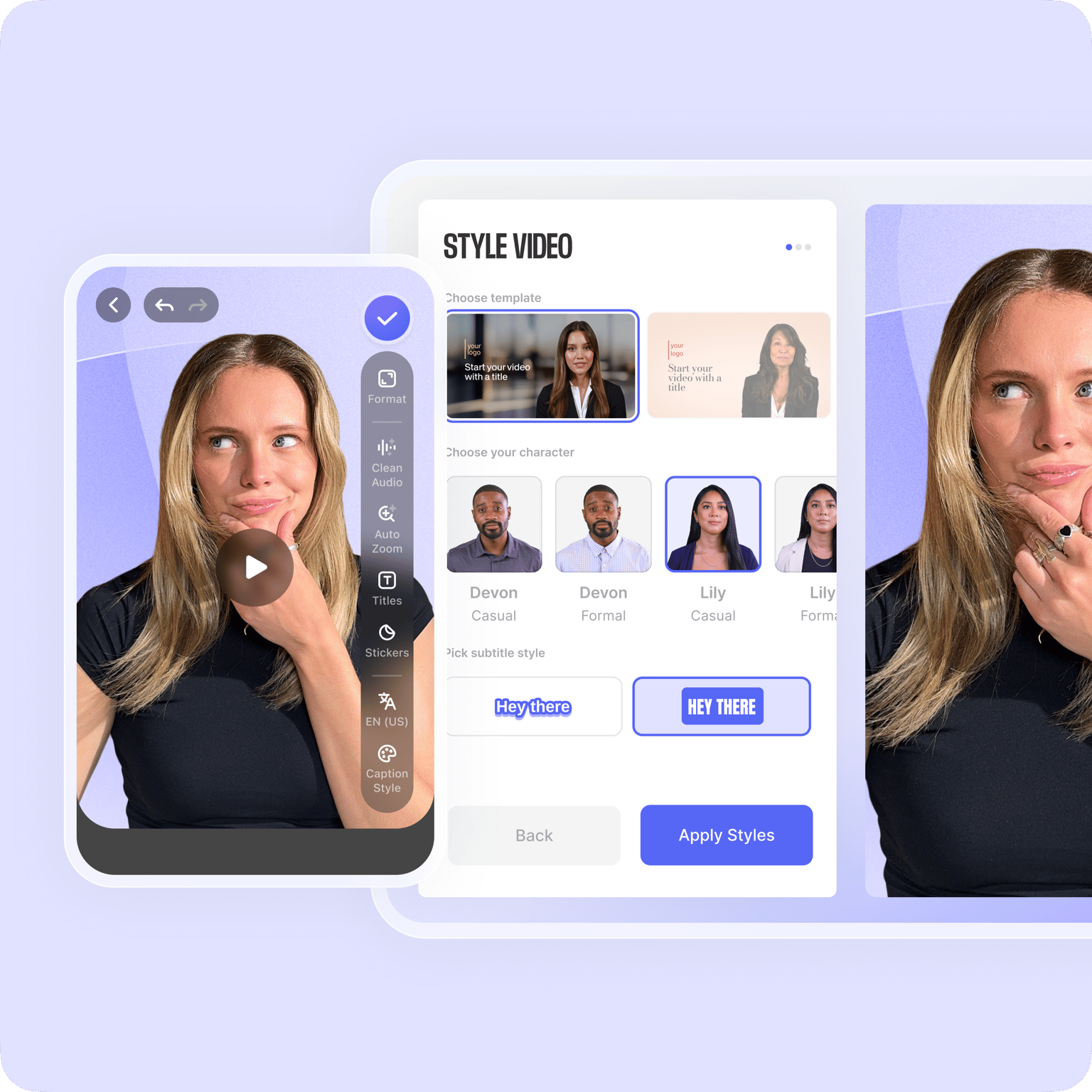
Works Everywhere
All you need is a functional browser, and you can access our stickers in no time! VEED works with Chrome, Safari, Microsoft Edge, and many more. Edit your videos on the go. No need to download any apps. Enjoy VEED’s suite of stickers and emojis on PC & Mac, iPhone, iPad, tablets and Android mobile devices. No account needed, get started straight away. Or, create an account if you wish to save your videos, and access them on any device with the same login details. Don’t worry about video resolution or size, VEED works with all videos in any format.
FAQ
- Upload your Video (or image) 2. Click ‘Elements’ on the left panel 3. Choose your sticker, and drag it to video 4. Download
You certainly can! Click ‘Upload’ on the left panel, then click ‘Upload Image’ on the menu that appears. Then select your image and upload in any format. Annotate with stickers as normal, and download as GIF when you’re done. Simple and easy.
Absolutely! VEED’s collection of stickers includes CTA’s (Calls to Action) like “swipe up”, and “follow the link in bio”. Perfect for creating Instagram stories and videos. Use our Preset Canvas Sizes to download videos in the right size for Instagram and other social media sites.
Brand Kit is a PRO feature that allows you to add custom brand fonts, colors, images, and watermarks, and to reuse them across all projects effortlessly. It is useful in making videos that align with your brand colors and theme, if you want to create videos on a routine basis. However, all of our stickers and emojis are available for free, so you can begin editing your videos without any account or subscription
VEED is compatible with Windows 10 and its native browser, Microsoft Edge. Simply open your browser, and visit VEED.IO. Then upload your video and start editing in seconds. No need to download any apps or software. VEED recognises videos stored in Windows proprietary formats including WMV.
Open Safari or your preferred browser, visit VEED.IO and upload your video or image. VEED is compatible with videos stored in Apple’s proprietary formats like MOV, and many more including MP4, AVI and MPEG.
Loved by creators.
Loved by the Fortune 500
“
With VEED I didn't need 15 tutorials - I jumped straight in and started editing.

Gwenne Wilcox
Founder,
Brand Brainery
“
You can go beyond choppping things. VEED actually makes my videos look great.

Michael Glover
Demand Gen Manager,
ConvertFlow
“
The first four videos i created with VEED got over 40,000 impressions on LinkedIn.

Travis Tyler
Senior Content Producer,
PandaDoc
“
I found VEED at the right time: if you're making UGC ads and not using Eye Contact Correction and Noise Reduction on VEED you're missing out on ROI.

Sebastian Schurgers
Head of Growth Marketing,
Gronda
“
With VEED I didn't need 15 tutorials - I jumped straight in and started editing.
Gwenne Wilcox
Founder,
Brand Brainery
“
You can go beyond choppping things. VEED actually makes my videos look great.
Michael Glover
Demand Gen Manager,
ConvertFlow
“
The first four videos i created with VEED got over 40,000 impressions on LinkedIn.
Travis Tyler
Senior Content Producer,
PandaDoc
“
I found VEED at the right time: if you're making UGC ads and not using Eye Contact Correction and Noise Reduction on VEED you're missing out on ROI.
Sebastian Schurgers
Head of Growth Marketing,
Gronda
“
The first four videos i created with VEED got over 40,000 impressions on LinkedIn.
Travis Tyler
Senior Content Producer,
PandaDoc
“
I found VEED at the right time: if you're making UGC ads and not using Eye Contact Correction and Noise Reduction on VEED you're missing out on ROI.
Sebastian Schurgers
Head of Growth Marketing,
Gronda
“
With VEED I didn't need 15 tutorials - I jumped straight in and started editing.
Gwenne Wilcox
Founder,
Brand Brainery
“
You can go beyond choppping things. VEED actually makes my videos look great.
Michael Glover
Demand Gen Manager,
ConvertFlow
Discover more
More from VEED

11 Easy Ways to Add Music to Video [Step-By-Step Guide] in 2026
Not sure where to find music for video whether free or paid? Want to learn how to find it, pick the right song, and then add it to your video content? Then dig in!
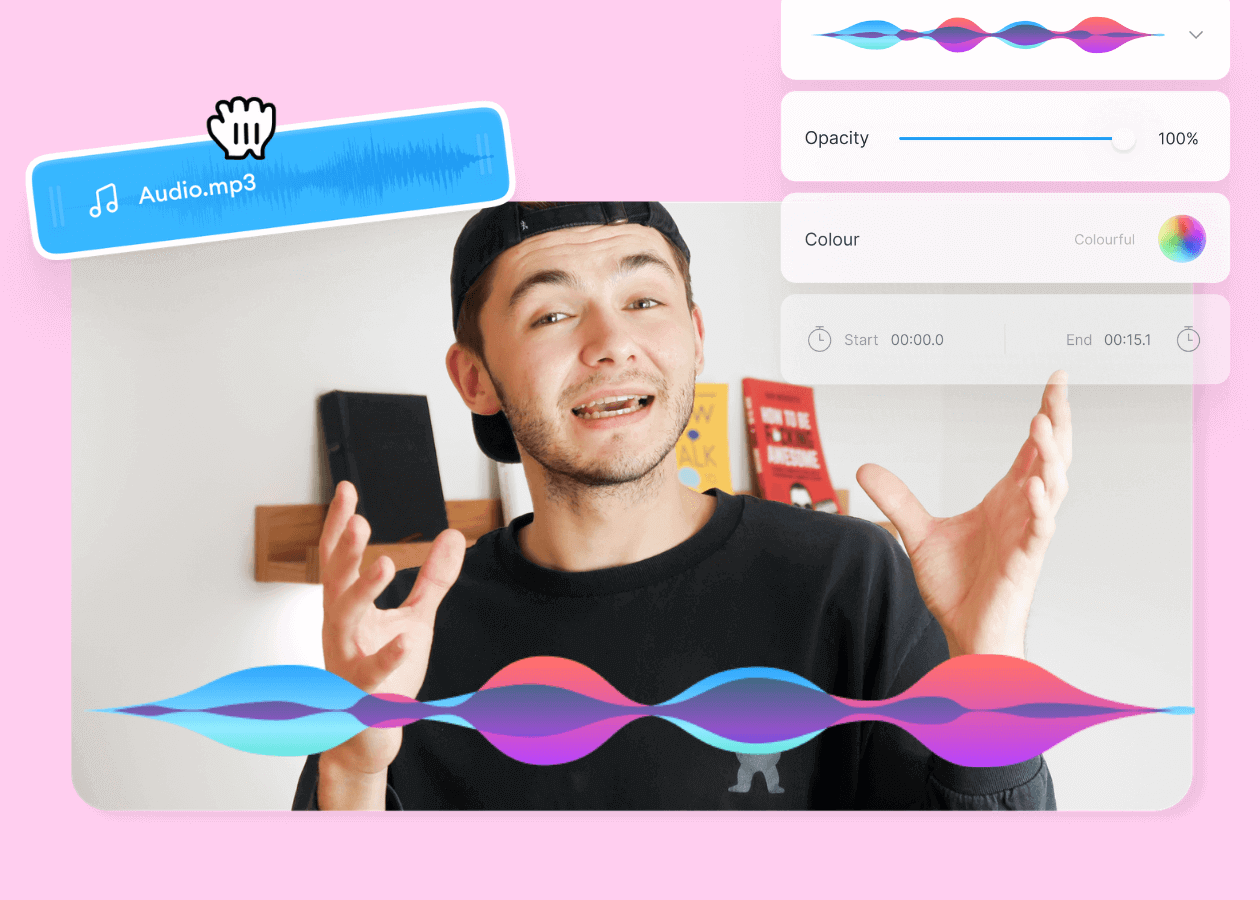
Top 5 Best Music Visualizers [Free and Paid]
Here are some of the best music visualizers available on the internet and how to use them!

How to Rotate a Video (6 Quick & Easy Ways)
How to easily rotate a video whether you're on your desktop, mobile, or on your web browser.
Trusted by 1M+ creators
When it comes to amazing videos, all you need is VEED
No credit card required
More than just an online stickers app!
VEED lets you add so much more than just stickers to your video! You can add filters, special effects, text, subtitles, background music, and more! Use our ‘Draw’ function to draw your own shapes and figures. VEED is an online video editor that will level up your social media videos, reels, explainer videos, vlogs, whatever you wish! Whether you’re a beginner or pro, VEED will help you create stunning videos in only a few clicks. Simple, intuitive and easy to use, VEED empowers creators like you with the creative freedom to produce impactful and inspiring content.