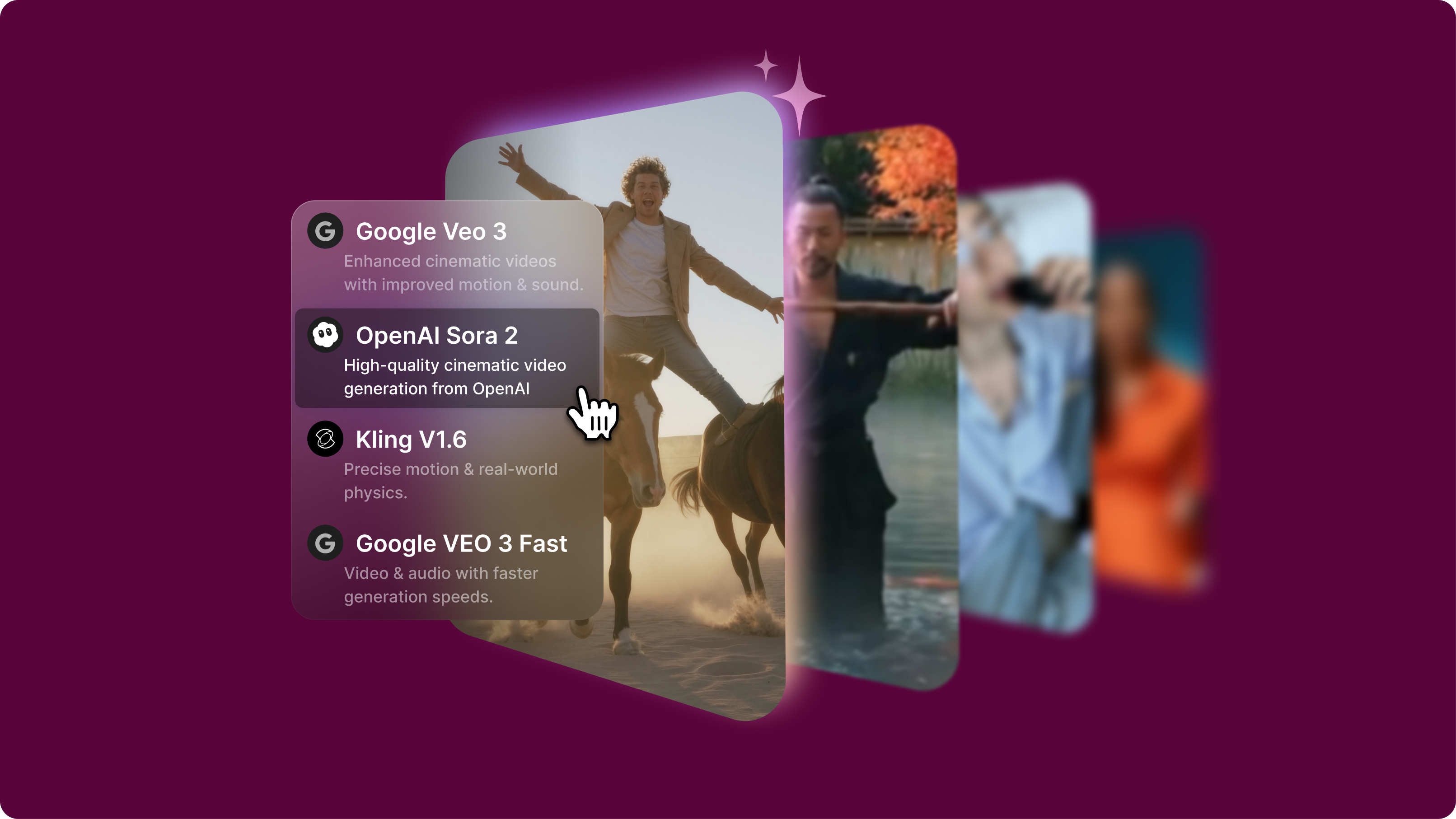
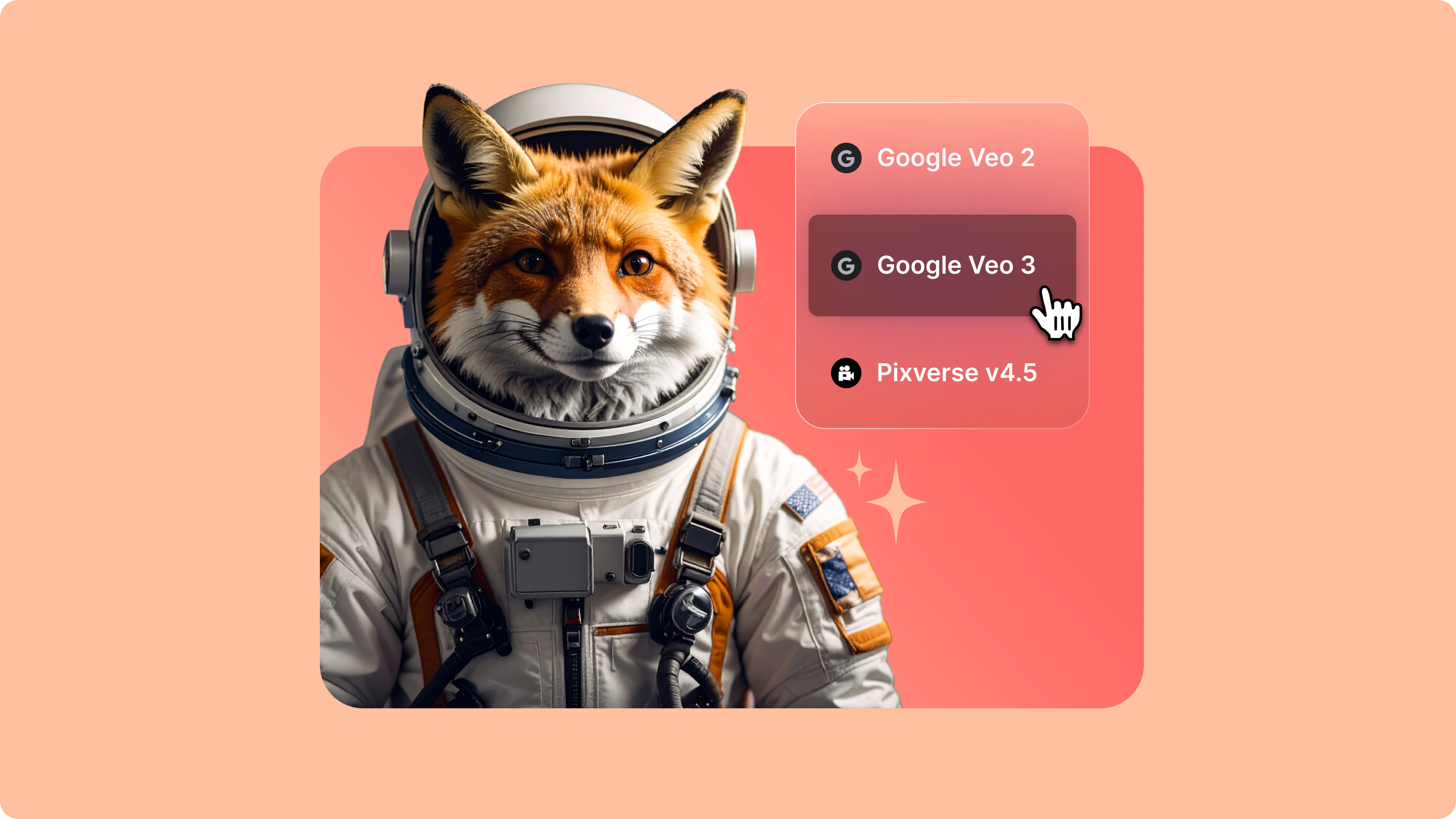
Google Veo 3.1: The Next Generation of AI Video (Live on VEED)
Google Veo 3.1 offers better realism, richer audio generation, and improved prompt adherence. And now, you can try it on VEED. Learn more here.
AI lip sync video model. Generate longer talking head videos in various styles
4.6
319 reviews















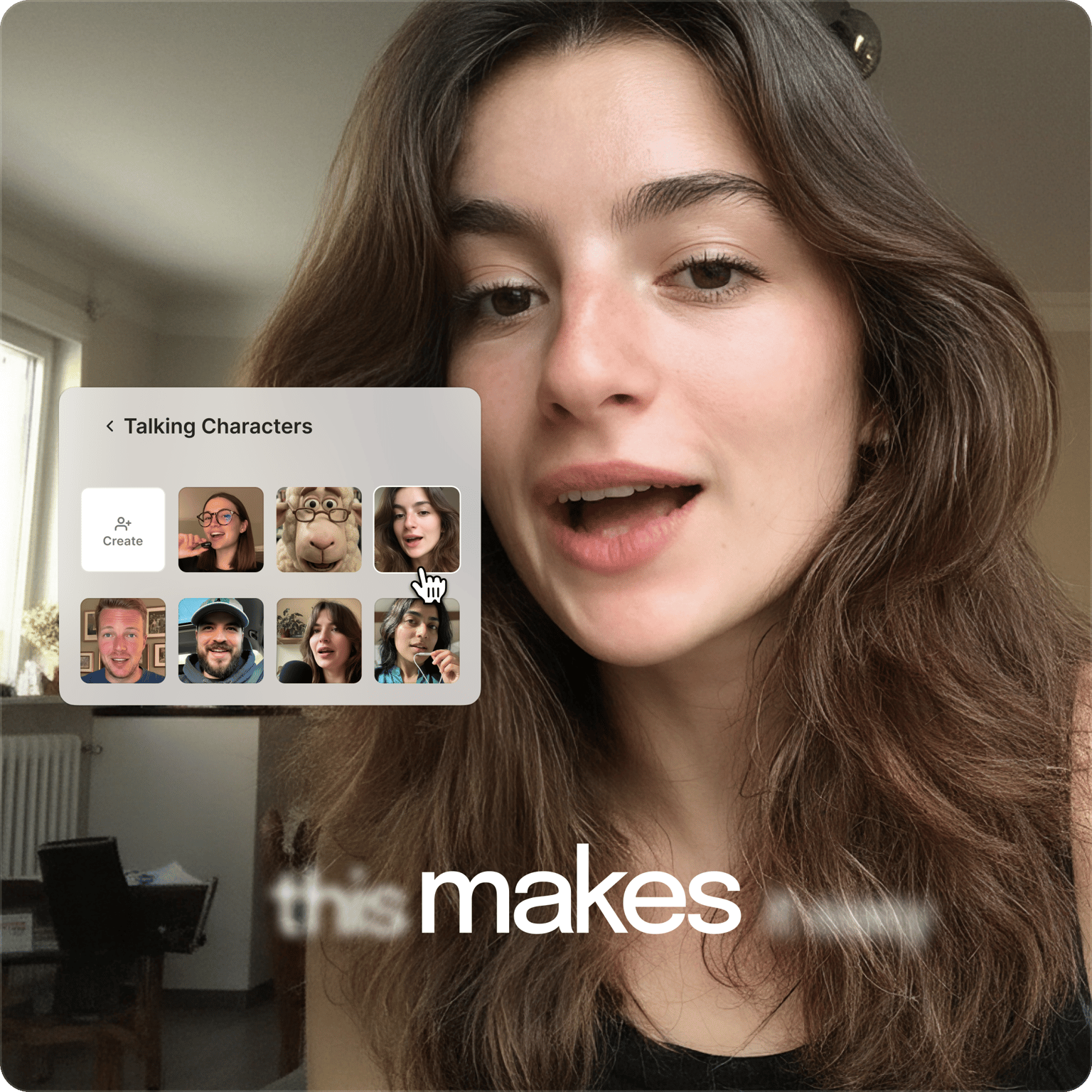
Create any character you can imagine. No need to limit your content to pre-made avatar libraries. VEED Fabric 1.0 lets you generate talking avatars from images and text prompts. Create a lifelike expert holding your latest tech, a clay character explaining concepts, or a professional spokesperson delivering your brand updates. No filming, no voice actors, no complexity.
Generate talking videos at creator-friendly pricing, then edit and brand them in our editor. Unlike standalone AI tools, VEED handles your complete workflow — from AI model testing to video creation. Try Fabric 1.0 in our AI playground now, or switch to image-to-video models to explore more creative options. Please note that customers in India, Pakistan, and Bangladesh will not be able to get the free generations on Fabric, but they can use it w/ credits.
How to make a lip sync video with VEED Fabric 1.0:
Step 1
Go to the video menu and select talking characters. Choose a character, or create one by describing it or uploading a character image.
Step 2
Type what you want your character to say and select a voice. You can also record your own voice or upload an audio file. Our lip sync video AI generates a realistic or stylized AI avatar.
Step 3
Save your talking video or bring it into our video editor for further customization. You can enhance your lip sync videos with captions, transitions, branding, and more.
Learn More
Watch this VEED Fabric 1.0 walkthrough:
AI lip sync video generator perfect for social media
While most AI video tools limit you to 8-20 seconds, Fabric 1.0 generates talking videos up to 5 minutes long. Create presenters that speak your dialogue with synchronized lip movements — ideal for explainer videos, product announcements, and other talking head content. The extended length means you can deliver complete thoughts instead of quick clips, making your content more valuable to your viewers.
AI avatar generator optimized for creator budgets
While models like Veo 3 focus on cinematic production, Fabric 1.0 is built for social media creators who need scalable talking content. Our model delivers the synchronized speech capabilities creators need for platforms like Instagram, LinkedIn, and TikTok without the hefty costs. See our pricing page to learn more about subscription plans and AI credits.
Talking avatars with style transfer
Create product presentations without filming. Generate the same presenter in realistic, clay animation, or anime styles through text prompts or image uploads. This style transfer capability lets you test different visual approaches for your brand while maintaining consistent messaging across content.
FAQ
Discover more
Loved by the Fortune 500
VEED has been game-changing. It's allowed us to create gorgeous content for social promotion and ad units with ease.

Max Alter
Director of Audience Development, NBCUniversal

I love using VEED. The subtitles are the most accurate I've seen on the market. It's helped take my content to the next level.

Laura Haleydt
Brand Marketing Manager, Carlsberg Importers

I used Loom to record, Rev for captions, Google for storing and Youtube to get a share link. I can now do this all in one spot with VEED.

Cedric Gustavo Ravache
Enterprise Account Executive, Cloud Software Group

VEED is my one-stop video editing shop! It's cut my editing time by around 60%, freeing me to focus on my online career coaching business.

Nadeem L
Entrepreneur and Owner, TheCareerCEO.com

More from VEED
When it comes to amazing videos, all you need is VEED
No credit card required
More than an AI lip sync video generator
VEED is an AI video creation platform where you can go from idea to post-ready talking video in minutes. Create a character or upload an image, add your audio, and refine the video. Add captions, layer in background music, and apply your brand assets in the editor. Create on-brand videos that stand out and keep your audience watching. No filming, no big budgets, no jumping between tools. Sign up now to create your first video.