


Trusted by 1M+ creators
Dance Video Maker
Create stunning dance videos online. Easy to use, no account required
No credit card required
4.6
2,100+ reviews















Make dance videos online
Have you ever watched super-cool dance videos online? Want to make your own TikTok dance videos, hip-hop, street dance, line-dance, and more? Well, now you can, with VEED! Make dance videos online, with no software, no account required. Try it now!
How to Create Dance Videos:
Step 01
Upload
VEED is all online, so you don’t need to download any software. Just drag & drop your videos, it couldn’t be easier.

Step 02
Edit
Crop, trim, add filters, music, sound effects, text, and so much more!

Step 03
Share!
Hit ‘Download’, and you are ready to share your dance video with your friends, family, and followers. Enjoy!
Learn More
‘Dance Video Maker’ Tutorial
Dance video maker, online
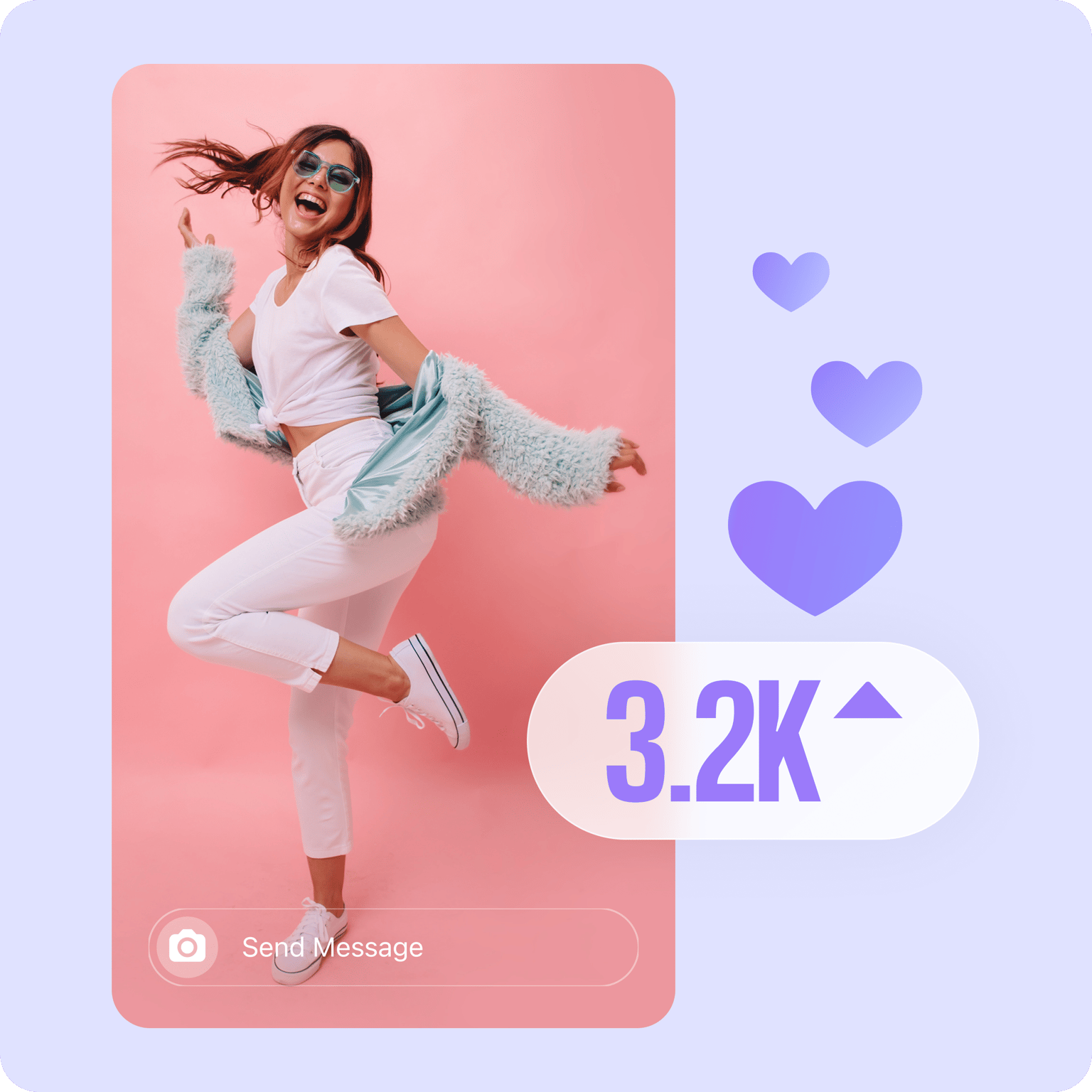
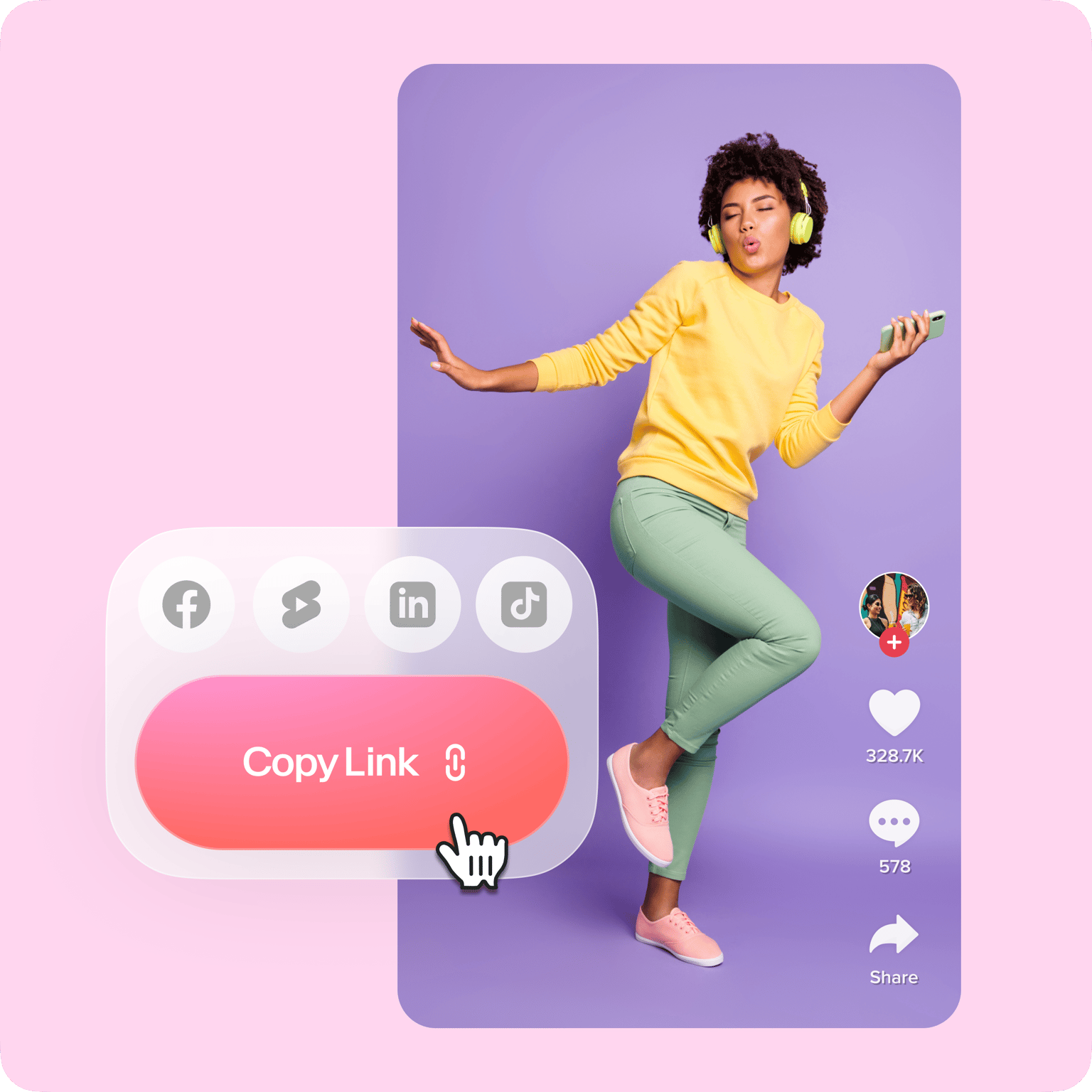
With VEED you can make dance videos online. You don’t need to download any software, or even create an account. You can resize your dance videos to fit any social media platform - YouTube, Instagram, whatever you need, so you can repost your video everywhere. You can create awesome 15-second dance videos and resize them to fit TikTok with a single click! Try it now, free.
Filters, effects, music, and more!
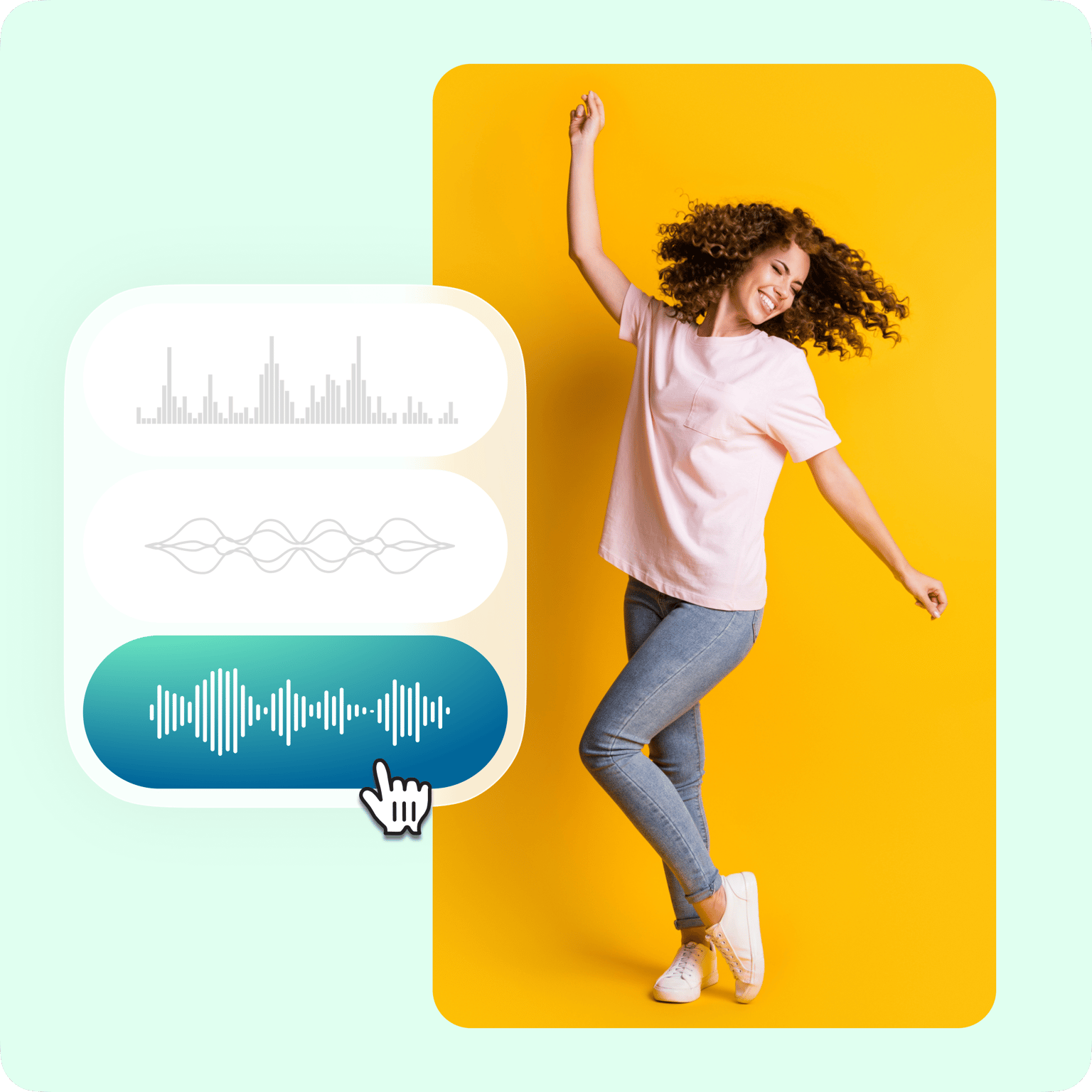
You can add filters and effects, adjust brightness and contrast, make black & white dance videos, and more! Remove the audio from your video and add your own music so your dance video streams with the highest quality sound. You can add text to your video with your name, the name of the song, you can even add the details of your YouTube channel or Instagram.
Why make a dance video?
**Easy ** VEED was designed to be used by you. All our tools are user-friendly and intuitive, so you can make your new, stunning dance video in no time at all. **Get followers and likes ** A dance video is a great way to get more followers and likes! Create something fun that people can enjoy and share with their friends. **Fun ** It’s fun to watch and fun to create dance videos. Join the TikTok dance revolution with your own personal dance videos.
FAQ
Upload your video to VEED and start editing. You can add plenty of elements to make your dance video more exciting like background music, transitions, and video effects.
Using VEED’s free video editor is the easiest way to create dance videos. Upload the dance video you’ve recorded to VEED and from the editor, you can add background music, sound effects, titles, and headings for your dance video. You can even add transitions between clips!
Upload. VEED is all online, so you don’t need to download any software. Edit. Crop, trim, add filters, music, sound effects, text, and so much more! Share! Hit ‘Download’, and you are ready to share your dance video with your friends, family, and followers.
Click on the Upload button from the menu or just click on the plus (+) icon on the Timeline. You can drag and drop your files onto the popup box.
VEED is completely free to use. You don’t even need to sign up! Access our video editor from your home or anywhere straight from your browser!
If you want to change or add background music to your dance video, simply upload your audio as mentioned above. Just click on the Upload button and add your audio files. To replace the original audio, just click on your video and select the mute button.
Loved by creators.
Loved by the Fortune 500
“
With VEED I didn't need 15 tutorials - I jumped straight in and started editing.

Gwenne Wilcox
Founder,
Brand Brainery
“
You can go beyond choppping things. VEED actually makes my videos look great.

Michael Glover
Demand Gen Manager,
ConvertFlow
“
The first four videos i created with VEED got over 40,000 impressions on LinkedIn.

Travis Tyler
Senior Content Producer,
PandaDoc
“
I found VEED at the right time: if you're making UGC ads and not using Eye Contact Correction and Noise Reduction on VEED you're missing out on ROI.

Sebastian Schurgers
Head of Growth Marketing,
Gronda
“
With VEED I didn't need 15 tutorials - I jumped straight in and started editing.
Gwenne Wilcox
Founder,
Brand Brainery
“
You can go beyond choppping things. VEED actually makes my videos look great.
Michael Glover
Demand Gen Manager,
ConvertFlow
“
The first four videos i created with VEED got over 40,000 impressions on LinkedIn.
Travis Tyler
Senior Content Producer,
PandaDoc
“
I found VEED at the right time: if you're making UGC ads and not using Eye Contact Correction and Noise Reduction on VEED you're missing out on ROI.
Sebastian Schurgers
Head of Growth Marketing,
Gronda
“
The first four videos i created with VEED got over 40,000 impressions on LinkedIn.
Travis Tyler
Senior Content Producer,
PandaDoc
“
I found VEED at the right time: if you're making UGC ads and not using Eye Contact Correction and Noise Reduction on VEED you're missing out on ROI.
Sebastian Schurgers
Head of Growth Marketing,
Gronda
“
With VEED I didn't need 15 tutorials - I jumped straight in and started editing.
Gwenne Wilcox
Founder,
Brand Brainery
“
You can go beyond choppping things. VEED actually makes my videos look great.
Michael Glover
Demand Gen Manager,
ConvertFlow
Trusted by 1M+ creators
When it comes to amazing videos, all you need is VEED
No credit card required
More than a dance video maker
You love dancing, we love videos! It’s a match made in heaven! But, with VEED, you can also create much more than just dance videos. You can make movie trailers, explainer videos, video resumes, professional videos, Instagram Story Ads, whatever you need! Try it out. Click the links below.