


Trusted by 1M+ creators
Graduation Video Maker
Create an inspiring graduation video online, free
No credit card required
4.6
2,100+ reviews















Celebrate Your Graduation with a Video
Whether it’s you who would graduate or a friend or family member, you can make this day extra special by creating an inspiring graduation video. Celebrate this fantastic milestone by creating a video filled with memories of the journey throughout. Add photos from important academic events, photos of classmates and teachers, add captions, and more. You can even add transitions in between clips to indicate significant timelines that led to this phenomenal success. Split your video into parts and select from our transition styles. Just drag and drop the transition in between clips. A graduation video is one of the best gifts you can give to a graduating student.
How to Create a Graduation Video:
Step 01
Upload your video and slides
Upload your video to VEED. Just drag and drop your files into the editor. You can add several video clips and create one final video.

Step 02
Edit
You can add photos, background music, text, and more. It only takes a few clicks.
Step 03
Download and share
You are now ready to download and share your video. Just click on ‘Export’ and download your video in your desired format.
Learn More
‘Graduation Video Maker’ Tutorial
Tell a compelling story of this phenomenal success
Getting to graduation is no easy feat. It is a phenomenal success and should be celebrated as such. One of the ways you can celebrate is to tell a compelling story of the journey leading to it. Whether it’s you who would graduate or you want to give a graduation video as a gift, VEED is the best tool you can use. With VEED, you can add photos, captions, and music to create a heartfelt graduation video message. It only takes a few clicks. You can upload as many images as you want, add text and personalize it. The possibilities are endless!
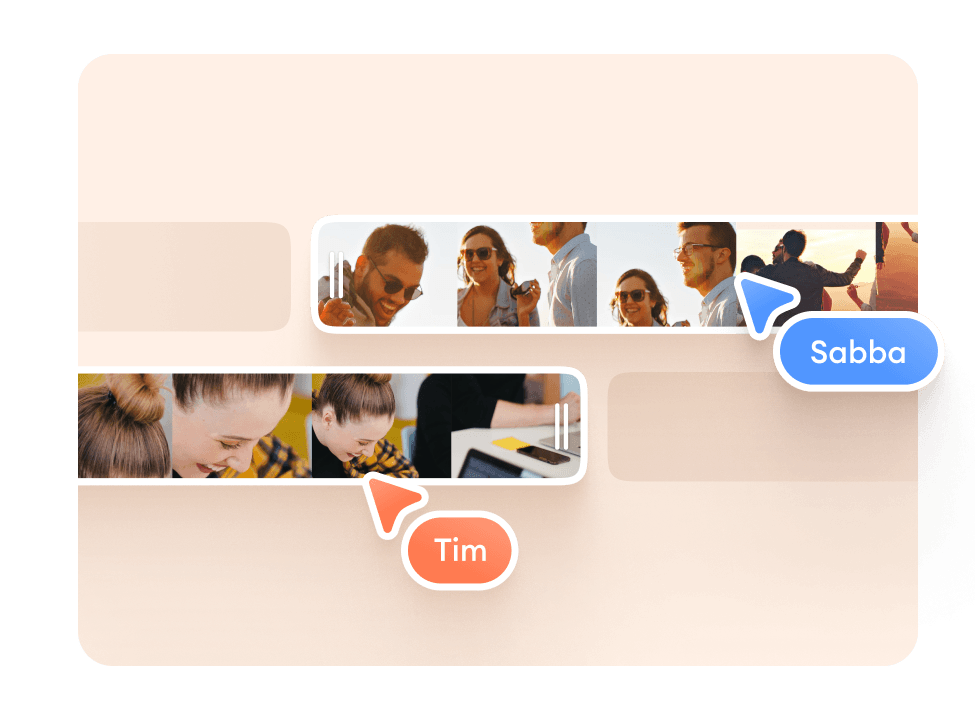
Choose from stock videos and personalize
If you don’t have time to record a graduation video, you can choose from our awesome, professionally filmed stock videos and personalize them. You can change the images to add your own, change the text, headings, and more. Add music to add your own personal touch to the video. Maybe you want to offer a graduation song with your friends. You can also get royalty-free music from so many free libraries online!
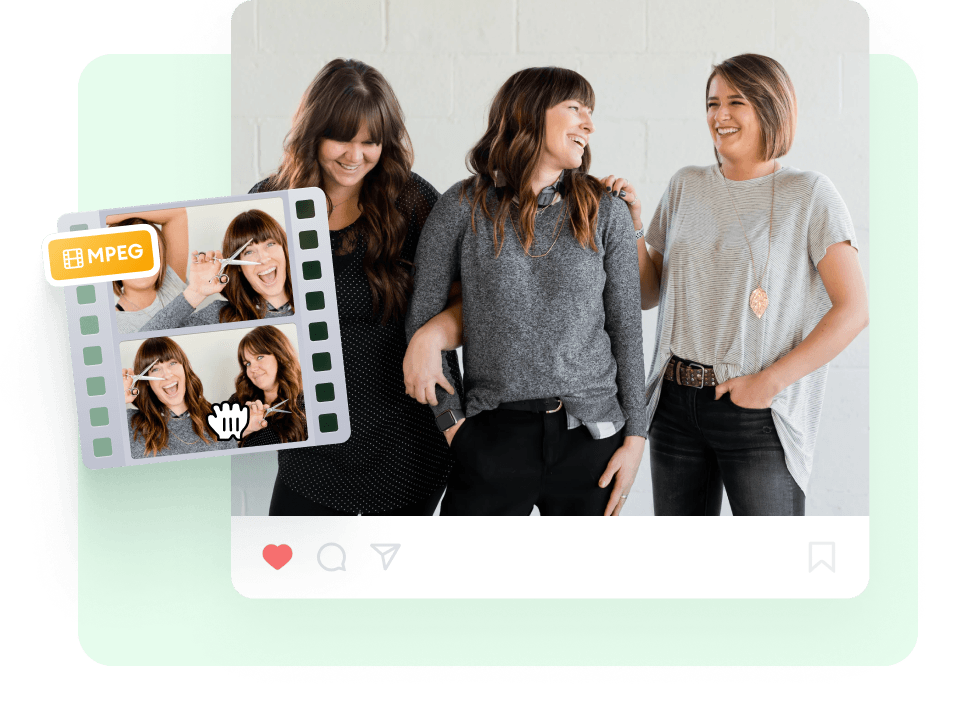
Share your video anywhere!
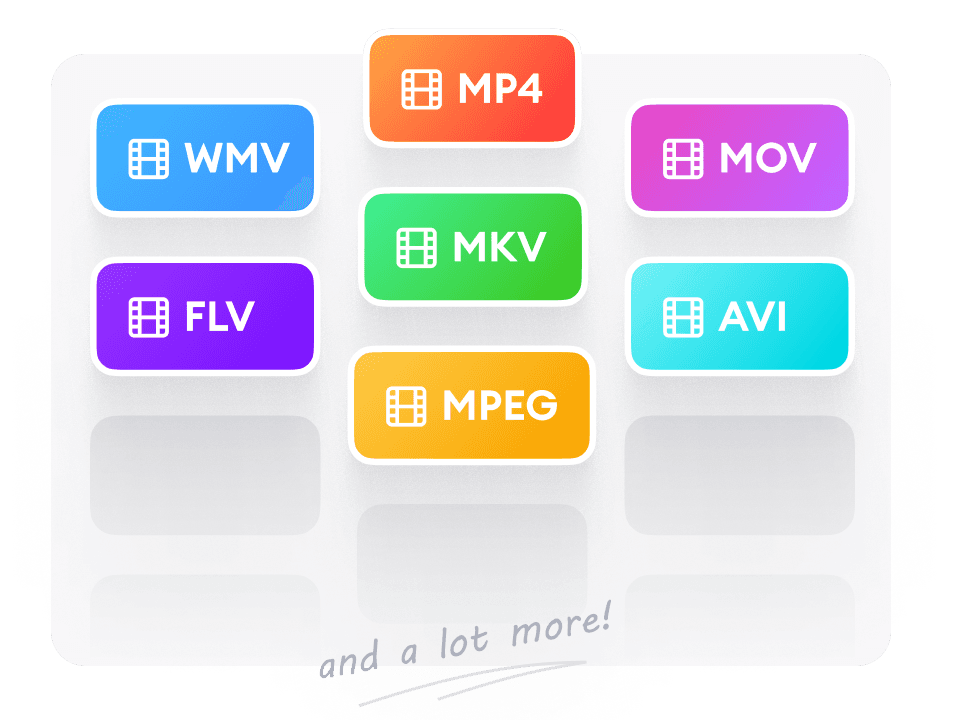
VEED lets you create videos that will fit different social media and video-sharing platforms. Easily rotate, resize, and crop your videos for YouTube, Instagram, Twitter, Facebook, TikTok, and more. This way, you don’t have to worry about compatibility. Your video will play perfectly on the platform that you choose. You can download your video in different formats as well so that it’s playable on multiple media players. Even if you upload a video in a particular format, you can convert it into another video file type. Download it in MP4 format, AVI, MOV, MKV, and all popular video formats.
FAQ
Upload your video to VEED or choose from our stock videos and personalize them. You can also add images, text, and more. When you’re done editing, download your video and share it anywhere!
A graduation video is a celebration of an important milestone and success. Make sure to express your congratulations and acknowledge the graduate’s hard work to get to where they are.
VEED is the best place to make a graduation video and slideshow. To create a slideshow, split your video into parts and add transitions. Easy!
While you can make a graduation video as short or as long as you want, it is best to keep it between 5 and 10 minutes. This will ensure that you can add enough photos, songs, and other elements to make your video as inspiring as possible.
While VEED is not technically a slideshow maker, you can still make your video look like a slideshow by adding transitions in between clips. Split your video into parts and add transitions.
VEED is completely free to use! You don’t even have to sign up or create an account. It works straight from your browser.
Loved by creators.
Loved by the Fortune 500
“
With VEED I didn't need 15 tutorials - I jumped straight in and started editing.

Gwenne Wilcox
Founder,
Brand Brainery
“
You can go beyond choppping things. VEED actually makes my videos look great.

Michael Glover
Demand Gen Manager,
ConvertFlow
“
The first four videos i created with VEED got over 40,000 impressions on LinkedIn.

Travis Tyler
Senior Content Producer,
PandaDoc
“
I found VEED at the right time: if you're making UGC ads and not using Eye Contact Correction and Noise Reduction on VEED you're missing out on ROI.

Sebastian Schurgers
Head of Growth Marketing,
Gronda
“
With VEED I didn't need 15 tutorials - I jumped straight in and started editing.
Gwenne Wilcox
Founder,
Brand Brainery
“
You can go beyond choppping things. VEED actually makes my videos look great.
Michael Glover
Demand Gen Manager,
ConvertFlow
“
The first four videos i created with VEED got over 40,000 impressions on LinkedIn.
Travis Tyler
Senior Content Producer,
PandaDoc
“
I found VEED at the right time: if you're making UGC ads and not using Eye Contact Correction and Noise Reduction on VEED you're missing out on ROI.
Sebastian Schurgers
Head of Growth Marketing,
Gronda
“
The first four videos i created with VEED got over 40,000 impressions on LinkedIn.
Travis Tyler
Senior Content Producer,
PandaDoc
“
I found VEED at the right time: if you're making UGC ads and not using Eye Contact Correction and Noise Reduction on VEED you're missing out on ROI.
Sebastian Schurgers
Head of Growth Marketing,
Gronda
“
With VEED I didn't need 15 tutorials - I jumped straight in and started editing.
Gwenne Wilcox
Founder,
Brand Brainery
“
You can go beyond choppping things. VEED actually makes my videos look great.
Michael Glover
Demand Gen Manager,
ConvertFlow
Discover more
Trusted by 1M+ creators
When it comes to amazing videos, all you need is VEED
No credit card required
More than a graduation video maker
At VEED, we make sure we’ve got you covered for all your video needs - birthday videos, Christmas videos, Mother’s Day videos, not to mention Instagram Ads, YouTube trailers, and tutorial vids. Take a look at the links below and see what else VEED could be doing for you.