


Trusted by 1M+ creators
Stop Motion Video Maker
Turn your clips into stop motion videos, with a single click. Online, no account required
No credit card required
4.6
2,100+ reviews















Stop Motion Movie Maker
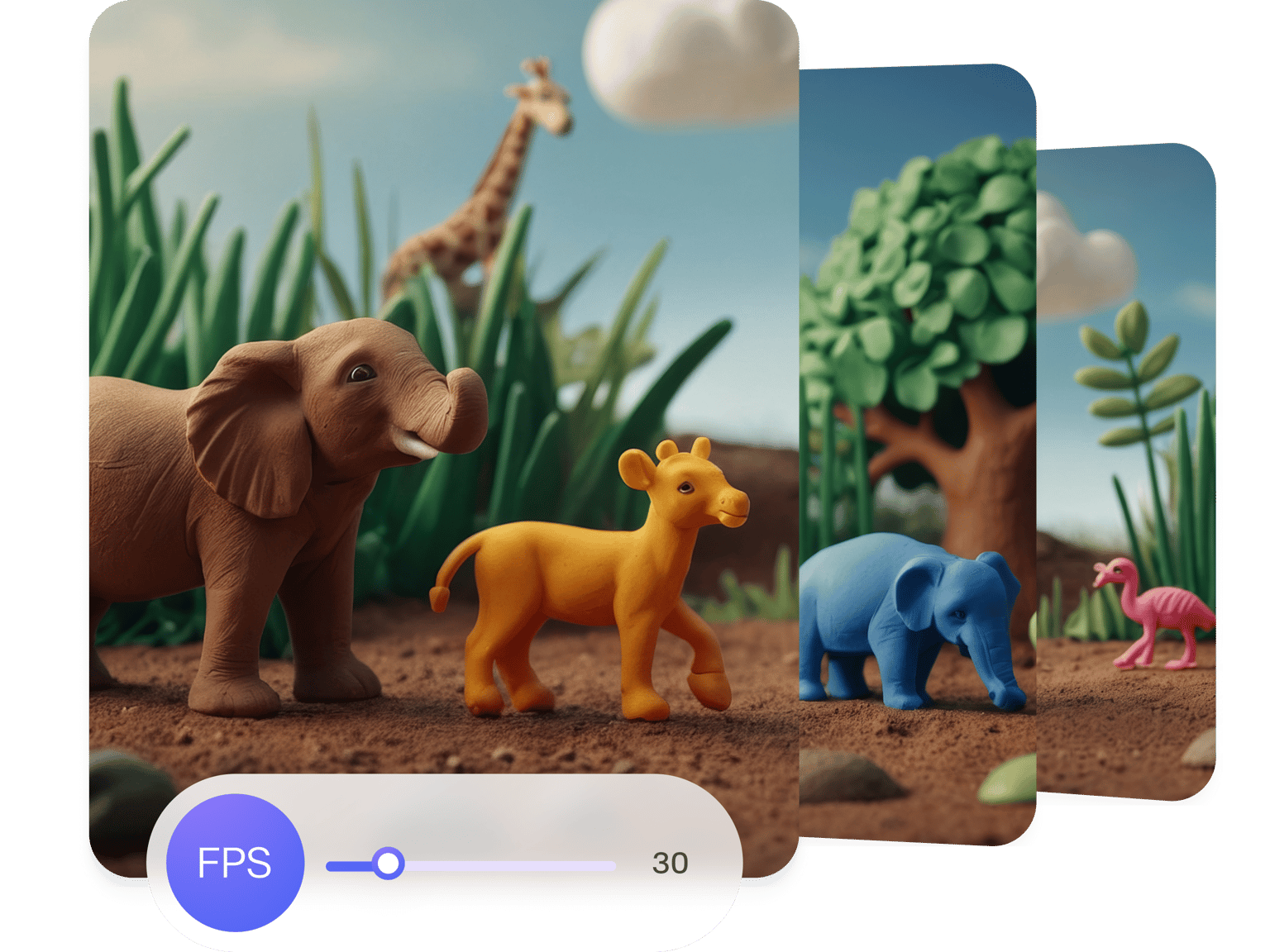
Do you want to create Stop Motion movies from your video files, with a single click? Well, look no further, VEED is here to help. VEED is all online, no software required. Just add your videos and you can start creating Stop Motion magic in a matter of minutes. Stop Motion is a great way of creating atmosphere and emotion in a video. Experiment to see how your Stop Motion video can create a feeling of nostalgia, fast action, and more.
How to Create a Stop Motion Video:
Step 01
Upload
Add your video to VEED - it’s all online, so there’s no software to download. Just drag & drop, it couldn’t be easier
Step 02
Adjust Frame Rate
On Export Settings, click on Adjust. Click ‘Advanced’ and drag the FPS slider all the way down. At 5 Frames per Second, watch your Stop Motion creation come to life!
Step 03
Download
Hit ‘Download’, and your new Stop Motion video will render in seconds. Easy peasy
Learn More
‘Stop Motion Video’ Tutorial
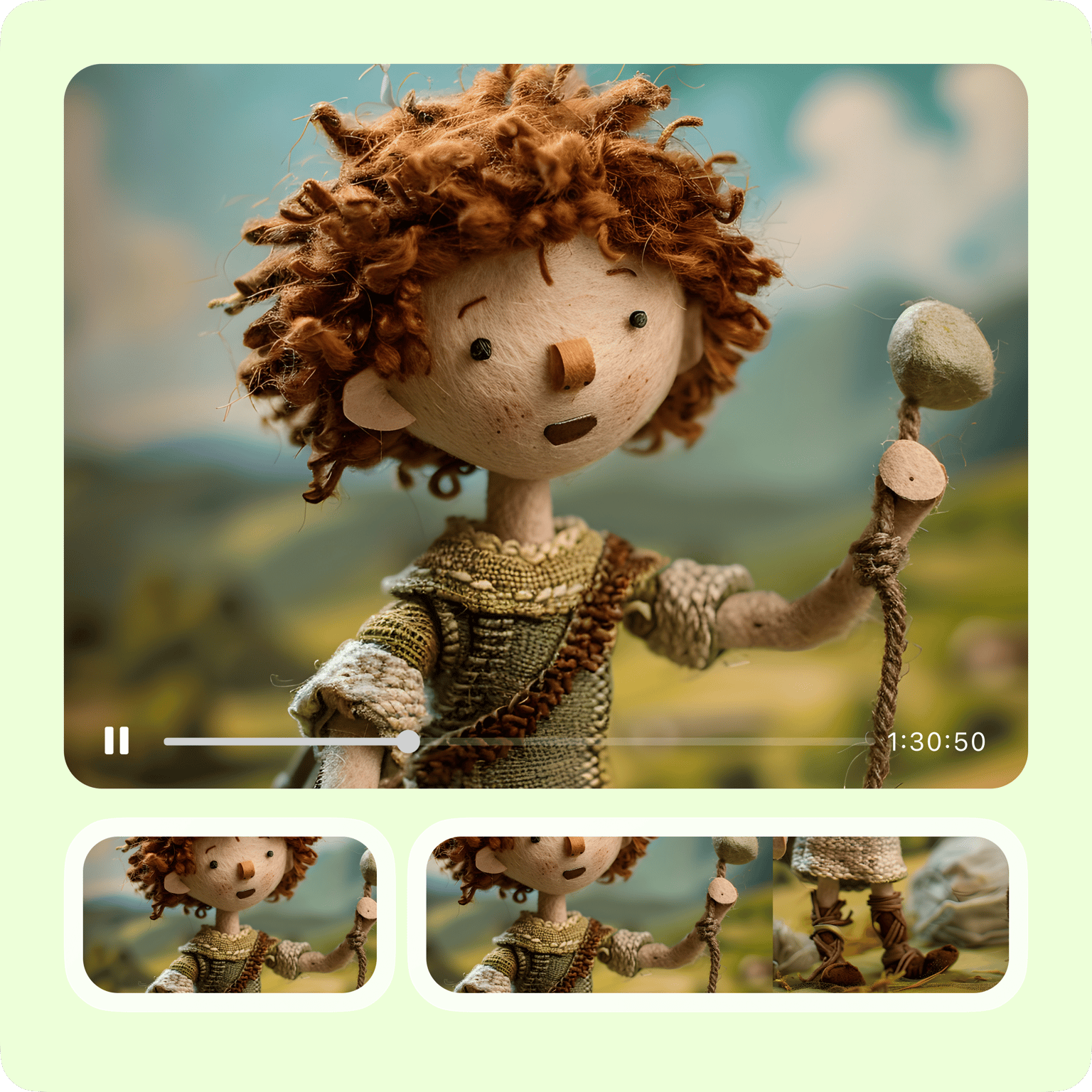
Easy to use stop motion video maker
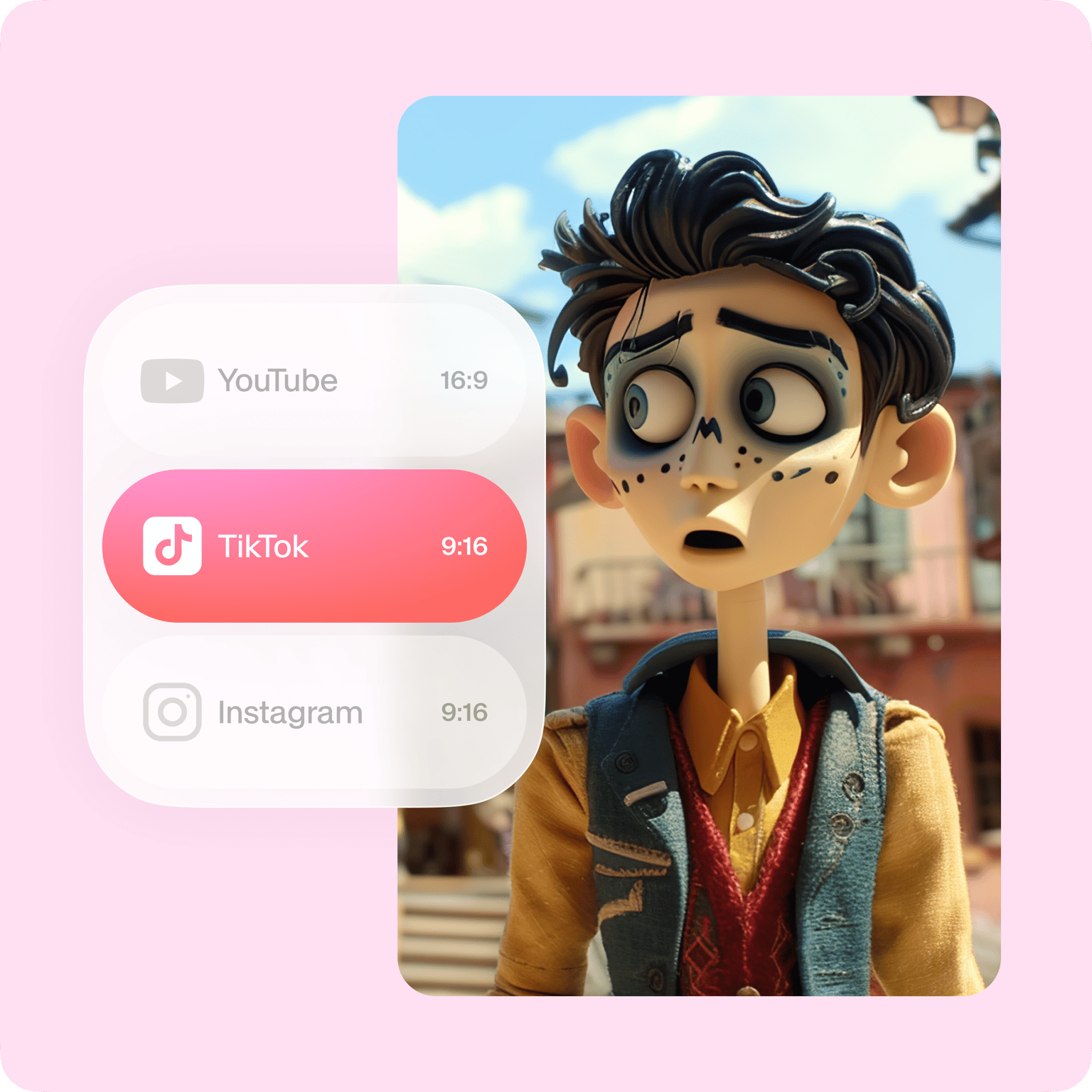
With VEED you can create Stop Motion videos online. There’s no software to download, you don't even need an account. Try it now! You can add your videos to VEED and easily adjust the frame rate to create that Stop Motion effect. You can resize your stop motion video to fit any social media platform - YouTube, Instagram, TikTok - with a single click. See below for more details.
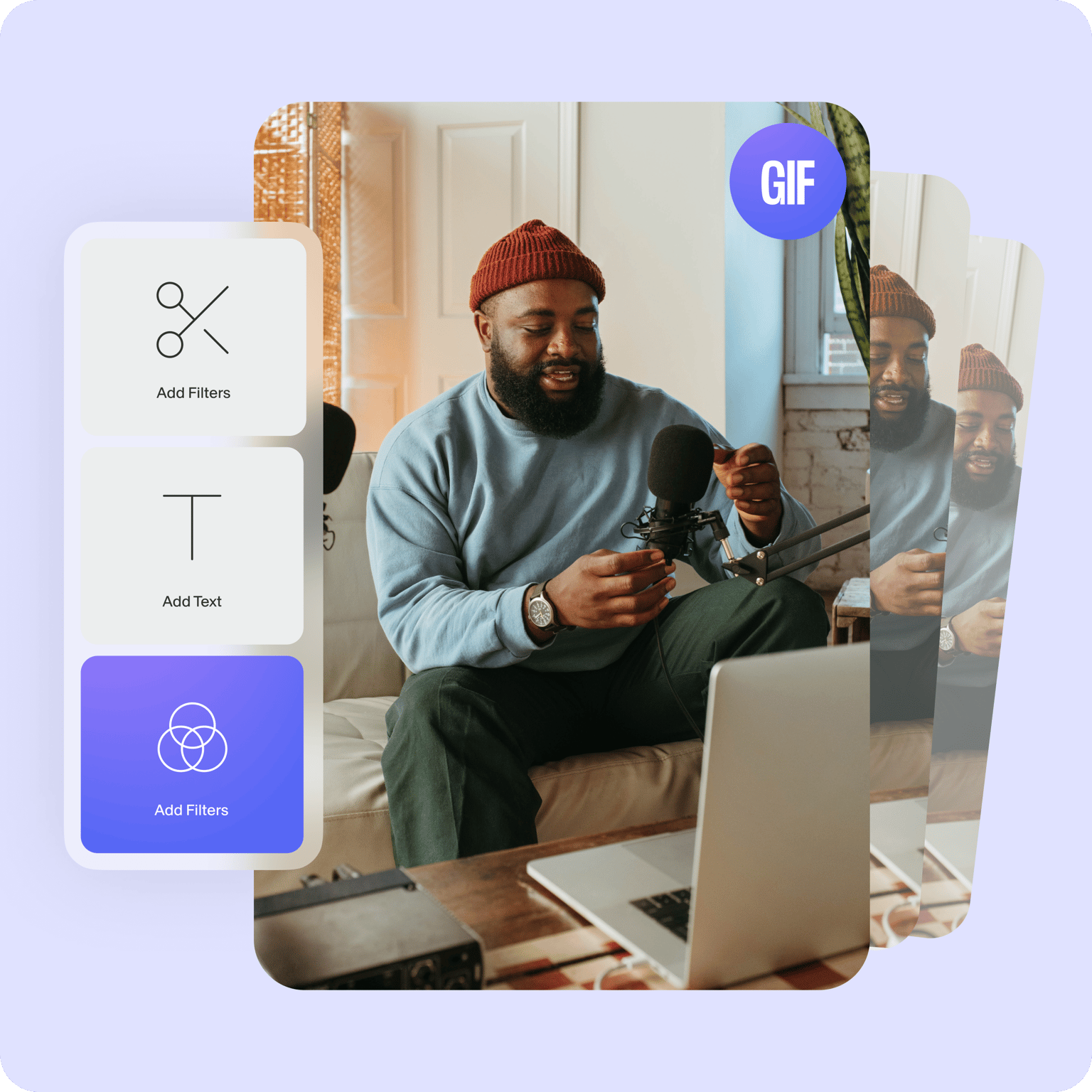
GIFs and additional features
As well as turning your video into a Stop Motion masterpiece, you can add text, music, sound effects, filters, and so much more! Instead of adjusting the frame rate, you can simply save your video as a stop motion, looping GIF. See here for more details.
Why use our stop motion video maker?
Effect You can create awesome effects using our Stop Motion video maker. Use black & white to create an old-style movie effect, or emphasize action in extreme sports videos GIFs You can create your own Stop Motion video, or transform your video into a GIF with a single click Shareability With VEED it’s so easy to share your Stop Motion video. Resize it to fit any social media platform - YouTube, Instagram, TikTok, Facebook covers, and more
FAQ
Upload your video to VEED and start adjusting the frame rate of your video to create a stop motion effect. You can also add filters, other camera effects, and more.
VEED is completely free to use! You don’t even need to create an account. Access all of VEED’s video editing tools for free straight from your browser.
There are many stop motion video software out there, but VEED stands out because of its extremely smooth user interface and design. You don’t have to feel like you don’t know what you’re doing. It is completely free; no need to sign up!
Absolutely, yes! To add music, simply click on the Upload button or click on the plus (+) icon in the Timeline. Select your audio files and place them anywhere in your video.
To add text, just click on the Text tool from the left menu. You can start typing right away! Customize the font, size, and style of your text.
VEED works incredibly smooth on laptops, desktops, and mobile phones. It is compatible with Windows, Mac, and Linux. And it works right from your browser!
Loved by creators.
Loved by the Fortune 500
“
With VEED I didn't need 15 tutorials - I jumped straight in and started editing.

Gwenne Wilcox
Founder,
Brand Brainery
“
You can go beyond choppping things. VEED actually makes my videos look great.

Michael Glover
Demand Gen Manager,
ConvertFlow
“
The first four videos i created with VEED got over 40,000 impressions on LinkedIn.

Travis Tyler
Senior Content Producer,
PandaDoc
“
I found VEED at the right time: if you're making UGC ads and not using Eye Contact Correction and Noise Reduction on VEED you're missing out on ROI.

Sebastian Schurgers
Head of Growth Marketing,
Gronda
“
With VEED I didn't need 15 tutorials - I jumped straight in and started editing.
Gwenne Wilcox
Founder,
Brand Brainery
“
You can go beyond choppping things. VEED actually makes my videos look great.
Michael Glover
Demand Gen Manager,
ConvertFlow
“
The first four videos i created with VEED got over 40,000 impressions on LinkedIn.
Travis Tyler
Senior Content Producer,
PandaDoc
“
I found VEED at the right time: if you're making UGC ads and not using Eye Contact Correction and Noise Reduction on VEED you're missing out on ROI.
Sebastian Schurgers
Head of Growth Marketing,
Gronda
“
The first four videos i created with VEED got over 40,000 impressions on LinkedIn.
Travis Tyler
Senior Content Producer,
PandaDoc
“
I found VEED at the right time: if you're making UGC ads and not using Eye Contact Correction and Noise Reduction on VEED you're missing out on ROI.
Sebastian Schurgers
Head of Growth Marketing,
Gronda
“
With VEED I didn't need 15 tutorials - I jumped straight in and started editing.
Gwenne Wilcox
Founder,
Brand Brainery
“
You can go beyond choppping things. VEED actually makes my videos look great.
Michael Glover
Demand Gen Manager,
ConvertFlow
Discover more
Trusted by 1M+ creators
When it comes to amazing videos, all you need is VEED
No credit card required
More than a stop motion video maker
VEED is not just for Stop Motion videos, oh no! At VEED we pride ourselves in being the one-stop (sorry!) shop for video editing. Whether you need to create Instagram Story Ads, News videos, Educational Videos, or Wedding Invites, VEED is the place for you. Check out the links below.