


Trusted by 1M+ creators
Animated Stickers
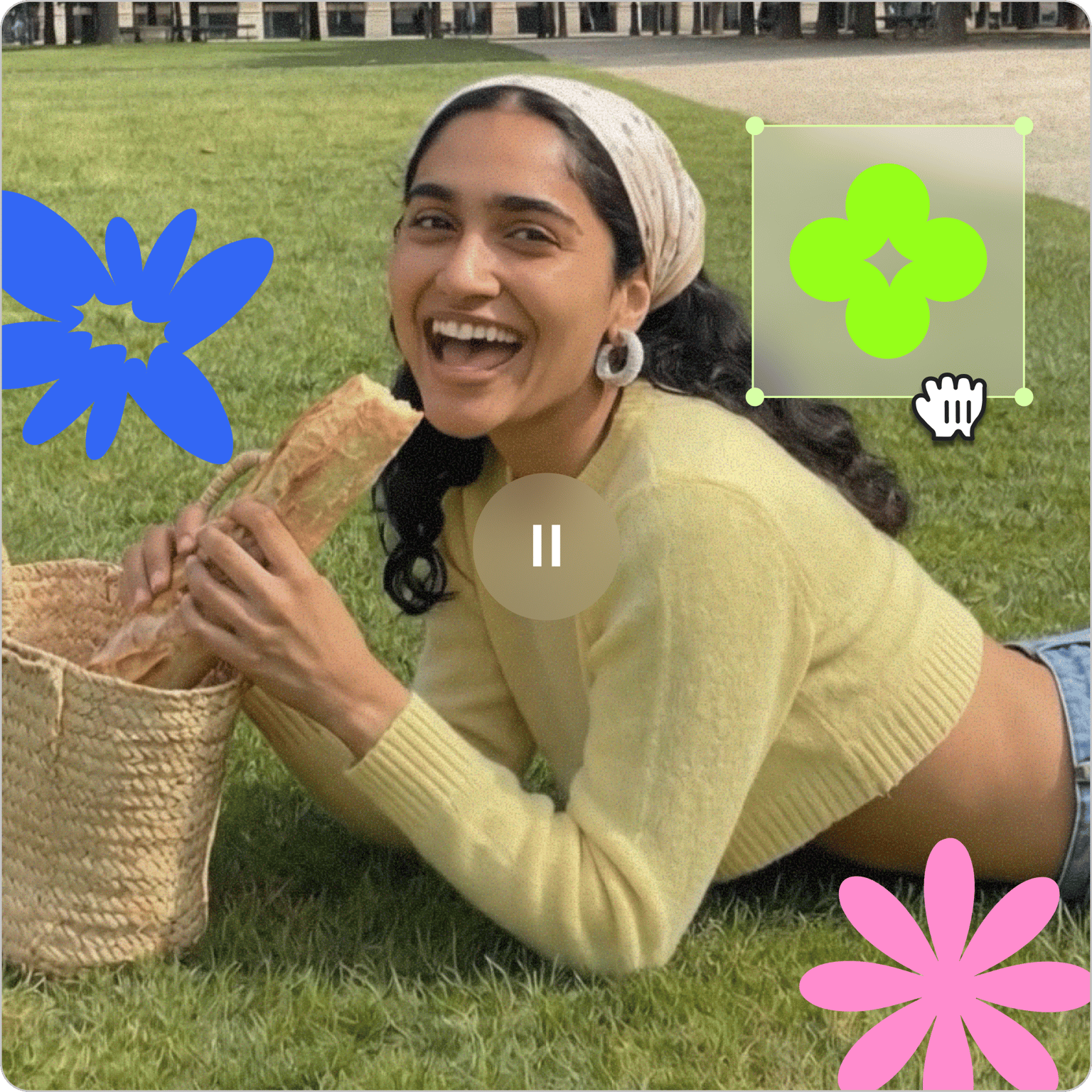
Add animated stickers to videos on VEED! Give your videos a touch of oomph and personality your audience can relate to.
No credit card required
4.6
2,100+ reviews















Super fun animated stickers to make your videos engaging
Add animated stickers, GIFs, emojis, and shapes to your videos directly in VEED's browser-based editor. Use stickers to highlight key moments, add personality, or include a call to action. You can also add progress bars and statistics for more structured content. No software to download, free to use.
How to Add Animated Stickers to Videos:
Step 01
Add Stickers and GIFs to Videos
Select the video file you wish to edit. You can also pick a template from VEED’s library and make a video from scratch. Select ‘elements’ in the left menu and add desired stickers or graphics with a few clicks.
Step 02
Change Colors, Duration and Animate Stickers
You can change the colors of the shapes and stickers. You can also choose how long they appear in the video and add animations.
Step 03
Export Your Video
To burn your edits to the video, simply press ‘Export’. Your video will be saved as one single file.
Learn More
Watch this walkthrough of adding animated stickers to videos:
Stickers Add Fun and Context to Videos
A single animated graphic — a thumbs-up, an arrow, a reaction — can communicate what blocks of text can't. VEED's sticker library gives you a wide range of graphics to quickly express tone, attitude, or emphasis without crowding the frame.
Stress on Important Information
Animated stickers draw the eye to key details — a discount callout, a deadline, a product name — without taking up too much screen space. Use them to keep viewers engaged and make sure the most important information lands.
Add a Call-To-Action with an Animated Sticker
Animated CTAs — "swipe up," "follow the link in bio," seasonal callouts — give viewers a clear next step after watching. Use them for Instagram stories, promotional content, or any video where you want the audience to take action.
FAQ
- Upload your video
- Click ‘Elements’ on the left panel
- Choose your sticker and drag it to video
- Add animations to the sticker or change its color
- Export and download the video
- Upload your video or choose a template from VEED’s library
- Go to ‘Elements’ in the left panel
- Scroll down to GIFs, choose one and drag it to the video
- Add animations if needed
- Export and download the video
You can add emojis, shapes, GIFs, sound waves, progress bars, pride stickers and brand logos to videos for free.
Absolutely! VEED’s collection of stickers includes CTA’s (Calls to Action) like “swipe up”, and “follow the link in bio”. Perfect for creating Instagram stories and videos.
Loved by creators.
Loved by the Fortune 500
“
With VEED I didn't need 15 tutorials - I jumped straight in and started editing.

Gwenne Wilcox
Founder,
Brand Brainery
“
You can go beyond choppping things. VEED actually makes my videos look great.

Michael Glover
Demand Gen Manager,
ConvertFlow
“
The first four videos i created with VEED got over 40,000 impressions on LinkedIn.

Travis Tyler
Senior Content Producer,
PandaDoc
“
I found VEED at the right time: if you're making UGC ads and not using Eye Contact Correction and Noise Reduction on VEED you're missing out on ROI.

Sebastian Schurgers
Head of Growth Marketing,
Gronda
“
With VEED I didn't need 15 tutorials - I jumped straight in and started editing.
Gwenne Wilcox
Founder,
Brand Brainery
“
You can go beyond choppping things. VEED actually makes my videos look great.
Michael Glover
Demand Gen Manager,
ConvertFlow
“
The first four videos i created with VEED got over 40,000 impressions on LinkedIn.
Travis Tyler
Senior Content Producer,
PandaDoc
“
I found VEED at the right time: if you're making UGC ads and not using Eye Contact Correction and Noise Reduction on VEED you're missing out on ROI.
Sebastian Schurgers
Head of Growth Marketing,
Gronda
“
The first four videos i created with VEED got over 40,000 impressions on LinkedIn.
Travis Tyler
Senior Content Producer,
PandaDoc
“
I found VEED at the right time: if you're making UGC ads and not using Eye Contact Correction and Noise Reduction on VEED you're missing out on ROI.
Sebastian Schurgers
Head of Growth Marketing,
Gronda
“
With VEED I didn't need 15 tutorials - I jumped straight in and started editing.
Gwenne Wilcox
Founder,
Brand Brainery
“
You can go beyond choppping things. VEED actually makes my videos look great.
Michael Glover
Demand Gen Manager,
ConvertFlow
Discover more
Trusted by 1M+ creators
When it comes to amazing videos, all you need is VEED
No credit card required
It Doesn't End with Animated Stickers
Stickers are one layer of what makes social video worth watching. VEED is an AI video creation platform where you can generate, fine-tune, and export videos for TikTok, Instagram, YouTube, and LinkedIn. Beyond stickers, use our AI Studio to build complete social videos with captions, brand assets, and music — all in one workspace. Create your first video now.