


Trusted by 1M+ creators
Sync Subtitles
Sync subtitles with your videos. Fix awkward timings, edit subs, and more!
No credit card required
4.6
2,100+ reviews















The only online AI subtitle sync tool you need for your videos
Want to fix bad or awkward timing in your video and subtitles? You can use VEED’s auto-subtitle generator and editor to sync them! VEED lets you upload your SRT and video file and sync your subs or closed captions with your video in a few steps—powered by AI. You can drag and drop each line of code on the timeline to adjust their placement.
You can even edit the subtitles! Add lines of text, delete, or edit manually. Burn the subtitles into your video and download it as an MP4 to play on VLC Media Player, Android TV, and other media players. Download your subtitle file if you don’t want to burn it permanently to your video! Convert your video to text and translate your video to make accessible content.
How to Sync Subtitles:
Step 01
Upload your video and subtitle files
Upload your video and SRT files to VEED. You can also drag and drop your video into the editor.
Step 02
Sync subtitles
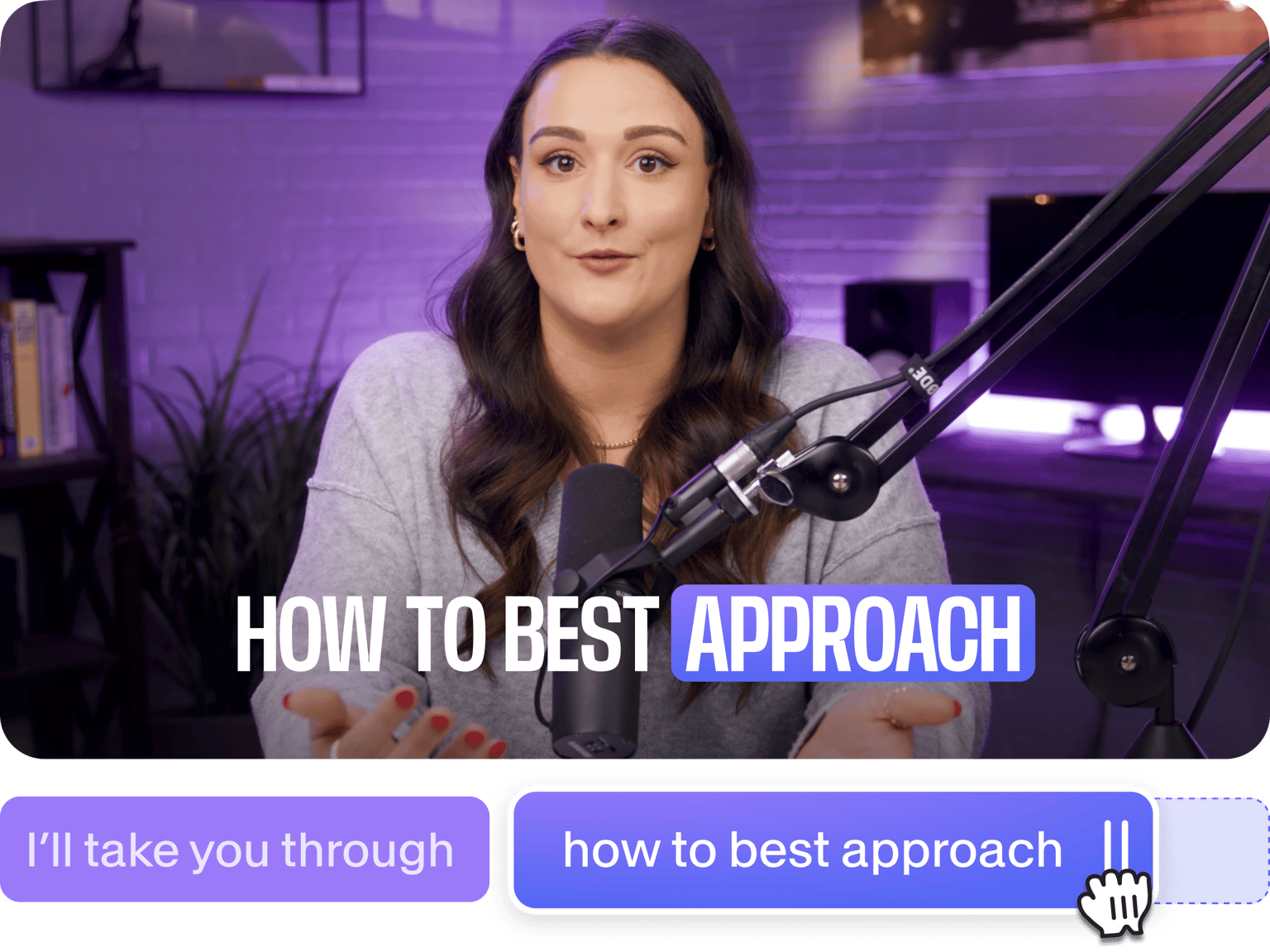
You can adjust the placement of your subtitles anywhere on the timeline. Just click on a line of code and place them in the correct location. Plus, you can animate your subtitles and highlight important words!
Step 03
Download your video, or keep creating!
When you’re happy with your edits, click Export. Download your video as an mp4. Or you can keep exploring our video editing tools!
Learn More
Watch this walkthrough of our online subtitle tool:
Easily sync your captions and subs online!
If you’re a content creator who wants to get more views, it’s important that your video and subtitles are timed perfectly. VEED lets you easily sync your subtitles and captions with your video. You can do it online—straight from your browser. You can even edit lines of code if you wish. Just click on a line of text and start typing! If you want a perfect subtitle sync, you can drag and drop the subtitles anywhere on the timeline. You can even add animations and highlights!
Create globally accessible content with auto-subtitles
VEED also lets you create content that will be accessible worldwide. If your video doesn’t have subtitles in it, you can convert audio to text in one click. Just upload your video and click on Auto Subtitle! If the timing is off, do the same process to resync your subtitles—simply drag and drop the lines of code in the correct timestamp on the timeline.
Translate your subtitles and download the SRT or TXT files
Speaking of accessibility, VEED also lets you translate your subtitles to multiple languages; over 100 dialects and languages are available! Just click on Translate beside Subtitles on the menu, select a language, and click Translate! Our premium subscribers can use our auto translate feature and download their translated transcription. Check our pricing page for more info.
FAQ
Upload your video and SRT file to VEED. You can sync your subtitles by dragging and dropping the lines of code in the correct placement on the timeline.
You can also manually enter the timestamp to sync your subtitles. Just click on a line of code and enter the timestamp on the field below it.
You can change the text color, background color, font, size and more - simply click on ‘Subtitles’ > ‘Styles’ and all the options are there. We’ve even created some template styles for you!
Drag and drop the line of text anywhere on the timeline to sync it. If it’s delayed, all you have to do is adjust it to the previous scenes.
Loved by creators.
Loved by the Fortune 500
“
With VEED I didn't need 15 tutorials - I jumped straight in and started editing.

Gwenne Wilcox
Founder,
Brand Brainery
“
You can go beyond choppping things. VEED actually makes my videos look great.

Michael Glover
Demand Gen Manager,
ConvertFlow
“
The first four videos i created with VEED got over 40,000 impressions on LinkedIn.

Travis Tyler
Senior Content Producer,
PandaDoc
“
I found VEED at the right time: if you're making UGC ads and not using Eye Contact Correction and Noise Reduction on VEED you're missing out on ROI.

Sebastian Schurgers
Head of Growth Marketing,
Gronda
“
With VEED I didn't need 15 tutorials - I jumped straight in and started editing.
Gwenne Wilcox
Founder,
Brand Brainery
“
You can go beyond choppping things. VEED actually makes my videos look great.
Michael Glover
Demand Gen Manager,
ConvertFlow
“
The first four videos i created with VEED got over 40,000 impressions on LinkedIn.
Travis Tyler
Senior Content Producer,
PandaDoc
“
I found VEED at the right time: if you're making UGC ads and not using Eye Contact Correction and Noise Reduction on VEED you're missing out on ROI.
Sebastian Schurgers
Head of Growth Marketing,
Gronda
“
The first four videos i created with VEED got over 40,000 impressions on LinkedIn.
Travis Tyler
Senior Content Producer,
PandaDoc
“
I found VEED at the right time: if you're making UGC ads and not using Eye Contact Correction and Noise Reduction on VEED you're missing out on ROI.
Sebastian Schurgers
Head of Growth Marketing,
Gronda
“
With VEED I didn't need 15 tutorials - I jumped straight in and started editing.
Gwenne Wilcox
Founder,
Brand Brainery
“
You can go beyond choppping things. VEED actually makes my videos look great.
Michael Glover
Demand Gen Manager,
ConvertFlow
Discover more
Trusted by 1M+ creators
When it comes to amazing videos, all you need is VEED
No credit card required
More than syncing subtitles
VEED is more than just a subtitle sync tool! It’s also a powerful video editing software. Our video editor lets you cut, crop, trim, rotate, add text, links, logos, annotations, filters, effects and more, to your videos! We even have a tool for making green screen videos, webcam & screen recordings, and more. Try VEED and start creating videos like a pro in minutes!