


Trusted by 1M+ creators
AI Audio Fixer
Repair low-quality audio and noisy recordings in minutes. Achieve studio-quality sound with AI
No credit card required
4.6
2,100+ reviews















Fix bad audio in one click
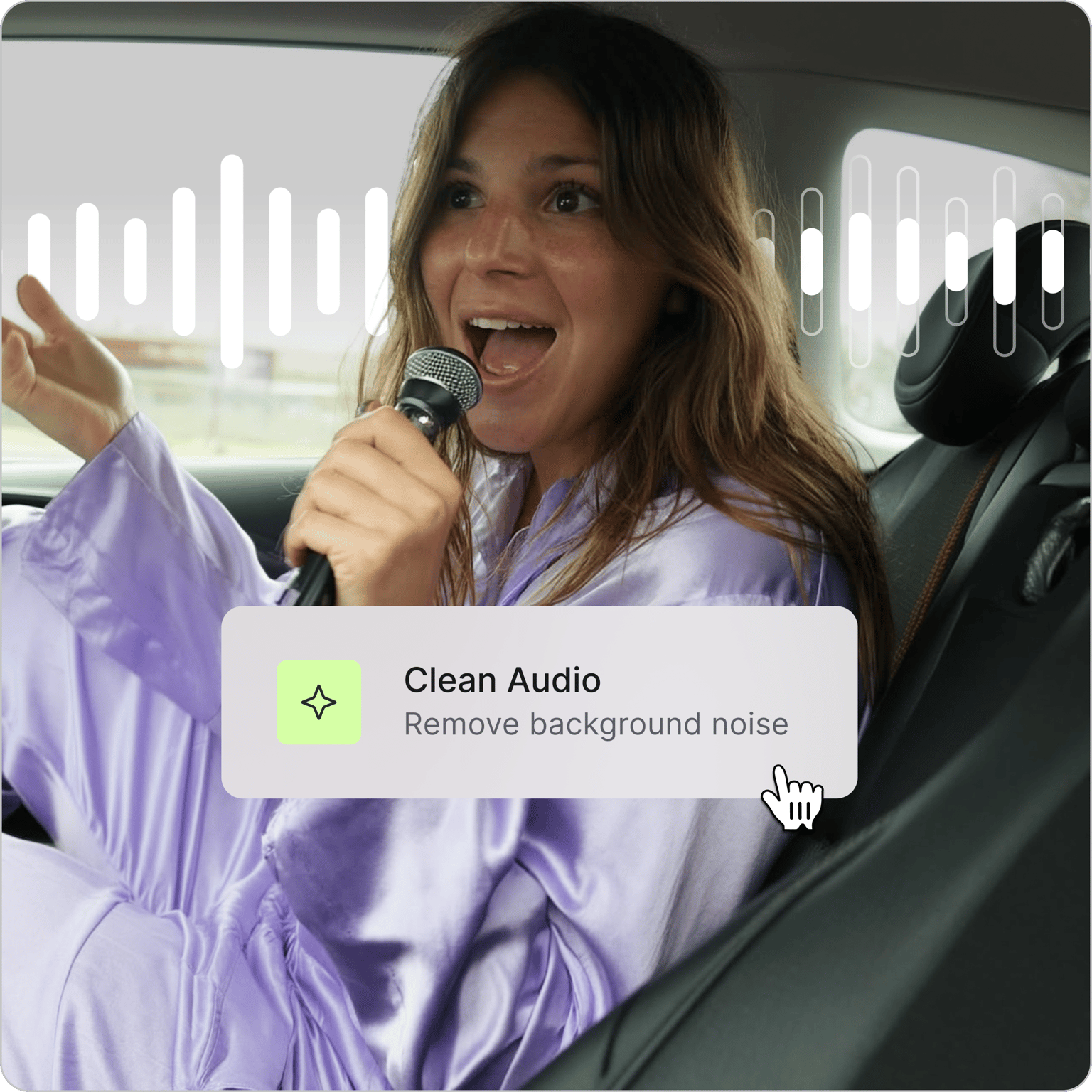
Noise and low-quality audio can ruin your viewer’s experience, no matter how brilliant the ideas are. Our AI audio fixer is here to help. Remove background noise, reduce distortion, and repair uneven volume levels. Get studio-quality sound even without the studio equipment.
It’s as simple as uploading your audio and clicking ‘Clean audio.’ Achieve clearer sound for interviews, podcasts, and social media videos. You can also remove filler words and add captions to your content. Enhance the impact of your video. Keep your audience engaged from start to end.
How to use our AI audio fixer:
Step 01
Upload or record audio
Upload your audio file: a podcast recording, voiceover, or interview. VEED supports popular audio formats, and you can also record directly using our online voice recorder.
Step 02
Fix audio with AI
Toggle ‘Clean audio’ on under the AI tools section. VEED automatically detects and removes unwanted sounds — wind noise, traffic, and AC hums. Toggle ‘Clean audio’ off anytime to compare with your original audio.
Step 03
Enhance audio and download
Adjust volume levels, toggle fade audio in/out for smooth transitions, or layer in music from the stock library. Download as MP3 for audio-only or MP4 for video projects.
Learn More
Watch our AI audio cleanup tutorial:
Remove background noise with AI
Our AI audio cleanup tool removes traffic sounds, dog barking, and other distracting noises from your recording. It can also help reduce distortion in audio. Skip the retakes and hours of manual audio cleanup. Whether you're cleaning up audio in a talking head video or voiceover, VEED has you covered.
Explore more AI tools to polish your audio
Noise removal is just one of VEED’s AI audio tools. With Magic Cut, you can also auto-cut filler words and awkward pauses. No ‘ums’ and ‘ahs’ to distract from your message. Just your best takes with crystal-clear sound.
Fix audio and enhance video in one workflow
Go from fixing audio to polishing your video without switching tools. Remove distracting backgrounds and apply AI filters to your footage. Enhance your video by adding subtitles, title text, background music, and your brand logo. VEED gives you everything you need to make great, on-brand videos.
FAQ
Clean Audio is free to try. After that, you'll need to upgrade to a Pro plan to keep using it. Visit our pricing page for more information.
Yes. VEED's AI audio fixer removes background noise and repairs bad audio. The tool is accessible online; no need to download software.
AI can help reduce distortion and improve clarity in recordings, though results depend on how severe the distortion is. VEED's Clean Audio tool is a good first step. Toggle it on and compare with your original audio to hear the difference.
Upload your audio file to VEED. Select the clip in the timeline and toggle on the ‘Clean audio’ button under AI tools. Our AI will automatically remove background noise and make your audio sound more professional.
VEED’s AI audio enhancement tools cover some aspects of mastering, such as removing background noise and fixing inconsistent audio levels. Our AI audio fixer is best for content creators and podcasters who need quick and easy audio improvements without diving into complex audio engineering.
Loved by creators.
Loved by the Fortune 500
“
With VEED I didn't need 15 tutorials - I jumped straight in and started editing.

Gwenne Wilcox
Founder,
Brand Brainery
“
You can go beyond choppping things. VEED actually makes my videos look great.

Michael Glover
Demand Gen Manager,
ConvertFlow
“
The first four videos i created with VEED got over 40,000 impressions on LinkedIn.

Travis Tyler
Senior Content Producer,
PandaDoc
“
I found VEED at the right time: if you're making UGC ads and not using Eye Contact Correction and Noise Reduction on VEED you're missing out on ROI.

Sebastian Schurgers
Head of Growth Marketing,
Gronda
“
With VEED I didn't need 15 tutorials - I jumped straight in and started editing.
Gwenne Wilcox
Founder,
Brand Brainery
“
You can go beyond choppping things. VEED actually makes my videos look great.
Michael Glover
Demand Gen Manager,
ConvertFlow
“
The first four videos i created with VEED got over 40,000 impressions on LinkedIn.
Travis Tyler
Senior Content Producer,
PandaDoc
“
I found VEED at the right time: if you're making UGC ads and not using Eye Contact Correction and Noise Reduction on VEED you're missing out on ROI.
Sebastian Schurgers
Head of Growth Marketing,
Gronda
“
The first four videos i created with VEED got over 40,000 impressions on LinkedIn.
Travis Tyler
Senior Content Producer,
PandaDoc
“
I found VEED at the right time: if you're making UGC ads and not using Eye Contact Correction and Noise Reduction on VEED you're missing out on ROI.
Sebastian Schurgers
Head of Growth Marketing,
Gronda
“
With VEED I didn't need 15 tutorials - I jumped straight in and started editing.
Gwenne Wilcox
Founder,
Brand Brainery
“
You can go beyond choppping things. VEED actually makes my videos look great.
Michael Glover
Demand Gen Manager,
ConvertFlow
Discover more
Explore related tools
More from VEED

How to Clean Up Audio in a Video With This One-Click Trick
Remove distracting background noises in a single click using VEED. Learn how in this guide!

Subtitling 101: How to Automatically Add and Customize Subtitles with VEED
Everything you need to automatically add, customize, translate, and download subtitles like a pro using VEED.

Podcasting 101: Everything you need to name, ideate, record, edit, and promote a podcast
A 5-step guide to start a podcast from generating a name to recording to promoting it.
Trusted by 1M+ creators
When it comes to amazing videos, all you need is VEED
No credit card required
More than an AI audio fixer
VEED is an AI video creation platform where you can generate, enhance, and export videos in minutes. Remove and replace video backgrounds, and apply color correction to footage. Clean your audio, adjust volume levels, and trim clips. Besides audio enhancement, convert text to natural-sounding voiceovers. No need to record your voice every time. VEED gives you all the tools you need to make videos that look and sound great. Sign up now to start creating.