


Trusted by 1M+ creators
AI Tutorial Maker
Create tutorial videos in minutes using AI avatars
No credit card required
4.6
2,100+ reviews















Create tutorial videos with custom AI avatars
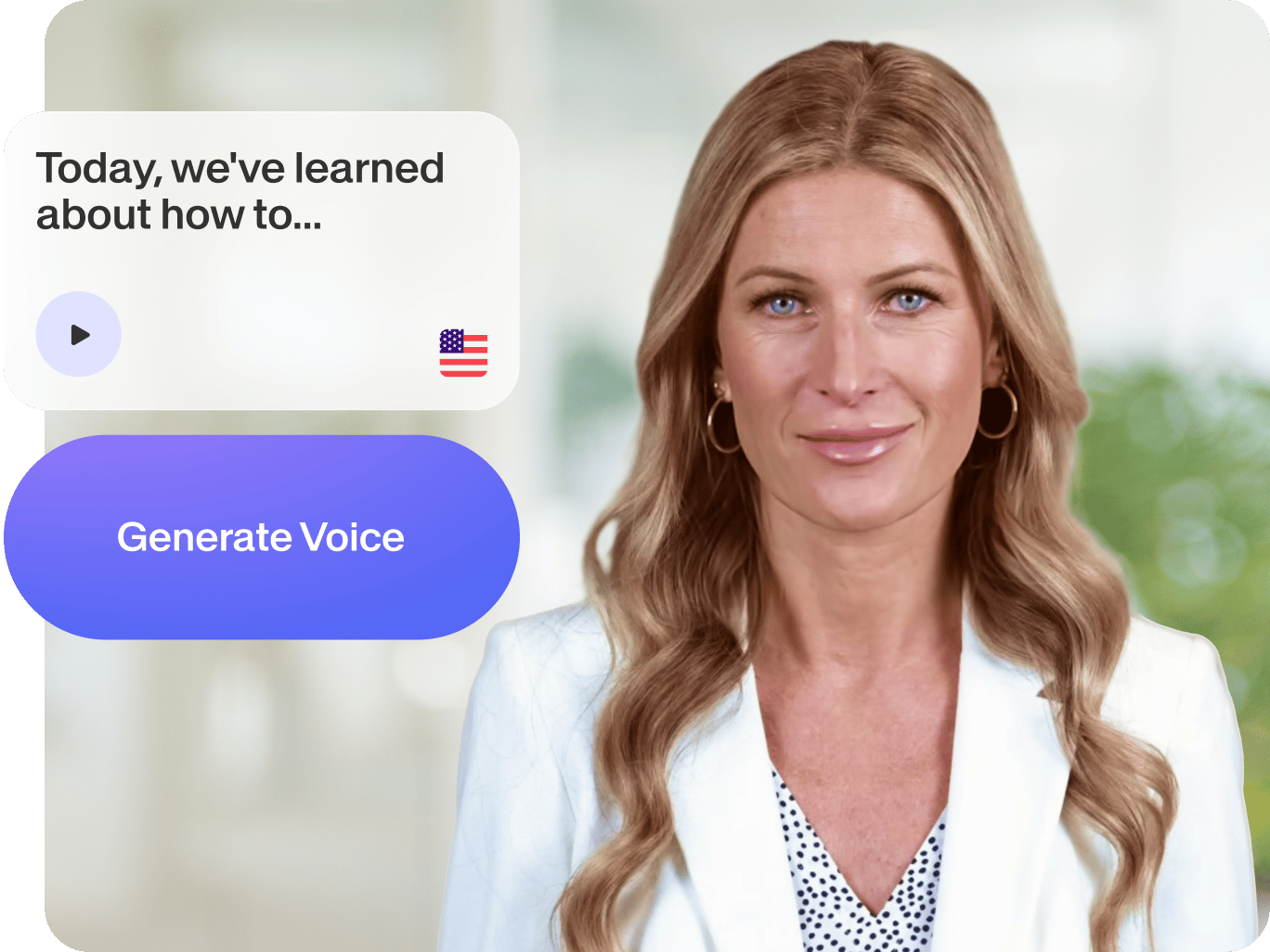
Looking for ways to make your tutorial videos more engaging? Our AI tutorial maker lets you create lifelike avatars – no need to face a camera! Just type your script and generate a talking avatar. Perfect for product demos, employee onboarding, or growing your YouTube following. Our customizable avatars add a personal touch to your content, helping you stand out and keep viewers hooked.
How to make tutorial videos with AI:
Step 01
Choose an avatar
Navigate to the AI Avatars section in the Media menu. We have over 50 avatar presets you can choose from.
Step 02
Type your script
Select a language and type your script. Our script generator can help you come up with the words. Generate a video and bring your avatar to life.
Step 03
Create tutorial video
Enhance your tutorial video with captions, text overlays, music, stock footage, and more. You can also translate spoken audio instantly using the voice dubber.
Learn More
Learn how to make tutorial videos with AI avatars:
Turn boring tutorials into engaging videos
You don’t want your audience yawning over text-heavy slides or lengthy screen recordings. Personalize your video with a virtual presenter. You can choose a preset avatar or create one that looks like you. It's your personality, minus the recording and camera jitters. Make instructional videos your viewers will want to watch from start to finish.
Customize with our intuitive video editor
AI-generated doesn’t have to be generic-looking. Add your logo and font, and choose subtitle colors matching your brand. Our brand kit (pro feature) lets you apply assets across videos easily. Look pro and build trust with visually consistent tutorials. You can also customize your avatars for different audiences; choose styles, voices, and languages from our diverse selection.
More AI tools for pro-quality tutorials
Our AI toolkit meets you anywhere in your content process. Starting with a blank page? Use text-to-video to create tutorial videos from text prompts. Already have a script? Clone your voice and make perfect voiceovers in minutes. Rambled in your recording? Magic Cut auto-trims your ‘ums’ and ‘uhs,’ highlighting your best takes.
FAQ
VEED offers many ways to make training videos with AI:
- AI avatars: Turn text into virtual characters
- Text-to-speech: Add lifelike AI voiceovers to videos and images
- Magic Cut: Record and auto-trim your awkward pauses and filler words
Our AI tutorial maker offers free tools like AI avatars, text-to-speech, and auto subtitles, but with limited usage quotas. You can test these AI features and our free online video editor before upgrading. For full details on features and limits, please visit our Pricing page.
Yes, you can. Create a new project with or without your own footage. Then, you can:
- Add text, graphics, and stock animations from our library
- Create an AI avatar by choosing a preset and typing your script
- Apply simple transitions and movement to static images.
All these tools are easy to use and accessible online. No need to download software.
Do not use the AI avatar app to create harmful content, infringe any third-party rights, or defame anyone. Remember to tell anyone who is viewing your images that they are AI-generated. You can read the full terms here.
Loved by creators.
Loved by the Fortune 500
“
With VEED I didn't need 15 tutorials - I jumped straight in and started editing.

Gwenne Wilcox
Founder,
Brand Brainery
“
You can go beyond choppping things. VEED actually makes my videos look great.

Michael Glover
Demand Gen Manager,
ConvertFlow
“
The first four videos i created with VEED got over 40,000 impressions on LinkedIn.

Travis Tyler
Senior Content Producer,
PandaDoc
“
I found VEED at the right time: if you're making UGC ads and not using Eye Contact Correction and Noise Reduction on VEED you're missing out on ROI.

Sebastian Schurgers
Head of Growth Marketing,
Gronda
“
With VEED I didn't need 15 tutorials - I jumped straight in and started editing.
Gwenne Wilcox
Founder,
Brand Brainery
“
You can go beyond choppping things. VEED actually makes my videos look great.
Michael Glover
Demand Gen Manager,
ConvertFlow
“
The first four videos i created with VEED got over 40,000 impressions on LinkedIn.
Travis Tyler
Senior Content Producer,
PandaDoc
“
I found VEED at the right time: if you're making UGC ads and not using Eye Contact Correction and Noise Reduction on VEED you're missing out on ROI.
Sebastian Schurgers
Head of Growth Marketing,
Gronda
“
The first four videos i created with VEED got over 40,000 impressions on LinkedIn.
Travis Tyler
Senior Content Producer,
PandaDoc
“
I found VEED at the right time: if you're making UGC ads and not using Eye Contact Correction and Noise Reduction on VEED you're missing out on ROI.
Sebastian Schurgers
Head of Growth Marketing,
Gronda
“
With VEED I didn't need 15 tutorials - I jumped straight in and started editing.
Gwenne Wilcox
Founder,
Brand Brainery
“
You can go beyond choppping things. VEED actually makes my videos look great.
Michael Glover
Demand Gen Manager,
ConvertFlow
Discover more
- AI Actor
- AI Character Generator
- AI Influencer
- AI Instructor
- AI News Anchor
- AI Presenter
- AI Spokesperson
- AI Training Videos
- AI Tutor
- AI Twin
- Avatar Editor
- Avatar Maker
- Avatar Yourself
- Create a Person
- Digital Avatar
- Digital Human Creator
- Instant Avatar
- Interactive Avatar
- Make Your Own Character
- Metahuman Creator Online
- Streaming Avatar
- TikTok Avatar Maker
- Virtual Person
- VTuber Maker
Explore related tools
More from VEED

13 Effective How-To Videos (and Why They Work)
If you’re looking for inspiration to create your next how-to video, you’re in the right place. We’ve collected 12 effective how-to videos and analyzed them to see why they work.

Best AI Avatar Generators in 2026 (The Only List You'll Need)
Searching for the best AI avatar generator? We got you. Check out this expert round-up of the must-try generators out there.

8+ Best AI Voice Generators to Try in 2026
Searching for the best AI voice generator? We tested the top ones so you don't have to. Check out our comprehensive reviews of the best AI voice generators in this listicle.
Trusted by 1M+ creators
When it comes to amazing videos, all you need is VEED
No credit card required
More than an AI tutorial maker
VEED’s AI tools help you maximize your video’s impact. Our AI clip generator turns your long-form tutorials into short clips, extracting key points automatically. Share quick takeaways or split training videos into easy-to-watch segments. Plus, our built-in video editor lets you make social media content and video ads. Streamline your workflow with VEED. Create engaging and pro-quality videos in minutes.