


Trusted by 1M+ creators
AI Outpainting
Expand videos beyond their original borders with AI outpainting technology
No credit card required

4.6
2,100+ reviews















AI outpainting for video: Expand scenes beyond what you captured
Filmed a talking head video, but the frame feels too tight? Shot a product demo that needs more breathing room? AI outpainting extends a video beyond its original borders, revealing more of the scene. Think of it as expanding your camera's field of view after you've already filmed. Our tool analyzes your footage and generates new visual content around the edges. No need for reshoots.
Most video outpainting tools work on just a few seconds of footage. But VEED’s outpainting AI supports videos up to 1 minute in length. Expand a tight interview shot to show more of the room. Widen a product video to create space for text overlays. Adapt your content across social platforms without awkward crops or black bars. Try our AI outpainting tool for free.
How to use AI outpainting:
Step 01
Select your video clip
Click your video clip on the editor canvas. Go to Video Properties and select AI Background Expand under Magic Tools. Review your target aspect ratio and confirm.
Step 02
Extend video with outpainting AI
A progress status appears while our outpainting AI processes your clip. The tool seamlessly expands your video, so it fits your chosen platform.
Step 03
Preview and export your video
The expanded video replaces your original clip. Toggle the expansion on/off to compare. Export your video or keep editing with more tools like noise removal, AI transitions, and Magic B-roll.
Learn More
Watch this AI outpainting demo:
Video outpainting technology for content creators
Our outpainting AI extends entire video sequences while maintaining temporal consistency. Video outpainting handles motion across hundreds of frames. Our AI tool does this automatically, whether you're working with talking head videos, product shots, or simple scenes with minimal backgrounds.
Expand videos to fit any platform format
AI outpainting converts aspect ratios by generating the missing content rather than cropping your existing footage. Social media managers can repurpose one video across multiple platforms. Expand horizontal videos to portrait for Stories and Reels. Widen vertical content to landscape for YouTube. The outpainting AI fills in what's missing so every version looks intentional, not adapted.
Complete video editing with outpainting built in
Most outpainting tools export your expanded video, and that's it. VEED's outpainting AI lives inside a full video editor. Built for marketers and content creators who need to move fast. Expand your frame, add branded graphics, generate subtitles, and remove background noise — all without switching apps. Expand, edit, and export platform-ready videos in one workflow.
FAQ
AI outpainting expands images or videos beyond their original borders by generating new visual content. For video, this means extending scenes to show more than what was initially captured — like revealing more of a room in a talking head video or widening a product shot.
Upload your video to VEED's editor. Select AI Background Expand under Magic Tools in Video Properties. Choose your target aspect ratio. The outpainting AI processes your video and extends the frame automatically.
Our AI outpainting tool is specifically built for video. Video outpainting is more complex because it must maintain consistency across hundreds of moving frames. If you need to expand static images, we recommend using dedicated image outpainting tools. Our image-to-video AI offers creative ways to bring your images to life.
AI outpainting (AI Background Expand) is free to try once. Then, you’ll need AI credits with a VEED subscription to keep using the AI outpainting tool. Visit our Pricing page for more information.
Loved by creators.
Loved by the Fortune 500
“
With VEED I didn't need 15 tutorials - I jumped straight in and started editing.

Gwenne Wilcox
Founder,
Brand Brainery
“
You can go beyond choppping things. VEED actually makes my videos look great.

Michael Glover
Demand Gen Manager,
ConvertFlow
“
The first four videos i created with VEED got over 40,000 impressions on LinkedIn.

Travis Tyler
Senior Content Producer,
PandaDoc
“
I found VEED at the right time: if you're making UGC ads and not using Eye Contact Correction and Noise Reduction on VEED you're missing out on ROI.

Sebastian Schurgers
Head of Growth Marketing,
Gronda
“
With VEED I didn't need 15 tutorials - I jumped straight in and started editing.
Gwenne Wilcox
Founder,
Brand Brainery
“
You can go beyond choppping things. VEED actually makes my videos look great.
Michael Glover
Demand Gen Manager,
ConvertFlow
“
The first four videos i created with VEED got over 40,000 impressions on LinkedIn.
Travis Tyler
Senior Content Producer,
PandaDoc
“
I found VEED at the right time: if you're making UGC ads and not using Eye Contact Correction and Noise Reduction on VEED you're missing out on ROI.
Sebastian Schurgers
Head of Growth Marketing,
Gronda
“
The first four videos i created with VEED got over 40,000 impressions on LinkedIn.
Travis Tyler
Senior Content Producer,
PandaDoc
“
I found VEED at the right time: if you're making UGC ads and not using Eye Contact Correction and Noise Reduction on VEED you're missing out on ROI.
Sebastian Schurgers
Head of Growth Marketing,
Gronda
“
With VEED I didn't need 15 tutorials - I jumped straight in and started editing.
Gwenne Wilcox
Founder,
Brand Brainery
“
You can go beyond choppping things. VEED actually makes my videos look great.
Michael Glover
Demand Gen Manager,
ConvertFlow
Discover more
Explore related tools
More from VEED

A 7-Step Video Editing Workflow (For Any Team)
Streamline your video projects with this 7-step editing workflow—perfect for teams creating marketing, training, or customer videos.
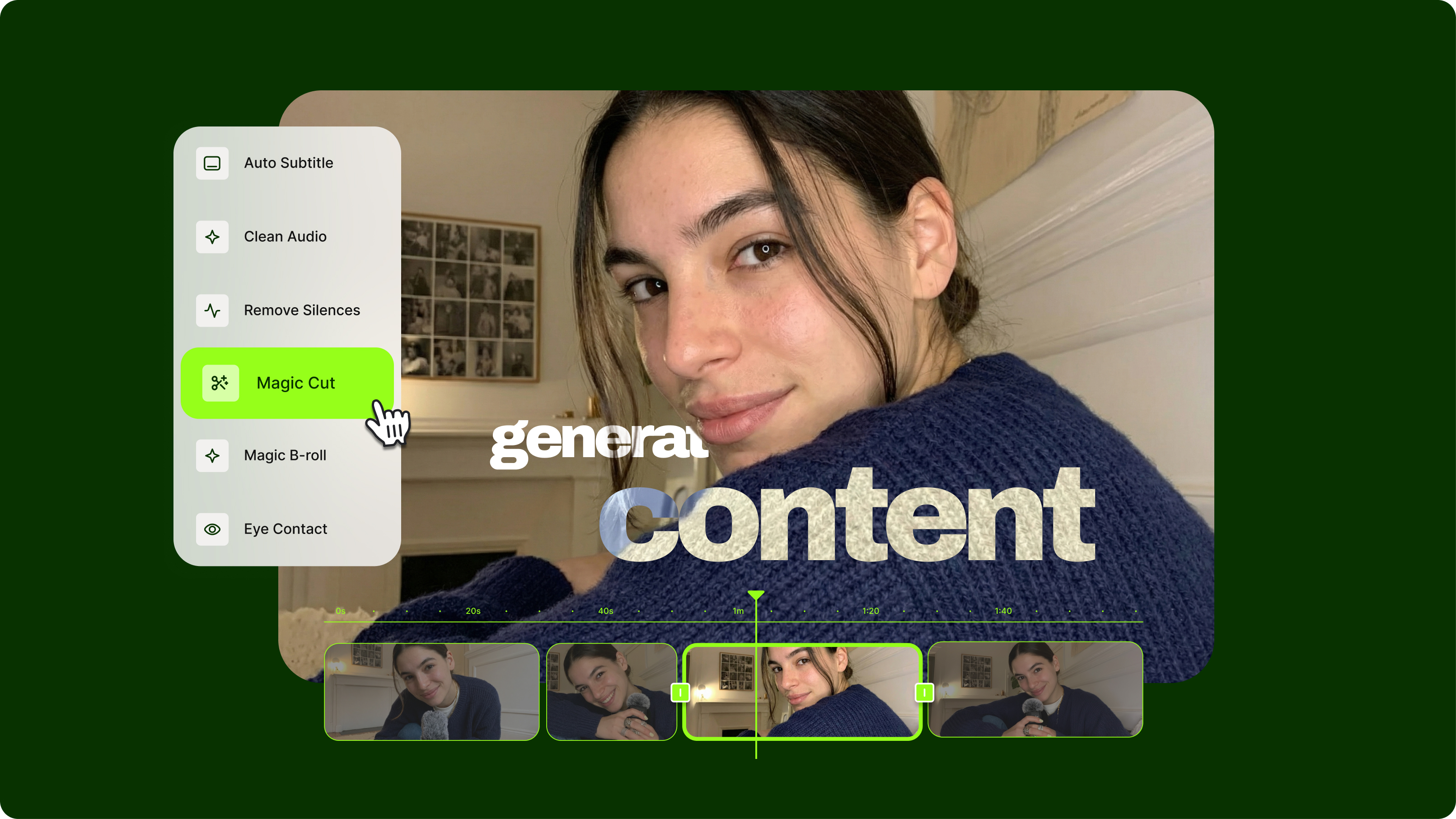
Streamlining Video Editing with AI: A Guide for Busy Marketers
Want to streamline your video editing workflow? Check out this list of the best AI tools for video editing.
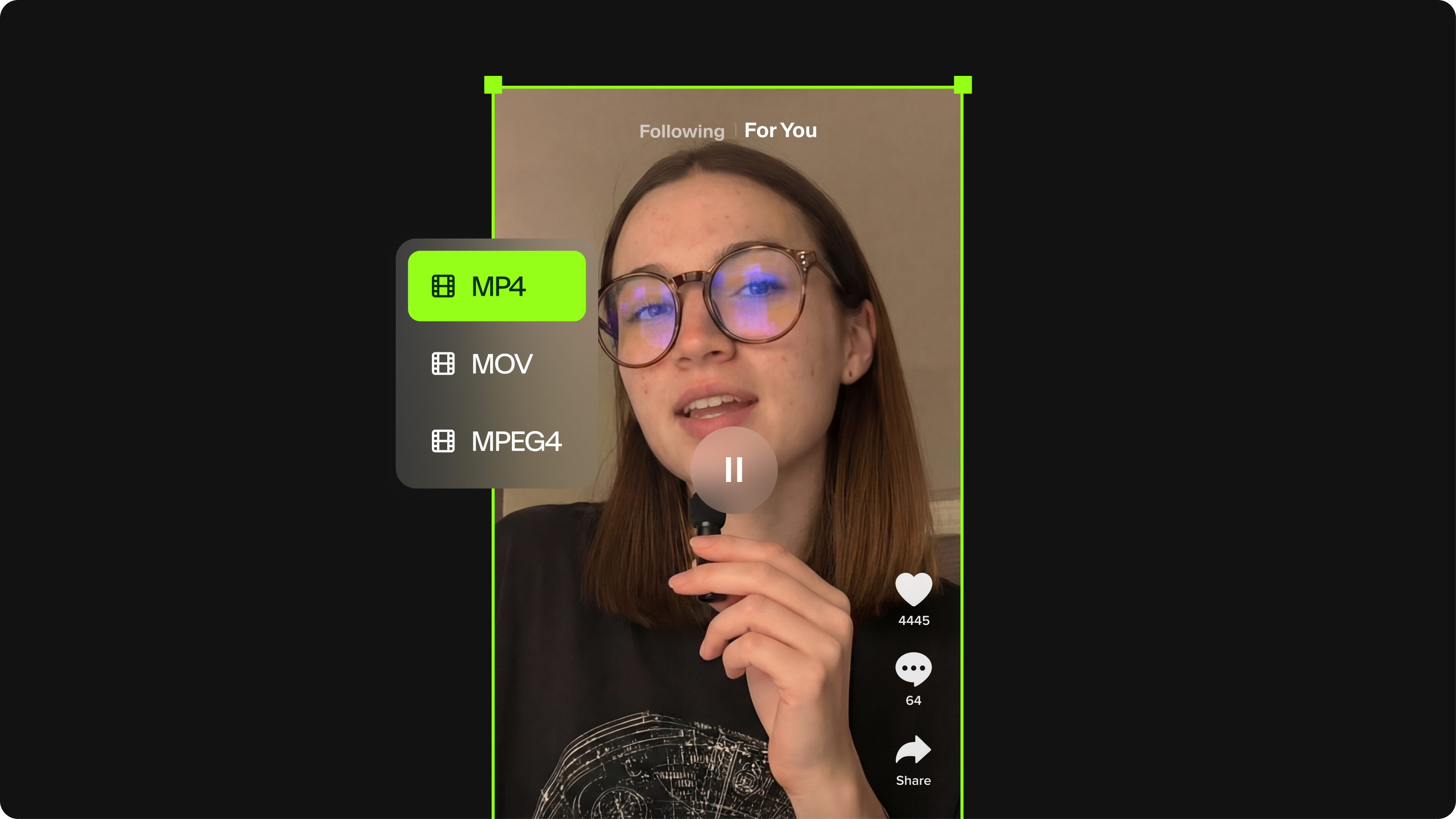
TikTok Video Size Guide: Everything You Need to Know
The last thing you want is for TikTok to scale down or cut off your video content. Here's the best file size, video length, and file format for your next TikTok.
Trusted by 1M+ creators
When it comes to amazing videos, all you need is VEED
No credit card required
More than AI outpainting
AI video outpainting is just one of many tools you get in VEED. After expanding your frame, polish your content with our other Magic Tools. Remove background noise with Clean Audio. Create dynamic transitions between scenes with AI transitions. And generate supplemental visuals with Magic B-roll. Every tool works seamlessly together in our video editing suite. Outpaint, enhance, and export all in one platform. Start creating with VEED now.