


Trusted by 1M+ creators
Generative Fill
Extend video frames with AI generative fill. Fit any aspect ratio without cropping
No credit card required
4.6
2,100+ reviews















Generative fill for video: Change aspect ratios by expanding your frame
Recorded a square video, but need it in widescreen? Shot in horizontal, but need to fill in vertical screens for Reels? VEED's AI generative fill extends your video frame to fit any platform. No more awkward cropping and black bars. No need for reshoots.
Upload videos up to 1 minute in length, and let the AI fill in the expanded areas to match your scene. Adapt vertical phone footage for YouTube. Transform landscape videos for TikTok and Reels. The generative fill tool analyzes your footage and creates natural extensions frame by frame.
How to use generative fill for video:
Step 01
Upload and select your video clip
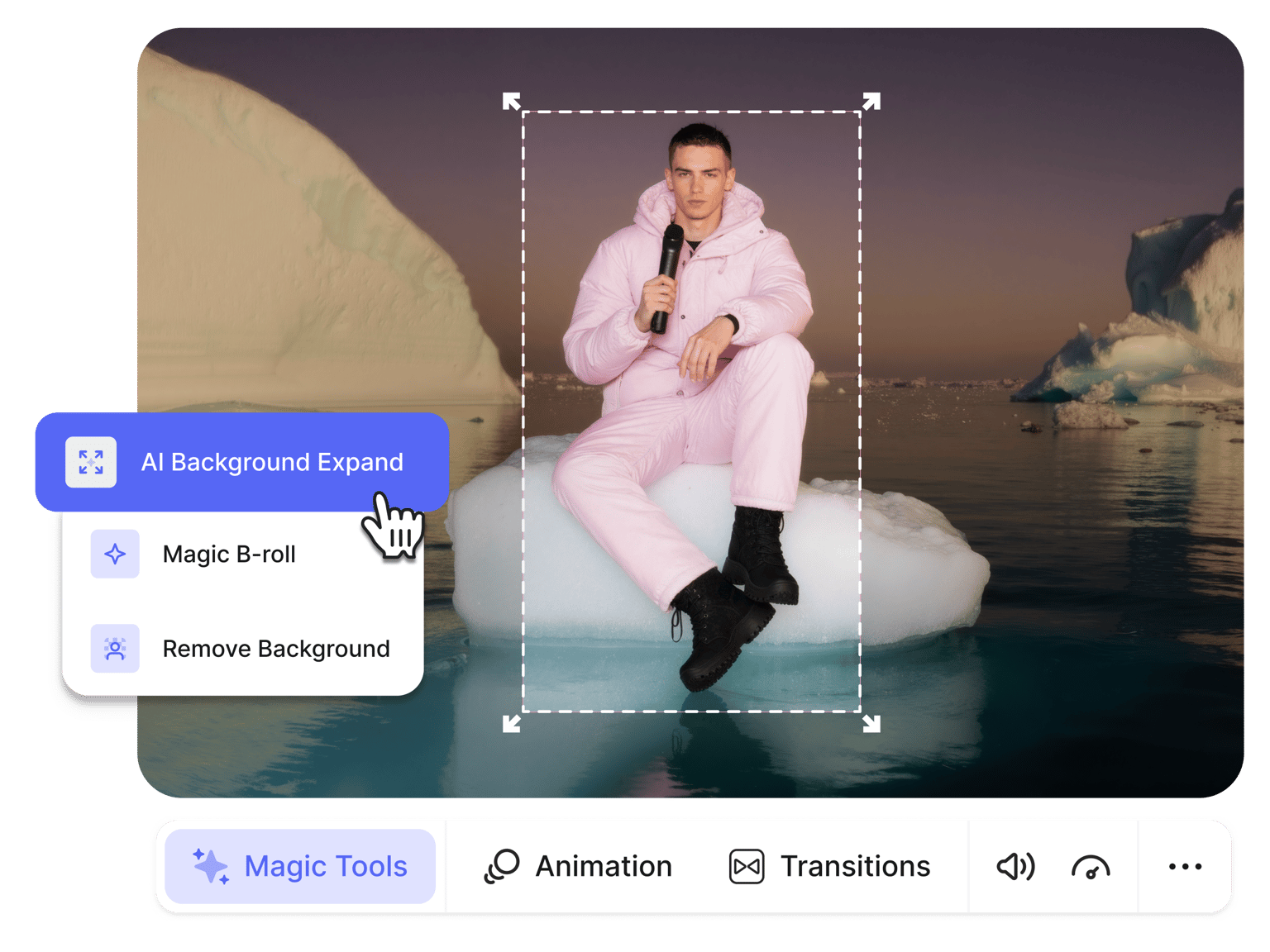
Click your video on the editor canvas. Navigate to Video Properties and select AI Background Expand under Magic Tools. Choose your target aspect ratio: vertical, horizontal, or square.
Step 02
Extend your frame with AI generative fill
The generative fill AI processes your video, expanding the frame to your chosen dimensions. It fills in new areas by analyzing your original footage, maintaining visual consistency across every frame.
Step 03
Export the resized video
Your expanded video replaces the original clip. Toggle the expansion to compare before and after. Add text overlays, auto-subtitles, or other edits. Export your polished video.
Learn More
Watch our generative fill demo:
Generative fill technology for video footage
Photo editors use generative fill to expand static images. VEED brings that technology to video with AI that understands motion and temporal consistency. Our generative fill tool maintains coherence across video frames. Expand product demos to add space for CTAs. Resize vlogs from one platform format to another. All without sacrificing quality or losing key visuals. While most expansion tools work on clips up to 10 seconds long, AI Background Expand supports videos up to 1 minute in length.
Remove unwanted elements with a creative workaround
Someone walked through your shot? Clutter in the corner of your frame? Here's a workaround: crop your video to remove the unwanted element, then use our AI generative fill to restore the frame. The AI fills in the cropped area with a background that matches your scene. It's not traditional object removal, but it's effective for quick fixes like removing distracting elements on a frame's edge. For complete background replacement, you can try our AI background remover.
One generative fill tool, multiple video formats
Stop creating separate videos for each platform. Our generative fill online tool adapts one video to every format you need. Expand vertical videos to landscape for YouTube. Convert horizontal content to vertical for Stories. Resize square videos to widescreen for presentations. Social media managers can repurpose content faster while maintaining professional quality across platforms.
FAQ
Generative fill for video uses AI to expand your video frame beyond its original dimensions. The technology analyzes your footage and generates new content to fill the expanded areas. Perfect for changing aspect ratios without cropping. Turn vertical videos horizontal or square videos widescreen while preserving your original content.
Upload your video to VEED's editor. Select AI Background Expand under Magic Tools in Video Properties. Choose your target aspect ratio. The generative fill AI processes your video and extends the frame automatically. Your expanded video replaces the original.
Our generative fill tool is designed for frame expansion, not traditional object removal. However, here's a workaround: crop the unwanted element out of frame, then use AI Background Expand to fill the cropped area back in. This works well for removing edge distractions or background elements.
It's free to try once. After that, you'll need AI credits with a VEED subscription. AI credits are available as add-ons. Check our Pricing page for more information.
Loved by creators.
Loved by the Fortune 500
“
With VEED I didn't need 15 tutorials - I jumped straight in and started editing.

Gwenne Wilcox
Founder,
Brand Brainery
“
You can go beyond choppping things. VEED actually makes my videos look great.

Michael Glover
Demand Gen Manager,
ConvertFlow
“
The first four videos i created with VEED got over 40,000 impressions on LinkedIn.

Travis Tyler
Senior Content Producer,
PandaDoc
“
I found VEED at the right time: if you're making UGC ads and not using Eye Contact Correction and Noise Reduction on VEED you're missing out on ROI.

Sebastian Schurgers
Head of Growth Marketing,
Gronda
“
With VEED I didn't need 15 tutorials - I jumped straight in and started editing.
Gwenne Wilcox
Founder,
Brand Brainery
“
You can go beyond choppping things. VEED actually makes my videos look great.
Michael Glover
Demand Gen Manager,
ConvertFlow
“
The first four videos i created with VEED got over 40,000 impressions on LinkedIn.
Travis Tyler
Senior Content Producer,
PandaDoc
“
I found VEED at the right time: if you're making UGC ads and not using Eye Contact Correction and Noise Reduction on VEED you're missing out on ROI.
Sebastian Schurgers
Head of Growth Marketing,
Gronda
“
The first four videos i created with VEED got over 40,000 impressions on LinkedIn.
Travis Tyler
Senior Content Producer,
PandaDoc
“
I found VEED at the right time: if you're making UGC ads and not using Eye Contact Correction and Noise Reduction on VEED you're missing out on ROI.
Sebastian Schurgers
Head of Growth Marketing,
Gronda
“
With VEED I didn't need 15 tutorials - I jumped straight in and started editing.
Gwenne Wilcox
Founder,
Brand Brainery
“
You can go beyond choppping things. VEED actually makes my videos look great.
Michael Glover
Demand Gen Manager,
ConvertFlow
Discover more
Explore related tools
More from VEED

A 7-Step Video Editing Workflow (For Any Team)
Streamline your video projects with this 7-step editing workflow—perfect for teams creating marketing, training, or customer videos.
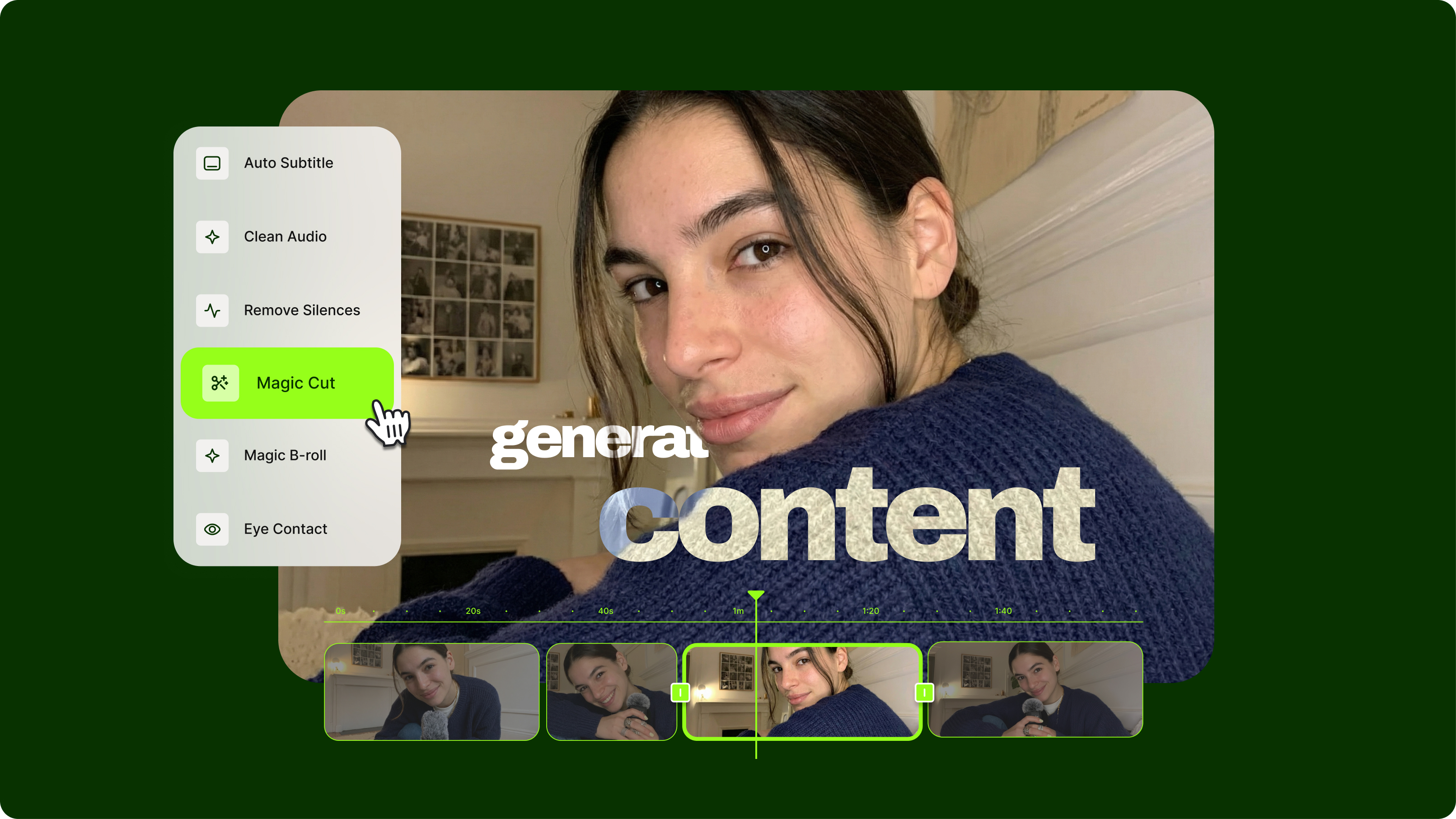
Streamlining Video Editing with AI: A Guide for Busy Marketers
Want to streamline your video editing workflow? Check out this list of the best AI tools for video editing.
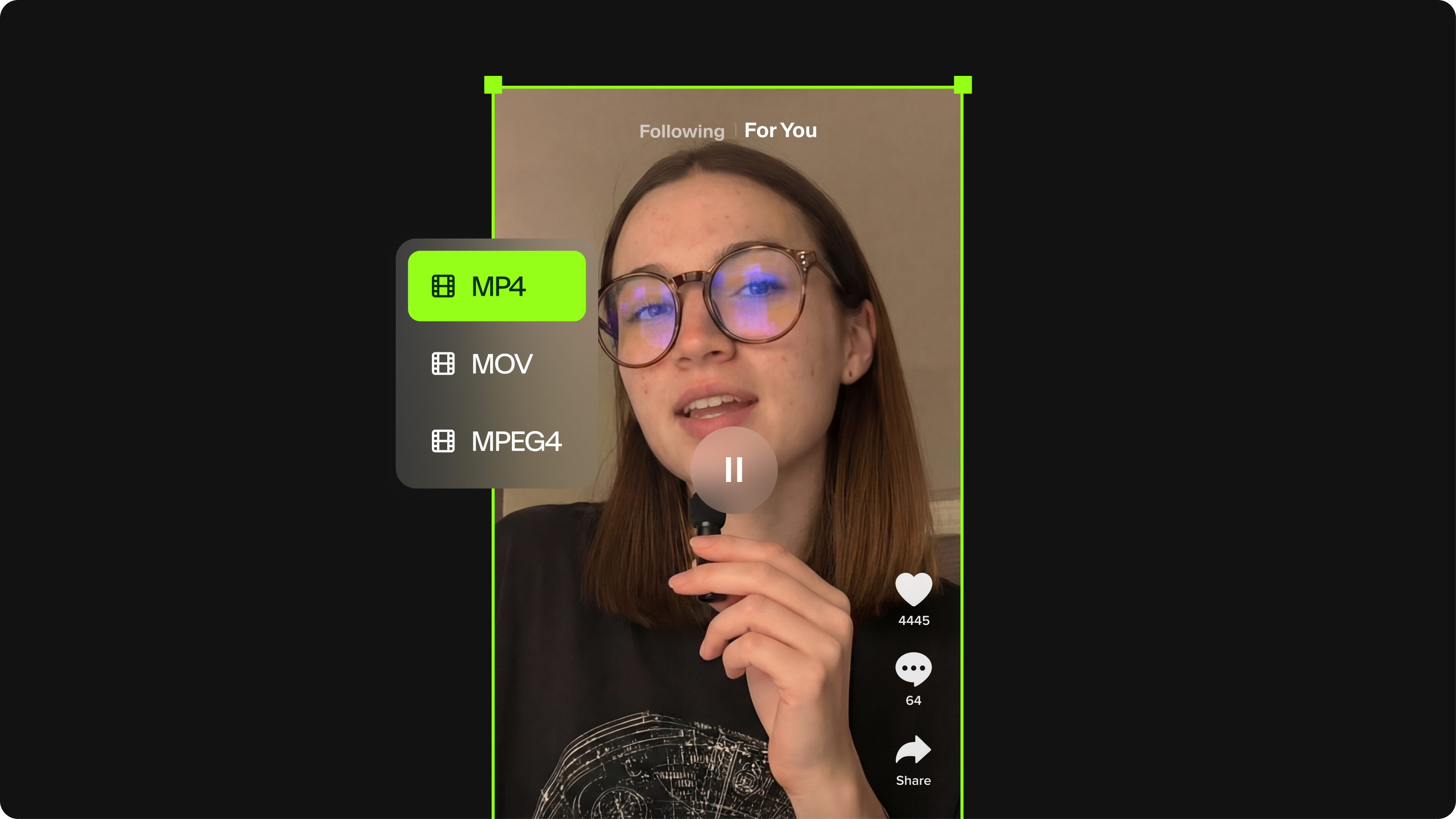
TikTok Video Size Guide: Everything You Need to Know
The last thing you want is for TikTok to scale down or cut off your video content. Here's the best file size, video length, and file format for your next TikTok.
Trusted by 1M+ creators
When it comes to amazing videos, all you need is VEED
No credit card required
More than a generative fill tool
Generative fill is one piece of VEED's complete video editing platform. Extend your frames, then enhance your video with our other AI tools. Clean Audio removes background noise. AI Transitions creates smooth scene changes. Magic B-roll generates supplemental visuals for talking videos. Everything works together in one seamless platform. Create professional videos without complex software.