


Trusted by 1M+ creators
AI Voice Replicator
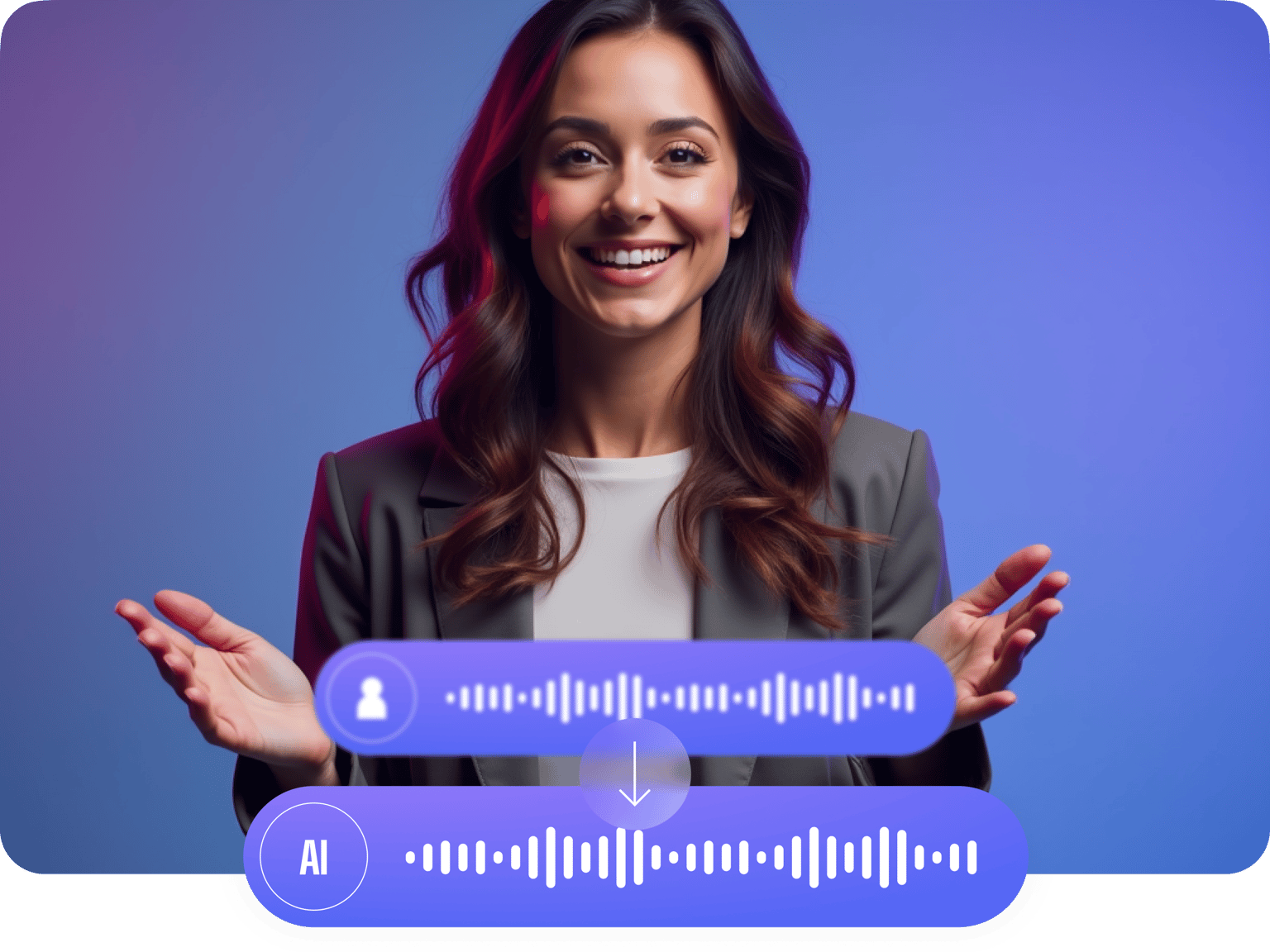
Create text-to-speech narrations with your own voice using VEED’s AI
No credit card required
4.6
2,100+ reviews















Clone your voice, create realistic voiceovers for any project
Don’t let tight schedules and limited resources hold back your creativity. With our AI voice replicator, crafting professional and consistent voiceovers takes just seconds. The best part? You can personalize your audio with your unique voice. Skip the generic and robotic AI voices, and create engaging text-to-speech videos with human-like voiceovers. Simply record a snippet of your voice, and turn any text into audio with VEED’s powerful deep learning capabilities. Then, you can explore our full suite of tools – sound effects, subtitles, royalty-free music, stock videos, and more. You can even create an entire video from just text! Try VEED now for free, right from your browser.
How to replicate your voice with AI
Step 01
Record your voice
Click Text-to-Speech in the Audio tab, select “Voice Clone,” and hit record. Read the script on the popup screen, including the Terms of Service agreement.
Step 02
Clone your voice and convert text to speech
Once your voice profile is saved, type a text and select your name under Voice Clone. Our artificial intelligence software will now read your text with your customized voice profile.
Step 03
Add your voiceover to your project
You can export the audio file with your replicated voice, create a video, or keep exploring our AI video tools to make the best content.
Learn More
Watch our AI voice replicator tutorial:
Instant voice replicator powered by AI
Just read seven sentences out loud from the provided script, and convert your text to speech. Easily personalize your voiceovers for various projects, from e-learning videos to social media snippets. Want to add variety to your voiceovers? Mix and match your cloned voice with our AI voice generator to create engaging dialogues.
High-quality replicas of your voice
No recording studio or fancy equipment? No problem! Your audio sample doesn’t have to be perfect. Record a snippet of your voice, and get studio-quality voiceovers for a fraction of the cost. You’ll get realistic AI voiceovers that sound just like you, with all the human intonation. You can also use our audio cleaner tool to enhance your audio.
Your one-stop solution for audio and video editing
Why stop at voiceovers when you can create an entire video or podcast on VEED? From auto subtitles to stock videos and text-to-speech avatars, you’ll have everything you need to create engaging content. No need to download multiple apps. Our all-in-one editor lets you produce professional-quality videos effortlessly.
FAQ
For best results, record in a room with good acoustic properties. Soft surfaces, like carpet and heavy drapes, absorb sound and reduce echo. Recording in an optimal environment enhances the quality of your voice sample, resulting in a clearer synthetic voice.
VEED’s AI voice replicator is one of the best options in the market. It lets you record a sample of your voice and generate audio in seconds (as opposed to hours). VEED is also an all-in-one video editor that allows you to effortlessly incorporate video, stock footage, music, subtitles, AI avatars, and more into your project.
Currently, you can add up to 2,000 characters to convert to speech with your AI voice clone per video project.
Yes, there is a text-to-speech character limit per video project. The specific limit depends on your subscription plan. Pro subscribers can enjoy higher character limits and access to more content creation features. To learn more, please visit our pricing page or contact our support team.
Do not use the AI voice cloner app to create harmful content, infringe any third-party rights, or defame anyone. Always use AI voices responsibly, ensuring you comply with local regulations and have the right to use a particular voice. You can read our full content policy here.
Yes, VEED’s AI voice dubber lets you dub videos in different languages. Expand your global reach effortlessly. Dubbing also allows viewers to focus on the visual content without having to read subtitles, giving them a more immersive experience.
Loved by creators.
Loved by the Fortune 500
“
With VEED I didn't need 15 tutorials - I jumped straight in and started editing.

Gwenne Wilcox
Founder,
Brand Brainery
“
You can go beyond choppping things. VEED actually makes my videos look great.

Michael Glover
Demand Gen Manager,
ConvertFlow
“
The first four videos i created with VEED got over 40,000 impressions on LinkedIn.

Travis Tyler
Senior Content Producer,
PandaDoc
“
I found VEED at the right time: if you're making UGC ads and not using Eye Contact Correction and Noise Reduction on VEED you're missing out on ROI.

Sebastian Schurgers
Head of Growth Marketing,
Gronda
“
With VEED I didn't need 15 tutorials - I jumped straight in and started editing.
Gwenne Wilcox
Founder,
Brand Brainery
“
You can go beyond choppping things. VEED actually makes my videos look great.
Michael Glover
Demand Gen Manager,
ConvertFlow
“
The first four videos i created with VEED got over 40,000 impressions on LinkedIn.
Travis Tyler
Senior Content Producer,
PandaDoc
“
I found VEED at the right time: if you're making UGC ads and not using Eye Contact Correction and Noise Reduction on VEED you're missing out on ROI.
Sebastian Schurgers
Head of Growth Marketing,
Gronda
“
The first four videos i created with VEED got over 40,000 impressions on LinkedIn.
Travis Tyler
Senior Content Producer,
PandaDoc
“
I found VEED at the right time: if you're making UGC ads and not using Eye Contact Correction and Noise Reduction on VEED you're missing out on ROI.
Sebastian Schurgers
Head of Growth Marketing,
Gronda
“
With VEED I didn't need 15 tutorials - I jumped straight in and started editing.
Gwenne Wilcox
Founder,
Brand Brainery
“
You can go beyond choppping things. VEED actually makes my videos look great.
Michael Glover
Demand Gen Manager,
ConvertFlow
Discover more
- AI Voice Maker
- AI Voice Mimic
- Dutch Voice Cloning
- French Voice Cloning
- Hindi Voice Cloning
- Italian AI Voice Cloning
- Japanese Voice Cloning
- Korean Voice Cloning
- Overdub
- Polish Voice Cloning
- Portuguese Voice Cloning
- Real Time Voice Cloning
- Russian Voice Cloning
- Spanish Voice Cloning
- Text to Speech Using My Own Voice
- Turkish Voice Cloning
- Video Voice Changer
- Voice Emulator
- Voice to Voice AI
More from VEED

20+ Best AI Tools in 2025 (The Only List You’ll Need)
Here are the best AI tools for video, writing, generating art, and coding. Read to find out which is the best one in each category.

Best AI Avatar Generators in 2026 (The Only List You'll Need)
Searching for the best AI avatar generator? We got you. Check out this expert round-up of the must-try generators out there.

8+ Best AI Voice Generators to Try in 2026
Searching for the best AI voice generator? We tested the top ones so you don't have to. Check out our comprehensive reviews of the best AI voice generators in this listicle.
Trusted by 1M+ creators
When it comes to amazing videos, all you need is VEED
No credit card required
AI voice replication and video editing in one tool
VEED is more than just an AI voice replicator. You can go beyond creating personalized AI voiceovers. Our complete video-editing suite lets you create stunning videos—minus the learning curve. Explore our wide range of AI tools, from our text-to-video to our AI video generator. Try VEED today and start streamlining your content production process!