


Trusted by 1M+ creators
Real Time Voice Cloning
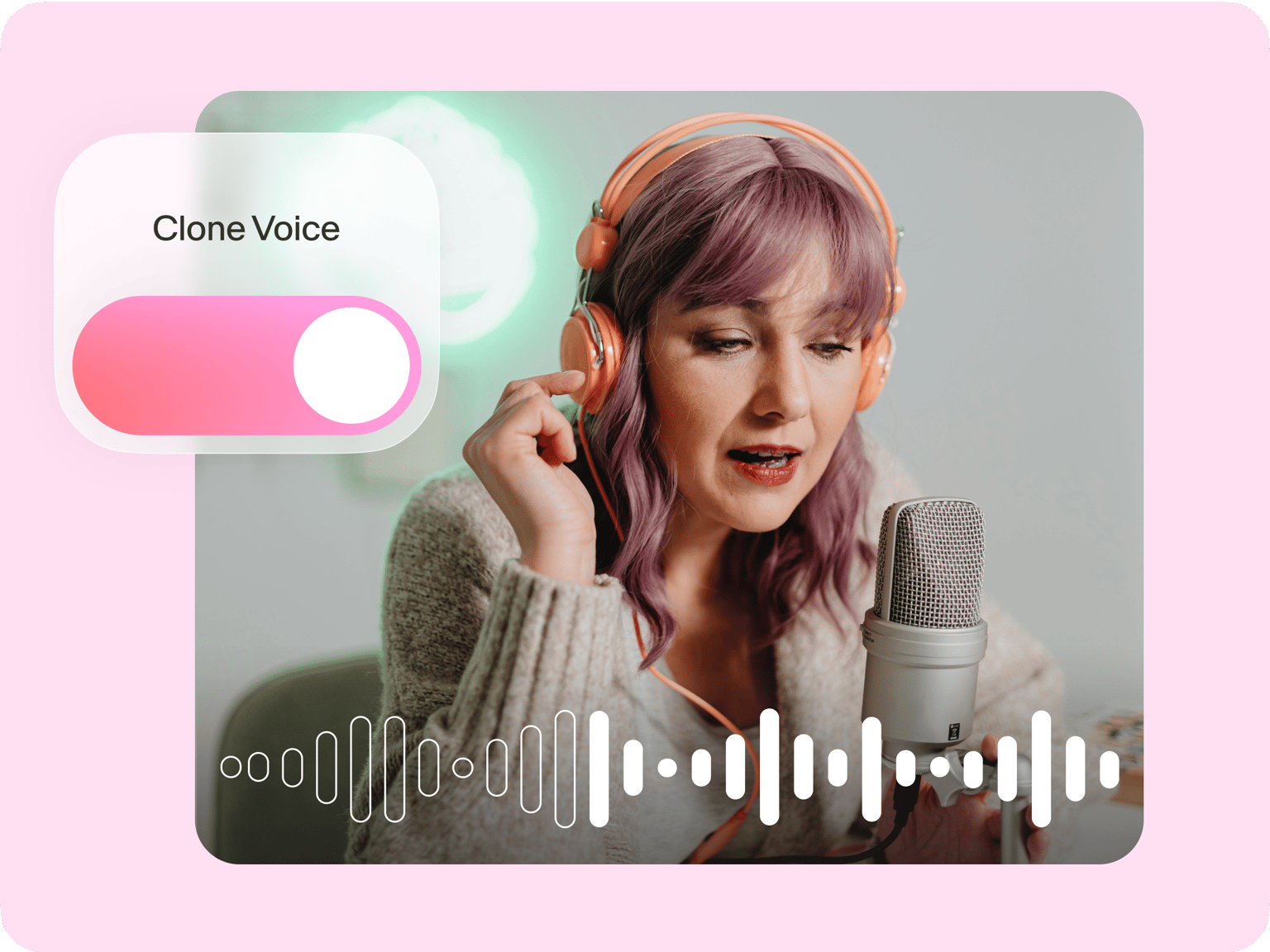
Replicate your voice in seconds with our AI voice cloner. Record your voice sample, type a script, and generate speech
No credit card required
4.6
2,100+ reviews















AI voice cloning online: Create custom voiceovers instantly
Multiple projects and last-minute script changes can be stressful. Our real-time AI voice cloning tool lets you skip the tedious recording. No more rushing to a microphone or tiring your voice. Convert text into speech in seconds. With just one voice sample, create countless videos—whether it’s for advertisements, YouTube voiceovers, or e-learning. Need more voices for your podcast or audiobook narration? You can also use our AI voice generator to create various voice characters. This saves you the time and cost of hiring voice actors. From script generation to sound effects, it’s all here on VEED. Try it now on your browser; no app download required.
How to use our real-time voice cloning tool
Step 01
Record your voice
Go to the Audio tab and click ‘Voice Clone.’ Read the provided script aloud to create your voice sample.
Step 02
Enter your script
Generate an AI voice from your sample. Type your text and select your name under Voice Clone. Our AI will convert the text into speech using your voice.
Step 03
Add the voiceover to your project
Export the audio file with your replicated voice, create a video, or keep exploring our AI video tools to enhance your content.
Learn More
Watch this real-time voice cloning tutorial
Real-time voice cloning online
Clone your voice in just a few clicks. You just need to read a few lines out loud to create your voice sample. Then, type your text and generate your voiceover. Multiple projects or last-minute script changes? No problem! Your voice clone is ready to use for all your content. Simplify your workflow and expand your content effortlessly.
Generate consistent voiceovers
Businesses often struggle to maintain a consistent brand voice, let alone get the same voice actor for every project. VEED lets you turn your one voice sample into multiple clips. Turn your text into speech, and generate multiple versions hassle-free. No need to re-record your voice! You can even create text-to-speech avatars to establish a consistent visual identity.
Create professional videos with your audio
Create eye-catching sound wave visuals for your podcast. Add stock footage and subtitles to your voiceovers. Or turn text prompts into videos. VEED is a powerful AI video editor that lets you do all that and more. Easily create professional videos that captivate your audience, whether you’re an experienced editor or a complete beginner.
FAQ
Use VEED’s AI voice recreator. Record your voice sample by reading the provided script. Then, type your text. Our AI will generate speech in your voice—perfect for narrating and dubbing videos.
You can try the AI voice cloning tool for free initially. To keep using the feature, you'll need a Pro subscription. Cloned voiceovers count toward your text-to-speech limits, with annual usage caps. Enterprise plans offer custom limits tailored to your specific needs. Please visit our pricing page for more information.
No, you can only clone your own voice. Unlike deepfake voice or other voice mimicking software, VEED's software requires you to record your own voice in real-time. These safeguards prevent potential misuse like creating harmful or misleading content. You can view our content policy for more details.
Use our voice clone app to translate your voice into 29 languages. Scale your content globally while maintaining your unique voice. Alternatively, our AI voice dubber translates your existing videos automatically. Dubbed videos allow viewers to enjoy your content in their native language without reading subtitles.
Scroll down the text-to-speech box and click “Convert to Audio Clip.” This turns your voiceover into a standard audio clip that you can split. Create well-placed pauses for a more natural and engaging delivery. Keep in mind that once you convert the audio, you’ll no longer be able to modify the text-to-speech parameters like speed and voice profile.
We don't have a voice changer app in the traditional sense. But we offer text-to-speech with various human-like voices. Our TTS feature saves you time by generating professional voiceovers directly from text, eliminating the need to record and modify your voice. Our voice generator ensures consistent quality across all your content without requiring voice manipulation.
Loved by creators.
Loved by the Fortune 500
“
With VEED I didn't need 15 tutorials - I jumped straight in and started editing.

Gwenne Wilcox
Founder,
Brand Brainery
“
You can go beyond choppping things. VEED actually makes my videos look great.

Michael Glover
Demand Gen Manager,
ConvertFlow
“
The first four videos i created with VEED got over 40,000 impressions on LinkedIn.

Travis Tyler
Senior Content Producer,
PandaDoc
“
I found VEED at the right time: if you're making UGC ads and not using Eye Contact Correction and Noise Reduction on VEED you're missing out on ROI.

Sebastian Schurgers
Head of Growth Marketing,
Gronda
“
With VEED I didn't need 15 tutorials - I jumped straight in and started editing.
Gwenne Wilcox
Founder,
Brand Brainery
“
You can go beyond choppping things. VEED actually makes my videos look great.
Michael Glover
Demand Gen Manager,
ConvertFlow
“
The first four videos i created with VEED got over 40,000 impressions on LinkedIn.
Travis Tyler
Senior Content Producer,
PandaDoc
“
I found VEED at the right time: if you're making UGC ads and not using Eye Contact Correction and Noise Reduction on VEED you're missing out on ROI.
Sebastian Schurgers
Head of Growth Marketing,
Gronda
“
The first four videos i created with VEED got over 40,000 impressions on LinkedIn.
Travis Tyler
Senior Content Producer,
PandaDoc
“
I found VEED at the right time: if you're making UGC ads and not using Eye Contact Correction and Noise Reduction on VEED you're missing out on ROI.
Sebastian Schurgers
Head of Growth Marketing,
Gronda
“
With VEED I didn't need 15 tutorials - I jumped straight in and started editing.
Gwenne Wilcox
Founder,
Brand Brainery
“
You can go beyond choppping things. VEED actually makes my videos look great.
Michael Glover
Demand Gen Manager,
ConvertFlow
Discover more
- AI Voice Maker
- AI Voice Mimic
- AI Voice Replicator
- Dutch Voice Cloning
- French Voice Cloning
- Hindi Voice Cloning
- Italian AI Voice Cloning
- Japanese Voice Cloning
- Korean Voice Cloning
- Overdub
- Polish Voice Cloning
- Portuguese Voice Cloning
- Russian Voice Cloning
- Spanish Voice Cloning
- Text to Speech Using My Own Voice
- Turkish Voice Cloning
- Video Voice Changer
- Voice Emulator
- Voice to Voice AI
Explore related tools
More from VEED

8+ Best AI Voice Generators to Try in 2026
Searching for the best AI voice generator? We tested the top ones so you don't have to. Check out our comprehensive reviews of the best AI voice generators in this listicle.

Video Dubbing Guide: Top Tips and Tools for Quality Voiceovers
Dubbing over a video doesn't have to be complicated. Well, that is, if you know what you're doing. Read on to learn more!

VEED x Tavus: Create Your Digital Twin with AI
Built by VEED and powered by Tavus, Personal Avatars let you create your digital twin effortlessly. Learn more about this partnership here.
Trusted by 1M+ creators
When it comes to amazing videos, all you need is VEED
No credit card required
More than an AI voice cloner
VEED not only clones your voice in real-time; it also gives you everything you need to create polished videos. Streamline your workflow from recording to repurposing videos. From script generation to AI avatars, VEED helps you with every aspect of creating content. No need to use multiple software. Scale your content production while minimizing the tedious work. Get started now.