


Trusted by 1M+ creators
Japanese Voice Cloning
Create authentic Japanese voiceovers in your voice
No credit card required
4.6
2,100+ reviews















Japanese voice cloning in one minute
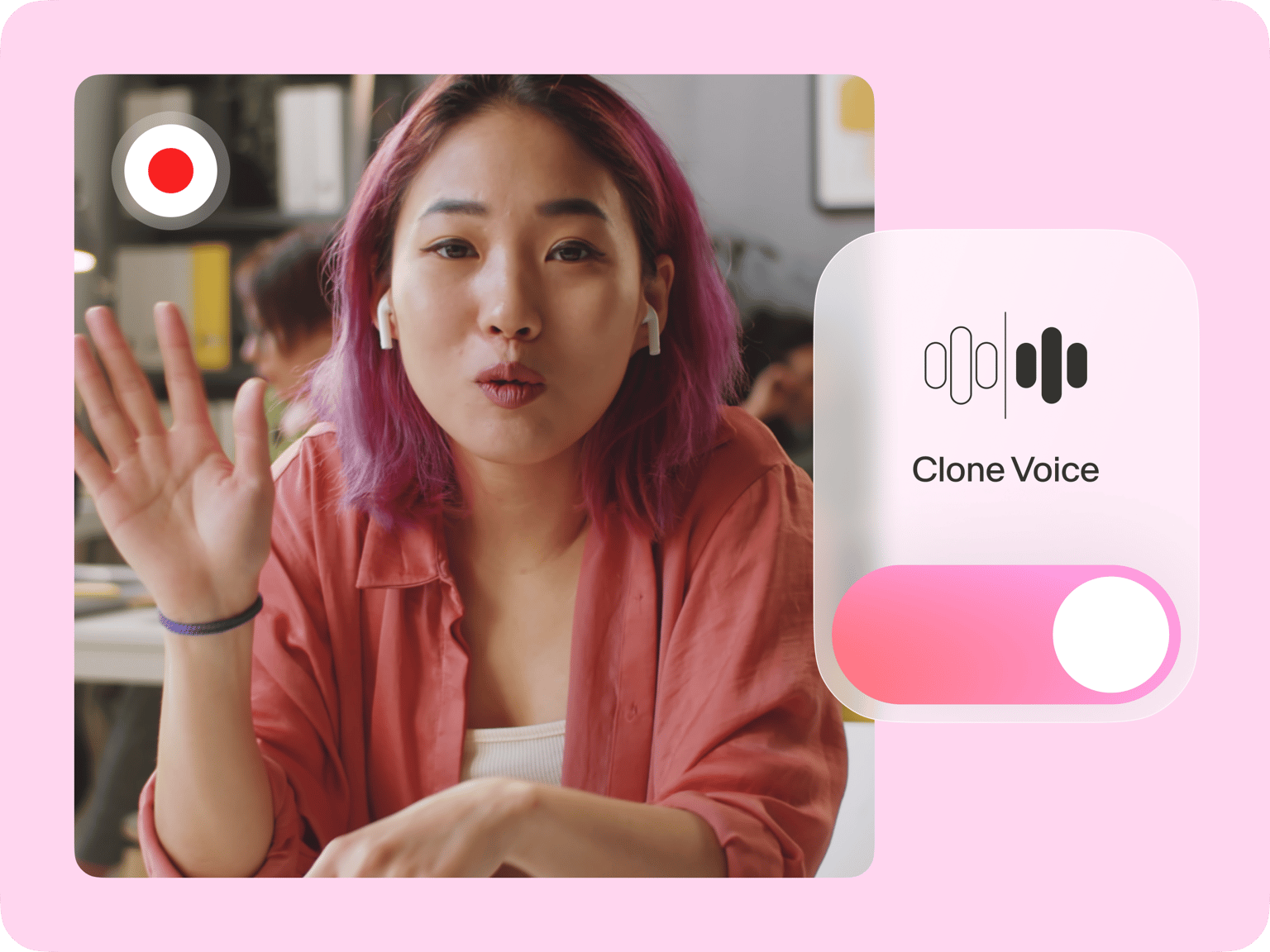
Bring your Japanese content to life with engaging voiceovers. All you need is a 1-minute recording of your voice. Enter your script and generate your voice clone. Add your unique voice to language lessons, presentations, or YouTube videos. With our Japanese cloning tool, it only takes a few clicks.
Reach more audiences with over 25 voice clone languages. You can combine your narrations with footage, subtitles, animations, and more. Or create a talking avatar in your chosen language. No need to juggle multiple software. VEED gives you all the essential video creation tools. Get started now for free.
How to clone your voice in Japanese:
Step 01
Record your voice sample
In the Audio menu, select ‘Voice Clone.’ Add your voice. The popup window will prompt you to read the provided script and Terms of Service agreement.
Step 02
Generate Japanese voice
Type your script and set the language to Japanese. Our AI software will read your text out loud with your voice clone.
Step 03
Download or add to video
Export your Japanese voiceover as an MP3 file, or add it to a video. Our video editor lets you combine voiceovers with footage, text overlays, music, and more.
Learn More
Watch our AI voice cloning tutorial:
Voice your Japanese content without recording
Clone your voice and create Japanese voiceovers just by typing your script. Our AI voice cloning tool only requires you to record your voice once. Turn your scripts into perfect narrations for audiobooks, educational videos, and marketing. If you need more voice actors, our Japanese text-to-speech generator also gives you lifelike AI voice presets.
Speak Japanese and 25+ other languages
Create multiple versions of your video. Our voice cloning tool lets you speak many languages, including Chinese and Korean. We also provide auto-subtitles in 125+ languages, so you can easily grow your international audience. Expand your reach while saving on production costs. With VEED, localizing your content only takes a few clicks.
Create voiceover videos like a pro
VEED streamlines your workflow from Japanese voice cloning to video editing. Combine your voiceovers with videos, text, and animations. Collaborate with your team, and resize videos for any platform. And apply your branding across videos with our brand kit feature. Our all-in-one toolkit gives you all the tools to make engaging and polished videos
FAQ
The Japanese voice cloning tool is free to try. Create a voiceover and explore our video editor at no cost. For regular content creation and higher text-to-speech limits, you can consider upgrading to a Pro subscription.
Do not use the AI voice cloning tool to create harmful content, infringe any third-party rights, or defame anyone. Remember to tell anyone who is viewing your content that it is AI-generated. You can read the full terms here.
If you type Japanese text while a different language is selected (like English), the AI may try to read Japanese using that language's pronunciation rules, resulting in a foreign accent. Make sure to select ‘Japanese’ as your voice language to generate authentic-sounding voiceovers.
Yes, our AI voice dubber lets you translate voice to voice in other languages using our preset AI voices.
To translate your AI-generated voiceover into another language:
- Select your voice clip and click ‘Convert to Audio Clip.’
- Click ‘Translate voice’ in the Audio menu.
- Choose the language. Then, duplicate and translate your video.
Loved by creators.
Loved by the Fortune 500
“
With VEED I didn't need 15 tutorials - I jumped straight in and started editing.

Gwenne Wilcox
Founder,
Brand Brainery
“
You can go beyond choppping things. VEED actually makes my videos look great.

Michael Glover
Demand Gen Manager,
ConvertFlow
“
The first four videos i created with VEED got over 40,000 impressions on LinkedIn.

Travis Tyler
Senior Content Producer,
PandaDoc
“
I found VEED at the right time: if you're making UGC ads and not using Eye Contact Correction and Noise Reduction on VEED you're missing out on ROI.

Sebastian Schurgers
Head of Growth Marketing,
Gronda
“
With VEED I didn't need 15 tutorials - I jumped straight in and started editing.
Gwenne Wilcox
Founder,
Brand Brainery
“
You can go beyond choppping things. VEED actually makes my videos look great.
Michael Glover
Demand Gen Manager,
ConvertFlow
“
The first four videos i created with VEED got over 40,000 impressions on LinkedIn.
Travis Tyler
Senior Content Producer,
PandaDoc
“
I found VEED at the right time: if you're making UGC ads and not using Eye Contact Correction and Noise Reduction on VEED you're missing out on ROI.
Sebastian Schurgers
Head of Growth Marketing,
Gronda
“
The first four videos i created with VEED got over 40,000 impressions on LinkedIn.
Travis Tyler
Senior Content Producer,
PandaDoc
“
I found VEED at the right time: if you're making UGC ads and not using Eye Contact Correction and Noise Reduction on VEED you're missing out on ROI.
Sebastian Schurgers
Head of Growth Marketing,
Gronda
“
With VEED I didn't need 15 tutorials - I jumped straight in and started editing.
Gwenne Wilcox
Founder,
Brand Brainery
“
You can go beyond choppping things. VEED actually makes my videos look great.
Michael Glover
Demand Gen Manager,
ConvertFlow
Discover more
- AI Voice Maker
- AI Voice Mimic
- AI Voice Replicator
- Dutch Voice Cloning
- French Voice Cloning
- Hindi Voice Cloning
- Italian AI Voice Cloning
- Korean Voice Cloning
- Overdub
- Polish Voice Cloning
- Portuguese Voice Cloning
- Real Time Voice Cloning
- Russian Voice Cloning
- Spanish Voice Cloning
- Text to Speech Using My Own Voice
- Turkish Voice Cloning
- Video Voice Changer
- Voice Emulator
- Voice to Voice AI
Explore related tools
More from VEED

8+ Best AI Voice Generators to Try in 2026
Searching for the best AI voice generator? We tested the top ones so you don't have to. Check out our comprehensive reviews of the best AI voice generators in this listicle.

Best AI Avatar Generators in 2026 (The Only List You'll Need)
Searching for the best AI avatar generator? We got you. Check out this expert round-up of the must-try generators out there.

How to Translate Subtitles in 2026: The Complete Guide
This article explains how to translate subtitles online using AI, covering SRT files, foreign films, Japanese and Arabic translations, Netflix workarounds, and videos without any existing subtitles.
Trusted by 1M+ creators
When it comes to amazing videos, all you need is VEED
No credit card required
More than a Japanese voice cloning tool
VEED is your all-in-one suite for making great videos. Convert text to speech, add captions, and create AI avatars. Use our AI video generator to turn your ideas into instant videos. Record voiceovers, remove background noise, and auto-trim recording mistakes. With VEED, anyone can make professional-quality videos. And all the tools are in one seamless platform.