


Trusted by 1M+ creators
Assamese Speech to Text
Instantly transcribe Assamese audio with AI. Save time and money from transcription services
No credit card required
4.6
2,100+ reviews















Transcribe Assamese speech accurately
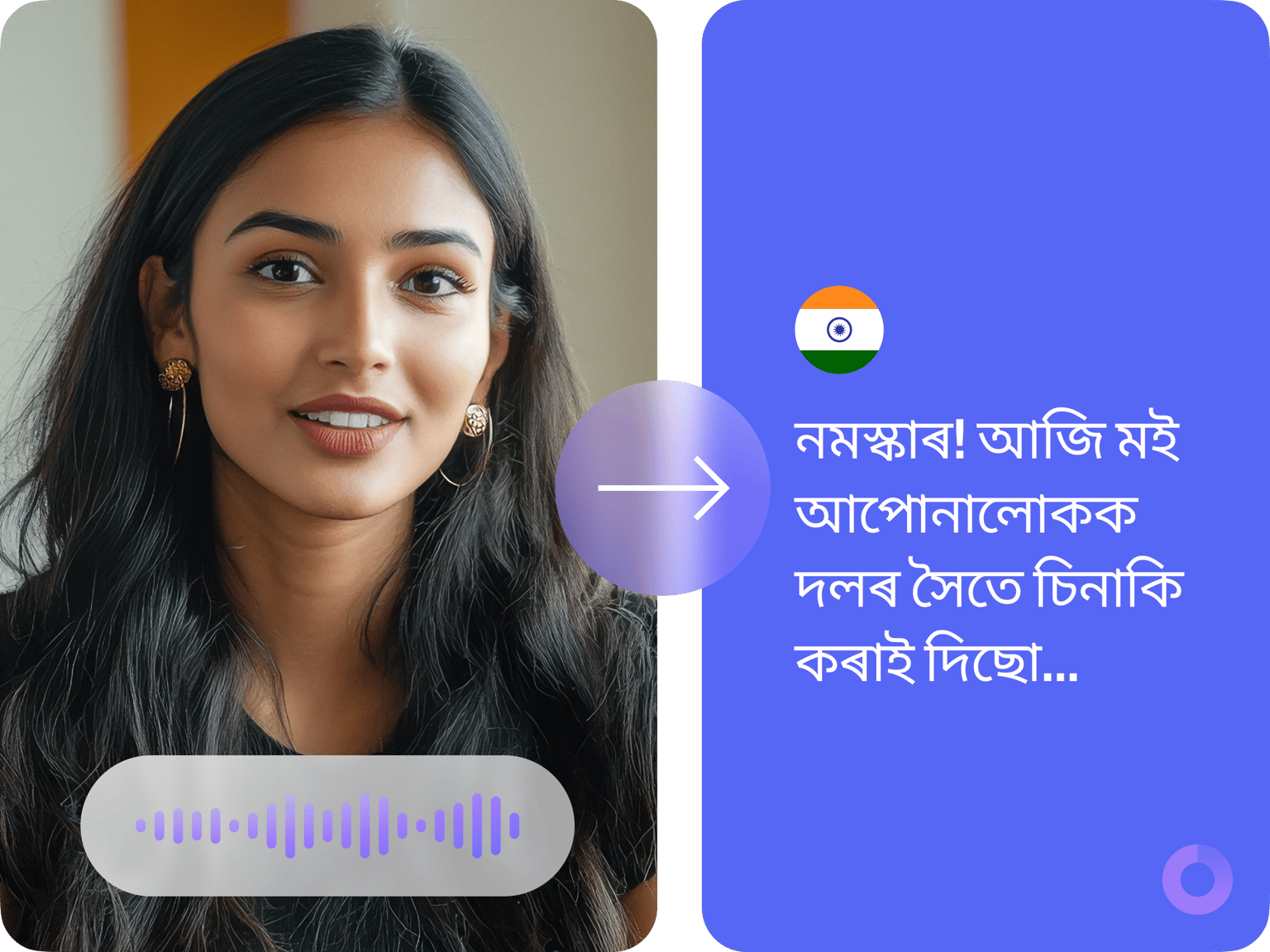
Convert Assamese audio to text in seconds. VEED lets you generate highly accurate transcriptions. Simply upload your audio and transcribe the file straight from your browser. It’s that easy to transform Assamese recordings into editable text. Share your transcriptions with colleagues and viewers with ease. You can also auto-generate subtitles for seamless communication.
How to convert Assamese speech to text with AI:
Step 01
Upload or record
Upload your audio to VEED, or record one using our online audio recorder.
Step 02
Transcribe
Auto-transcribe your audio from the Subtitles menu. You can also translate your transcript to over 100 languages. Select a language and translate the transcript instantly.
Step 03
Review and download
Review and edit the transcription if necessary. Just click on a line of text and start typing. Download your transcript in VTT, SRT, or TXT format.
Learn More
Learn more about our Assamese speech-to-text tool:
Convert Assamese audio to text in seconds
No need for manual transcription that takes days! Instantly convert Assamese audio to text with VEED. Our cutting-edge speech recognition lets you record audio and transform it into text in a few clicks. Unlimited transcription downloads are available to premium subscribers. Check our pricing page for more information.
Translate Assamese speech to any language
Translate Assamese audio into English and over 100 other languages. From translating audio to adding subtitles to videos, VEED has you covered. Our Assamese speech-to-text tool is also perfect for students looking to transcribe lectures or educational content. Whether you're learning Assamese or creating Assamese speech for students, our AI-powered solution makes the process quick and easy.
Create videos all in one platform
Enjoy many more state-of-the-art AI features beyond audio transcription. With VEED, you have access to a powerful AI video generator. Create professional videos effortlessly. From trimming footage to adding motion graphics and music, VEED provides a comprehensive toolkit to bring your ideas to life – all within a single, user-friendly platform.
FAQ
Upload your audio or video file to VEED, then click ‘Subtitle.’ Select ‘Assamese’ in the language dropdown to specify the language that’s being spoken. Click ‘Create Subtitles.’ You can download the transcription as a TXT, VTT, or SRT file.
Record your voice using our online voice recorder. You can then transcribe your audio using our audio-to-text tool.
Yes, you can edit the transcription as needed. Just click on each text box to make any corrections.
Absolutely! You can customize the subtitles within your project file – not the TXT file. Choose from a wide range of fonts and styles, ensuring the subtitles suit your branding and message.
Loved by creators.
Loved by the Fortune 500
“
With VEED I didn't need 15 tutorials - I jumped straight in and started editing.

Gwenne Wilcox
Founder,
Brand Brainery
“
You can go beyond choppping things. VEED actually makes my videos look great.

Michael Glover
Demand Gen Manager,
ConvertFlow
“
The first four videos i created with VEED got over 40,000 impressions on LinkedIn.

Travis Tyler
Senior Content Producer,
PandaDoc
“
I found VEED at the right time: if you're making UGC ads and not using Eye Contact Correction and Noise Reduction on VEED you're missing out on ROI.

Sebastian Schurgers
Head of Growth Marketing,
Gronda
“
With VEED I didn't need 15 tutorials - I jumped straight in and started editing.
Gwenne Wilcox
Founder,
Brand Brainery
“
You can go beyond choppping things. VEED actually makes my videos look great.
Michael Glover
Demand Gen Manager,
ConvertFlow
“
The first four videos i created with VEED got over 40,000 impressions on LinkedIn.
Travis Tyler
Senior Content Producer,
PandaDoc
“
I found VEED at the right time: if you're making UGC ads and not using Eye Contact Correction and Noise Reduction on VEED you're missing out on ROI.
Sebastian Schurgers
Head of Growth Marketing,
Gronda
“
The first four videos i created with VEED got over 40,000 impressions on LinkedIn.
Travis Tyler
Senior Content Producer,
PandaDoc
“
I found VEED at the right time: if you're making UGC ads and not using Eye Contact Correction and Noise Reduction on VEED you're missing out on ROI.
Sebastian Schurgers
Head of Growth Marketing,
Gronda
“
With VEED I didn't need 15 tutorials - I jumped straight in and started editing.
Gwenne Wilcox
Founder,
Brand Brainery
“
You can go beyond choppping things. VEED actually makes my videos look great.
Michael Glover
Demand Gen Manager,
ConvertFlow
Discover more
- Audio to Notes
- Audio Transcription
- Bengali Speech to Text
- Cantonese Speech to Text
- Chinese Speech to Text
- Dictation Transcription
- German Speech to Text
- Japanese Speech to Text
- Kannada Speech to Text
- Korean Speech to Text
- M4A to Text
- MP3 to Text
- Music Transcription
- Persian Speech to Text
- Sinhala Speech to Text
- Speech to Text Arabic
- Speech to Text Bulgarian
- Speech to Text Czech
- Speech to Text Danish
- Speech to Text Dutch
- Speech to Text Finnish
- Speech to Text Hungarian
- Speech to Text in Marathi
- Speech to Text Italian
- Speech to Text Portuguese
- Speech to Text Russian
- Speech to Text Serbian
- Speech to Text Slovak
- Speech to Text Spanish
- Speech to Text Swedish
- Speech to Text Thai
- Speech to Text Turkish
- Speech to Text Vietnamese
- Tamil Audio to Text
- Telugu Audio to Text Converter
- Transcribe Recordings to Text
- Verbatim Transcription
- Voice Memo Transcription
- Voice Message to Text
- WAV to Text
More from VEED

How to Download SRT Subtitle Files Online (Quick and Easy)
Want to bump up your engagement, improve video SEO, and make your content more inclusive? Here's how to download and upload SRT files for your next video!
12 Best Subtitle Fonts for Video Editing (Free and Paid Options)
Want videos that are more engaging because they're easier to follow along? Here's 12 of the best free and paid subtitle fonts for better video content.
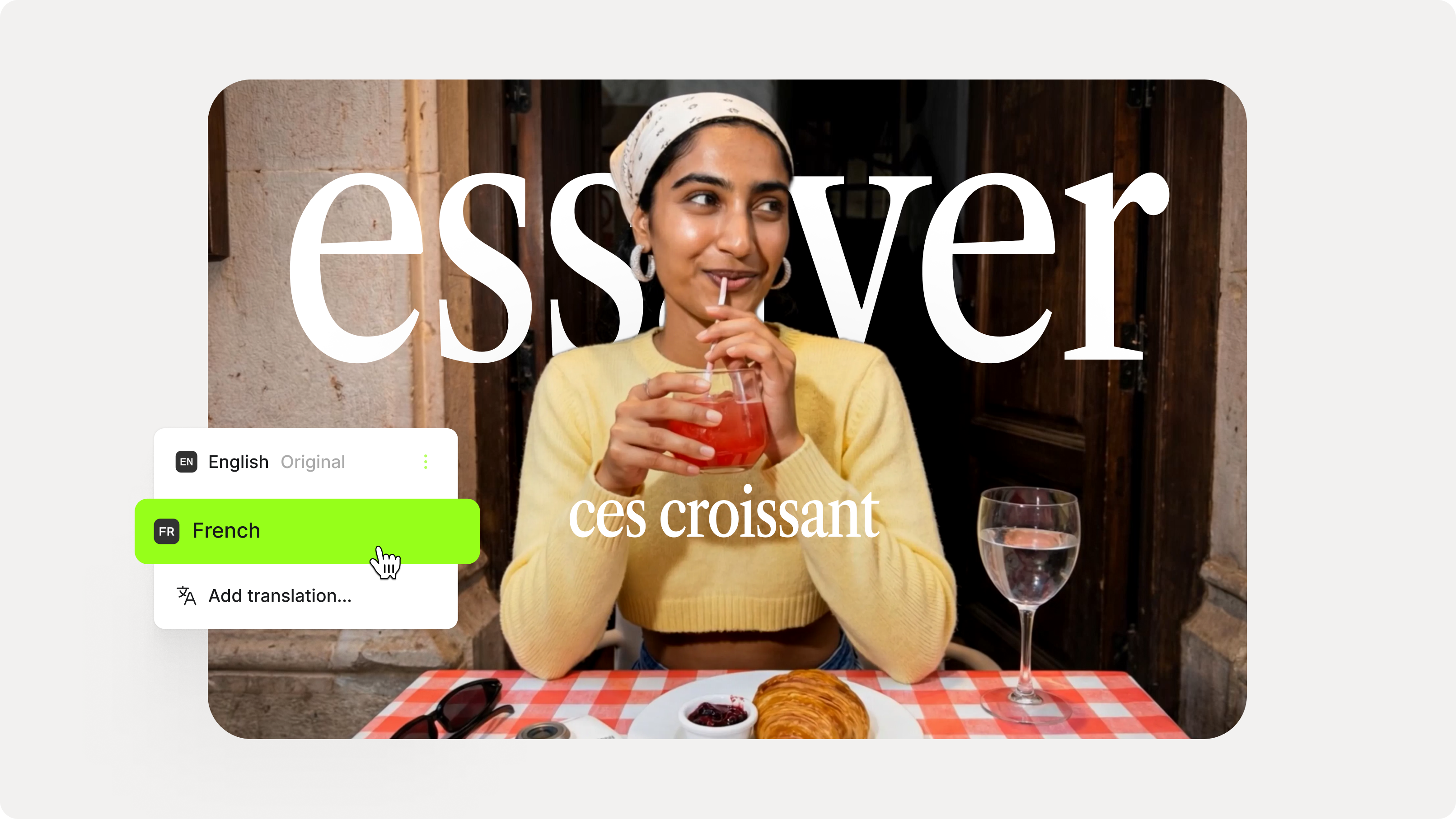
How to Add Translation Subtitles to a Video (Step-by-Step Guide)
A step-by-step guide to adding translation subtitles to any video using VEED. Covers auto-subtitle generation, AI translation into 125+ languages, customization, and export.
Trusted by 1M+ creators
When it comes to amazing videos, all you need is VEED
No credit card required
More than Assamese speech-to-text software
VEED is more than just an Assamese speech-to-text tool – it’s a comprehensive video editor that lets anyone create amazing videos. Trim, crop, and resize your footage with ease, and take it to the next level with music and motion graphics. You can even translate English recordings to Assamese. The best part? All VEED’s tools are accessible online, so you don’t need to install any software. Try VEED now and create professional videos all from the convenience of your web browser.