


Trusted by 1M+ creators
Norwegian Subtitling
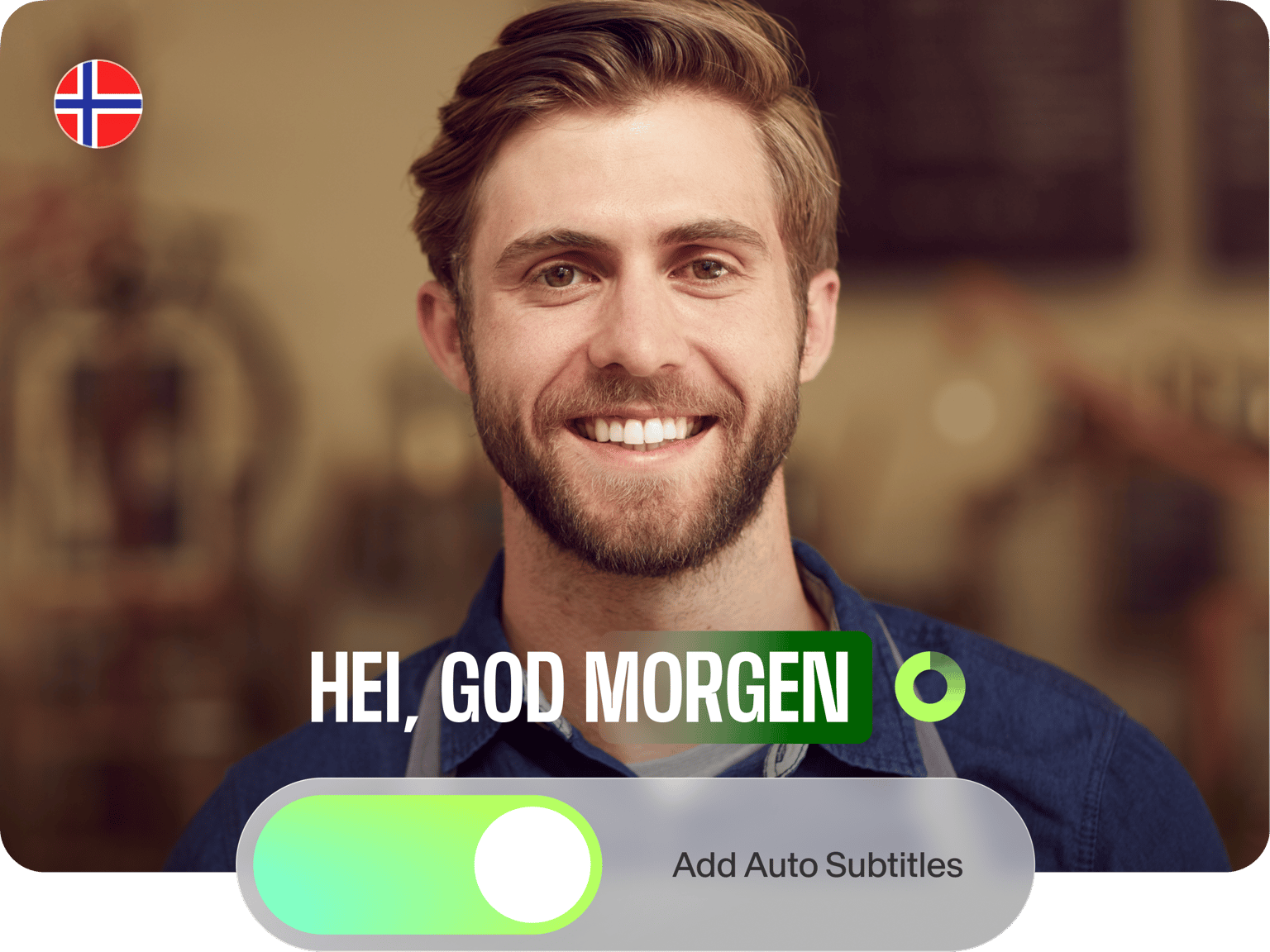
Generate Norwegian subtitles in minutes. Customize the style, font, and color according to your brand
No credit card required
4.6
2,100+ reviews















Quick, accurate Norwegian subtitles
Transcription and translation no longer have to take hours of work nor drain your creative energy. Our Norwegian subtitle generator gives you a simple upload-and-click process. Generate 99.9% accurate subtitles in minutes, and free your time to focus on creating great content.
Add subtitles to social posts, training videos, or marketing campaigns. Our platform goes beyond subtitles with powerful video editing tools. Trim clips, add text overlays, and incorporate music all in one place. VEED is your complete video toolkit, designed to make every project a breeze.
How to generate Norwegian subtitles:
Step 01
Upload video
Drag and drop your video or audio file into the editor.
Step 02
Choose language
Select the language spoken in your video. Toggle on the ‘Add translation’ option if you’re translating a video to Norwegian.
Step 03
Refine and export
Edit the text to refine any words or spellings. You can also customize the style, font, and color. Click ‘Done’ to export your subtitled video.
Learn More
Watch this subtitle generator tutorial:
Norwegian subtitling in a few clicks
Norwegian subtitling services often take a lot of time. With VEED’s self-serve subtitle generator, it only takes minutes. Convert audio to text and add custom subtitles to your videos. Or translate videos to other languages to grow your reach on social media. Make your content more relatable and enjoyable for Norwegian-speaking viewers.
Editable Norwegian captions
Edit the subtitles to include non-verbal cues like music and ambient noise. Captions make your content more inclusive and accessible to deaf or hard-of-hearing audiences. Add captions to educational videos or corporate training materials. Our captioning tool speeds up the process; no need for hours of transcription work!
Subtitle files in multiple formats
Export videos with embedded subtitles. Or upgrade to a premium account to download the subtitle files separately. You can download SRT or VTT files for YouTube closed captions. Or save TXT files for documenting interviews and lectures — perfect for repurposing content into blog posts, lecture notes, or searchable transcripts.
FAQ
Our video editor supports popular video formats like MP4, AVI, and MOV. You can also upload MKV, WMV, or FLV files. With this flexibility, no need to convert your video. Upload it right away and generate your Norwegian subtitles.
Follow these steps:
- Upload your video to our editor.
- Go to the Subtitles menu and choose ‘Norwegian’ in the language dropdown.
- Click ‘Auto-subtitle’ to add the subtitles to your YouTube video.
Translate Norwegian to other languages using our subtitle generator. We offer 125+ language options, including English, Swedish, and German. Auto-generate your subtitles and export your video. A paid subscription lets you download the SRT file.
Our AI-powered subtitle generator provides up to 99.9% accuracy. For best results, ensure your video has good audio quality with minimal background noise. You can always edit the auto-generated subtitles manually in our editor.
Loved by creators.
Loved by the Fortune 500
“
With VEED I didn't need 15 tutorials - I jumped straight in and started editing.

Gwenne Wilcox
Founder,
Brand Brainery
“
You can go beyond choppping things. VEED actually makes my videos look great.

Michael Glover
Demand Gen Manager,
ConvertFlow
“
The first four videos i created with VEED got over 40,000 impressions on LinkedIn.

Travis Tyler
Senior Content Producer,
PandaDoc
“
I found VEED at the right time: if you're making UGC ads and not using Eye Contact Correction and Noise Reduction on VEED you're missing out on ROI.

Sebastian Schurgers
Head of Growth Marketing,
Gronda
“
With VEED I didn't need 15 tutorials - I jumped straight in and started editing.
Gwenne Wilcox
Founder,
Brand Brainery
“
You can go beyond choppping things. VEED actually makes my videos look great.
Michael Glover
Demand Gen Manager,
ConvertFlow
“
The first four videos i created with VEED got over 40,000 impressions on LinkedIn.
Travis Tyler
Senior Content Producer,
PandaDoc
“
I found VEED at the right time: if you're making UGC ads and not using Eye Contact Correction and Noise Reduction on VEED you're missing out on ROI.
Sebastian Schurgers
Head of Growth Marketing,
Gronda
“
The first four videos i created with VEED got over 40,000 impressions on LinkedIn.
Travis Tyler
Senior Content Producer,
PandaDoc
“
I found VEED at the right time: if you're making UGC ads and not using Eye Contact Correction and Noise Reduction on VEED you're missing out on ROI.
Sebastian Schurgers
Head of Growth Marketing,
Gronda
“
With VEED I didn't need 15 tutorials - I jumped straight in and started editing.
Gwenne Wilcox
Founder,
Brand Brainery
“
You can go beyond choppping things. VEED actually makes my videos look great.
Michael Glover
Demand Gen Manager,
ConvertFlow
Discover more
- AI Caption Generator
- AI Captioning
- Bangla Subtitles
- Bengali Subtitles
- Chinese Subtitles
- Closed Captioning Software
- Czech Subtitles
- Danish Subtitles
- Dynamic Subtitles
- English Subtitles
- Finnish Subtitles
- French Subtitles
- German Subtitles
- Greek Subtitles
- Hebrew Subtitles
- Hindi Subtitles
- Hungarian Subtitles
- Indonesian Subtitles
- Italian Subtitles
- Japanese Subtitles
- Korean Subtitles
- Malayalam Subtitles
- Polish Subtitles
- Punjabi Caption
- Romanian Subtitles
- Russian Subtitles
- Spanish Subtitles
- SRT File Creator
- Subtitles Arabic
- Subtitles Dutch
- Subtitles Marathi
- Subtitles Persian
- Subtitles Portuguese
- Tagalog Subtitling
- Tamil Subtitles
- Telugu Subtitles
- Thai Subtitles
- Turkish Subtitles
- Ukrainian Subtitles
- Urdu Subtitles
- Video Captioning Services
- Video Subtitling Services
- Vietnamese Subtitles
- VTT Creator
Explore related tools
More from VEED

Subtitling 101: How to Automatically Add and Customize Subtitles with VEED
Everything you need to automatically add, customize, translate, and download subtitles like a pro using VEED.

How to Translate Subtitles in 2026: The Complete Guide
This article explains how to translate subtitles online using AI, covering SRT files, foreign films, Japanese and Arabic translations, Netflix workarounds, and videos without any existing subtitles.

8+ Best AI Voice Generators to Try in 2026
Searching for the best AI voice generator? We tested the top ones so you don't have to. Check out our comprehensive reviews of the best AI voice generators in this listicle.
Trusted by 1M+ creators
When it comes to amazing videos, all you need is VEED
No credit card required
More than Norwegian subtitling
VEED gives you all the essential tools for making polished videos. Trim footage, crop videos, add text, and create eye-catching animations all in one place. Plus, with cloud-based editing, you can work on your projects from anywhere. No need to download any software. Start creating videos with VEED. Achieve professional-quality results in just a few clicks.