


Trusted by 1M+ creators
AI Gaming Clip Maker
Turn gameplay videos into viral gaming clips in minutes. Extract the best moments from your recordings with our AI clipper
No credit card required
4.6
2,100+ reviews















Capture your best gaming moments in a few clicks
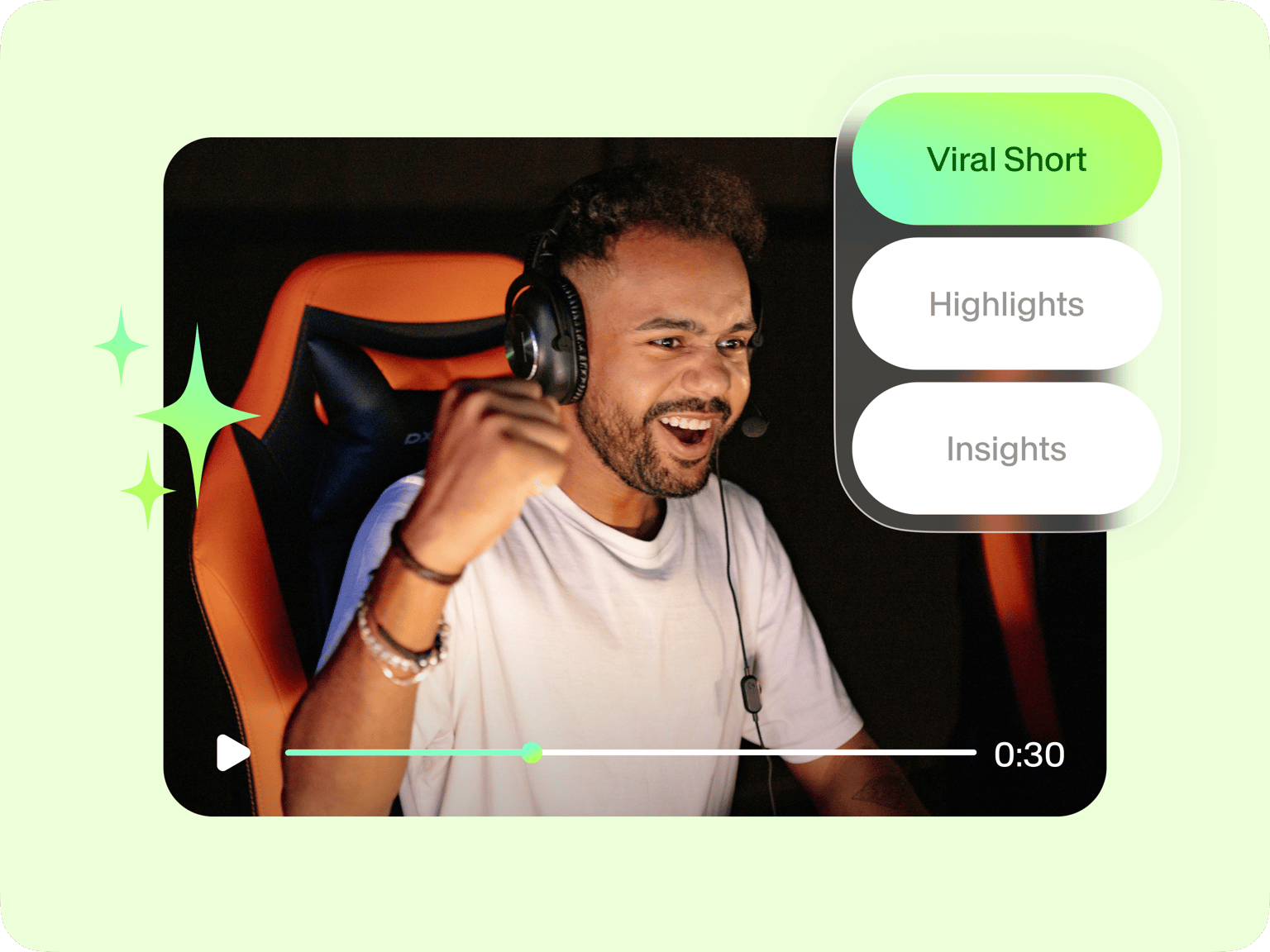
Tired of scrubbing through 3-hour streams just to find those epic kills and funny fails? VEED's cloud-based AI gaming clip maker makes clipping video games quick and easy. Simply upload your footage, customize the settings, and let the AI select your best moments.
If you want the whole thing edited for you from the start, try AI Auto Edits. Just answer a few questions about the kind of video you’re making, what it’s for, and where you’ll share it. Then upload your footage and pick a caption style. VEED will create a fully edited version for you, so you can skip editing altogether.
How to make gaming clips with AI:
Step 01
Upload video
Upload your gameplay video or livestream recording. Set the caption style, video goal, and maximum clip length.
Step 02
Generate gaming highlights
Our AI clipper will choose the most compelling segments from your video.
Step 03
Edit and download
Preview and download your clips. Or load our video editor to customize elements like captions, logos, and music.
Learn More
Watch this AI clipper walkthrough:
Generate gaming clips in seconds
Save time with our AI clipping software for gaming. Simply upload your video, and our AI will extract the best moments based on your preferences. Customize your clips by setting the clip length, caption style, and video goals. Or, if you’d rather skip the settings and let VEED handle the full edit, try AI Auto Edits. Answer a few quick questions, and we’ll cut the video for you. Export in high quality and share instantly.
No software download needed
VEED’s AI clipper is fully cloud-based, meaning you can create and edit gaming clips from anywhere. Whether you’re repurposing Twitch streams or YouTube gameplay, VEED is your all-in-one tool. Record, edit, and clip your videos in a single platform.
Optimize your clips for any platform
Resize your gaming clips in one click to fit TikTok, YouTube Shorts, Instagram Reels, or any other platform. Use the brand kit to add custom assets, overlays, and watermarks to keep your content looking pro across all channels.
FAQ
Yes. VEED’s AI clipper scans your gameplay videos and automatically extracts the most exciting moments. You can refine your clips, add captions, and apply custom elements in our online editor.
First-time users can try VEED’s AI clipper for free. Our Lite plan includes full HD downloads without watermarks. To keep using the clipping tool and unlock more AI features, you can upgrade to a Pro plan. This is best for content creators and professional teams.
Upload your video to VEED’s AI clipping software for gaming. Our tool will extract the best moments automatically. You can download the clips as is or fine-tune them using our built-in editor.
Use our auto-resize tool to adjust your clips for TikTok, YouTube Shorts, Instagram Reels, and more. Different platforms have different requirements. VEED makes it easy to crop, trim, and format your clips so they look great on any platform.
Loved by creators.
Loved by the Fortune 500
“
With VEED I didn't need 15 tutorials - I jumped straight in and started editing.

Gwenne Wilcox
Founder,
Brand Brainery
“
You can go beyond choppping things. VEED actually makes my videos look great.

Michael Glover
Demand Gen Manager,
ConvertFlow
“
The first four videos i created with VEED got over 40,000 impressions on LinkedIn.

Travis Tyler
Senior Content Producer,
PandaDoc
“
I found VEED at the right time: if you're making UGC ads and not using Eye Contact Correction and Noise Reduction on VEED you're missing out on ROI.

Sebastian Schurgers
Head of Growth Marketing,
Gronda
“
With VEED I didn't need 15 tutorials - I jumped straight in and started editing.
Gwenne Wilcox
Founder,
Brand Brainery
“
You can go beyond choppping things. VEED actually makes my videos look great.
Michael Glover
Demand Gen Manager,
ConvertFlow
“
The first four videos i created with VEED got over 40,000 impressions on LinkedIn.
Travis Tyler
Senior Content Producer,
PandaDoc
“
I found VEED at the right time: if you're making UGC ads and not using Eye Contact Correction and Noise Reduction on VEED you're missing out on ROI.
Sebastian Schurgers
Head of Growth Marketing,
Gronda
“
The first four videos i created with VEED got over 40,000 impressions on LinkedIn.
Travis Tyler
Senior Content Producer,
PandaDoc
“
I found VEED at the right time: if you're making UGC ads and not using Eye Contact Correction and Noise Reduction on VEED you're missing out on ROI.
Sebastian Schurgers
Head of Growth Marketing,
Gronda
“
With VEED I didn't need 15 tutorials - I jumped straight in and started editing.
Gwenne Wilcox
Founder,
Brand Brainery
“
You can go beyond choppping things. VEED actually makes my videos look great.
Michael Glover
Demand Gen Manager,
ConvertFlow
Discover more
- AI Clip Generator
- AI Content Generator for YouTube
- AI Facebook Ad Generator
- AI Instagram Ad Generator
- AI Podcast Clip Generator
- AI Podcast Editing
- AI Podcast Generator
- AI Product Video Generator
- AI Shorts
- AI Video Clip Generator
- AI Video Clipper
- AI Video Marketing
- AI Viral Clip Maker
- Automatic Clip Maker
- Image Sequence to Video
- Jump Cut Video
- LinkedIn Ad Generator
- Long Video to Short Video AI
- Product Video Maker
- Short Form Video Editor
- TikTok Clip Maker
- Twitch Clip Maker
- Twitch Clipper
- Video Automation Software
- Video Clipping Services
- Video Editing Services
- YouTube Video Editing Services
Explore related tools
More from VEED

VEED vs. CapCut in 2026: Complete Comparison After the US CapCut Ban
VEED vs CapCut: Not sure which one to pick? Dive into our detailed comparison to determine which platform is right for you.

70+ Vlog Ideas for Beginners to Try in 2025
Check out this ultimate list of 70+ creative vlog ideas, perfect for beginners and even seasoned creators looking to get inspired.

AI Video Production: What's Possible and Where to Get Started
Dipping your toes in AI video production? Use this starter guide to hit the ground running and produce your first masterpiece.
Trusted by 1M+ creators
When it comes to amazing videos, all you need is VEED
No credit card required
More than an AI gaming clip maker
VEED is an all-in-one video editing platform for content creators. Record your gameplay, add voiceovers, and enhance videos with effects, text, and animations. You can even use AI Auto Edits to create a finished video from raw footage in just a few clicks. Generate AI highlights, turn scripts into streaming avatars, and create Twitch highlights, YouTube Shorts, and TikToks fast. Everything you need to make great content is right here. Get started now.