


Trusted by 1M+ creators
AI Podcast Clip Generator
Turn your long podcast episodes into shareable clips for social media
No credit card required
4.6
2,100+ reviews















Turn your podcast episode into powerful snippets in minutes
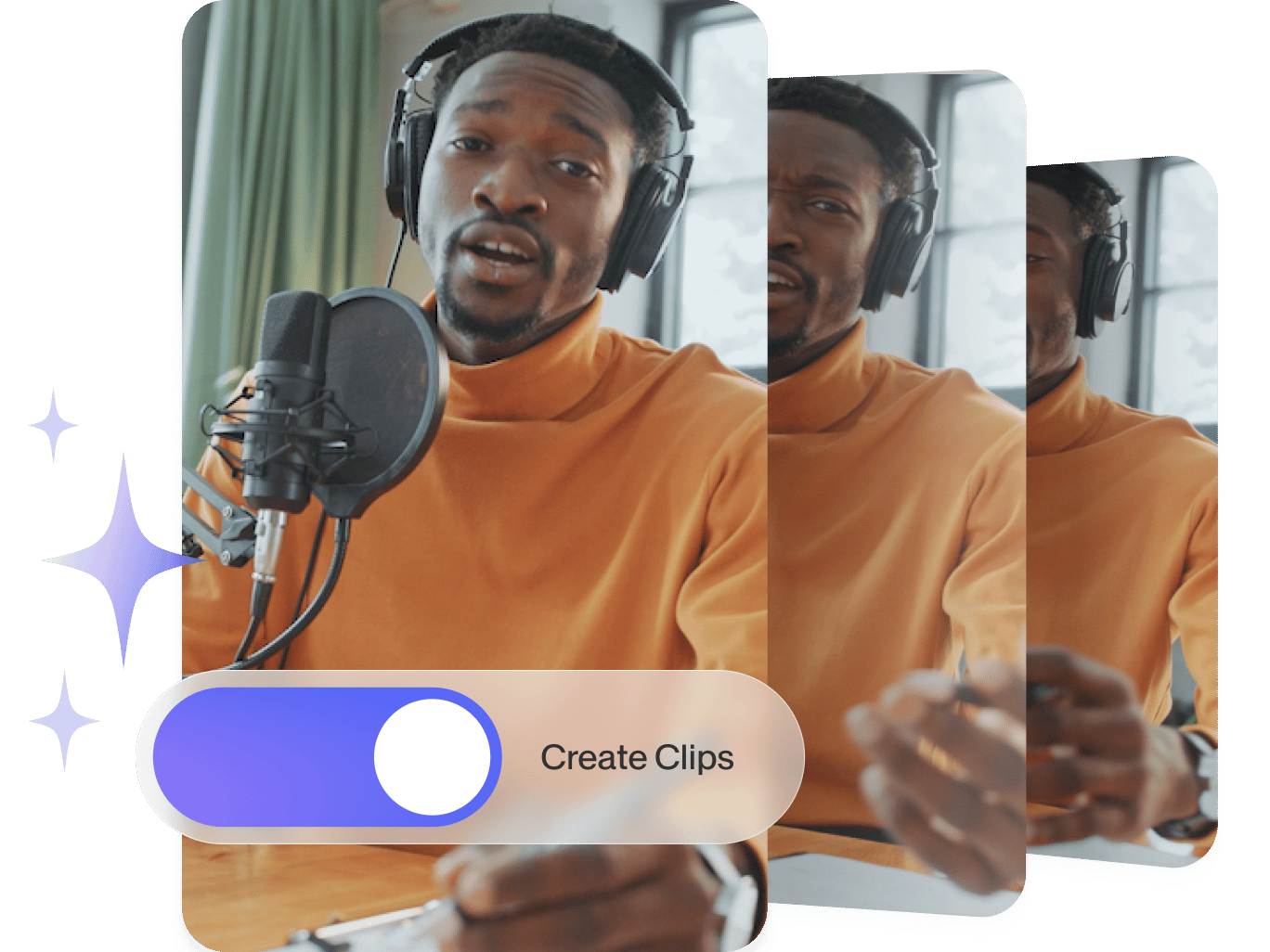
You know your podcast is full of gems waiting to be discovered. No need to spend hours finding those perfect quotes and editing videos! Simply upload your video and let our AI podcast clip generator do the rest. Our AI tool turns long podcast episodes into short, engaging clips for Instagram, TikTok, and YouTube.
To speed things up further, AI Auto Edits can polish your clips automatically. It adds subtitles, transitions, background music, and resizes your video for different platforms, all in one go. You can also clean up audio, remove filler words, translate your podcast into over 100 languages, and apply your branding with a few clicks. Everything you need to create professional-quality podcast clips is right in one place.
How to make podcast clips with AI:
Step 01
Upload video
Upload your podcast. You can drag and drop the file into the editor. Customize your clips by choosing the caption style, video goal, and max clip length.
Step 02
Create podcast clips with AI
Sit back and relax while our AI chooses your most compelling clips.
Step 03
Refine and export
Preview and download the podcast clips. Or load a clip on our video editor to adjust cuts, change caption styles, and add stock footage.
Learn More
Learn how to make podcast clips with AI:
Maximize your podcast’s impact
Our AI clip maker extracts multiple clips from longer footage. Customize max clip length, caption styles, and video goals. Need a square, vertical, or horizontal video? Our auto-reframe feature keeps the subject in perfect position – no awkward crops or off-center podcast guests. You can also quickly translate your clips to expand your reach.
Enhance your podcast clips
Create polished, engaging clips right from your browser. Enhance your content by adding text, motion graphics, progress bars, and more. VEED’s AI Auto Edits feature can instantly apply subtitles, audio cleanup, and platform-specific formatting in one go. These give your clips a professional finish with minimal effort. Explore more AI tools like text-to-speech and face filters to keep your content scroll-stopping and on brand.
Create on-brand content every time
Create consistent, recognizable, and professional-looking content. Unlock our brand kit to add your logo, video and audio assets, and color palette, ensuring each clip ties back to your podcast branding. You can also make memorable podcast intros to establish trust with your audience and boost brand recall.
FAQ
VEED’s AI podcast generator is a tool that lets you turn long episodes into engaging short clips. Simply upload your video and customize details like caption style, max clip length, and video goals. Our AI will generate multiple clips from your longer video. Then, you can use our video editor to add finishing touches.
Yes, the podcast maker is free. The free plan is a great starting point for creators looking to save time in their production process. As your needs grow, you can unlock even more advanced functionalities and increased usage limits by upgrading to one of our paid plans.
Create a podcast intro with VEED’s podcast intro maker. Simply upload your desired media (images, videos, or audio), arrange them on the timeline, and add text or graphics. Export your intro as a standalone clip that you can add to your various podcast episodes.
Translate clips with our built-in podcast subtitle generator. Click ‘Translate’ in the ‘Subtitles’ menu. Our platform supports over 100 languages, making it easy to translate your content for a global audience.
Upload your podcast to VEED’s AI podcast clip generator, choose the caption style, video goal, and max clip length you want. Short, vertical videos are ideal for Instagram. You can enhance them with subtitles, branding, and music, all in one click.
Loved by creators.
Loved by the Fortune 500
“
With VEED I didn't need 15 tutorials - I jumped straight in and started editing.

Gwenne Wilcox
Founder,
Brand Brainery
“
You can go beyond choppping things. VEED actually makes my videos look great.

Michael Glover
Demand Gen Manager,
ConvertFlow
“
The first four videos i created with VEED got over 40,000 impressions on LinkedIn.

Travis Tyler
Senior Content Producer,
PandaDoc
“
I found VEED at the right time: if you're making UGC ads and not using Eye Contact Correction and Noise Reduction on VEED you're missing out on ROI.

Sebastian Schurgers
Head of Growth Marketing,
Gronda
“
With VEED I didn't need 15 tutorials - I jumped straight in and started editing.
Gwenne Wilcox
Founder,
Brand Brainery
“
You can go beyond choppping things. VEED actually makes my videos look great.
Michael Glover
Demand Gen Manager,
ConvertFlow
“
The first four videos i created with VEED got over 40,000 impressions on LinkedIn.
Travis Tyler
Senior Content Producer,
PandaDoc
“
I found VEED at the right time: if you're making UGC ads and not using Eye Contact Correction and Noise Reduction on VEED you're missing out on ROI.
Sebastian Schurgers
Head of Growth Marketing,
Gronda
“
The first four videos i created with VEED got over 40,000 impressions on LinkedIn.
Travis Tyler
Senior Content Producer,
PandaDoc
“
I found VEED at the right time: if you're making UGC ads and not using Eye Contact Correction and Noise Reduction on VEED you're missing out on ROI.
Sebastian Schurgers
Head of Growth Marketing,
Gronda
“
With VEED I didn't need 15 tutorials - I jumped straight in and started editing.
Gwenne Wilcox
Founder,
Brand Brainery
“
You can go beyond choppping things. VEED actually makes my videos look great.
Michael Glover
Demand Gen Manager,
ConvertFlow
Discover more
- AI Clip Generator
- AI Content Generator for YouTube
- AI Facebook Ad Generator
- AI Gaming Clip Maker
- AI Instagram Ad Generator
- AI Podcast Editing
- AI Podcast Generator
- AI Product Video Generator
- AI Shorts
- AI Video Clip Generator
- AI Video Clipper
- AI Video Marketing
- AI Viral Clip Maker
- Automatic Clip Maker
- Image Sequence to Video
- Jump Cut Video
- LinkedIn Ad Generator
- Long Video to Short Video AI
- Product Video Maker
- Short Form Video Editor
- TikTok Clip Maker
- Twitch Clip Maker
- Twitch Clipper
- Video Automation Software
- Video Clipping Services
- Video Editing Services
- YouTube Video Editing Services
Explore related tools
More from VEED

A 7-Step Video Editing Workflow (For Any Team)
Streamline your video projects with this 7-step editing workflow—perfect for teams creating marketing, training, or customer videos.

Small Business Video Marketing: Cost-Effective Strategies to Maximize ROI
Learn practical, cost-effective small business video marketing strategies and techniques in this in-depth guide.

Video Content Marketing: How to Create Videos That Convert
Want to get the most juice from your video content? Check out our video content marketing tools and techniques to drive ROI.
Trusted by 1M+ creators
When it comes to amazing videos, all you need is VEED
No credit card required
More than a podcast clip maker
VEED is a comprehensive video editor that caters to all your content creation needs. Whether you're looking to create engaging social media posts, promotional videos, tutorials, or any other type of video content, VEED has you covered. Streamline your production with our wide array of features, such as recording, captions, and noise removal. Try VEED now and create polished, professional-quality content in a few clicks.