


Trusted by 1M+ creators
Video Automation Software
Scale your content with VEED’s powerful AI video editor. Create custom, high-quality videos in minutes
No credit card required
4.6
2,100+ reviews















Automatic video creation, from recording to exporting
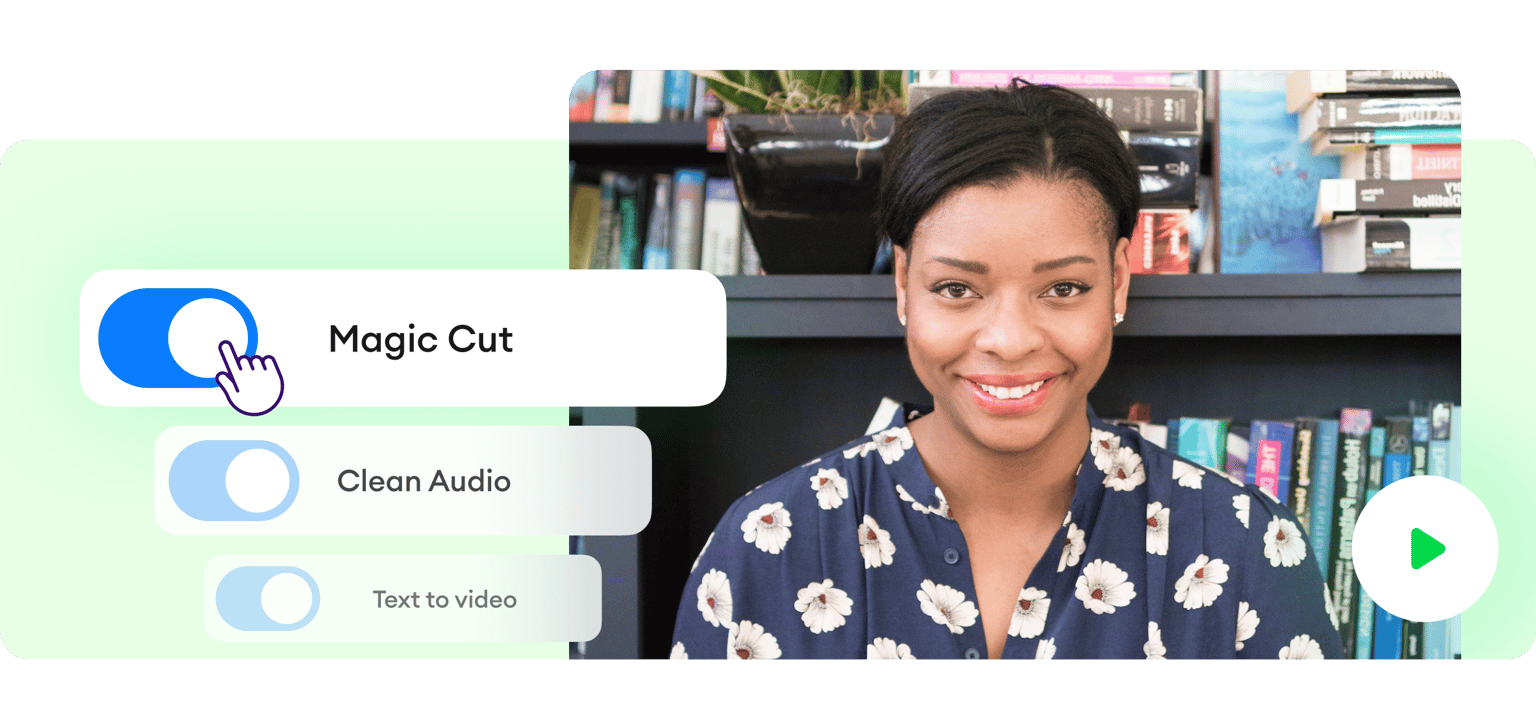
VEED automates every step of your content creation workflow. Record videos and remove background noise in one click. Drag and drop your footage into beautiful video templates. And use Magic Cut to auto-trim long videos into short, engaging clips.
Take video automation a step further with text-to-video and create entire videos from simple text prompts. Then, you can enhance your video with more AI tools like auto subtitles, text-to-speech voiceovers, and AI image generation. With VEED’s AI features, it’s easy to create stunning videos at scale.
Ways to automate video creation:
Step 01
Choose a video template
Select one of our templates and plug in your videos; simply drag and drop your files into the video editor.
Step 02
Convert text to video
Create entire videos from a simple text prompt using text-to-video, or specify every detail with VEED GPT for more control over the creative process.
Step 03
Edit with AI tools
Enhance your videos with AI-powered tools like instant voiceovers, avatars, and subtitles in multiple languages. Use Magic Cut to automatically trim out mistakes and awkward silences.
Learn More
Learn more about VEED’s video automation tools
Make consistent content
Regularly create custom, high-quality videos with VEED’s powerful AI tools. Use Magic Cut to automatically trim out mistakes and awkward pauses, ensuring your videos are polished and engaging. Add subtitles, text, and more to enhance your video. No need to switch between tools – create stunning videos from start to finish with our comprehensive video automation features.
Streamline your branding
Use our brand kit to stay on-brand across all your videos. Easily apply your brand assets, including logos, colors, and fonts, to every project. Enable your team to quickly create on-brand videos without needing extensive editing skills. You can ensure a cohesive and professional look across your video content.
Create videos with AI
Our text-to-video feature lets you generate engaging videos from text prompts. For more control, use VEED GPT to specify desired video elements like style, length, and imagery. Produce captivating talking head videos with text-to-speech avatars, eliminating the need for expensive equipment or time-consuming recording sessions.
FAQ
Video automation software is a tool that uses AI and machine learning to streamline the video creation process. VEED offers video automation features like text-to-video, AI voiceovers, and Magic Cut. With video automation, you can create engaging videos at scale.
With VEED, you can quickly transform audio into video, using visualizers and auto subtitles. Create text-to-speech avatars for product demos, tutorials, and announcements. And use Magic Cut to turn long videos into bite-sized snippets suitable for social media. There are many ways you can use video automation - these are just a few ideas to get you started!
Yes, you can easily customize videos generated using our AI text-to-video feature. Replace clips, use your own cloned voice instead of the default voiceover, or add your brand logo to make the video truly yours.
Simply click the 'Subtitles' menu and then the 'Auto-Subtitle' button. You can also translate your subtitles into over 100 different languages with a single click, making your video accessible to any audience.
Loved by creators.
Loved by the Fortune 500
“
With VEED I didn't need 15 tutorials - I jumped straight in and started editing.

Gwenne Wilcox
Founder,
Brand Brainery
“
You can go beyond choppping things. VEED actually makes my videos look great.

Michael Glover
Demand Gen Manager,
ConvertFlow
“
The first four videos i created with VEED got over 40,000 impressions on LinkedIn.

Travis Tyler
Senior Content Producer,
PandaDoc
“
I found VEED at the right time: if you're making UGC ads and not using Eye Contact Correction and Noise Reduction on VEED you're missing out on ROI.

Sebastian Schurgers
Head of Growth Marketing,
Gronda
“
With VEED I didn't need 15 tutorials - I jumped straight in and started editing.
Gwenne Wilcox
Founder,
Brand Brainery
“
You can go beyond choppping things. VEED actually makes my videos look great.
Michael Glover
Demand Gen Manager,
ConvertFlow
“
The first four videos i created with VEED got over 40,000 impressions on LinkedIn.
Travis Tyler
Senior Content Producer,
PandaDoc
“
I found VEED at the right time: if you're making UGC ads and not using Eye Contact Correction and Noise Reduction on VEED you're missing out on ROI.
Sebastian Schurgers
Head of Growth Marketing,
Gronda
“
The first four videos i created with VEED got over 40,000 impressions on LinkedIn.
Travis Tyler
Senior Content Producer,
PandaDoc
“
I found VEED at the right time: if you're making UGC ads and not using Eye Contact Correction and Noise Reduction on VEED you're missing out on ROI.
Sebastian Schurgers
Head of Growth Marketing,
Gronda
“
With VEED I didn't need 15 tutorials - I jumped straight in and started editing.
Gwenne Wilcox
Founder,
Brand Brainery
“
You can go beyond choppping things. VEED actually makes my videos look great.
Michael Glover
Demand Gen Manager,
ConvertFlow
Discover more
- AI Clip Generator
- AI Content Generator for YouTube
- AI Facebook Ad Generator
- AI Gaming Clip Maker
- AI Instagram Ad Generator
- AI Podcast Clip Generator
- AI Podcast Editing
- AI Podcast Generator
- AI Product Video Generator
- AI Shorts
- AI Video Clip Generator
- AI Video Clipper
- AI Video Marketing
- AI Viral Clip Maker
- Automatic Clip Maker
- Image Sequence to Video
- Jump Cut Video
- LinkedIn Ad Generator
- Long Video to Short Video AI
- Product Video Maker
- Short Form Video Editor
- TikTok Clip Maker
- Twitch Clip Maker
- Twitch Clipper
- Video Clipping Services
- Video Editing Services
- YouTube Video Editing Services
More from VEED

Subtitling 101: How to Automatically Add and Customize Subtitles with VEED
Everything you need to automatically add, customize, translate, and download subtitles like a pro using VEED.
How to Make a YouTube Short (+ Best Practices to Help You Go Viral)
Learn how to make a YouTube short step-by-step and dive into our tried-and-tested tactics that helped us go viral in this guide.
80+ Trending Hashtags for YouTube Shorts to Skyrocket Your Reach
We carefully picked the best hashtags for YouTube Shorts that can effectively bridge the gap between your content and your potential audience. Read on to learn more.
Trusted by 1M+ creators
When it comes to amazing videos, all you need is VEED
No credit card required
Beyond automated video creation
Overcome the challenges of producing high-quality, engaging videos at scale. VEED's video automation software helps you create stunning content in minutes – even without advanced video editing skills. Create product demos, educational content, or promotional videos with ease. Our intuitive, AI-powered platform streamlines your video creation process. Let VEED handle the tedious production work, so you can focus on what matters most – developing your strategy, serving clients, and growing your business.