


Trusted by 1M+ creators
Video to Boomerang
Transform regular videos into boomerangs and loop masterpieces with VEED’s boomerang maker.
No credit card required
4.6
2,100+ reviews















Video to boomerang with a click of a button
Turn any video into a looping boomerang right in your browser. Select a specific segment to repeat, or convert the entire clip into a boomerang-style loop — then set the duration you want. Upload your video, add subtitles, captions, or music, and export when you're done.
How to convert video to boomerang:
Step 01
Upload a video file
Select a video file from your folder after clicking on ‘Choose File’. You can also drag and drop your file.
Step 02
Loop your video to boomerang
Click on the plus (+) icon on the bottom right and choose the same video from your folder. You can do this as many times as you want. Or you can choose ‘Export as GIF’ to create an infinitely looping boomerang file.
Step 03
Export your boomerang video
Click on ‘Export’. The clips will be saved as one looping video in MP4 format, or a GIF image if you exported it as a GIF.
Learn More
Watch this video to learn more about our free boomerang maker:
Enhanced engagement
Looping videos hold attention longer than a standard clip — and boomerangs are built for the scroll. Use VEED to create looped content that works across social media posts, ads, and stories, with no seams and no drop in quality.
Seamless loop maker
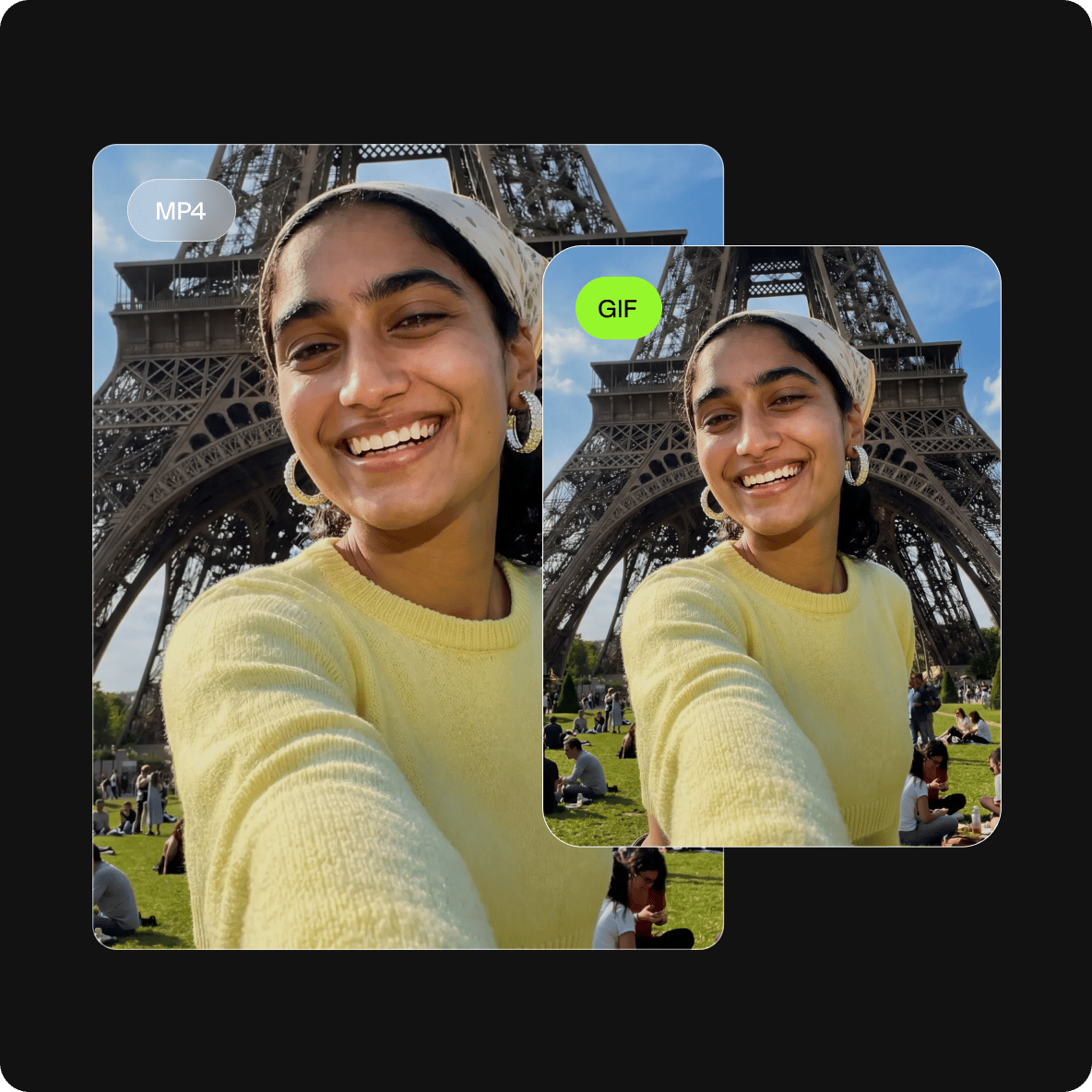
Pick any segment from your video and loop it as many times as you want. VEED stitches the clips together cleanly so the loop plays on repeat without a visible cut. Export as MP4 for social or as a GIF for an infinitely looping file.
Amplify brand message
Boomerangs are a strong format for product highlights, brand moments, and short ads — the loop keeps your message in frame longer. Use VEED to build looped videos that fit your brand and are ready to post, without needing a production team.
FAQ
Video to boomerang conversion is quick and easy with a video editor like VEED.
- Open VEED and upload your video.
- Click on the plus (+) button on the editor, and add the same video as many times as you want.
- Preview the video; edit until you’re happy with the results.
- Click ‘Export’ to save the clips as one MP4 file.
If you don’t want to record a boomerang straight on Instagram, you can use a live photo from your camera roll instead. Instagram doesn't currently allow turning a video into a boomerang, but you can use live photos.
- Open Instagram; swipe right to access Stories.
- Swipe up then click on the live photo you want to convert. You’ll see an infinity icon (boomerang icon) on compatible photos.
- Click the infinity icon on the editor, then click Done.
- Edit the boomerang as you wish, then post or download the final result!
Here’s how to boomerang a photo on your iPhone:
- Access your Photos app and find a live photo that you like to use.
- Select the photo, tap the Live Photo icon on the top-left corner, then select Bounce from the dropdown menu.
- Click edit then click the Live icon at the bottom to choose the frames that will be shown in the boomerang.
- Save and share.
You can also use a video editor like VEED (compatible with iPhone, Android, and all mobile devices) so you can enjoy more editing features and create a boomerang from a video clip.
VEED offers a premium subscription that will allow you to remove VEED’s watermark. It is absolutely free to loop and edit your video, and for a minimal fee, you can remove the watermark for all your future projects. You can visit our pricing page to learn more.
Loved by creators.
Loved by the Fortune 500
“
With VEED I didn't need 15 tutorials - I jumped straight in and started editing.

Gwenne Wilcox
Founder,
Brand Brainery
“
You can go beyond choppping things. VEED actually makes my videos look great.

Michael Glover
Demand Gen Manager,
ConvertFlow
“
The first four videos i created with VEED got over 40,000 impressions on LinkedIn.

Travis Tyler
Senior Content Producer,
PandaDoc
“
I found VEED at the right time: if you're making UGC ads and not using Eye Contact Correction and Noise Reduction on VEED you're missing out on ROI.

Sebastian Schurgers
Head of Growth Marketing,
Gronda
“
With VEED I didn't need 15 tutorials - I jumped straight in and started editing.
Gwenne Wilcox
Founder,
Brand Brainery
“
You can go beyond choppping things. VEED actually makes my videos look great.
Michael Glover
Demand Gen Manager,
ConvertFlow
“
The first four videos i created with VEED got over 40,000 impressions on LinkedIn.
Travis Tyler
Senior Content Producer,
PandaDoc
“
I found VEED at the right time: if you're making UGC ads and not using Eye Contact Correction and Noise Reduction on VEED you're missing out on ROI.
Sebastian Schurgers
Head of Growth Marketing,
Gronda
“
The first four videos i created with VEED got over 40,000 impressions on LinkedIn.
Travis Tyler
Senior Content Producer,
PandaDoc
“
I found VEED at the right time: if you're making UGC ads and not using Eye Contact Correction and Noise Reduction on VEED you're missing out on ROI.
Sebastian Schurgers
Head of Growth Marketing,
Gronda
“
With VEED I didn't need 15 tutorials - I jumped straight in and started editing.
Gwenne Wilcox
Founder,
Brand Brainery
“
You can go beyond choppping things. VEED actually makes my videos look great.
Michael Glover
Demand Gen Manager,
ConvertFlow
Discover more
Trusted by 1M+ creators
When it comes to amazing videos, all you need is VEED
No credit card required
More than a boomerang maker
Looping your video is just the beginning. VEED is an AI video creation platform built for social — so once your boomerang is done, you have a full editing suite right there in the same tab.
Add subtitles to make your content accessible, drop in background music, rotate and resize for any platform format, and brand your video before you post. No software to install, no switching between tools. Everything you need to go from clip to post-ready content is already here.