


Trusted by 1M+ creators
PDF Text to Speech
Transform your PDFs into engaging audio or video content
No credit card required
4.6
2,100+ reviews















Generate engaging content from a PDF
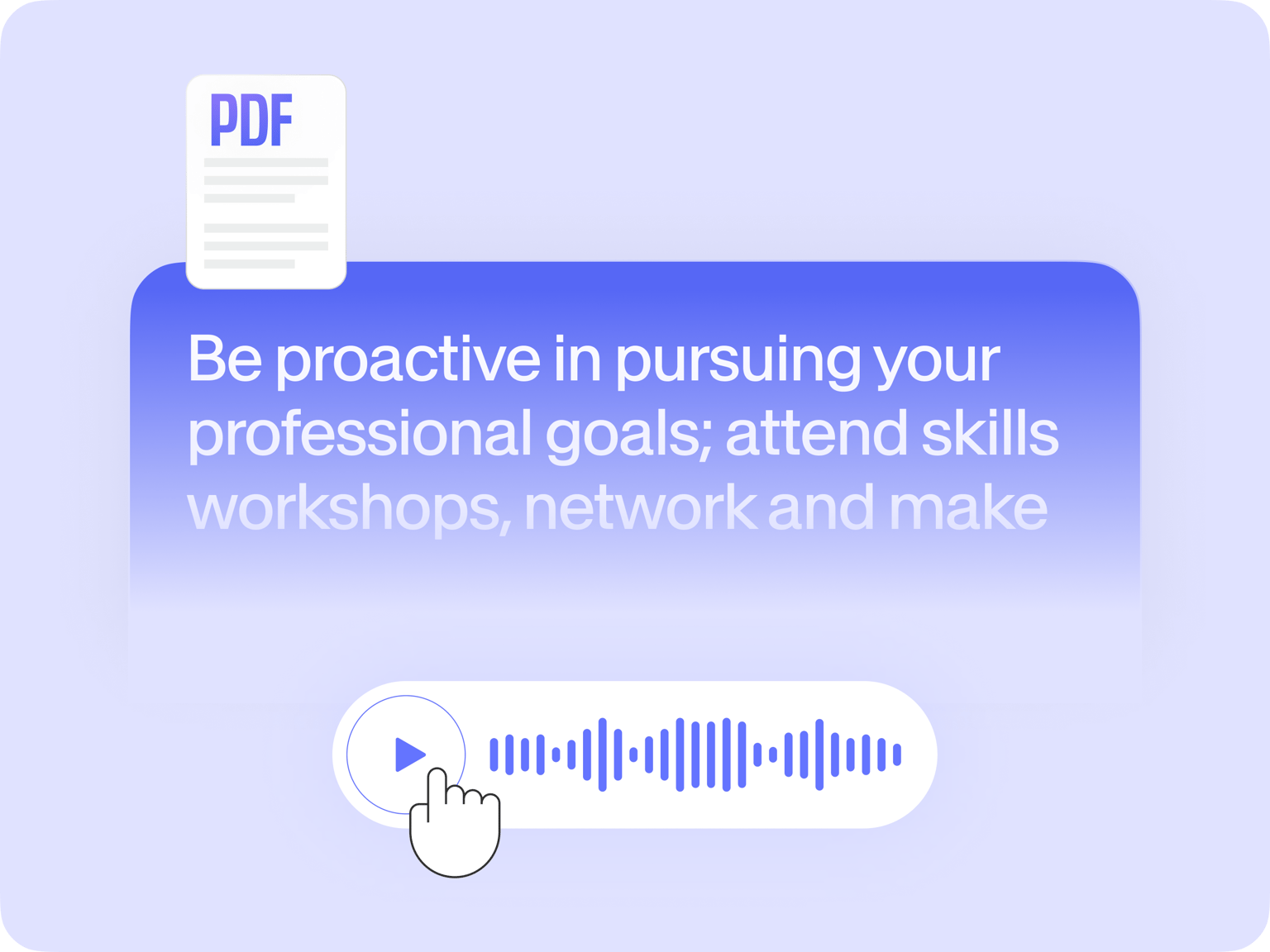
Not everyone has the time to read through lengthy PDF documents. What if you could turn your PDFs into easily digestible audio content? VEED transforms your PDF into a clear, engaging audio presentation in minutes. Upload your PDF, and our AI will generate a script that summarizes or talks through your document.
Choose a realistic AI voice that will read your PDF. Our AI generates a video, but you can focus on editing just the audio and then exporting it as MP3. Need a quick PDF voice reader that speaks your text out loud? Copy text directly from your PDF and paste it into our text-to-voice generator. Whether you need a comprehensive audio presentation or a simple narration, VEED has you covered.
How to create audio content from your PDF:
Step 01
Upload PDF
Upload your PDF doc. Our AI will generate a script that summarizes or explains the key points of your content. Choose the language, length, and focus of your audio presentation.
Step 02
Customize
Select a realistic AI voice to read your PDF summary out loud. Edit the script as needed, fine-tuning the content or phrasing.
Step 03
Generate video
Our AI generates a video by default, but you can focus on the audio and export your project as an MP3. Add background music or sound effects to enhance your listening experience.
Learn More
Learn more ways to make videos from PDF with VEED:
Transform technical PDFs into accessible audio
Turn text-heavy documents into podcasts or audiobooks – perfect for listening on the go. Our AI generates summaries or in-depth explanations from PDFs. Generate the content and refine it in our editor. Trim audio clips, insert pauses, add music, and more to create a polished piece of content.
Choose a realistic voice to read a PDF out loud
Need a simpler solution? You can also use our AI voice generator for smaller portions of text. Simply copy the text from your PDF and paste it into our generator. Choose a voice, edit your audio, and instantly create narrations for specific sections of your document.
Translate a PDF and share with ease
Share training videos or business updates with your international team. Or expand your blog or podcast audience. Our AI voice dubber lets you translate audio in over 100 languages. And if you’re making a video, you can auto-translate subtitles too. From text-to-speech to auto-translation, you have everything you need to make accessible content.
FAQ
Most PDFs allow text copying, depending on the security settings. But you cannot copy scanned PDFs with images of text rather than selectable text. You’ll need an Optical Character Recognition (OCR) tool to convert the PDF. Or you can convert the PDF to a Word document using an online converter. These methods ensure you can extract text to input into our text-to-speech feature.
Use VEED's PDF-to-video converter, and export it as MP3 for audio-only content. Upload your file, and our AI will generate a script and video. Choose an AI voice and customize the voice and content focus. You can further refine your content using our editor.
Yes, VEED offers many ways:
- Doc to video converter: Generate a script and AI presenter.
- Text to speech: Copy the PDF text and convert it to speech in our editor.
- Recorder: Upload PDF, hit ‘Record,’ and present your document.
- Video GPT: Upload PDF then answer ChatGPT questions to refine the script.
Choose the method that best suits your needs and presentation style.
Some highly specialized or unique terms may not be in an AI system’s vocabulary, leading to incorrect pronunciations. In such cases, try spelling a word phonetically in the auto-generated script to guide the AI text-to-speech generator.
Loved by creators.
Loved by the Fortune 500
“
With VEED I didn't need 15 tutorials - I jumped straight in and started editing.

Gwenne Wilcox
Founder,
Brand Brainery
“
You can go beyond choppping things. VEED actually makes my videos look great.

Michael Glover
Demand Gen Manager,
ConvertFlow
“
The first four videos i created with VEED got over 40,000 impressions on LinkedIn.

Travis Tyler
Senior Content Producer,
PandaDoc
“
I found VEED at the right time: if you're making UGC ads and not using Eye Contact Correction and Noise Reduction on VEED you're missing out on ROI.

Sebastian Schurgers
Head of Growth Marketing,
Gronda
“
With VEED I didn't need 15 tutorials - I jumped straight in and started editing.
Gwenne Wilcox
Founder,
Brand Brainery
“
You can go beyond choppping things. VEED actually makes my videos look great.
Michael Glover
Demand Gen Manager,
ConvertFlow
“
The first four videos i created with VEED got over 40,000 impressions on LinkedIn.
Travis Tyler
Senior Content Producer,
PandaDoc
“
I found VEED at the right time: if you're making UGC ads and not using Eye Contact Correction and Noise Reduction on VEED you're missing out on ROI.
Sebastian Schurgers
Head of Growth Marketing,
Gronda
“
The first four videos i created with VEED got over 40,000 impressions on LinkedIn.
Travis Tyler
Senior Content Producer,
PandaDoc
“
I found VEED at the right time: if you're making UGC ads and not using Eye Contact Correction and Noise Reduction on VEED you're missing out on ROI.
Sebastian Schurgers
Head of Growth Marketing,
Gronda
“
With VEED I didn't need 15 tutorials - I jumped straight in and started editing.
Gwenne Wilcox
Founder,
Brand Brainery
“
You can go beyond choppping things. VEED actually makes my videos look great.
Michael Glover
Demand Gen Manager,
ConvertFlow
Discover more
Explore related tools
More from VEED

13 Effective How-To Videos (and Why They Work)
If you’re looking for inspiration to create your next how-to video, you’re in the right place. We’ve collected 12 effective how-to videos and analyzed them to see why they work.
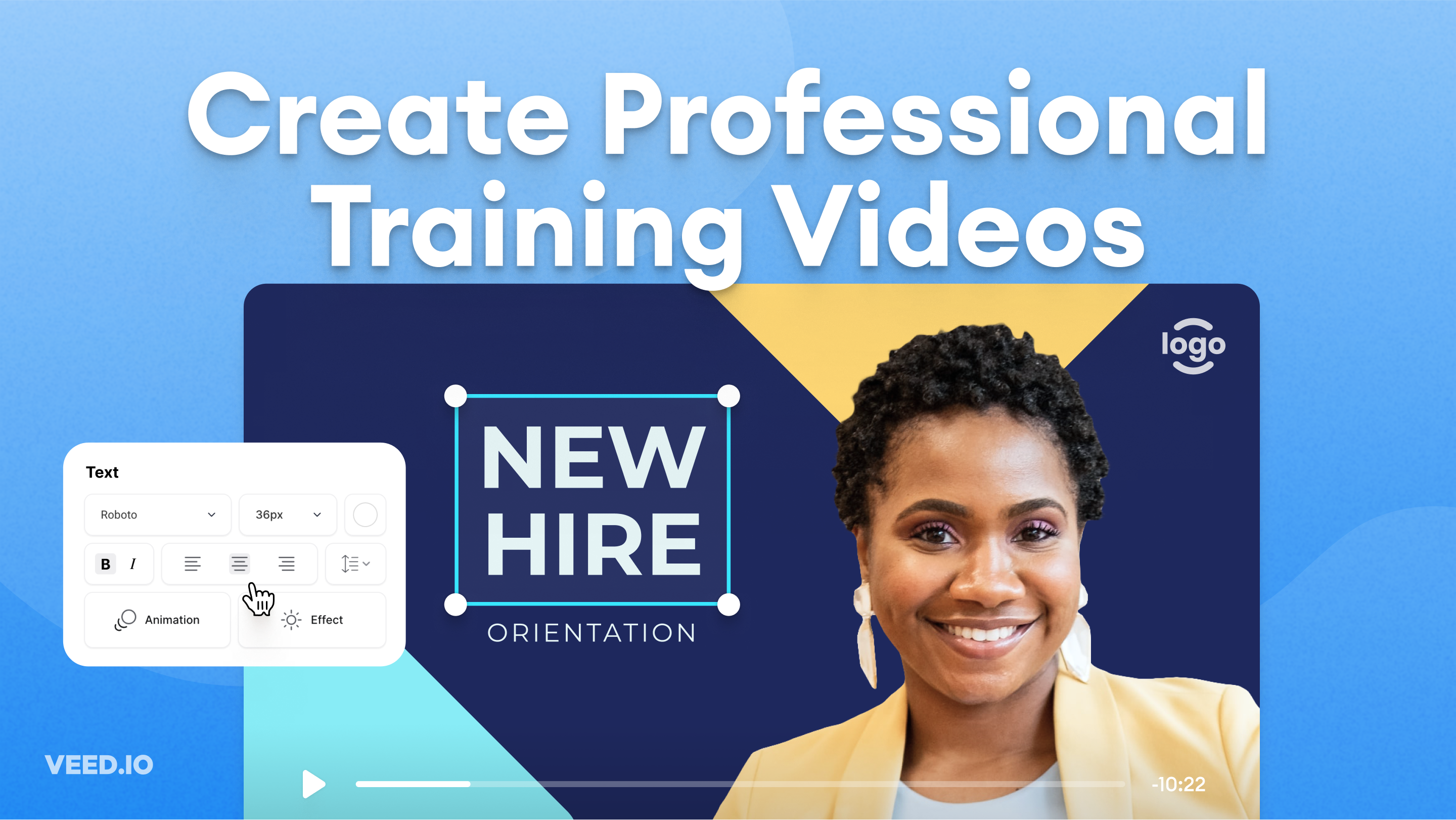
How to Easily Create Training Videos (With Examples)
How to create training videos to support your business with VEED's easy-to-use video recording, editing, and collaboration tool.

How to Translate Subtitles in 2026: The Complete Guide
This article explains how to translate subtitles online using AI, covering SRT files, foreign films, Japanese and Arabic translations, Netflix workarounds, and videos without any existing subtitles.
Trusted by 1M+ creators
When it comes to amazing videos, all you need is VEED
No credit card required
More than a PDF text-to-speech converter
Turning PDFs into content is just one of many things you can do with VEED. Create all kinds of videos like tutorials, social media ads, and animations. We also have more AI tools to help you scale your content. Repurpose long training videos into bite-sized clips – perfect for e-learning or shareable reels. And with Magic Cut, you can trim your recordings and remove filler words in one click. Making pro-quality audio and video content has never been easier. Try VEED now.