


Trusted by 1M+ creators
Remove Audio From YouTube Videos
Free, online audio remover. Mute your YouTube videos, online, free
No credit card required
4.6
2,100+ reviews















Free online tool to mute your YouTube videos
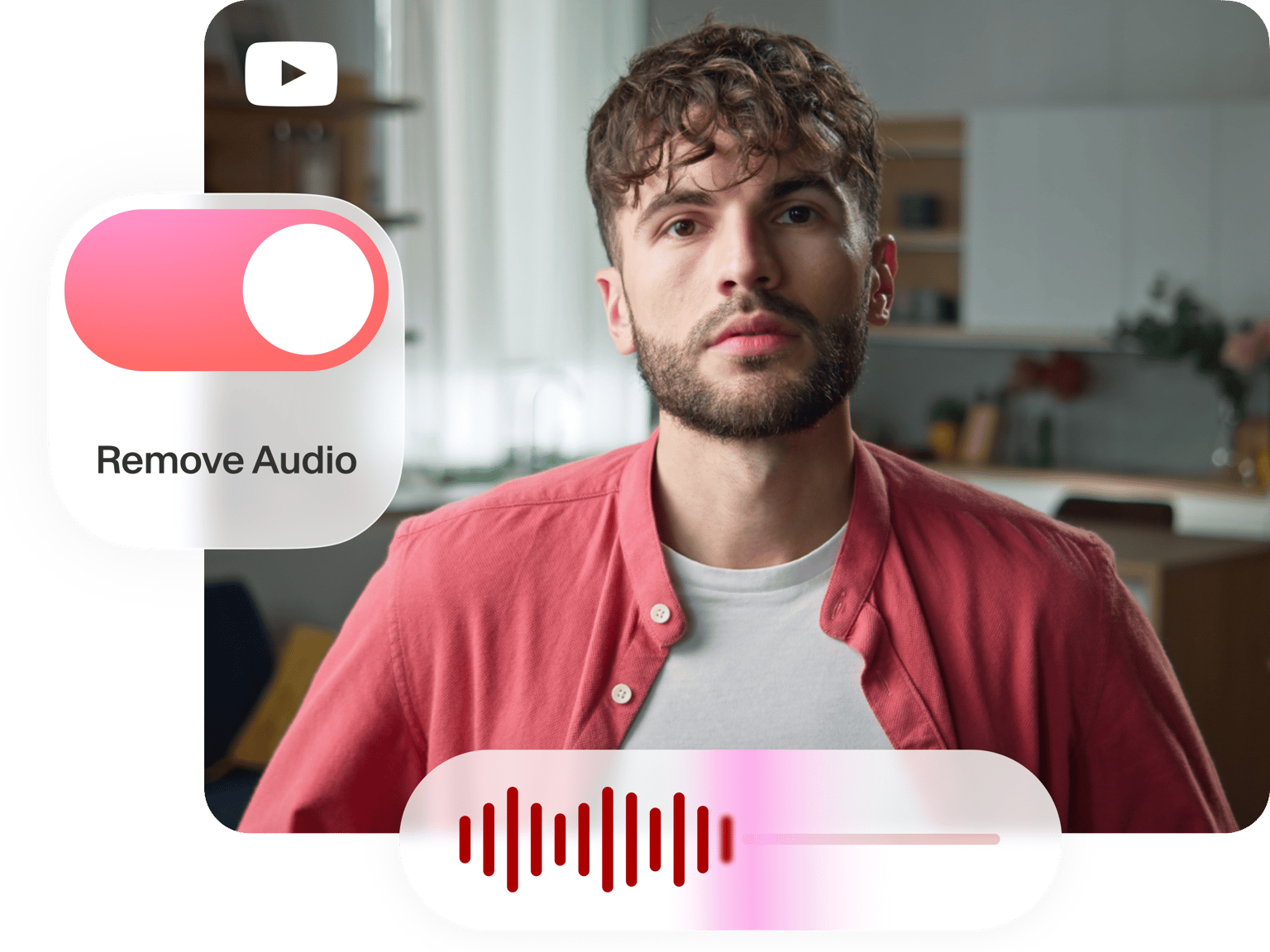
Whether you want to replace your videos' original audio with a new soundtrack, or simply want to remove the sound from your content, you can use VEED’s online audio remover tool! Just upload your video files and click on the sound icon to mute it. It's that easy! You can split the video into multiple clips to mute only certain parts, and even upload new audio tracks.
How to Remove Audio From your YouTube Videos:
Step 01
Upload your content
Upload your video files, either the originals, or the content you posted on YouTube
Step 02
Mute the video
Select the video on the editing pane then click on the sound icon. You will see it crossed out which means you’ve successfully muted the YouTube video.
Step 03
Export your new video
Click on ‘Export’ and the muted YouTube video will be downloaded to your device as an MP4 file.
Learn More
Mute Your YouTube Videos Online
Remove Unwanted Sounds
Whether you want to remove background noise using our 'Clean Audio' feature, or entirely remove the sound from your video clips, it couldn't be easier with VEED. Just upload your files and edit the audio as you please. Add sound effects, adjust volume and more.
Replace the audio track
You can add a different audio track to the YouTube video and make it unique! Simply click on the plus (+) button on the bottom-right of the editor and choose your audio file. You can also click on Upload on the left menu. You can add several different soundtracks if you want. Don’t forget to mute the original audio by clicking on the sound icon.
Add sound waves
If you’ve decided to replace the audio with a different track, you can add sound waves or music visualizers to the video to make it look even cooler! You can select from different styles and animations. Just click on Elements then scroll down to ‘Add Sound Wave’.
FAQ
- Make sure it's your own video
- Add the files to VEED
- Click on the sound icon to remove the audio
- Export and share
Yes, you can! Just mute the original sound by clicking on the sound icon. Upload your desired audio track and export the video with the new audio file.
VEED is a browser-based video editor. You can use all our video editing tools online, without having to install any software.
VEED also offers simple audio editing features. You can split, cut, and trim your audio files. Just select the audio layer on the editing pane and click on the ‘Split’ tool. You can delete certain parts of the audio, move the audio to different parts of the video, or loop it.
Loved by creators.
Loved by the Fortune 500
“
With VEED I didn't need 15 tutorials - I jumped straight in and started editing.

Gwenne Wilcox
Founder,
Brand Brainery
“
You can go beyond choppping things. VEED actually makes my videos look great.

Michael Glover
Demand Gen Manager,
ConvertFlow
“
The first four videos i created with VEED got over 40,000 impressions on LinkedIn.

Travis Tyler
Senior Content Producer,
PandaDoc
“
I found VEED at the right time: if you're making UGC ads and not using Eye Contact Correction and Noise Reduction on VEED you're missing out on ROI.

Sebastian Schurgers
Head of Growth Marketing,
Gronda
“
With VEED I didn't need 15 tutorials - I jumped straight in and started editing.
Gwenne Wilcox
Founder,
Brand Brainery
“
You can go beyond choppping things. VEED actually makes my videos look great.
Michael Glover
Demand Gen Manager,
ConvertFlow
“
The first four videos i created with VEED got over 40,000 impressions on LinkedIn.
Travis Tyler
Senior Content Producer,
PandaDoc
“
I found VEED at the right time: if you're making UGC ads and not using Eye Contact Correction and Noise Reduction on VEED you're missing out on ROI.
Sebastian Schurgers
Head of Growth Marketing,
Gronda
“
The first four videos i created with VEED got over 40,000 impressions on LinkedIn.
Travis Tyler
Senior Content Producer,
PandaDoc
“
I found VEED at the right time: if you're making UGC ads and not using Eye Contact Correction and Noise Reduction on VEED you're missing out on ROI.
Sebastian Schurgers
Head of Growth Marketing,
Gronda
“
With VEED I didn't need 15 tutorials - I jumped straight in and started editing.
Gwenne Wilcox
Founder,
Brand Brainery
“
You can go beyond choppping things. VEED actually makes my videos look great.
Michael Glover
Demand Gen Manager,
ConvertFlow
Discover more
More from VEED
7 Easy Ways to Remove Audio From Video (Step-By-Step Tutorials)
Need to remove annoying background audio? Here are 7 easy ways to mute your video whether you're on your phone or on computer.
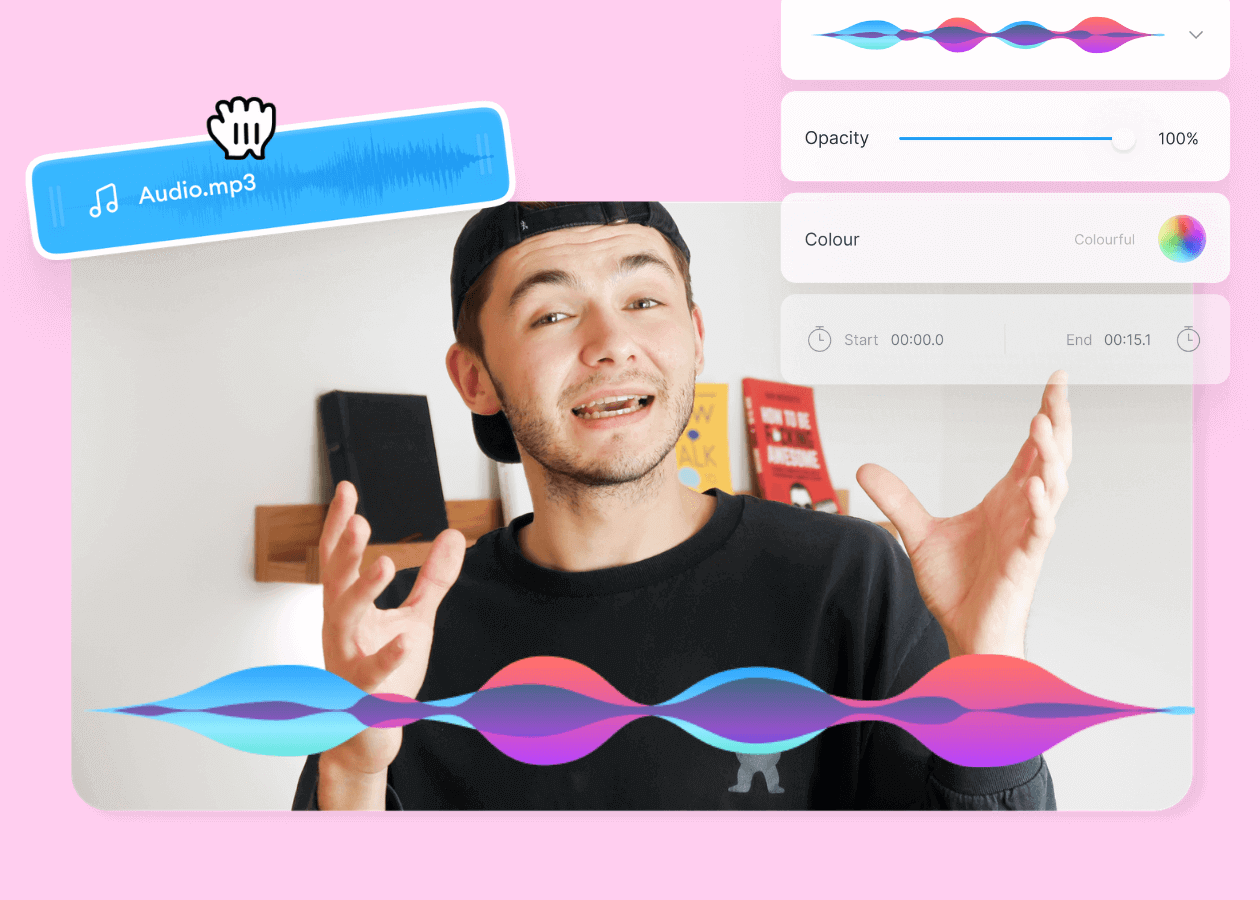
Top 5 Best Music Visualizers [Free and Paid]
Here are some of the best music visualizers available on the internet and how to use them!

11 Easy Ways to Add Music to Video [Step-By-Step Guide] in 2026
Not sure where to find music for video whether free or paid? Want to learn how to find it, pick the right song, and then add it to your video content? Then dig in!
Trusted by 1M+ creators
When it comes to amazing videos, all you need is VEED
No credit card required
More than an audio remover tool
VEED offers a whole range of video editing tools apart from its audio remover. You can edit or change the volume of an audio file, split, trim, or delete parts of the audio, and more. Choose from several video effects and camera filters to make your videos look stunning. You can also rotate, resize, and crop your videos for different social media sites. Share your videos to Facebook, Twitter, TikTok, Instagram, and other platforms.