


Trusted by 1M+ creators
Rotate MP4 Video
Rotate mp4 videos in just a few clicks online; free
No credit card required
4.6
2,100+ reviews















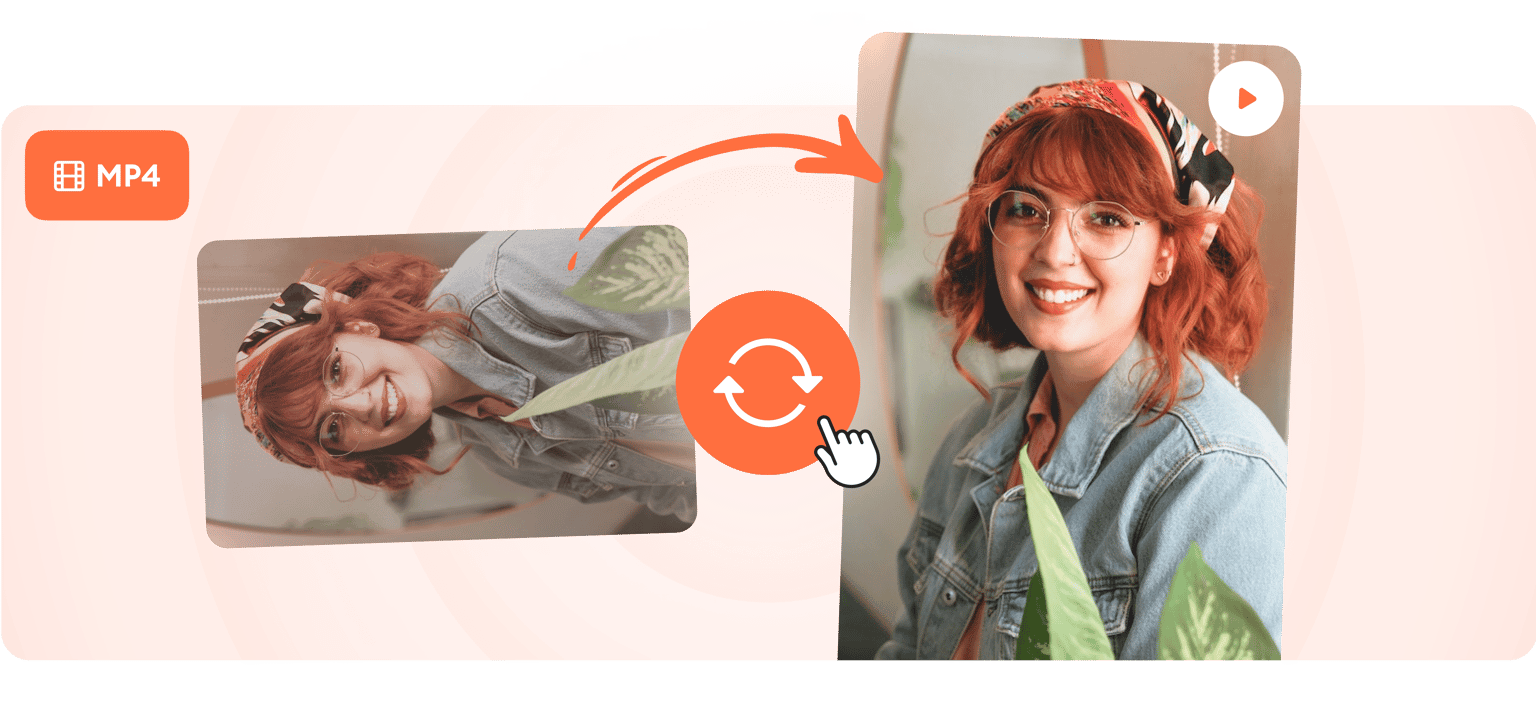
Rotate your video instantly in one click
VEED lets you easily rotate your MP4 video and videos in other file formats like MOV, MKV, and more. Do it in one click. You can also flip your video in any direction you want. Plus, you can use our wide range of video editing tools to make your videos look amazing! Add subtitles, images, background music, animation, and more. It’s free and you can do it straight from your browser.
How to rotate an mp4 video:
Step 01
Upload or record
Upload your video to VEED or start recording using our free webcam recorder. You can also drag and drop your files into the editor.
Step 02
Rotate
Click on your video on the canvas. Enter the degree of rotation you want beside Rotation on the left menu. Or drag and drop the rotation handle on the screen. You can also flip your video in one click!
Step 03
Export
Click on ‘Export’. Download your video and share!
Learn More
‘Rotate MP4 Video’ Tutorial
Rotate and flip to fix upside down or sideways videos
VEED lets you easily correct the orientation of your video. If you’ve recorded your video in the wrong direction, fix it easily with our powerful video editor. You can also turn a vertical video horizontal, and vice versa. It’s completely online; no need to download additional software like VLC media player.
Compatible with mobile and desktop
Ou video editing software is compatible with iPhone, Android, Mac, Windows, and Linux. Rotate your video from your browser, either on your desktop or smartphone. It doesn’t matter which device you used to record the video. Rotate videos in one click! All our video editing tools are also accessible on mobile.
Add images, text, logos, and more
Whether you’re rotating your MP4 video for business or personal use, you can use our video editor to add all the elements you need to make it look professional. You can watermark your videos with your social media handle, title of your YouTube channel or Facebook page, or your brand logo. Our brand kit is available to premium subscribers. Check our pricing page for more info.
FAQ
- Upload your mp4 file to VEED
- Tap on the video
- Under Rotation, type 90 to rotate 90 degrees to the right; type -90 to rotate 90 degrees to the left
- Click ‘Export’ to save the file
Nope. You don’t need to install plugin or software to rotate an mp4 file. Simply open your favorite browser, go to ved.toolsmaster.site, and click ‘Get Started’. Upload your mp4, rotate it as necessary, and export the video!
- Upload the horizontal video to the online VEED editor.
- Click ‘Settings’. Under ‘Size’, choose from the available preset dimensions by social media platform. The vertical options are towards the bottom of the drop-down menu.
- Tap the video image. Select ‘Fill the canvas’ to stretch your video to fill in the vertical canvas. You can also drag the edges of the image to fit. The parts of the video that are outside of the canvas will be cropped out.
- Click ‘Export’ and save your cropped video.
Yes you can! Upload your .MOV file to the free VEED editor. Click ‘Export’. Select ‘Download as .MP4’. Problem solved, fast and easy!
Loved by creators.
Loved by the Fortune 500
“
With VEED I didn't need 15 tutorials - I jumped straight in and started editing.

Gwenne Wilcox
Founder,
Brand Brainery
“
You can go beyond choppping things. VEED actually makes my videos look great.

Michael Glover
Demand Gen Manager,
ConvertFlow
“
The first four videos i created with VEED got over 40,000 impressions on LinkedIn.

Travis Tyler
Senior Content Producer,
PandaDoc
“
I found VEED at the right time: if you're making UGC ads and not using Eye Contact Correction and Noise Reduction on VEED you're missing out on ROI.

Sebastian Schurgers
Head of Growth Marketing,
Gronda
“
With VEED I didn't need 15 tutorials - I jumped straight in and started editing.
Gwenne Wilcox
Founder,
Brand Brainery
“
You can go beyond choppping things. VEED actually makes my videos look great.
Michael Glover
Demand Gen Manager,
ConvertFlow
“
The first four videos i created with VEED got over 40,000 impressions on LinkedIn.
Travis Tyler
Senior Content Producer,
PandaDoc
“
I found VEED at the right time: if you're making UGC ads and not using Eye Contact Correction and Noise Reduction on VEED you're missing out on ROI.
Sebastian Schurgers
Head of Growth Marketing,
Gronda
“
The first four videos i created with VEED got over 40,000 impressions on LinkedIn.
Travis Tyler
Senior Content Producer,
PandaDoc
“
I found VEED at the right time: if you're making UGC ads and not using Eye Contact Correction and Noise Reduction on VEED you're missing out on ROI.
Sebastian Schurgers
Head of Growth Marketing,
Gronda
“
With VEED I didn't need 15 tutorials - I jumped straight in and started editing.
Gwenne Wilcox
Founder,
Brand Brainery
“
You can go beyond choppping things. VEED actually makes my videos look great.
Michael Glover
Demand Gen Manager,
ConvertFlow
Trusted by 1M+ creators
When it comes to amazing videos, all you need is VEED
No credit card required
More than rotating mp4 videos
VEED is offers so much more than a rotate video tool! It lets you completely transform your videos according to your specific needs. More than a rotating tool, you can auto-generate subtitles, create a text transcript, add text and images, remove, edit, add, and enhance audio. Video projects come out looking professional and on-brand, without the need for downloading any expensive, clunky movie maker software. Try VEED today and edit all your videos online in a few clicks!