


Trusted by 1M+ creators
Demo Creator
Create professional demo videos with AI tools
No credit card required
4.6
2,100+ reviews















Record and enhance demo videos in one platform
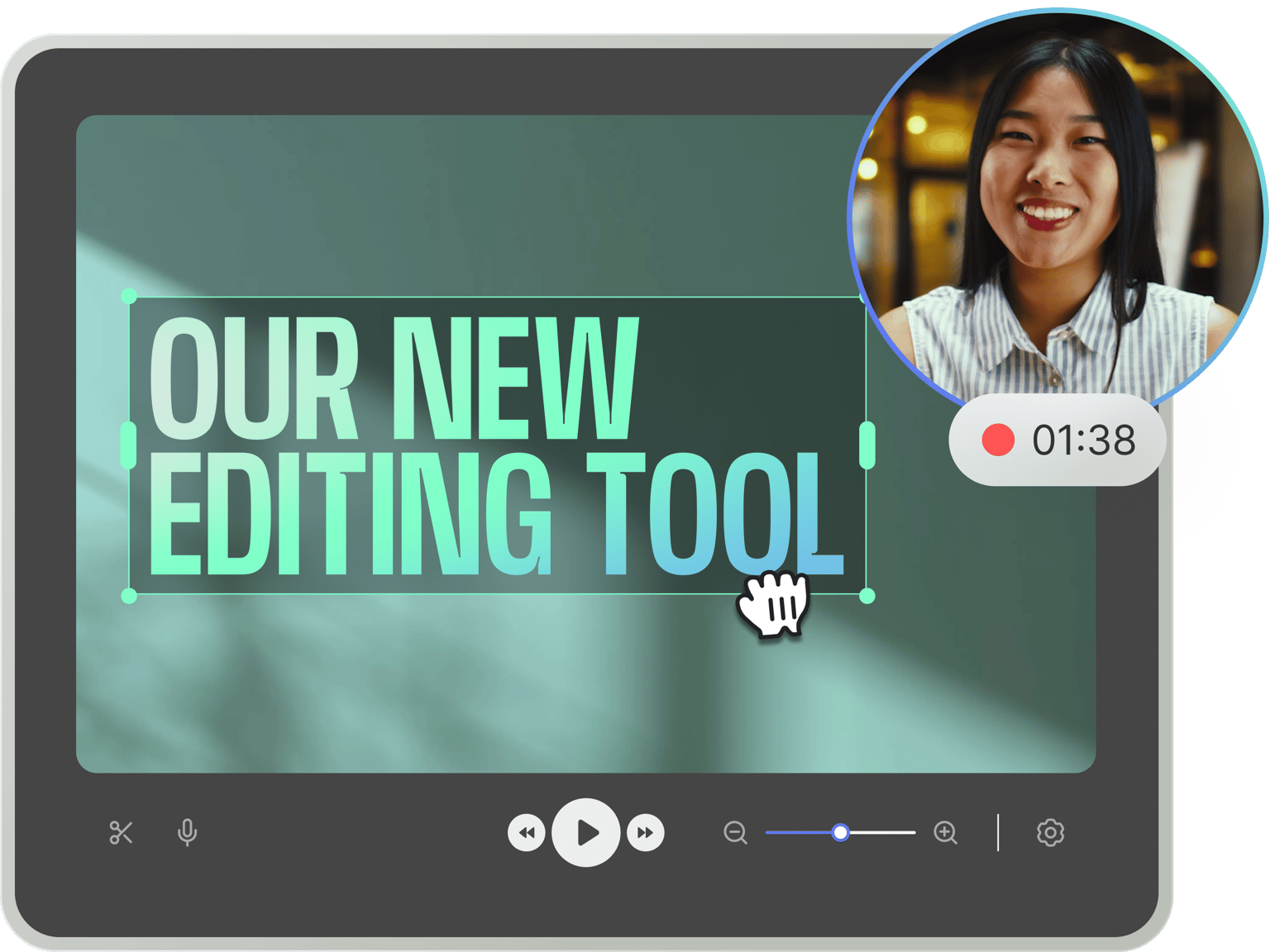
No more bouncing between different software. VEED’s demo creator brings you all the essential tools. Record your screen, window, or tab. Stay on script with our nifty teleprompter. And enhance your demo with background music, auto-subtitles, and text overlays.
Take it further with AI-powered tools. Redirect your gaze to the camera, cut out pauses with Magic Cut, or skip recording entirely with voice cloning and custom avatars. Just type your script, and our AI will handle the rest. Get started now for free.
How to record and edit a demo video:
Step 01
Select a layout
Choose your recording layout: camera, screen-only, or screen with camera. Click ‘Allow’ to grant access to your screen, camera, and microphone.
Step 02
Start recording
Click the red button to start recording. Create multiple scenes by pausing and resuming when needed—perfect for step-by-step demonstrations. Don't worry if you mess up; you have unlimited retakes.
Step 03
Edit with AI
Clean your audio, generate subtitles, correct eye contact, and more. Prefer not to go on camera? You can add your voice clone or custom avatar to keep your personal touch.
Learn More
Watch this demo recorder walkthrough:
Polished demos in minutes, not days
Record your screen, webcam, or voice. With our built-in prompter, you can hit all your key points and record confidently. You can even generate a script with AI. Automatically enhance your recording with clean audio, background removal, and subtitles. Then, add your logo and brand colors. Pro users can export demo videos in 4K.
Complete demo creator in your browser
No software downloads or installations needed. Record, edit, and share directly from our cloud-based editor. No time to record? No problem! Just enter your script to generate realistic voiceovers. With voice cloning and custom avatars, you can scale your content without losing your personal touch.
Translate your demos automatically
No need to speak dozens of languages. Our AI dubber translates your demo into 29 languages while preserving the original voice. Also, you can generate subtitles in over 125 languages. Localize your video in a few clicks. Reach more people through videos in their native language.
FAQ
Demo videos help showcase products, train employees, and guide users through tutorials. They make complex ideas easy to understand with engaging visuals—perfect for sales, onboarding, and education.
VEED combines powerful editing tools with advanced AI features. We offer tools like voice cloning and custom avatars—helping you make demo videos faster while keeping your personal touch. Our AI dubbing tool also lets you translate videos in 29 languages using the original speaker’s voice.
Use our demo recording software:
- Record your screen or upload your slides. For screen recording, choose which window or tab to capture.
- Hide the camera to create voice-only narration over your presentation.
- Alternatively, you can skip the recording and add text-to-speech voiceovers using our editor.
Yes, our video recorder and editor are free to use. Import your footage, add text and animation, and export the video with a watermark. Upgrade to a paid plan to unlock HD exports and our full suite of AI tools. You can check our pricing page for more information.
Loved by creators.
Loved by the Fortune 500
“
With VEED I didn't need 15 tutorials - I jumped straight in and started editing.

Gwenne Wilcox
Founder,
Brand Brainery
“
You can go beyond choppping things. VEED actually makes my videos look great.

Michael Glover
Demand Gen Manager,
ConvertFlow
“
The first four videos i created with VEED got over 40,000 impressions on LinkedIn.

Travis Tyler
Senior Content Producer,
PandaDoc
“
I found VEED at the right time: if you're making UGC ads and not using Eye Contact Correction and Noise Reduction on VEED you're missing out on ROI.

Sebastian Schurgers
Head of Growth Marketing,
Gronda
“
With VEED I didn't need 15 tutorials - I jumped straight in and started editing.
Gwenne Wilcox
Founder,
Brand Brainery
“
You can go beyond choppping things. VEED actually makes my videos look great.
Michael Glover
Demand Gen Manager,
ConvertFlow
“
The first four videos i created with VEED got over 40,000 impressions on LinkedIn.
Travis Tyler
Senior Content Producer,
PandaDoc
“
I found VEED at the right time: if you're making UGC ads and not using Eye Contact Correction and Noise Reduction on VEED you're missing out on ROI.
Sebastian Schurgers
Head of Growth Marketing,
Gronda
“
The first four videos i created with VEED got over 40,000 impressions on LinkedIn.
Travis Tyler
Senior Content Producer,
PandaDoc
“
I found VEED at the right time: if you're making UGC ads and not using Eye Contact Correction and Noise Reduction on VEED you're missing out on ROI.
Sebastian Schurgers
Head of Growth Marketing,
Gronda
“
With VEED I didn't need 15 tutorials - I jumped straight in and started editing.
Gwenne Wilcox
Founder,
Brand Brainery
“
You can go beyond choppping things. VEED actually makes my videos look great.
Michael Glover
Demand Gen Manager,
ConvertFlow
Discover more
Explore related tools
More from VEED
How to Easily Create Training Videos (With Examples)
How to create training videos to support your business with VEED's easy-to-use video recording, editing, and collaboration tool.

How to Make AI Videos with VEED: Bring Your Ideas to Life
Want to learn how to make AI videos with VEED? Check out this starter guide to take your video projects from A to Z in the blink of AI.

The Research is in: What Makes a Training Video Engaging and Effective?
Dive into our latest research report: The Science of Great Video for Training. Unravel the secrets to making a successful video training.
Trusted by 1M+ creators
When it comes to amazing videos, all you need is VEED
No credit card required
More than a demo creator
VEED is a powerful screen recorder and video editing software that lets you do so much more than just create demos and tutorials. It is a comprehensive video editing tool perfect for creating professional-looking videos in just a few clicks. Plus, you can use our AI voice generator if you need to add instant voiceovers to your demos. Just type your text and select from our preset AI voices. Add images, audio, text, and subtitles to your videos. Use our stock videos and personalize them, and so much more!