


Trusted by 1M+ creators
SRT to ASS
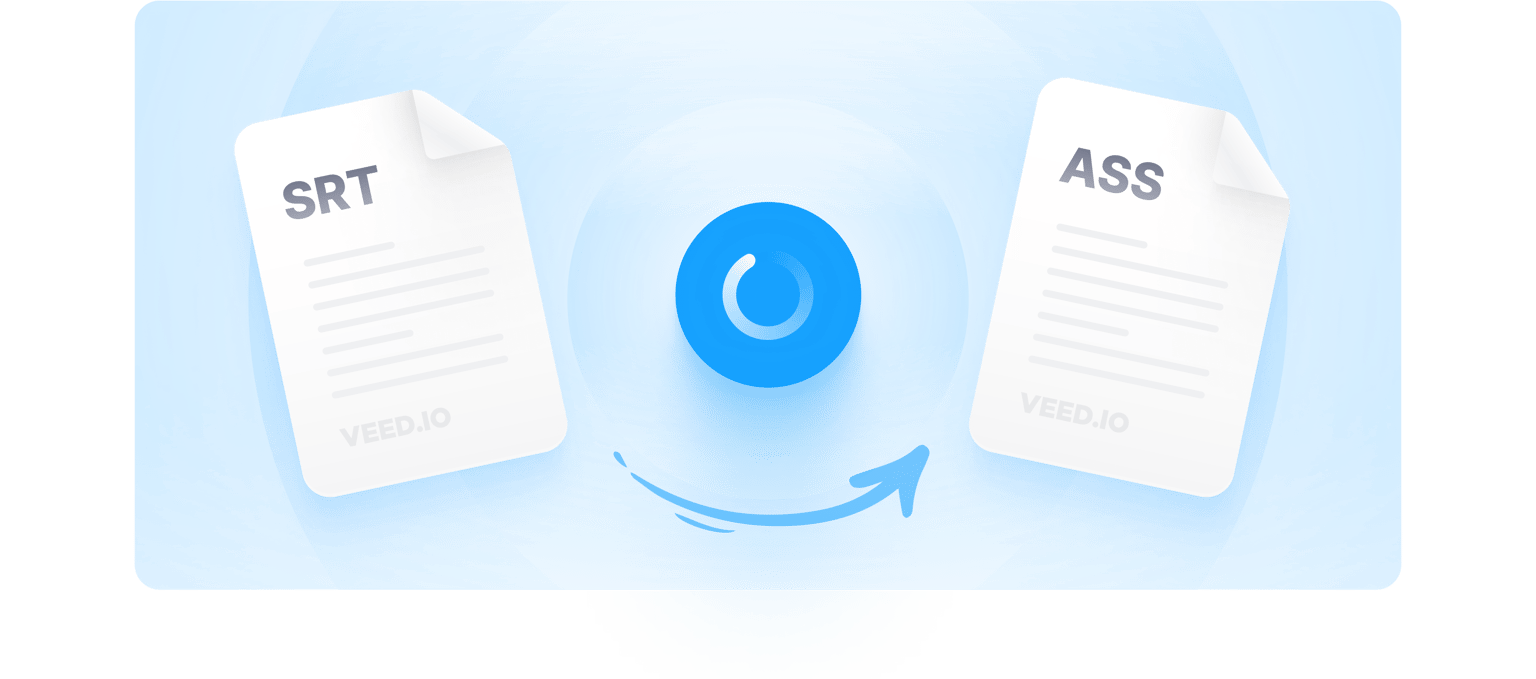
Convert SRT files to ASS without downloading any software. The most affordable and fast file conversion tool.
No credit card required
4.6
2,100+ reviews















Online Subtitle and Caption Converter - Easily Convert SRT to ASS Format
File conversion and formatting can become a tedious task if done manually. Do you want to convert your SRT files to ASS? Fortunately, VEED can do that, and so much more with your subtitle files! Convert your SRT subtitles to ASS, TXT, VTT, SSA, and much more. It’s simple, easy to use, and works without needing you to leave your browser! VEED is an online SRT converter that can re-encode your SRT files into the ASS format and download them instantly. If you want, you can also auto-transcribe subtitles into SRT from videos, and convert them into SSA on the same tool! It’s incredibly easy to use, you can convert files online on the go, in the office, or in the studios! Don’t have a transcript yet? Not to worry! VEED’s subtitle tool has an auto-transcriber that can convert video captions into a transcript in only a few clicks of the mouse. Create subtitles, edit subtitles, convert subtitles, do it all on VEED.
How to Convert SRT Subtitles to ASS:
Step 01
Upload Your Transcript
Upload your SRT file to VEED by clicking on ‘Choose Subtitle File’. Your subtitles will automatically open on the Subtitles page.
Step 02
Auto Convert SRT to ASS
To convert into ASS, click on Options and select the .ASS file format from the dropdown list next to the download button.
Step 03
Export Your Converted Subtitle File or Edit
To download your .ASS file, simply click the download button and your file will download automatically. You can also edit the subtitles if needed.
Learn More
Watch This Video to Understand How Converting SRT to ASS Works:
Online Converter for Quick and Easy Access
VEED is a fully online SRT converter. No download needed. Convert SRT subtitles to .ASS and many more popular formats without leaving your browser. You can access VEED on the go without needing heavy software downloads.
Formatting Tools to Create Videos That Engage Viewers
Using VEED, you can change subtitle formatting like size, style, font, letter spacing, and much more. VEED is a professional captioning tool that lets you create subtitles, edit and convert them in the same tool.
Improve Accessibility with Multiple Formats Supported
VEED lets you convert your subtitle files between SRT, SSA, ASS, TXT, VTT, and more. Upload in any of these formats, and download in whichever you like. Multiple formats allow you to access any file and use the desired format whenever needed.
Hardcoding Subtitles to Video to Reach Your Audience
If you want, you can also hardcode your subtitles straight onto your video! This lets you convert SRT to MP4 and export your video and subtitles as a single file! 83% of the videos are watched with sound off but your message should not get lost.
FAQ
- Open VEED’s video editor 2. Head to ‘Subtitles’ 3. Upload SRT file 4. Click the ‘Options’ tab 5. Choose .ASS format on the dropdown list 6. Download
Developed by Aegisub, ASS files are used to store subtitles formatted using the Advanced Substation Alpha syntax. It can store white space, text styles, and more.
The SubRip Subtitle (SRT) format is a text file that stores the captions of a video, including their start and end timecodes.
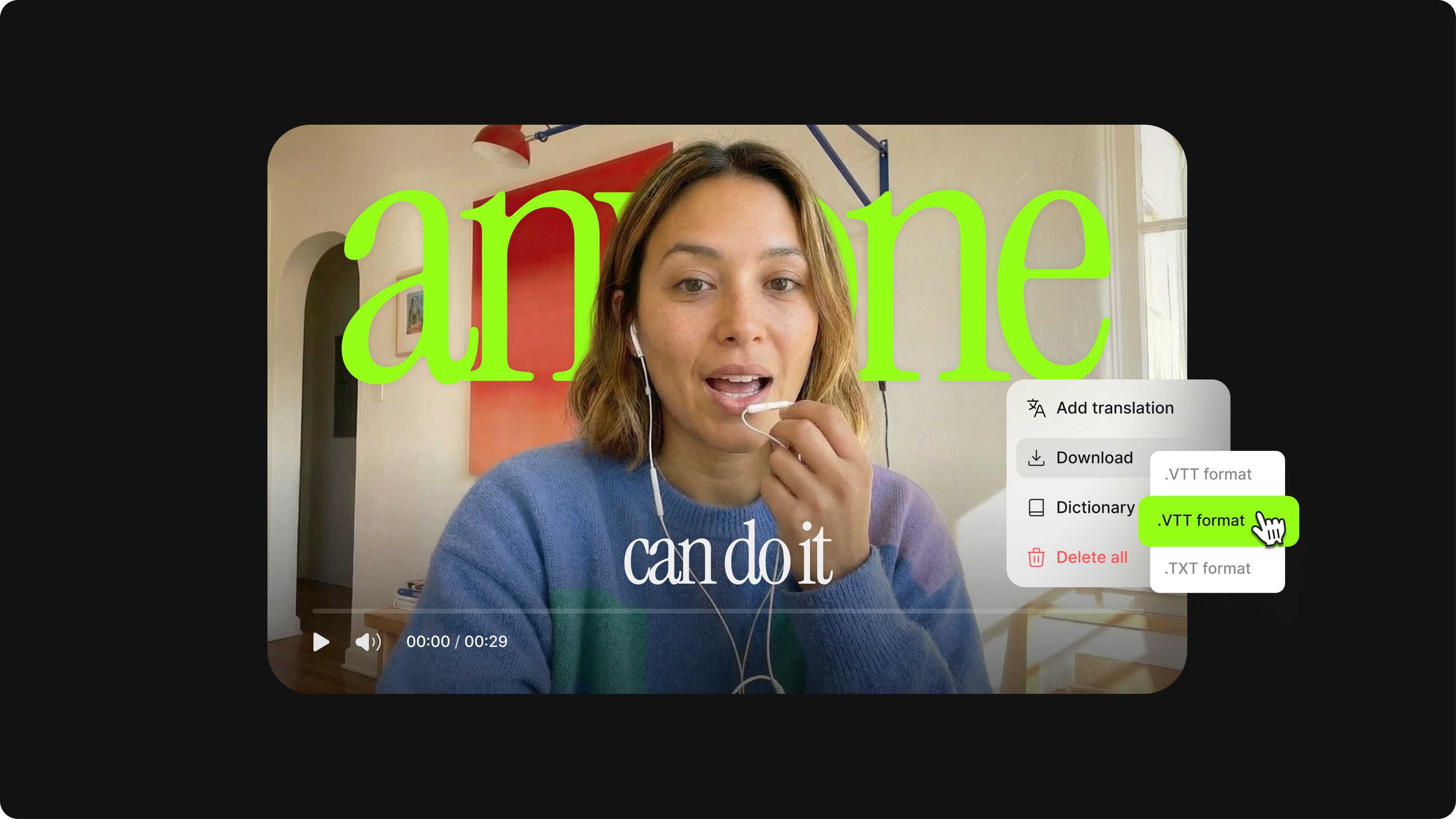
Easily! Just upload your SRT file, choose the VTT format from the options, and click on Download, and your VTT file will appear on your device in seconds! It’s that easy.
Loved by creators.
Loved by the Fortune 500
“
With VEED I didn't need 15 tutorials - I jumped straight in and started editing.

Gwenne Wilcox
Founder,
Brand Brainery
“
You can go beyond choppping things. VEED actually makes my videos look great.

Michael Glover
Demand Gen Manager,
ConvertFlow
“
The first four videos i created with VEED got over 40,000 impressions on LinkedIn.

Travis Tyler
Senior Content Producer,
PandaDoc
“
I found VEED at the right time: if you're making UGC ads and not using Eye Contact Correction and Noise Reduction on VEED you're missing out on ROI.

Sebastian Schurgers
Head of Growth Marketing,
Gronda
“
With VEED I didn't need 15 tutorials - I jumped straight in and started editing.
Gwenne Wilcox
Founder,
Brand Brainery
“
You can go beyond choppping things. VEED actually makes my videos look great.
Michael Glover
Demand Gen Manager,
ConvertFlow
“
The first four videos i created with VEED got over 40,000 impressions on LinkedIn.
Travis Tyler
Senior Content Producer,
PandaDoc
“
I found VEED at the right time: if you're making UGC ads and not using Eye Contact Correction and Noise Reduction on VEED you're missing out on ROI.
Sebastian Schurgers
Head of Growth Marketing,
Gronda
“
The first four videos i created with VEED got over 40,000 impressions on LinkedIn.
Travis Tyler
Senior Content Producer,
PandaDoc
“
I found VEED at the right time: if you're making UGC ads and not using Eye Contact Correction and Noise Reduction on VEED you're missing out on ROI.
Sebastian Schurgers
Head of Growth Marketing,
Gronda
“
With VEED I didn't need 15 tutorials - I jumped straight in and started editing.
Gwenne Wilcox
Founder,
Brand Brainery
“
You can go beyond choppping things. VEED actually makes my videos look great.
Michael Glover
Demand Gen Manager,
ConvertFlow
Discover more
More from VEED
What is an SRT File? How to Create & Upload SRT Files [Complete Guide]
This article covers how to create an SRT subtitle file from video, audio, or text
12 Best Subtitle Fonts for Video Editing (Free and Paid Options)
Want videos that are more engaging because they're easier to follow along? Here's 12 of the best free and paid subtitle fonts for better video content.

How to Hardcode Subtitles with VEED
A lot of social media platforms don't actually allow you to upload SRT files with your videos. This is where hard coded subtitles comes in.
Trusted by 1M+ creators
When it comes to amazing videos, all you need is VEED
No credit card required
Do More Than Converting Files with Our SRT to ASS Converter
Converting SRT files is just the beginning. VEED is built with a huge selection of tools to transform your subtitles and accompanying videos. Add background music, filters, special effects, stickers, emojis, progress bars, the choice is yours! VEED is easy to use, works on all major devices and does your job in only a few clicks. With VEED, making professional-looking videos is a piece of cake.