


Trusted by 1M+ creators
Automatic Transcription Software
Transcribe audio or video in minutes. Download transcriptions or create subtitles
No credit card required
4.6
2,100+ reviews















Auto-transcription with up to 99.9% accuracy
Get automatic and accurate transcription faster than you can brew your morning coffee. Simply upload your file; our AI will transcribe your recording in minutes. No more endless searching for transcription services. Our automatic transcriber is ready whenever you are.
Transcribe meetings or sales calls; Pro users can download the transcripts as TXT files – perfect for reviewing and extracting key insights. Create closed captions to make your YouTube videos more accessible. You can even repurpose your transcripts for blog or social media content. VEED gives you fast transcription and simple, pro-level video editing tools all in one place.
How to auto-transcribe audio or video:
Step 01
Upload file
Import your file into the editor. You can also record audio and video with our online recorder.
Step 02
Transcribe
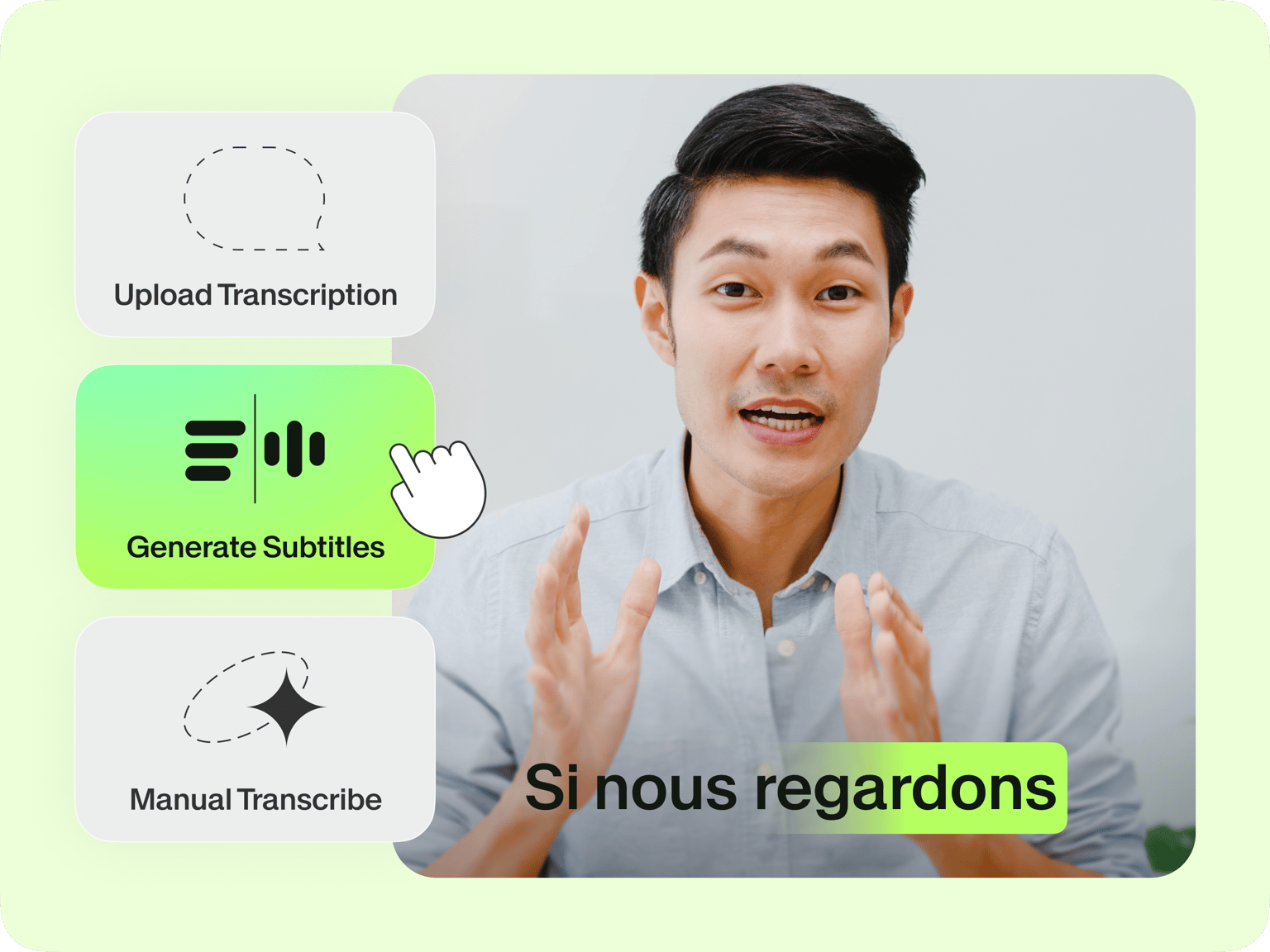
Click ‘Auto Subtitle’ and select the language being spoken. Create the subtitles.
Step 03
Refine & download
Refine words and spellings as needed. Easily edit the text and add subtitles to video. Pro subscribers can download transcriptions.
Learn More
Watch our auto-transcription tutorial:
Save hours of manual transcription work
Transcribe audio in minutes, not hours. Just upload your file, auto-generate subtitles, and download the transcript. No need for manual listening or transcribing. Get automatic transcriptions with 99.9% accuracy. With high-quality transcripts, you can focus on refining the text and reviewing insights.
Minimize transcription costs
Have regular transcription needs? Auto-transcription is faster and more cost-effective than manual transcription services. With quota-based annual plans, you'll have a fixed, predictable transcription budget throughout the year. Get your transcript in minutes, enjoy self-serve convenience, and translate marketing videos and webinars to over 125 languages.
Extract key insights with our AI clips tool
Besides transcripts, we offer another way to find key insights from your video. AI Clips automatically extracts your most interesting segments. Generate bite-size clips for Reels or your company knowledge base. Just upload your video, customize, and download your clips.
FAQ
Our auto-transcription tool uses AI language recognition technology. It auto-transcribes your file in minutes. Auto-generate transcripts and subtitles, which you can refine for any spelling inaccuracies. This saves you hours of work that would have been spent on manual transcription.
The auto-transcription takes about half the duration of the file. For example, a 10-minute audio clip takes around 5 minutes to transcribe.
Yes. You’ll find the transcription divided into separate boxes. Click on each box and type or edit the text to make your desired changes.
Pro subscribers can download transcriptions as TXT, VTT, or SRT files. Free subscribers can only download videos with generated subtitles burned directly into the video (not as separate files). Please check our pricing page for more details.
Loved by creators.
Loved by the Fortune 500
“
With VEED I didn't need 15 tutorials - I jumped straight in and started editing.

Gwenne Wilcox
Founder,
Brand Brainery
“
You can go beyond choppping things. VEED actually makes my videos look great.

Michael Glover
Demand Gen Manager,
ConvertFlow
“
The first four videos i created with VEED got over 40,000 impressions on LinkedIn.

Travis Tyler
Senior Content Producer,
PandaDoc
“
I found VEED at the right time: if you're making UGC ads and not using Eye Contact Correction and Noise Reduction on VEED you're missing out on ROI.

Sebastian Schurgers
Head of Growth Marketing,
Gronda
“
With VEED I didn't need 15 tutorials - I jumped straight in and started editing.
Gwenne Wilcox
Founder,
Brand Brainery
“
You can go beyond choppping things. VEED actually makes my videos look great.
Michael Glover
Demand Gen Manager,
ConvertFlow
“
The first four videos i created with VEED got over 40,000 impressions on LinkedIn.
Travis Tyler
Senior Content Producer,
PandaDoc
“
I found VEED at the right time: if you're making UGC ads and not using Eye Contact Correction and Noise Reduction on VEED you're missing out on ROI.
Sebastian Schurgers
Head of Growth Marketing,
Gronda
“
The first four videos i created with VEED got over 40,000 impressions on LinkedIn.
Travis Tyler
Senior Content Producer,
PandaDoc
“
I found VEED at the right time: if you're making UGC ads and not using Eye Contact Correction and Noise Reduction on VEED you're missing out on ROI.
Sebastian Schurgers
Head of Growth Marketing,
Gronda
“
With VEED I didn't need 15 tutorials - I jumped straight in and started editing.
Gwenne Wilcox
Founder,
Brand Brainery
“
You can go beyond choppping things. VEED actually makes my videos look great.
Michael Glover
Demand Gen Manager,
ConvertFlow
Discover more
- Arabic Transcript
- Audio to Text Indonesia
- Business Transcription
- Fast Transcription
- French Transcription
- German Transcription
- Google Meet Transcription
- GoToMeeting Transcription
- Japanese Transcription
- Korean Transcription
- Legal Transcription
- Media Transcription
- Medical Transcription Software
- Meeting Transcript
- Multilingual Transcription Services
- Podcast Transcripts
- Sermon Transcription
- Skype Transcription
- Spanish Transcription
- Speech to Text Croatian
- Speech to Text Greek
- Speech to Text Hebrew
- Speech to Text Norwegian
- Speech to Text Polish
- Speech to Text Romanian
- TikTok Transcript
- Transcribe Instagram Video
- Transcription in Swahili
- Transcription Services
- Transcription Tagalog
- Translate to Cantonese Audio
- Ukrainian Transcript
- University Transcription
Explore related tools
More from VEED

How to Get the Transcript of a YouTube Video [Fast & Easy]
The easiest way to get the transcript of a YouTube video without jumping through a million hoops. Here's how.
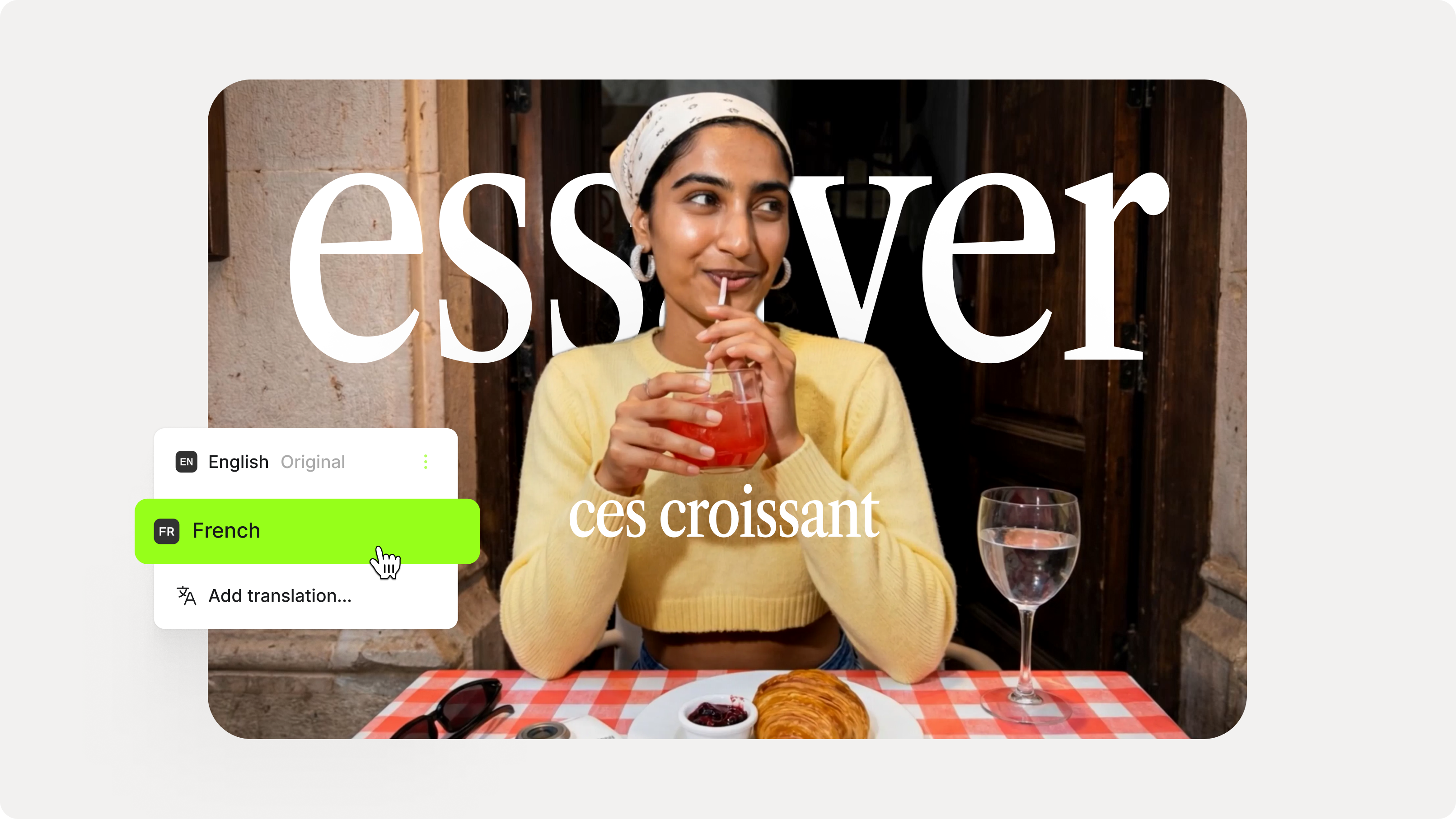
How to Add Translation Subtitles to a Video (Step-by-Step Guide)
A step-by-step guide to adding translation subtitles to any video using VEED. Covers auto-subtitle generation, AI translation into 125+ languages, customization, and export.

Video Messaging for Work: A Complete Guide (+ 16 Ideas)
Done right, video messaging can help you educate, connect with, or convert the intended audience. Here's what you need to know and examples to get you started.
Trusted by 1M+ creators
When it comes to amazing videos, all you need is VEED
No credit card required
More than an automatic transcription tool
Explore more tools beyond automated transcription. VEED is your all-in-one toolkit for making great videos. Record presentations or training materials. Add automatic captions. And turn text into dynamic videos with avatars or our AI video generator. Make pro-quality videos in minutes. Try VEED now.