


Trusted by 1M+ creators
Speech to Text Romanian
Transcribe Romanian audio with VEED’s AI. Enjoy speech-to-text conversion in minutes!
No credit card required
4.6
2,100+ reviews















Boost productivity with instant Romanian transcription
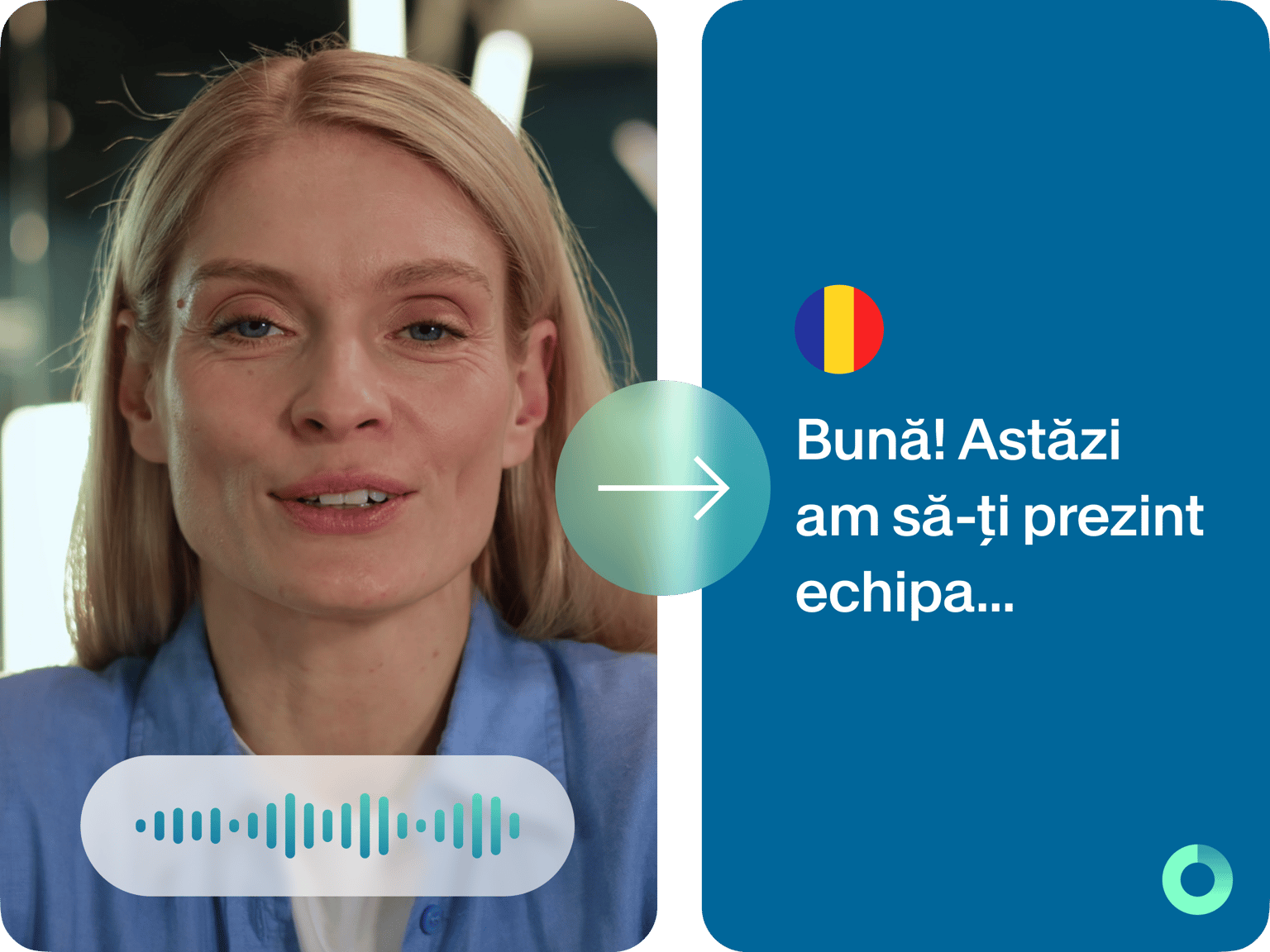
Our AI speech-to-text converts Romanian audio to highly accurate text. Save yourself hours of tedious transcription and expensive services. You can also generate subtitles to add a professional flair to your videos. Over 120 languages available! With automated transcription and translation, you can focus on growing your business instead of doing manual, time-consuming work.
How to convert Romanian speech to text:
Step 01
Upload your file
Upload the audio or video to VEED. Or record one using our online audio recorder.
Step 02
Auto-transcribe
Click ‘Auto Subtitle’ in the Subtitles menu. VEED will transcribe your file automatically.
Step 03
Review and download
Review and edit the transcription for accuracy. Download your transcript in VTT, SRT, or TXT format.
Learn More
‘Romanian speech to text’ tutorial:
Effortless Romanian transcription
Convert Romanian speech to text instantly with AI. No need to spend on transcription services. Achieve reliable, near-perfect results without waiting days! Premium subscribers can enjoy unlimited downloads. Explore our pricing page for more details.
AI translations to grow your audience
Break language barriers effortlessly with our advanced AI. Accurately transcribe and translate Romanian to English and 120+ more languages. Enhance accessibility and engagement by auto-generating subtitles, making your videos universally understandable and appealing to a global audience.
One-stop video editing
Enjoy more than just transcription on VEED – a comprehensive video editing platform. Easily add captions and motion graphics. Or translate Romanian to an English-speaking voice with our AI voice dubber! VEED empowers you to create professional and engaging videos effortlessly, even with minimal editing skills.
FAQ
Upload your Romanian audio or video file to VEED, and our software will instantly transcribe the speech to text. You can download the transcription as a TXT, VTT, or SRT file.
Record your voice with VEED, and transcribe it to text. Edit the transcription if needed. Then, you can translate the text into your desired language.
Yes, you can edit the transcribed subtitles that are spaced out through the video. Click on each text box and make any necessary corrections to the text.
Yes! You can customize the font, size, color, and opacity of the subtitles appearing on the video. However, styling options are not available for the downloaded TXT file transcription.
Loved by creators.
Loved by the Fortune 500
“
With VEED I didn't need 15 tutorials - I jumped straight in and started editing.

Gwenne Wilcox
Founder,
Brand Brainery
“
You can go beyond choppping things. VEED actually makes my videos look great.

Michael Glover
Demand Gen Manager,
ConvertFlow
“
The first four videos i created with VEED got over 40,000 impressions on LinkedIn.

Travis Tyler
Senior Content Producer,
PandaDoc
“
I found VEED at the right time: if you're making UGC ads and not using Eye Contact Correction and Noise Reduction on VEED you're missing out on ROI.

Sebastian Schurgers
Head of Growth Marketing,
Gronda
“
With VEED I didn't need 15 tutorials - I jumped straight in and started editing.
Gwenne Wilcox
Founder,
Brand Brainery
“
You can go beyond choppping things. VEED actually makes my videos look great.
Michael Glover
Demand Gen Manager,
ConvertFlow
“
The first four videos i created with VEED got over 40,000 impressions on LinkedIn.
Travis Tyler
Senior Content Producer,
PandaDoc
“
I found VEED at the right time: if you're making UGC ads and not using Eye Contact Correction and Noise Reduction on VEED you're missing out on ROI.
Sebastian Schurgers
Head of Growth Marketing,
Gronda
“
The first four videos i created with VEED got over 40,000 impressions on LinkedIn.
Travis Tyler
Senior Content Producer,
PandaDoc
“
I found VEED at the right time: if you're making UGC ads and not using Eye Contact Correction and Noise Reduction on VEED you're missing out on ROI.
Sebastian Schurgers
Head of Growth Marketing,
Gronda
“
With VEED I didn't need 15 tutorials - I jumped straight in and started editing.
Gwenne Wilcox
Founder,
Brand Brainery
“
You can go beyond choppping things. VEED actually makes my videos look great.
Michael Glover
Demand Gen Manager,
ConvertFlow
Discover more
- Arabic Transcript
- Audio to Text Indonesia
- Automatic Transcription Software
- Business Transcription
- Fast Transcription
- French Transcription
- German Transcription
- Google Meet Transcription
- GoToMeeting Transcription
- Japanese Transcription
- Korean Transcription
- Legal Transcription
- Media Transcription
- Medical Transcription Software
- Meeting Transcript
- Multilingual Transcription Services
- Podcast Transcripts
- Sermon Transcription
- Skype Transcription
- Spanish Transcription
- Speech to Text Croatian
- Speech to Text Greek
- Speech to Text Hebrew
- Speech to Text Norwegian
- Speech to Text Polish
- TikTok Transcript
- Transcribe Instagram Video
- Transcription in Swahili
- Transcription Services
- Transcription Tagalog
- Translate to Cantonese Audio
- Ukrainian Transcript
- University Transcription
Trusted by 1M+ creators
When it comes to amazing videos, all you need is VEED
No credit card required
More than Romanian speech to text software
Beyond audio transcription, VEED stands out as a comprehensive AI video editing tool. Add professional subtitles, auto-cut mistakes with Magic Cut, remove background noise, and more. You can even explore our built-in library of stock footage and music! All in one video editor. Try VEED now right from your browser.