


Trusted by 1M+ creators
TikTok Transcript
Extract a transcript from any TikTok video. Turn viral content into accessible, analyzable text to maximize your reach
No credit card required
4.6
2,100+ reviews















TikTok transcript generator: Transcribe TikTok videos with 99.9% accuracy
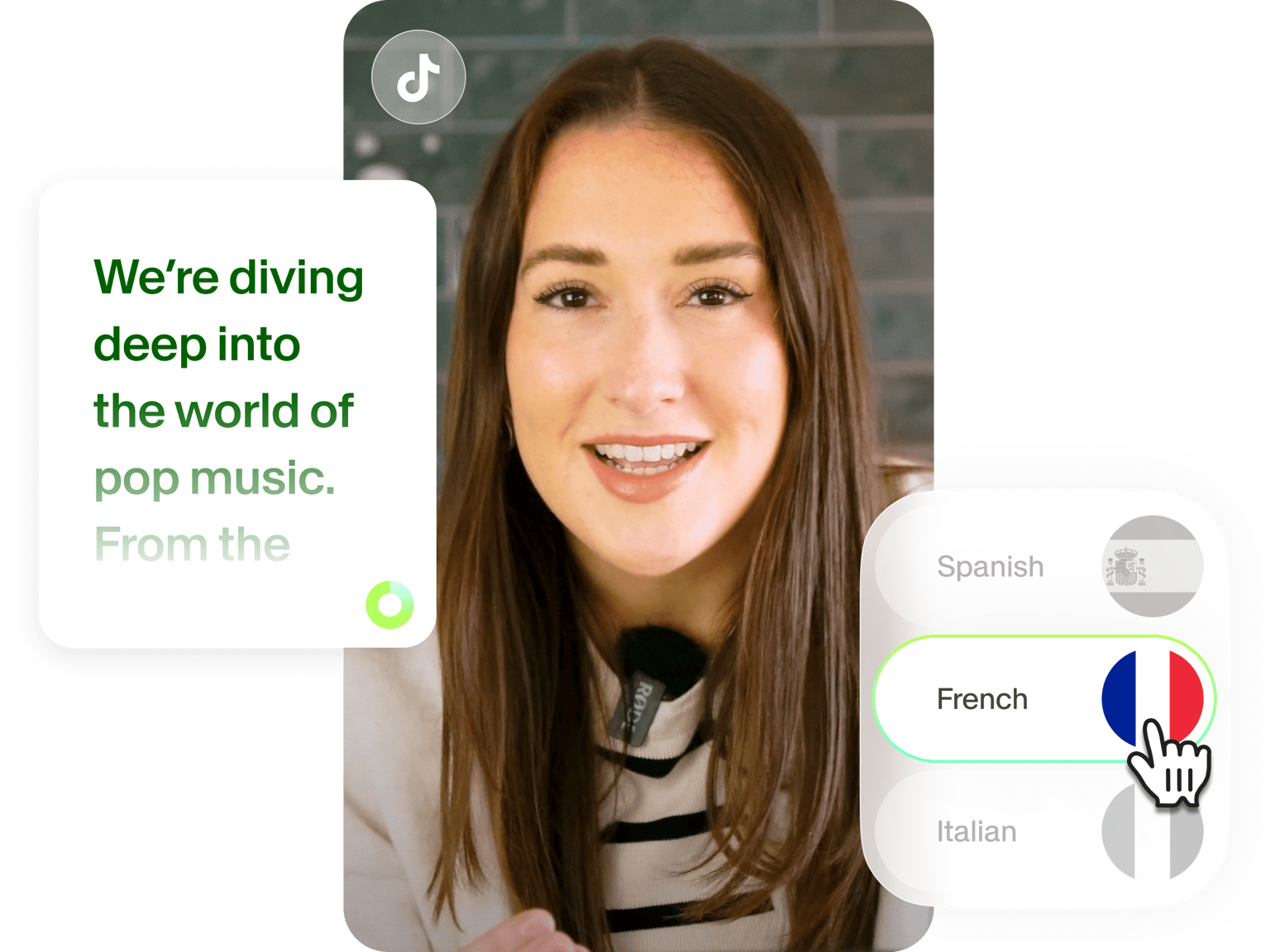
Tired of manually typing out quotes from your viral TikToks just to turn them into LinkedIn posts? VEED's TikTok transcript generator lets you convert any TikTok video to text in minutes. Simply paste a TikTok link or upload your video file. Our AI delivers up to 99.9% accuracy, giving you near-perfect transcripts ready for repurposing.
Turn your best TikTok content into blog posts, research data, and auto-captions to reach more audiences. With support for 125+ languages and professional subtitle styling, your content works harder across platforms. Use transcripts to analyze viral trends, extract powerful quotes, and repurpose videos across LinkedIn, Instagram, and email newsletters. Try our TikTok transcription tool now for free.
How to transcribe a TikTok video to text:
Step 01
Paste your TikTok link or upload video file
Copy a TikTok video URL and paste it directly into VEED, or upload your downloaded MP4 file. Our platform supports both methods for your convenience.
Step 02
Convert TikTok to transcript
Click 'Auto Subtitle' and select the spoken language. Our AI creates accurate text transcriptions, even with background music and trending sounds.
Step 03
Modify and download TikTok transcript
Edit any missed words and customize subtitle styles. Download your video with the embedded subtitles. You can upgrade to a paid plan to export TXT, SRT, or VTT files.
Learn More
Watch our AI transcription tutorial:
Turn viral TikTok content into evergreen assets
Your best TikTok videos deserve a longer lifespan than the algorithm allows. Extract powerful quotes, step-by-step tutorials, and expert insights to create blog content that drives organic traffic long after the TikTok algorithm moves on. VEED also lets you turn long-form YouTube videos into viral-style clips you can share on TikTok.
Accurate TikTok video transcription
TikTok's auto-captions can sometimes miss slang and technical terms. Our advanced transcription technology offers up to 99.9% accuracy, even when your videos have trending sounds, background music, and multiple speakers. Get high-quality transcripts and a custom dictionary feature that lets you add industry terms and slang for even more precise future transcriptions.
Complete TikTok-to-transcript and video editing workflow
No need to switch between multiple apps for transcription and video editing. VEED combines TikTok-to-text conversion with a full video editor, letting you create auto-subtitles and resize videos for any platform. Use our TikTok video editor to add professional touches, and easily collaborate with your team in real time.
FAQ
Upload your TikTok video or paste the URL. Click 'Auto Subtitle' and select the spoken language. You can also translate your video into more than 125 languages. Edit any missed words, customize subtitle styles, and download your video with embedded subtitles.
Yes, you can transcribe TikTok videos for free, with a limited monthly quota. Free users can download videos with subtitles embedded. To unlock higher transcription limits and download separate transcript files (TXT, SRT, VTT), you can upgrade to a paid plan. A Pro plan includes access to all our AI tools.
Our TikTok transcript tool provides 99.9% accuracy, professional subtitle style options, and multiple download formats (TXT, SRT, VTT). You can also translate transcripts into 125+ languages.
- TXT files for blog posts and social media captions
- SRT files for adding basic subtitles to videos
- VTT files when you need advanced subtitle styling like custom text positioning and formatting options.
You can also download your video with subtitles permanently embedded — perfect for social media posts where separate subtitle files aren't supported.
Loved by creators.
Loved by the Fortune 500
“
With VEED I didn't need 15 tutorials - I jumped straight in and started editing.

Gwenne Wilcox
Founder,
Brand Brainery
“
You can go beyond choppping things. VEED actually makes my videos look great.

Michael Glover
Demand Gen Manager,
ConvertFlow
“
The first four videos i created with VEED got over 40,000 impressions on LinkedIn.

Travis Tyler
Senior Content Producer,
PandaDoc
“
I found VEED at the right time: if you're making UGC ads and not using Eye Contact Correction and Noise Reduction on VEED you're missing out on ROI.

Sebastian Schurgers
Head of Growth Marketing,
Gronda
“
With VEED I didn't need 15 tutorials - I jumped straight in and started editing.
Gwenne Wilcox
Founder,
Brand Brainery
“
You can go beyond choppping things. VEED actually makes my videos look great.
Michael Glover
Demand Gen Manager,
ConvertFlow
“
The first four videos i created with VEED got over 40,000 impressions on LinkedIn.
Travis Tyler
Senior Content Producer,
PandaDoc
“
I found VEED at the right time: if you're making UGC ads and not using Eye Contact Correction and Noise Reduction on VEED you're missing out on ROI.
Sebastian Schurgers
Head of Growth Marketing,
Gronda
“
The first four videos i created with VEED got over 40,000 impressions on LinkedIn.
Travis Tyler
Senior Content Producer,
PandaDoc
“
I found VEED at the right time: if you're making UGC ads and not using Eye Contact Correction and Noise Reduction on VEED you're missing out on ROI.
Sebastian Schurgers
Head of Growth Marketing,
Gronda
“
With VEED I didn't need 15 tutorials - I jumped straight in and started editing.
Gwenne Wilcox
Founder,
Brand Brainery
“
You can go beyond choppping things. VEED actually makes my videos look great.
Michael Glover
Demand Gen Manager,
ConvertFlow
Discover more
- Arabic Transcript
- Audio to Text Indonesia
- Automatic Transcription Software
- Business Transcription
- Fast Transcription
- French Transcription
- German Transcription
- Google Meet Transcription
- GoToMeeting Transcription
- Japanese Transcription
- Korean Transcription
- Legal Transcription
- Media Transcription
- Medical Transcription Software
- Meeting Transcript
- Multilingual Transcription Services
- Podcast Transcripts
- Sermon Transcription
- Skype Transcription
- Spanish Transcription
- Speech to Text Croatian
- Speech to Text Greek
- Speech to Text Hebrew
- Speech to Text Norwegian
- Speech to Text Polish
- Speech to Text Romanian
- Transcribe Instagram Video
- Transcription in Swahili
- Transcription Services
- Transcription Tagalog
- Translate to Cantonese Audio
- Ukrainian Transcript
- University Transcription
Explore related tools
More from VEED

How To Create TikTok Subtitles
How to create subtitles for TikTok to capture the attention of all the silent social media watchers.

The TikTok Ban Explained: Facts, Timeline, and What Comes Next
Dive into the TikTok ban: key events, privacy concerns, and its impact on creators, businesses, and the platform future in the US.

TikTok Alternatives: 15 Top Picks for Marketers and Creators
Looking for a TikTok alternative? Check out the best platforms that pack the same potential for reach, engagement, and harnessing your creativity.
Trusted by 1M+ creators
When it comes to amazing videos, all you need is VEED
No credit card required
More than a TikTok transcript generator
VEED streamlines your entire TikTok content strategy with tools that go beyond transcription. Record new videos or create UGC-style videos with our AI video generator. Add eye-catching animated subtitles and repurpose long-form videos into shareable TikTok clips. Whether you're a solo content creator building your brand or a marketing team scaling content across platforms, VEED gives you everything you need in one place. Get started now for free.