


Trusted by 1M+ creators
GIF Background Remover
Automatically remove the background from a GIF online, free
No credit card required
4.6
2,100+ reviews















Remove the background of a GIF in one click!
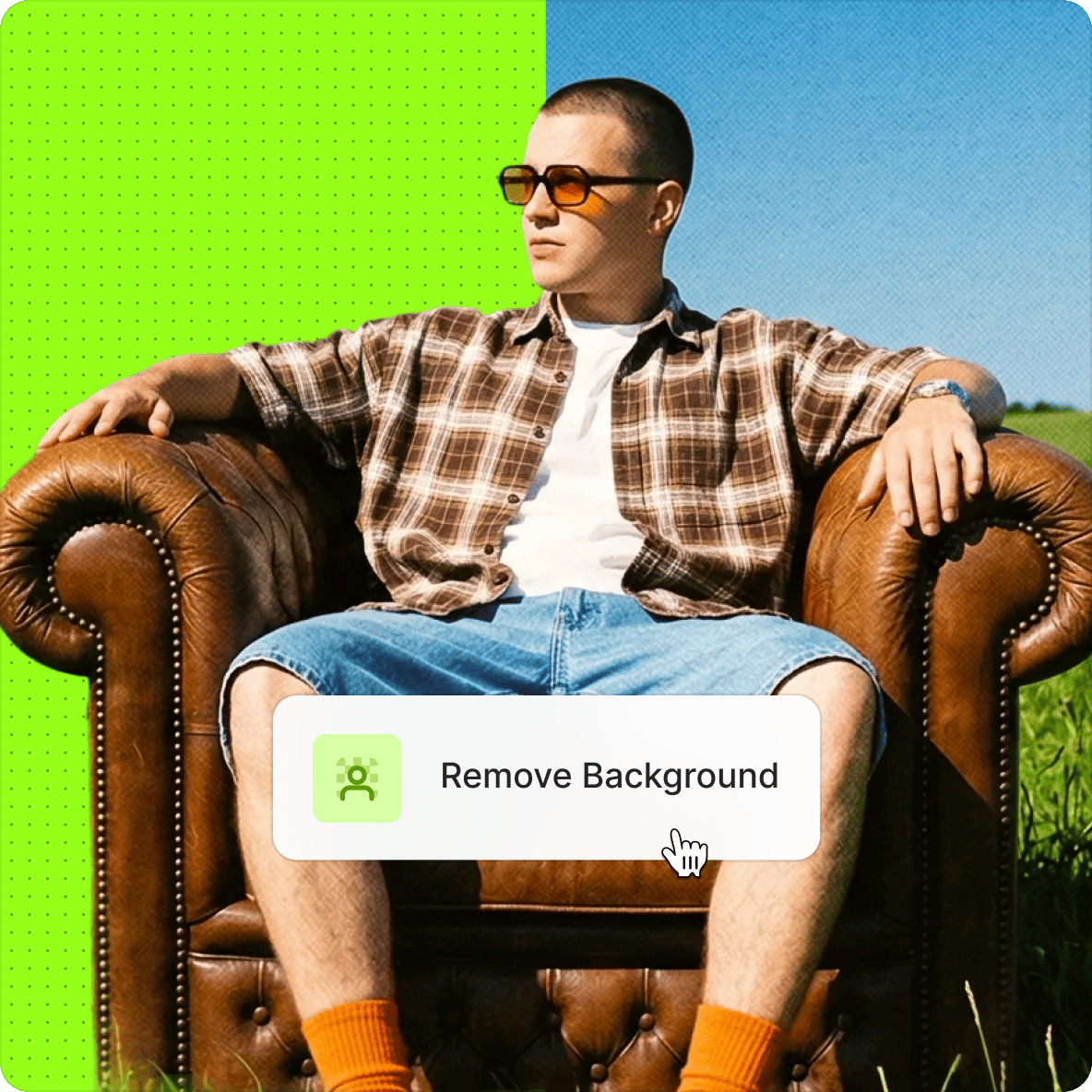
Do you want to make your GIF’s background transparent or replace it with another background? Now you can do it automatically with VEED! You can remove your GIF’s background and replace it with an image or video of your choice. If you don’t have an image or video that you can use as a replacement background, you can select from our online library of stock media!
How to Remove GIF Background:
Step 01
Upload a GIF or record a video
Upload a GIF or record a video using our webcam recorder. You can also drag and drop it into the editor.
Step 02
Remove background
Select the video on the timeline, and toggle on the “Remove Background”. The background will disappear, and you can replace it with another image.
Step 03
Export
When you’re happy with your edits, just click on ‘Export’. Make sure to select “Download as GIF” when you’re downloading.
Learn More
‘GIF Background Remover’ Tutorial
Transparent GIF maker
Create and edit GIFs right in your browser. Remove your GIF's background in one click, swap it for a new image or video, or build GIFs from scratch using video footage. No app to download — just upload and go.
Free to use
The GIF background remover is free to use — no sign-up required. Upload your GIF, toggle background removal on, and you're done. Want to swap in a new background? Browse our stock media library right inside the editor. Free users get access to a curated selection; for the full library, see our pricing page.
Create, edit, and stream videos online
VEED is an AI video creation platform built for social — not just a GIF tool. Beyond background removal, you get a full browser-based editor: add captions, music, filters, and branding, then export your content ready to post. Works on Mac, Windows, and mobile. No software to install.
FAQ
You can blend transparent GIFs into websites or presentations. Transparent GIFs are also perfect for animated logos and reaction GIFs. Remove GIF backgrounds, apply new colors or images as backgrounds, and add text to existing GIFs.
Yes. VEED offers a tool that removes the background of any GIF or video, making the background transparent. You can leave it without a replacement background or upload an image or a video to use as background.
It only takes one click! Just upload a GIF or record a video and toggle on the “Remove Background” button. This will make your GIF transparent. You then have the option to replace it with another video or a still image.
While many apps let you remove the background from a GIF, VEED is the fastest and most straightforward platform to use. It’s online, free, and gives you access to so many more video editing features!
Loved by creators.
Loved by the Fortune 500
“
With VEED I didn't need 15 tutorials - I jumped straight in and started editing.

Gwenne Wilcox
Founder,
Brand Brainery
“
You can go beyond choppping things. VEED actually makes my videos look great.

Michael Glover
Demand Gen Manager,
ConvertFlow
“
The first four videos i created with VEED got over 40,000 impressions on LinkedIn.

Travis Tyler
Senior Content Producer,
PandaDoc
“
I found VEED at the right time: if you're making UGC ads and not using Eye Contact Correction and Noise Reduction on VEED you're missing out on ROI.

Sebastian Schurgers
Head of Growth Marketing,
Gronda
“
With VEED I didn't need 15 tutorials - I jumped straight in and started editing.
Gwenne Wilcox
Founder,
Brand Brainery
“
You can go beyond choppping things. VEED actually makes my videos look great.
Michael Glover
Demand Gen Manager,
ConvertFlow
“
The first four videos i created with VEED got over 40,000 impressions on LinkedIn.
Travis Tyler
Senior Content Producer,
PandaDoc
“
I found VEED at the right time: if you're making UGC ads and not using Eye Contact Correction and Noise Reduction on VEED you're missing out on ROI.
Sebastian Schurgers
Head of Growth Marketing,
Gronda
“
The first four videos i created with VEED got over 40,000 impressions on LinkedIn.
Travis Tyler
Senior Content Producer,
PandaDoc
“
I found VEED at the right time: if you're making UGC ads and not using Eye Contact Correction and Noise Reduction on VEED you're missing out on ROI.
Sebastian Schurgers
Head of Growth Marketing,
Gronda
“
With VEED I didn't need 15 tutorials - I jumped straight in and started editing.
Gwenne Wilcox
Founder,
Brand Brainery
“
You can go beyond choppping things. VEED actually makes my videos look great.
Michael Glover
Demand Gen Manager,
ConvertFlow
Discover more
Explore related tools
Trusted by 1M+ creators
When it comes to amazing videos, all you need is VEED
No credit card required
More than a GIF background remover
Background removal is just the start. VEED is an AI video creation platform built for social — giving you everything you need to go from raw footage to a post-ready video, all in one browser tab. Rotate, crop, and resize your video. Add captions, text overlays, filters, and transitions. Pull from a library of stock audio and video to fill gaps or set the mood. When you're done, export directly as a GIF or video file ready to share. No downloads. No stitching together separate tools. Just one place to create video that looks like your brand made it. Remove a GIF background — try it free