


Trusted by 1M+ creators
H264 Cutter
Cut H264 videos, online. No download needed.
No credit card required

4.6
2,100+ reviews















Online H264 Video Editor
Looking for an MP4 video editor that works with H264 files too? Look no further. Begin editing your H264 videos straight away with VEED’s super-simple H264 video editor! All video sharing platforms have size limits when it comes to uploading HDTV or Blu-Ray videos. Cut your H264 file to play videos without any loss in quality or frame rate. Use VEED to cut, trim, merge, split or compress your H264 video, and make it easier to stream or share. Export as MP4 - convert your H264 video and ensure playback on all media players. MP4 is the most compatible video file type for playing HD videos on most devices and operating systems. You can also compress your H264 files using our video editing tools so you can share your H264 video on email and social media.
How to Cut H264 Files:
Step 01
Upload H264 File
Click on ‘Choose File’ and drag & drop your video files into the box. Or, click ‘Choose File’ and select the ‘Upload’ box on the box that appears.
Step 02
Cut your H264 video
Open your H264 video on timeline. Cut or trim by dragging the ends of the video track. Move the playhead and press “Split” to create a new video track. Additionally, you can also compress, rotate, crop, add text, music, and more using our MP4 video editor!
Step 03
Press ‘Export’
You can now download your shortened video and share it on social media, or stream at events.
Learn More
‘How to cut H264 Videos’ Tutorial
Free online H264 Video Cutter
VEED’s MP4 video editor works with H264 video files of all sizes. Our online tool lets you cut your HD, Blu-Ray and HDTV videos straight from your browser. Upload your video, remove all unwanted scenes, and save it on your device. Simple and easy!
Annoying file size limits? Compress H264 file size
H264 files are typically heavier than other file types. Reduce H264 file size to avoid issues when you post it to social media or attach it to emails.
Convert video
Your H264 files will be automatically converted to MP4 format. This will make it compatible with all media players, streaming services and social media platforms.
H264 Video Editor Windows 10
Our MP4/H264 video editor is easy to use and runs smoothly on Windows 10, Mac, Linux, and mobile browsers.
FAQ
- Upload your H264 file to VEED 2. Drag the ends of video track until it’s the right length 3. Download and Save 4. Broadcast
H264 is a popular compression file type for HDTV, HD DVD, Blu-Ray and AVCHD camcorders. The high quality of these videos means that they contain large amounts of data. As a result, H264 files are heavier than most, and not always compatible on all devices or streaming services.
When you edit your H264 videos using VEED, they will be automatically converted to an MP4 format, if they weren’t stored as MP4 previously.
The H264 encoding refers to the format of the file’s “compression”, also known as a “codec”. But a codec isn’t the same as a video storage format. Video storage formats include MP4, AVI or MKV. If a H264 file is stored in the MP4 format, then they are the same. If not, then the H264 encoding is interchangeable with AVI or MK4.
Loved by creators.
Loved by the Fortune 500
“
With VEED I didn't need 15 tutorials - I jumped straight in and started editing.

Gwenne Wilcox
Founder,
Brand Brainery
“
You can go beyond choppping things. VEED actually makes my videos look great.

Michael Glover
Demand Gen Manager,
ConvertFlow
“
The first four videos i created with VEED got over 40,000 impressions on LinkedIn.

Travis Tyler
Senior Content Producer,
PandaDoc
“
I found VEED at the right time: if you're making UGC ads and not using Eye Contact Correction and Noise Reduction on VEED you're missing out on ROI.

Sebastian Schurgers
Head of Growth Marketing,
Gronda
“
With VEED I didn't need 15 tutorials - I jumped straight in and started editing.
Gwenne Wilcox
Founder,
Brand Brainery
“
You can go beyond choppping things. VEED actually makes my videos look great.
Michael Glover
Demand Gen Manager,
ConvertFlow
“
The first four videos i created with VEED got over 40,000 impressions on LinkedIn.
Travis Tyler
Senior Content Producer,
PandaDoc
“
I found VEED at the right time: if you're making UGC ads and not using Eye Contact Correction and Noise Reduction on VEED you're missing out on ROI.
Sebastian Schurgers
Head of Growth Marketing,
Gronda
“
The first four videos i created with VEED got over 40,000 impressions on LinkedIn.
Travis Tyler
Senior Content Producer,
PandaDoc
“
I found VEED at the right time: if you're making UGC ads and not using Eye Contact Correction and Noise Reduction on VEED you're missing out on ROI.
Sebastian Schurgers
Head of Growth Marketing,
Gronda
“
With VEED I didn't need 15 tutorials - I jumped straight in and started editing.
Gwenne Wilcox
Founder,
Brand Brainery
“
You can go beyond choppping things. VEED actually makes my videos look great.
Michael Glover
Demand Gen Manager,
ConvertFlow
Discover more
More from VEED

How to Rotate a Video (6 Quick & Easy Ways)
How to easily rotate a video whether you're on your desktop, mobile, or on your web browser.

How to Crop a Video (Free and Paid Easy-to-Use Methods)
The easiest way to crop videos (free & paid ways) whether on Windows 10 with VLC or online with VEED. Here's how!
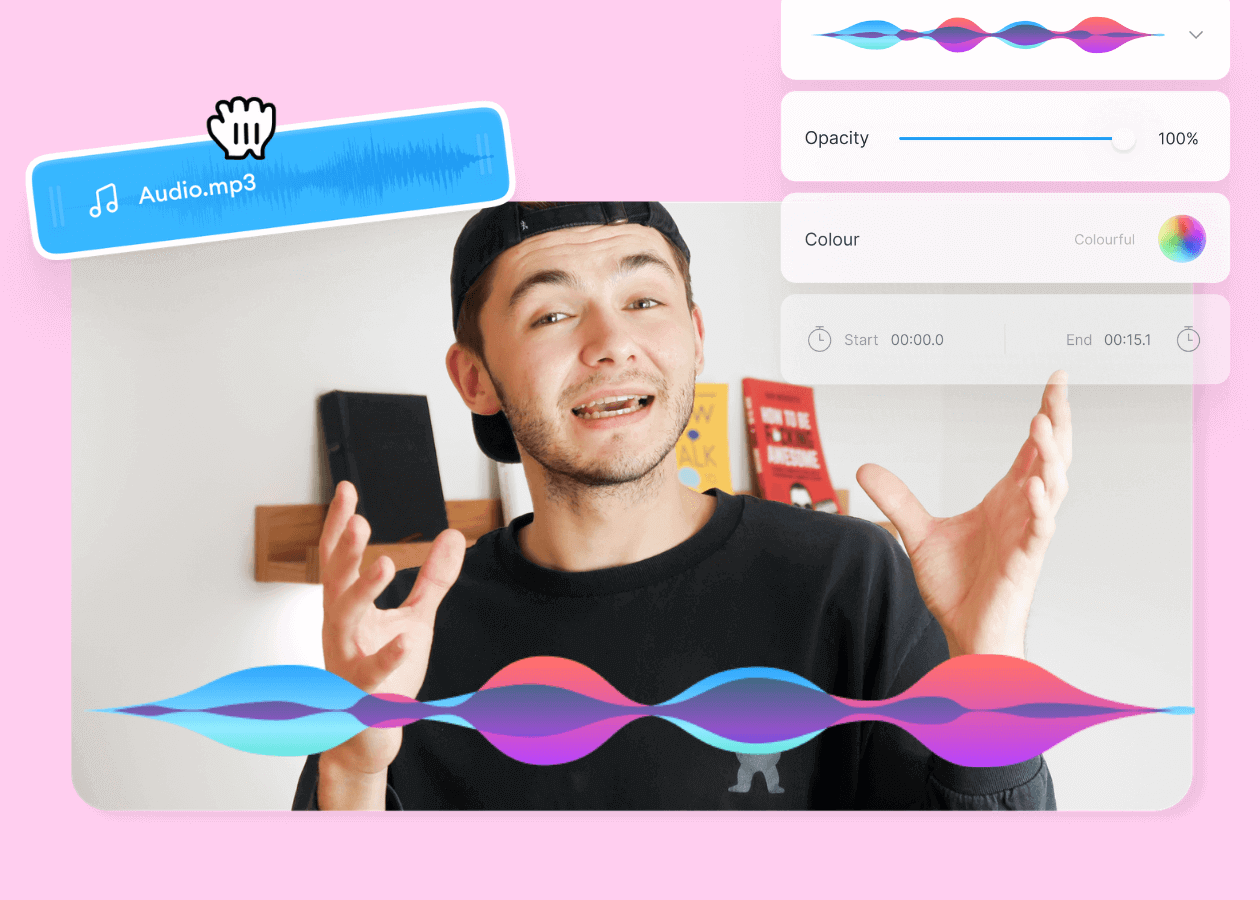
Top 5 Best Music Visualizers [Free and Paid]
Here are some of the best music visualizers available on the internet and how to use them!
Trusted by 1M+ creators
When it comes to amazing videos, all you need is VEED
No credit card required
More than just a H264 video cutter
VEED allows you to do so much more than just cut or trim H264 files. You can edit audio files and add audio to your video. Use VEED to create awesome HD videos for social media and streaming. VEED is an easy to use, online MP4 video editor that works with all file storage and compression formats. Accessible on Windows 10, Mac, Android, and mobile devices.