


Trusted by 1M+ creators
Blur Video Online
Blur your video online instantly using our free video editor
No credit card required
4.6
2,100+ reviews















Instantly blur your video online
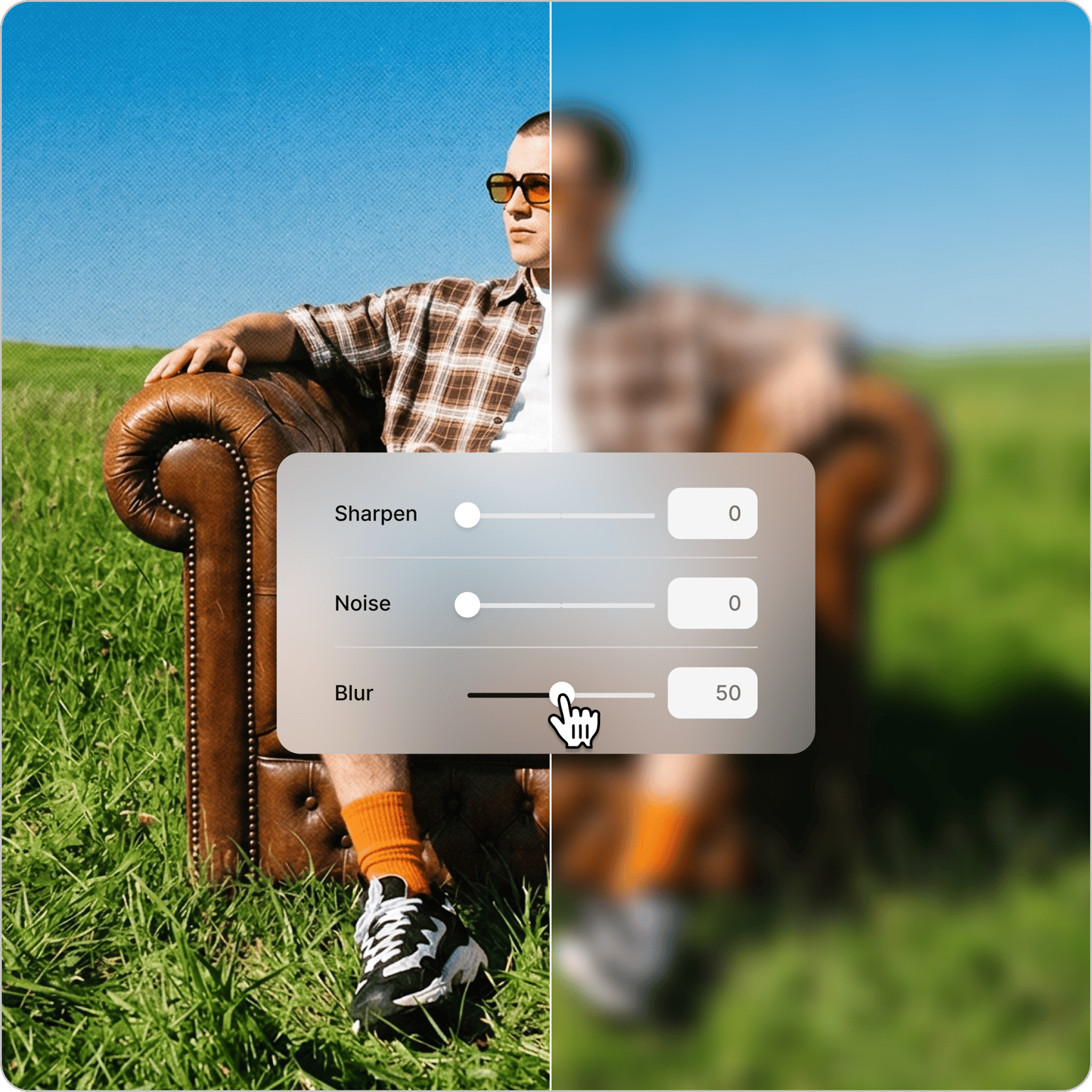
Blur faces, personal data, or sensitive content in your videos — right in your browser. Protect identities in testimonials, conceal confidential information, or add creative effects like box blur and bokeh. Trim clips, add subtitles, and enhance your footage, all without downloading a thing.
How to blur a video online:
Step 01
Upload
Upload your video to the editor. You can drag and drop the file into the timeline.
Step 02
Blur video
Select your video on the timeline. Click ‘Adjust’ in the Edit Video window, and adjust the blur. Or go to the Filters menu and apply a filter like Box Blur, Pixelate, and Bokeh Blur.
Step 03
Download
Click on Export. Download your video and share!
Learn More
Learn how to blur a video in this tutorial:
Stylized blur and other video effects
Go beyond a basic blur. Pixelate footage, apply box blur, or try creative effects like fisheye, VHS, and color grading — all from the Filters menu. Pick an effect, adjust the intensity, and your video is ready to export.
Pixelate or blur to protect privacy
Keep sensitive information safe in your videos. Choose between box blur or pixelated effects to conceal faces, text, or personal details. Simply select the area you want to blur, adjust the intensity, and you're done.
More video enhancement tools
VEED is an AI video creation platform built for social — blur is just one tool in the kit. Add text and graphics over blurred backgrounds, remove backgrounds in one click, and fine-tune brightness, contrast, and saturation. Everything works as a simple drag and drop, right in your browser.
FAQ
Upload your video to our online editor. Select the footage and click 'Adjust' in the Edit Video window, or head to Filters and choose Bokeh Blur for a professional background blur effect. Adjust the intensity to get the perfect blur, then export.
Follow these steps:
- Duplicate your video in the timeline, placing one clip above the other.
- Apply blur to the top video.
- Use the cropping tools to isolate the area you want blurred — perfect for concealing faces or sensitive information.
The bottom video will remain clear.
These blur effects are available in our editor:
- Box blur for creating clean backgrounds behind title text
- Bokeh blur for artistic effects that highlight your subject
- Pixelate for censoring faces or sensitive information
Access the editor through your iPhone's web browser; no app download needed. Upload your video, apply your chosen blur effect, and adjust the intensity. Download your blurred video when finished.
Loved by creators.
Loved by the Fortune 500
“
With VEED I didn't need 15 tutorials - I jumped straight in and started editing.

Gwenne Wilcox
Founder,
Brand Brainery
“
You can go beyond choppping things. VEED actually makes my videos look great.

Michael Glover
Demand Gen Manager,
ConvertFlow
“
The first four videos i created with VEED got over 40,000 impressions on LinkedIn.

Travis Tyler
Senior Content Producer,
PandaDoc
“
I found VEED at the right time: if you're making UGC ads and not using Eye Contact Correction and Noise Reduction on VEED you're missing out on ROI.

Sebastian Schurgers
Head of Growth Marketing,
Gronda
“
With VEED I didn't need 15 tutorials - I jumped straight in and started editing.
Gwenne Wilcox
Founder,
Brand Brainery
“
You can go beyond choppping things. VEED actually makes my videos look great.
Michael Glover
Demand Gen Manager,
ConvertFlow
“
The first four videos i created with VEED got over 40,000 impressions on LinkedIn.
Travis Tyler
Senior Content Producer,
PandaDoc
“
I found VEED at the right time: if you're making UGC ads and not using Eye Contact Correction and Noise Reduction on VEED you're missing out on ROI.
Sebastian Schurgers
Head of Growth Marketing,
Gronda
“
The first four videos i created with VEED got over 40,000 impressions on LinkedIn.
Travis Tyler
Senior Content Producer,
PandaDoc
“
I found VEED at the right time: if you're making UGC ads and not using Eye Contact Correction and Noise Reduction on VEED you're missing out on ROI.
Sebastian Schurgers
Head of Growth Marketing,
Gronda
“
With VEED I didn't need 15 tutorials - I jumped straight in and started editing.
Gwenne Wilcox
Founder,
Brand Brainery
“
You can go beyond choppping things. VEED actually makes my videos look great.
Michael Glover
Demand Gen Manager,
ConvertFlow
Discover more
Explore related tools
Trusted by 1M+ creators
When it comes to amazing videos, all you need is VEED
No credit card required
More than blurring videos online
Blur is a starting point, not the whole story. VEED is an AI video creation platform built for social — so once you've protected your footage or nailed the look you're after, everything else you need is already there. Rotate, resize, and crop to fit any platform format. Add images, audio, background music, and stickers. Remove cluttered backgrounds in one click. When your video is ready, export it optimized for Instagram, TikTok, Facebook, or wherever your audience is.