


Trusted by 1M+ creators
Instagram Video Editor
Edit video for Instagram online. Free to use, no account required
No credit card required
4.6
2,100+ reviews















Edit Instagram Video Online
Create all of your Instagram video content using one tool, without having to download any software. Straight from within your browser, you and your team can collaborate on your Instagram stories, Reels videos, and IGTV content, using VEED’s video editor for Instagram. You can upload your own fonts and brand colours to help maintain your brand’s identity across all social media platforms. You can add progress bars with a single click, audio visualizers and more! VEED has a user-friendly interface that allows you to create stunning videos from your clips and footage, ready to upload to IG, in minutes
How to Edit Instagram Videos
Step 01
Upload Video for Instagram
Upload the video you would like to turn into an Instagram post - simply drag & drop your files into the editor
Step 02
Crop, Add Text & Elements
Now your video is ready for editing. You can adjust the canvas size, choosing between Portrait, Square, Landscape or Story. Add customisable text, change the colours, font, and size. Automatically subtitle your Instagram video and then add some images and a progress bar
Step 03
Download Your Instagram Video
When you are done creating your Instagram video, just hit 'Download' and your video will start rendering
Learn More
'How to Edit Instagram Reels' Tutorial
Optimise Instagram Videos
Optimise your video for better engagement on Instagram. Add text titles, subtitles, progress bars, and more
Instagram Aspect Ratios
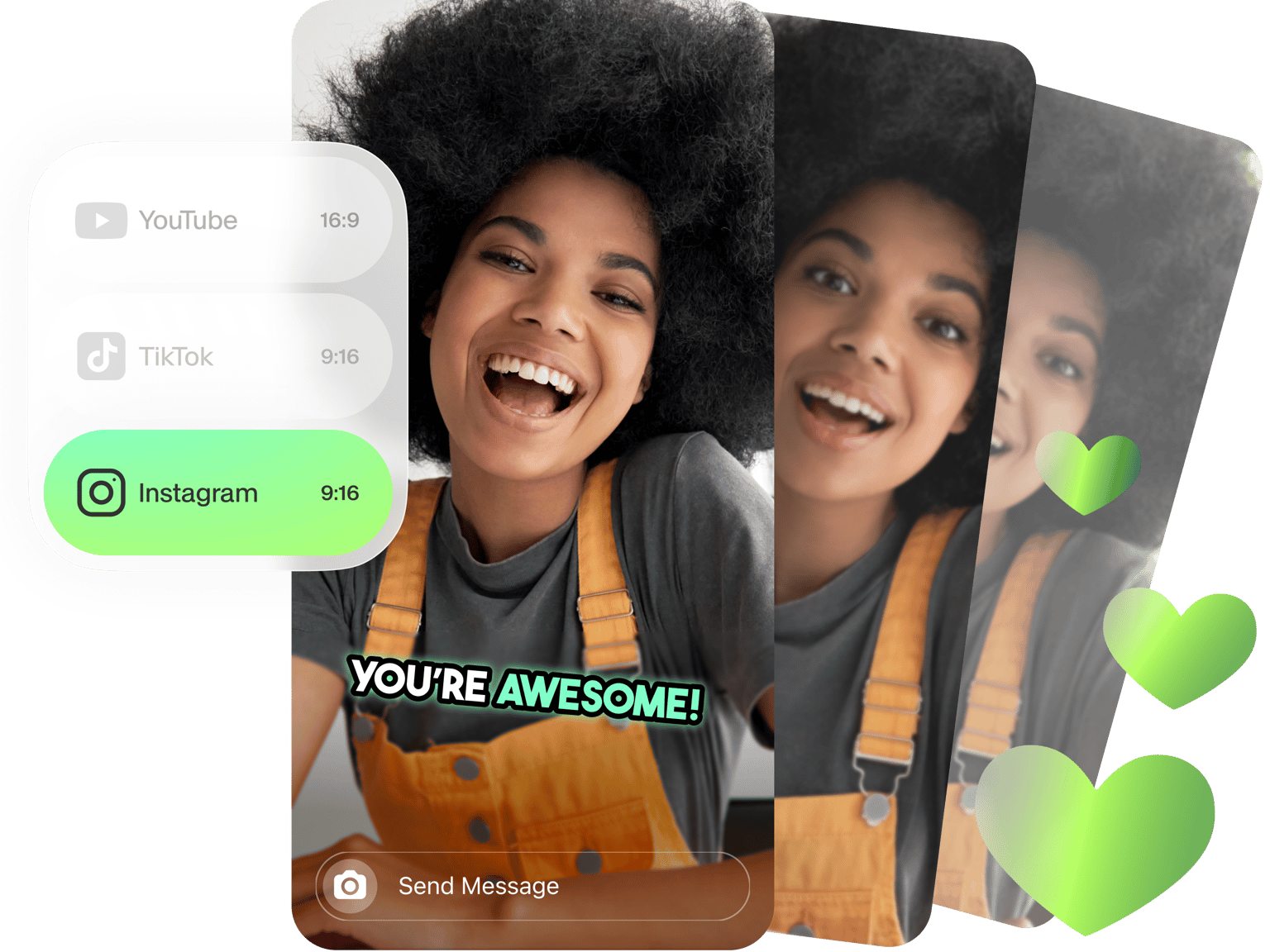
Quickly switch your video content between square, landscape, portrait, and story format. Allowing you to quickly create content for multiple destinations. (IGTV, Feed, and Stories)
Import From YouTube
Quickly import videos from YouTube and repurpose them for Instagram content
Any Video & Anywhere
On PC or mac, in the browser of your choice, you can edit any popular video file such as MOV, MP4 AVI and more
Export Settings
Export your videos with Instagram’s recommended settings to avoid losing quality when you upload
Auto Subtitles
Most users on Instagram watch video without audio. VEED lets you automatically add subtitles to your videos
FAQ
Simple. Just upload your video to VEED (drag & drop) and change the canvas size to ‘Story’. You can make any further edits you wish, and then just hit the ‘Export’ button. Done!
Step 1 - Upload a video to VEED Step 2 - Go to ‘Settings’ > ‘Size’ > ‘Story’ Step 3 - Make any further edits Step 4 - Hit ‘Download’
The aspect ratio for Instagram is (9:16). You can resize a video for Instagram automatically using VEED. Just upload your video, head over to the ‘Settings’ tab, and under ‘Size’ click on ‘Story’. Your video will automatically be resized for Insta.
Social media managers - VEED helps you create content and optimise for engagement with easy aspect ratios and subtitles Influencers - With VEED you can create professional Instagram content by adding subtitles and progress bars in just a few clicks. Way easier than premiere pro Suitable for any platform - With VEED you can easily resize your video memes to prepare them for any social media platform. TikTok, Instagram, Facebook, Twitter, Youtube, and more!
Loved by creators.
Loved by the Fortune 500
“
With VEED I didn't need 15 tutorials - I jumped straight in and started editing.

Gwenne Wilcox
Founder,
Brand Brainery
“
You can go beyond choppping things. VEED actually makes my videos look great.

Michael Glover
Demand Gen Manager,
ConvertFlow
“
The first four videos i created with VEED got over 40,000 impressions on LinkedIn.

Travis Tyler
Senior Content Producer,
PandaDoc
“
I found VEED at the right time: if you're making UGC ads and not using Eye Contact Correction and Noise Reduction on VEED you're missing out on ROI.

Sebastian Schurgers
Head of Growth Marketing,
Gronda
“
With VEED I didn't need 15 tutorials - I jumped straight in and started editing.
Gwenne Wilcox
Founder,
Brand Brainery
“
You can go beyond choppping things. VEED actually makes my videos look great.
Michael Glover
Demand Gen Manager,
ConvertFlow
“
The first four videos i created with VEED got over 40,000 impressions on LinkedIn.
Travis Tyler
Senior Content Producer,
PandaDoc
“
I found VEED at the right time: if you're making UGC ads and not using Eye Contact Correction and Noise Reduction on VEED you're missing out on ROI.
Sebastian Schurgers
Head of Growth Marketing,
Gronda
“
The first four videos i created with VEED got over 40,000 impressions on LinkedIn.
Travis Tyler
Senior Content Producer,
PandaDoc
“
I found VEED at the right time: if you're making UGC ads and not using Eye Contact Correction and Noise Reduction on VEED you're missing out on ROI.
Sebastian Schurgers
Head of Growth Marketing,
Gronda
“
With VEED I didn't need 15 tutorials - I jumped straight in and started editing.
Gwenne Wilcox
Founder,
Brand Brainery
“
You can go beyond choppping things. VEED actually makes my videos look great.
Michael Glover
Demand Gen Manager,
ConvertFlow
Discover more
More from VEED

How to Rotate a Video (6 Quick & Easy Ways)
How to easily rotate a video whether you're on your desktop, mobile, or on your web browser.

How to Add Music to an Instagram Post, Reel, or Story in 2026
Adding music to your Instagram content makes the video much more interactive and engaging while building retention among viewers. Here's how to do it for any Instagram post format.

The Best Instagram Video Formats and Specifications for 2023
By the end of this article, you’ll know how to use Instagram’s four video formats, find the best Instagram video editing program for beginners, and even figure out why your Instagram Stories look blurry. We’re going to make you a professional in no time!
Trusted by 1M+ creators
When it comes to amazing videos, all you need is VEED
No credit card required
More than an Instagram Video Editor
VEED is a lot more than an Instagram video editor. VEED is a powerful online video editing app that allows you to make memes, YouTube intros, add subtitles to your video, create online training courses, and much, much more