


Trusted by 1M+ creators
MP4 Video Editor
Edit your MP4 video files online. No software, no account required
No credit card required
4.6
2,100+ reviews















MP4 Video Editor
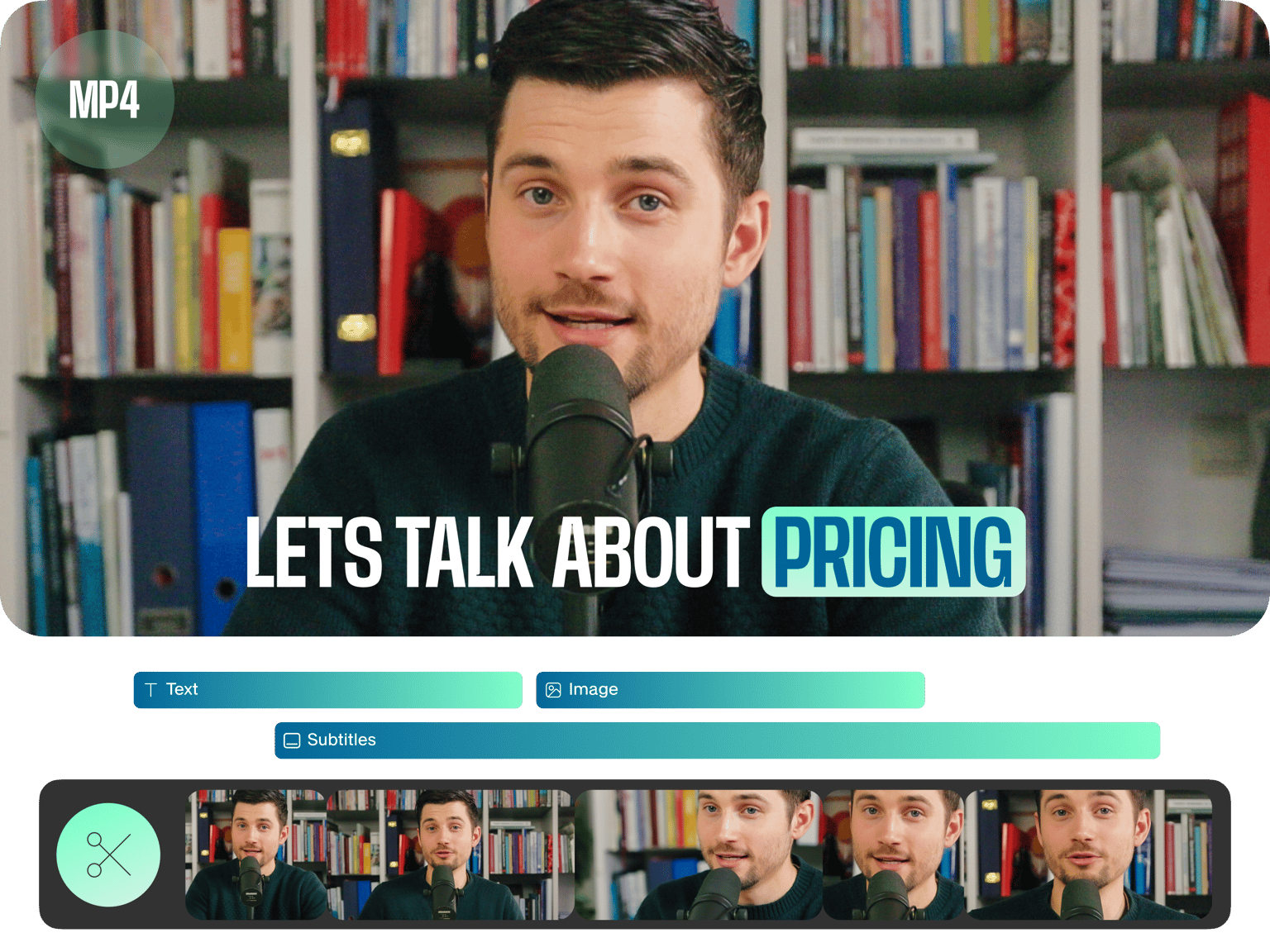
Let us help you edit your MP4 files online. Whether you’re looking for a video cutter, video cropper, to remove audio from video, add music to video, compress video, or even convert MP4 files online, you’ve come to the right place. Our online video editor is so easy to use, you’ll be editing like a pro in no time at all. No more final cut pro - VEED is the only video editing software you’ll ever need With VEED you can add subtitles automatically, translate subtitles, change font, size, colour, style, and so much more. Make your MP4 video files more accessible Adjust frame rate & resolution: you can compress your MP4 files using VEED, or simply adjust frame rate and resolution to fit your requirements - 1440p, 1080p, 720p, and more!
How to edit MP4 files online:
Step 01
Upload
Add your MP4 files to VEED. Upload by dragging & dropping. There’s no software needed, our app works right in your browser
Step 02
Edit
Make whatever changes you need. Cut/trim video, crop video, rotate video, edit audio, and so much more
Step 03
Download
All done? Hit ‘download’ and your video will render in seconds. Easy, right?
Learn More
‘Edit MP4 Video’ Tutorial
MP4 Editor, Online
You can edit your MP4 files online - without downloading any video editing software. Our app works right in your browser. You don’t even need an account
Cut Video
You can split your video quickly and easily on our handy video timeline. Cut, trim, split your video into parts and remove unwanted sections of video
Crop Video
You can crop your MP4 video files online. It’s so easy. Simply click on the video image and drag the corners until the image is just how you want it
Edit Audio
You can remove audio from your video with a single click. Adjust volume, add music, voice over, sound effects, and more
Video Effects
Add visual effects to your video. Adjust brightness, contrast, video colour grading, and more
More Features
You can add text to video, add images to your video (eg. logos & watermarks), add subtitles and more
FAQ
Yes! It’s super simple. Just upload your MP4 file to VEED, make any edits you wish (trim, crop, rotate, merge, join videos, add text, add music, and more), then hit the ‘Export’ button. That’s it!
VEED is an online video editor that is completely free to try. It’s all online, so there’s no software to download. All you do is drag and drop your MP4 videos into the browser window and start editing! It’s so simple!
Whether you’re using Windows, Mac, Linux (or even on your mobile device - iphone, ipad, android) you can use VEED to edit your videos online, free. Just upload your video files to VEED and start using the simple, user-friendly interface.
Upload your MP4 file to VEED (it’s free to use) then on the timeline drag the ends of your video clip. You can use the ‘Split’ button to split your video at any point. When you’re done, hit ‘Export’ and download your new shortened MP4 video.
Loved by creators.
Loved by the Fortune 500
“
With VEED I didn't need 15 tutorials - I jumped straight in and started editing.

Gwenne Wilcox
Founder,
Brand Brainery
“
You can go beyond choppping things. VEED actually makes my videos look great.

Michael Glover
Demand Gen Manager,
ConvertFlow
“
The first four videos i created with VEED got over 40,000 impressions on LinkedIn.

Travis Tyler
Senior Content Producer,
PandaDoc
“
I found VEED at the right time: if you're making UGC ads and not using Eye Contact Correction and Noise Reduction on VEED you're missing out on ROI.

Sebastian Schurgers
Head of Growth Marketing,
Gronda
“
With VEED I didn't need 15 tutorials - I jumped straight in and started editing.
Gwenne Wilcox
Founder,
Brand Brainery
“
You can go beyond choppping things. VEED actually makes my videos look great.
Michael Glover
Demand Gen Manager,
ConvertFlow
“
The first four videos i created with VEED got over 40,000 impressions on LinkedIn.
Travis Tyler
Senior Content Producer,
PandaDoc
“
I found VEED at the right time: if you're making UGC ads and not using Eye Contact Correction and Noise Reduction on VEED you're missing out on ROI.
Sebastian Schurgers
Head of Growth Marketing,
Gronda
“
The first four videos i created with VEED got over 40,000 impressions on LinkedIn.
Travis Tyler
Senior Content Producer,
PandaDoc
“
I found VEED at the right time: if you're making UGC ads and not using Eye Contact Correction and Noise Reduction on VEED you're missing out on ROI.
Sebastian Schurgers
Head of Growth Marketing,
Gronda
“
With VEED I didn't need 15 tutorials - I jumped straight in and started editing.
Gwenne Wilcox
Founder,
Brand Brainery
“
You can go beyond choppping things. VEED actually makes my videos look great.
Michael Glover
Demand Gen Manager,
ConvertFlow
Discover more
Trusted by 1M+ creators
When it comes to amazing videos, all you need is VEED
No credit card required
More than an online MP4 video editor
There’s so much more you can do with VEED than simply edit your MP4 files. For one thing, VEED supports any video file format - AVI, MOV, WEBM, WMV and more. You can add text, sound effects, add logos to your videos. Create Instagram Story Videos, Twitter videos, Facebook videos, and videos for any social media platform