


Trusted by 1M+ creators
YouTube Video Editor
Edit your YouTube content, resize videos for YouTube, and more
No credit card required
4.6
2,100+ reviews















YouTube Video Editing Software, Online
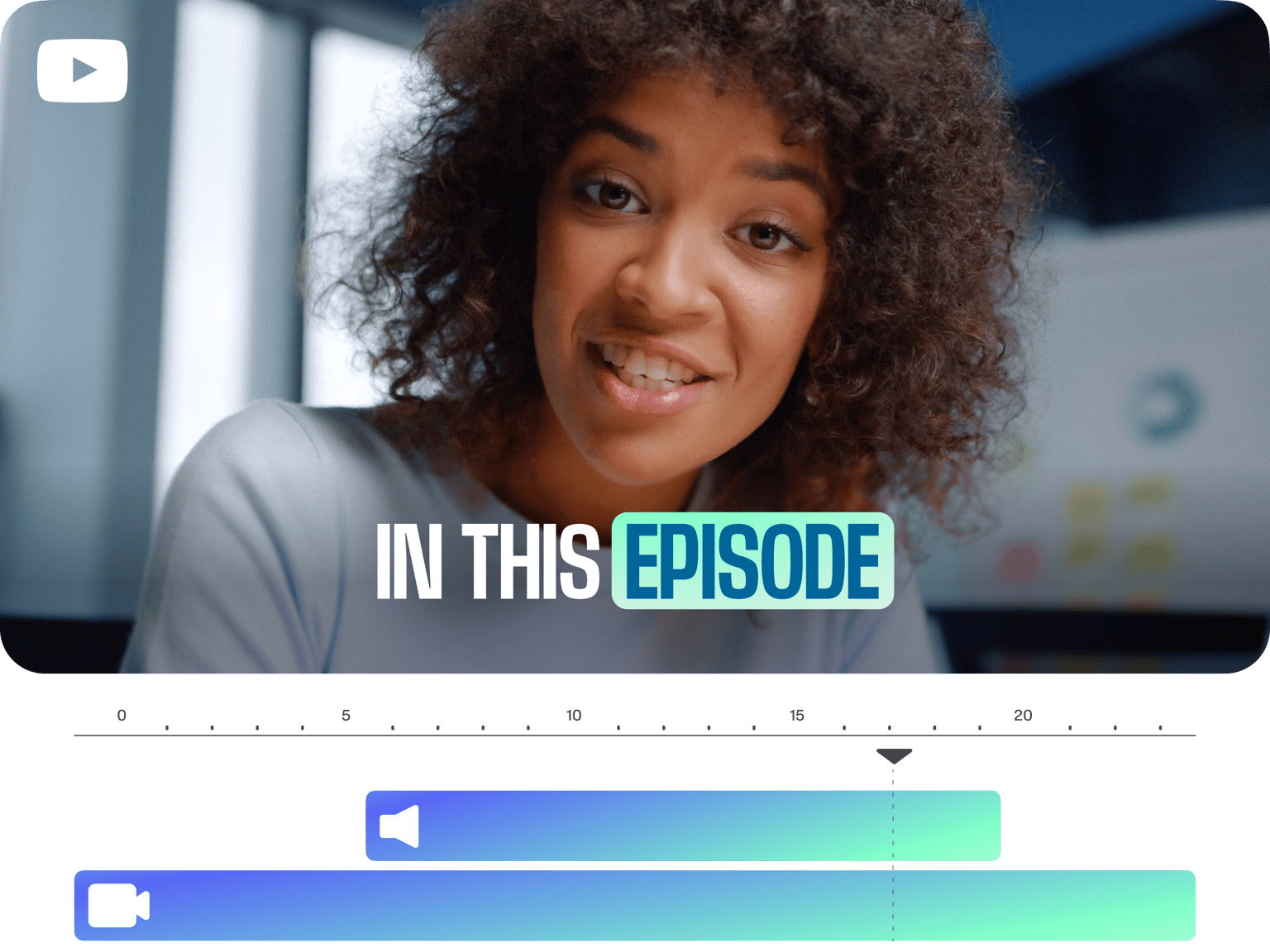
Make changes to videos you uploaded to YouTube, or add new clips and get them YouTube-ready. Whether you want to make edits to your YouTube content (add text, rotate, crop, create GIFs and more) or get your videos ready for YouTube (automatically resize to 16:9, add subtitles, etc.) you can do it with VEED! Welcome to the world of one-click editing. The days of using expensive, complicated software like Adobe Creative Cloud and DaVince Resolve are over! You can do this all from your phone, tablet or computer, without downloading any software. VEED is all online, so upload and get editing!
Remember you should only be editing YouTube videos that you yourself own. Never download copyrighted material and always follow YouTube's terms of service. Happy editing everyone!
How to Edit your YouTube Videos
Step 01
Choose Video
Upload your video files. Whether they're new footage or media you already added to your YouTube channel, just drag & drop them into VEED
Step 02
Make Your Changes
Make any edits you want - add/remove music, add text, captions, subtitles, adjust brightness, color correction, rotate, and cut/trim the video
Step 03
Export
Hit the ‘Export’ button and your video will render in seconds. You can then upload it to YouTube!
Learn More
Edit YouTube Videos Online
Add/Remove Music
You can remove the music from your YouTube video and add new music with ease. Be sure to check copyright, there are plenty of great royalty free music sites out there!
Simple, fast, free
No need to use expensive or complicated software like adobe premiere, final cut pro, windows movie maker. Now VEED is here, editing your YouTube videos is as easy as 1,2,3
Works Anywhere
VEED works on any device - windows (pc), mac, iphone and ipad (ios) - and there’s no software to download. Just click and get editing right away
Video Effects
You can add awesome special effects to your YouTube videos. Use our green screen tool to remove/change the background of your video, color correction and more!
FAQ
If you want to edit a video directly in YouTube, you can log in, go to your YouTube Studio and click the ‘Videos’ tab. Choose the video you want to edit, then go to the ‘Editor’ tab. Here you can do basic video editing tasks. But for adding subtitles, text, music, emojis and more, use VEED to get your videos looking pro.
YouTubers often use more than one piece of video editing software to create a single video. Software like VEED helps you perform all the most important video editing tasks quickly and easily. While more expensive, complex programs like Final Cut Pro and Premiere Pro allow for more bespoke effects.
The YouTube video editor is very basic. It allows you to complete some simple video editing tasks. YouTube is a video hosting, not a video editing platform. For fast, easy, online video editing, try VEED’s editor. It’s free!
Easy. You log in to YouTube, got to your Studio, choose a video, and go to the ‘Editor’ tab. Once there you can perform basic video editing tasks. For an improved editing experience, copy the video’s URL and paste it into VEED. There you can add text, music, captions and more.
Loved by creators.
Loved by the Fortune 500
“
With VEED I didn't need 15 tutorials - I jumped straight in and started editing.

Gwenne Wilcox
Founder,
Brand Brainery
“
You can go beyond choppping things. VEED actually makes my videos look great.

Michael Glover
Demand Gen Manager,
ConvertFlow
“
The first four videos i created with VEED got over 40,000 impressions on LinkedIn.

Travis Tyler
Senior Content Producer,
PandaDoc
“
I found VEED at the right time: if you're making UGC ads and not using Eye Contact Correction and Noise Reduction on VEED you're missing out on ROI.

Sebastian Schurgers
Head of Growth Marketing,
Gronda
“
With VEED I didn't need 15 tutorials - I jumped straight in and started editing.
Gwenne Wilcox
Founder,
Brand Brainery
“
You can go beyond choppping things. VEED actually makes my videos look great.
Michael Glover
Demand Gen Manager,
ConvertFlow
“
The first four videos i created with VEED got over 40,000 impressions on LinkedIn.
Travis Tyler
Senior Content Producer,
PandaDoc
“
I found VEED at the right time: if you're making UGC ads and not using Eye Contact Correction and Noise Reduction on VEED you're missing out on ROI.
Sebastian Schurgers
Head of Growth Marketing,
Gronda
“
The first four videos i created with VEED got over 40,000 impressions on LinkedIn.
Travis Tyler
Senior Content Producer,
PandaDoc
“
I found VEED at the right time: if you're making UGC ads and not using Eye Contact Correction and Noise Reduction on VEED you're missing out on ROI.
Sebastian Schurgers
Head of Growth Marketing,
Gronda
“
With VEED I didn't need 15 tutorials - I jumped straight in and started editing.
Gwenne Wilcox
Founder,
Brand Brainery
“
You can go beyond choppping things. VEED actually makes my videos look great.
Michael Glover
Demand Gen Manager,
ConvertFlow
Discover more
More from VEED

This is the Best YouTube Banner Size (and Examples of Great Channel Art)
Here's the best size for your YouTube banner and everything you need to know to make eye-catching channel art.
The Best YouTube Video Formats in 2025 (Ultimate Guide)
Everything you need to know from your youtube video size, resolution, captions and formatting your video for optimal performance.

105 YouTube video ideas for when you don't know what to post
Want to grow your YouTube channel but are stuck on what to post? We did the work and curated a list of 105 ideas every creator should know about.
Trusted by 1M+ creators
When it comes to amazing videos, all you need is VEED
No credit card required
More than a YouTube Editor
VEED is an online video editing app that puts the power in your hands. You can do so much more than just edit YouTube videos with VEED. You can resize your videos to fit any social media platform with a single click. Become the master of YouTube, Instagram and TikTok by repurposing your video content. You can add subtitles with just one click, change your background with our green screen tool, and so much more!