


Trusted by 1M+ creators
Change GIF Frame Rate
Change Frame Rate for animated GIFs. Online, free.
No credit card required
4.6
2,100+ reviews















Video Frame Rate Editor - GIF
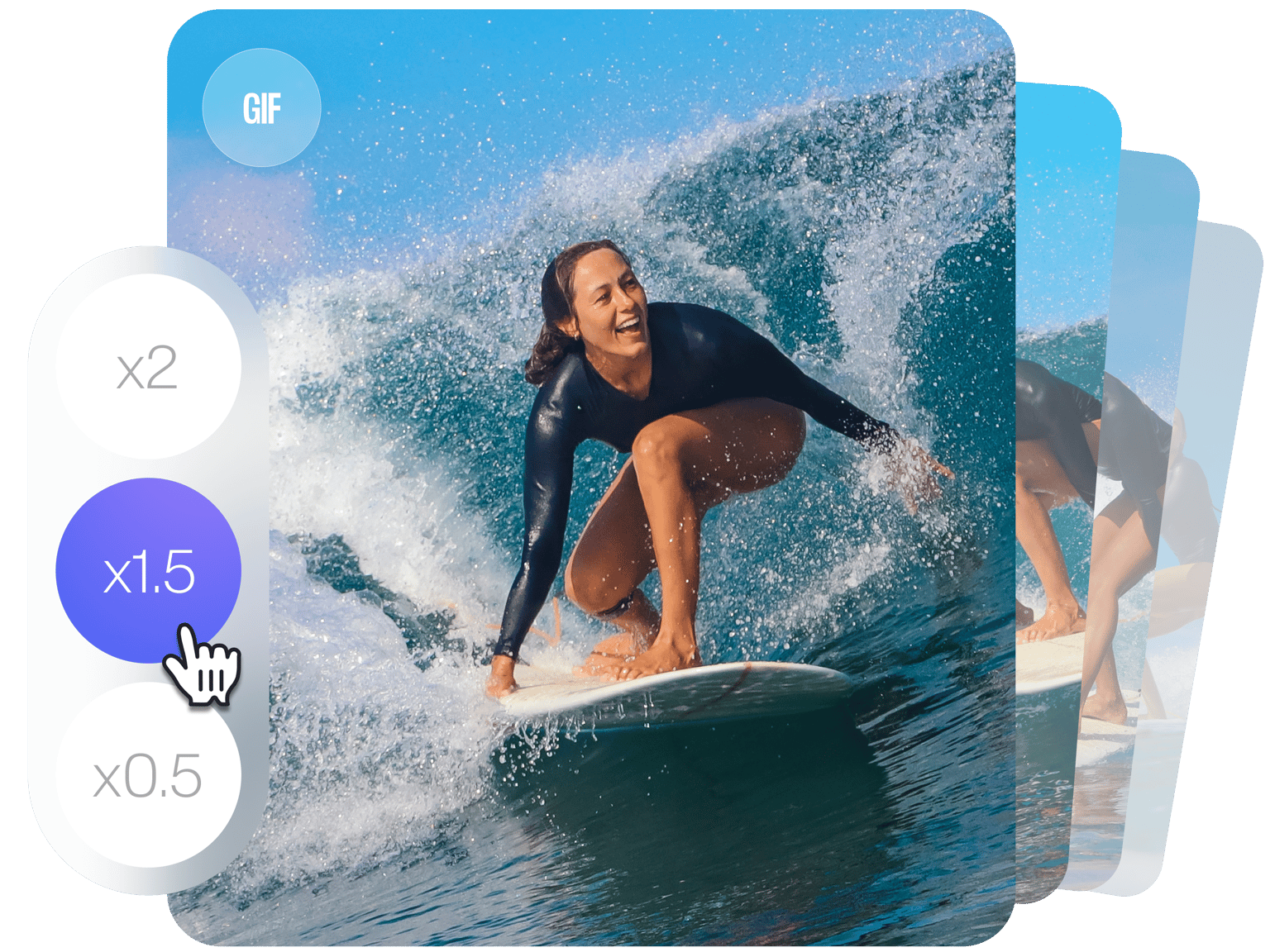
Need to reduce the frame rate for your animated GIFs? VEED’s frame rate changer allows you to change your GIFs frame rate without leaving your browser. Lower your frame rate to create your own GIFs and share them on social media and instant messaging. Upload videos in any format, cut and trim any unwanted scenes, and lower the frame rate to convert it into a GIF. Add text, stickers, emojis and drawings to your GIF to give them a personal touch. VEED is an online video editor that helps you make entertaining GIFs for a wide range of audiences. Free, and easy to use.
Download as GIF - VEED lets you upload videos in any format, and re-encode as GIF. Use VEED to create your own GIFs. Share them on social media to deepen connection with your viewers.
How to Change GIF Frame Rate:
Step 01
Upload Video
Click ‘Get Started’ and drag & drop your files into the editor. Any formats accepted.
Step 02
Change Frame Rate
Click on the ‘Export’ button on the top-right of the editor. Then, click on the text “switch to advanced settings'', located on the right side of the menu. This will switch the menu from simple settings to advanced settings. There, you will see the “Framerate Limit” tool. Drag the button to the left or right to decrease or increase frame rate, respectively. Choose a frame rate between 5fps and 60fps.
Step 03
Download
Now, hit the blue ‘Export Video’ button and your video will render on the next page. Download as GIF.
Learn More
‘How to Change GIF Frame Rate’ Tutorial
Free Online Frame Rate Editor
Change frame rate for free, instantly from your browser. All online, no software to download.
Compress Video (or GIF)
Compress your videos to reduce their file sizes using VEED’s video compression tool. VEED’s video compressor lets you change the video’s frame rate within the same tool. Access the frame rate editor in ‘advanced settings’.
Annotate GIF
Add stickers, smileys, emojis, logos, shapes, text and drawings to bring your GIFs to life!
Frame Rate Editor Windows 10
Whether you’re using Windows 10 or Mac, Linux or iPhone, our video editing app is designed to run smoothly and easily on any device.
FAQ
- Upload your Video or GIF
- Hit ‘Export’
- Select ‘Switch to Advanced’
- Drag the ‘Framerate Limit’ button left or right
- Press ‘Export Video’ to download
Follow the same instructions as above, but drag the framerate limit button to the left instead. Lowest available frame rate on VEED is 5fps.
Yes! Upload your video in any format, including - MP4, MPEG2/4, AVI, ASF, MPG, MKV, WMV, and many more. You can render and download your video as GIF.
Typically, GIFs have a lower frame rate, between 15fps and 24fps. Aim to strike a balance between file size and quality. Lower frame rate leads to smaller size, and higher frame rate leads to higher quality.
Loved by creators.
Loved by the Fortune 500
“
With VEED I didn't need 15 tutorials - I jumped straight in and started editing.

Gwenne Wilcox
Founder,
Brand Brainery
“
You can go beyond choppping things. VEED actually makes my videos look great.

Michael Glover
Demand Gen Manager,
ConvertFlow
“
The first four videos i created with VEED got over 40,000 impressions on LinkedIn.

Travis Tyler
Senior Content Producer,
PandaDoc
“
I found VEED at the right time: if you're making UGC ads and not using Eye Contact Correction and Noise Reduction on VEED you're missing out on ROI.

Sebastian Schurgers
Head of Growth Marketing,
Gronda
“
With VEED I didn't need 15 tutorials - I jumped straight in and started editing.
Gwenne Wilcox
Founder,
Brand Brainery
“
You can go beyond choppping things. VEED actually makes my videos look great.
Michael Glover
Demand Gen Manager,
ConvertFlow
“
The first four videos i created with VEED got over 40,000 impressions on LinkedIn.
Travis Tyler
Senior Content Producer,
PandaDoc
“
I found VEED at the right time: if you're making UGC ads and not using Eye Contact Correction and Noise Reduction on VEED you're missing out on ROI.
Sebastian Schurgers
Head of Growth Marketing,
Gronda
“
The first four videos i created with VEED got over 40,000 impressions on LinkedIn.
Travis Tyler
Senior Content Producer,
PandaDoc
“
I found VEED at the right time: if you're making UGC ads and not using Eye Contact Correction and Noise Reduction on VEED you're missing out on ROI.
Sebastian Schurgers
Head of Growth Marketing,
Gronda
“
With VEED I didn't need 15 tutorials - I jumped straight in and started editing.
Gwenne Wilcox
Founder,
Brand Brainery
“
You can go beyond choppping things. VEED actually makes my videos look great.
Michael Glover
Demand Gen Manager,
ConvertFlow
More from VEED

How to Make a YouTube Video to a GIF in Seconds
Boost your engagement, help your audience retain your message, and win major cool points for standing out. Here's how to turn your YouTube content into GIFS.

How To Resize Video For Instagram For Free (Quick And Easy)
Learn how to resize videos for Instagram in SECONDS with VEED.

How to Rotate a Video (6 Quick & Easy Ways)
How to easily rotate a video whether you're on your desktop, mobile, or on your web browser.
Trusted by 1M+ creators
When it comes to amazing videos, all you need is VEED
No credit card required
More than just a frame rate editor!
VEED allows you to do so much more than changing frame rates. Add text, subtitles, stickers, progress bars, filters, and so much more. You can also edit audio files and add background music to your video. Use VEED to create awesome HD videos for social media. VEED is an easy to use online video editing app that works with Mac, Windows, Android, iPhone and all mobile devices. Say goodbye to expensive software like final cut pro.