


Trusted by 1M+ creators
AI Video Assistant
Tell us what your video needs, and our AI will make it happen
No credit card required
4.6
2,100+ reviews















Professional-quality videos, just by typing prompts
Remember when editing videos meant learning complex software, clicking through endless tools, and watching tutorial after tutorial? Those days are over. Now you can simply tell our AI video assistant what you want, and watch your vision come to life.
Need your promo video optimized for Instagram? Want subtitles that match your brand style? Looking to add music that sets the right mood? Just ask. While you focus on your message and creative ideas, our AI handles the technical details. A polished video is just a few prompts away.
How to use the AI video assistant:
Step 01
Upload or create a video
Upload your existing footage, or start fresh by generating a video from a simple text prompt. The AI video assistant can create a video draft for you.
Step 02
Enhance with AI
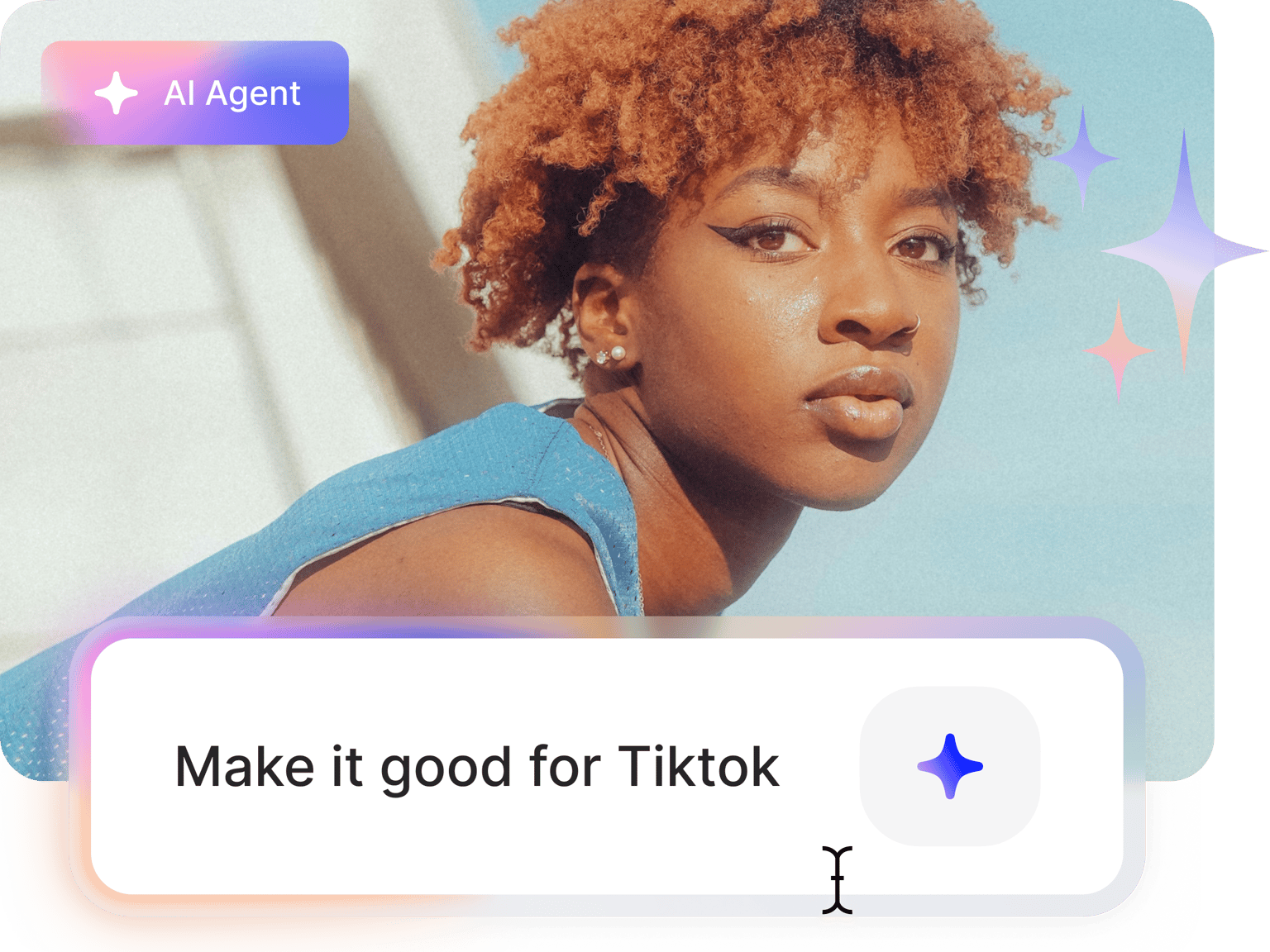
Click the ‘AI Agent’ button in the top-right corner of the editor. Type your requests in simple language, like "Add upbeat music," "Change caption style," or "Make it perfect for TikTok."
Step 03
Export and share
Satisfied with your edits? Click 'Done' to export your video. Share your polished video on your preferred platform.
Learn More
Watch this auto video editor walkthrough:
Edit videos using words, not complicated tools
Tired of navigating confusing interfaces with hundreds of buttons? Our AI assistant video editor understands what you're asking for in everyday language. Just type what you need, and it handles the technical work. Use our built-in tools for auto-subtitles, music, and noise removal—all through simple conversation instead of complex menus.
Go from concept to polished video in minutes
Editing videos no longer has to take hours. Type a request like "make this video look great for Instagram" and watch as the AI instantly applies the proper aspect ratio, adds captions, and optimizes your content. You can even remove filler words and long pauses with a click. Create more videos in less time, without sacrificing quality.
Optimize your videos without the guesswork
Not sure what makes a video do well on different platforms? Our AI video assistant knows. It automatically applies best practices for TikTok, YouTube, Instagram, and more—making your videos more engaging. No more researching requirements or experimenting with formats. Just specify the platform and let the AI do the rest.
FAQ
Yes. Our text-to-video generator creates videos from prompts, while our AI video assistant lets you edit existing videos with simple typed instructions. Both tools work together seamlessly to help you create professional content without complex editing skills.
Yes, the AI video assistant is available on all plans (Free, Lite, Pro, and Enterprise). You can edit videos even without signing up, though you'll need to sign up to export your project. Paid plans remove the watermark for more professional results.
Start with your goal, then add specifics. For platform optimization, try "Make this video work for Instagram." Need technical adjustments? Try "Change aspect ratio to vertical" or "Add subtitles." The more specific your request, the better the results—mention style, mood, or platform requirements.
Absolutely. You have complete control of your project. If you don't like an AI edit, simply undo it or make further adjustments.
Loved by creators.
Loved by the Fortune 500
“
With VEED I didn't need 15 tutorials - I jumped straight in and started editing.

Gwenne Wilcox
Founder,
Brand Brainery
“
You can go beyond choppping things. VEED actually makes my videos look great.

Michael Glover
Demand Gen Manager,
ConvertFlow
“
The first four videos i created with VEED got over 40,000 impressions on LinkedIn.

Travis Tyler
Senior Content Producer,
PandaDoc
“
I found VEED at the right time: if you're making UGC ads and not using Eye Contact Correction and Noise Reduction on VEED you're missing out on ROI.

Sebastian Schurgers
Head of Growth Marketing,
Gronda
“
With VEED I didn't need 15 tutorials - I jumped straight in and started editing.
Gwenne Wilcox
Founder,
Brand Brainery
“
You can go beyond choppping things. VEED actually makes my videos look great.
Michael Glover
Demand Gen Manager,
ConvertFlow
“
The first four videos i created with VEED got over 40,000 impressions on LinkedIn.
Travis Tyler
Senior Content Producer,
PandaDoc
“
I found VEED at the right time: if you're making UGC ads and not using Eye Contact Correction and Noise Reduction on VEED you're missing out on ROI.
Sebastian Schurgers
Head of Growth Marketing,
Gronda
“
The first four videos i created with VEED got over 40,000 impressions on LinkedIn.
Travis Tyler
Senior Content Producer,
PandaDoc
“
I found VEED at the right time: if you're making UGC ads and not using Eye Contact Correction and Noise Reduction on VEED you're missing out on ROI.
Sebastian Schurgers
Head of Growth Marketing,
Gronda
“
With VEED I didn't need 15 tutorials - I jumped straight in and started editing.
Gwenne Wilcox
Founder,
Brand Brainery
“
You can go beyond choppping things. VEED actually makes my videos look great.
Michael Glover
Demand Gen Manager,
ConvertFlow
Explore related tools
More from VEED
Top AI Video Generation and Creation Tools for Businesses in 2025
We’ve curated the best AI video generators for businesses—featuring automated editing and text-to-video generation.

How to Make AI Videos with VEED: Bring Your Ideas to Life
Want to learn how to make AI videos with VEED? Check out this starter guide to take your video projects from A to Z in the blink of AI.

YouTube Automation: How to Streamline Your Channel for Success
Master YouTube automation with our complete guide. Discover top strategies, tools, and tips to streamline your workflow and grow your channel effortlessly.
Trusted by 1M+ creators
When it comes to amazing videos, all you need is VEED
No credit card required
More than an AI video assistant
VEED's AI video assistant works alongside our complete suite of tools. Need cleaner audio? Remove background noise in one click. Want to reach more audiences? Dub videos in multiple languages using the original speaker’s voice. Turning a podcast or interview into shareable clips? Extract your best segments with our AI clip generator. With VEED, you don’t have to jump between apps. Streamline your workflow. Get started for free.