


Trusted by 1M+ creators
Video Overlay Online
Add video overlays and camera effects to your videos
No credit card required
4.6
2,100+ reviews















Add Video Overlays in One Click
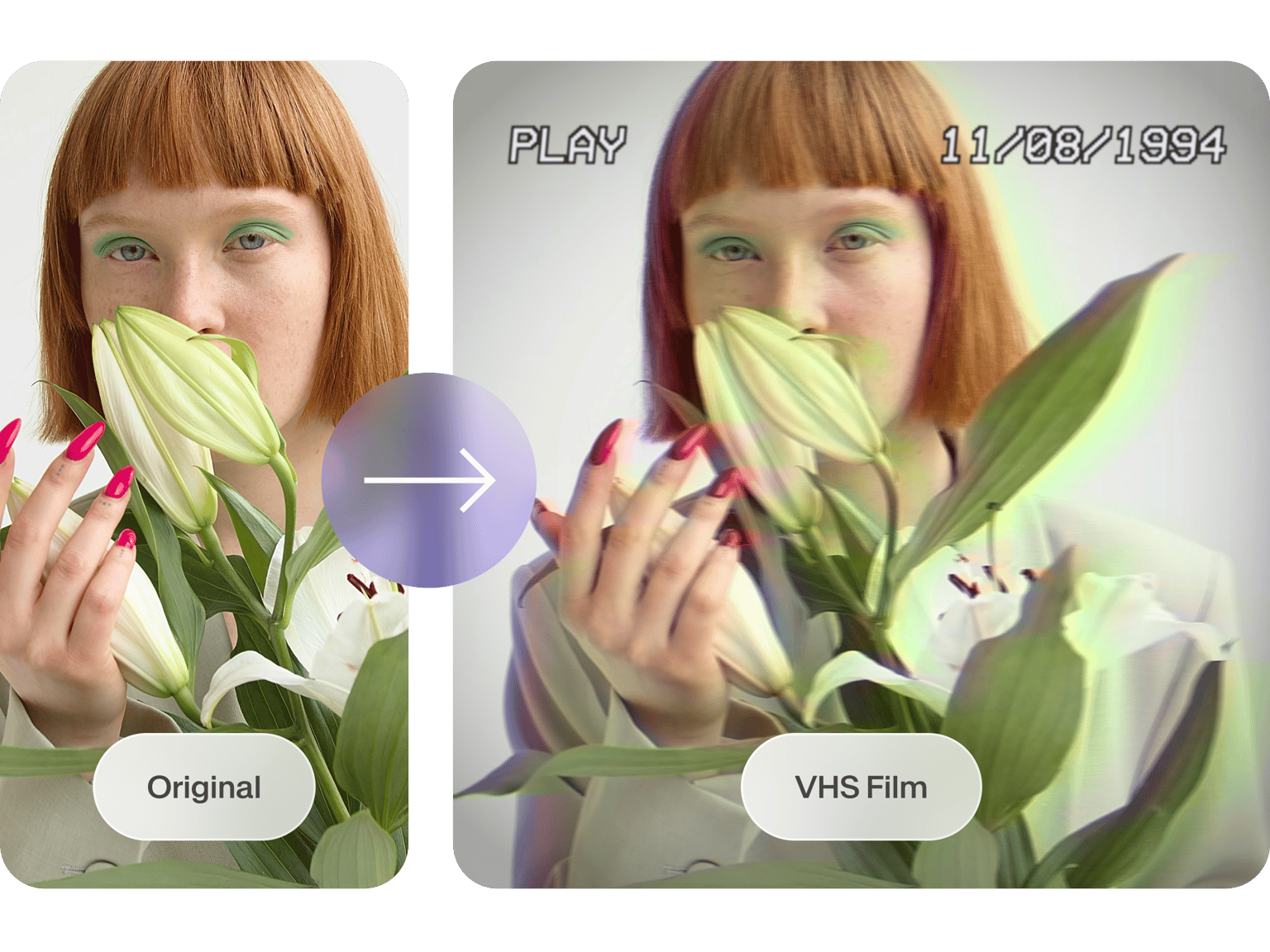
VEED’s online video editor lets you add overlays to your videos in just one click. Add a bokeh effect, film burn, light leaks, VHS overlay, and more! You can also add camera filters to achieve the look and feel that you want for your video. You can also add color grading to change the general tone of your video.
Our video overlays are free to use. It is super easy; just click on Filters from the left menu, and select the overlay or effect that you want. And you can do it all online—straight from your browser. No need to install apps that consume large storage spaces in your device.
How to Add Video Overlays:
Step 01
Upload Video
Upload the video you would like to add effects to. Click on ‘Choose Video’. Select the file or just drag & drop
Step 02
Add Effects
Click ‘Filters’, and select the filters, effects & color grading options you want to apply to your video.
Step 03
Hit Download
Once you are happy with the style of your video, just click the ‘Export’ button and you’re done!
Learn More
‘Add Overlays to Video’ Tutorial
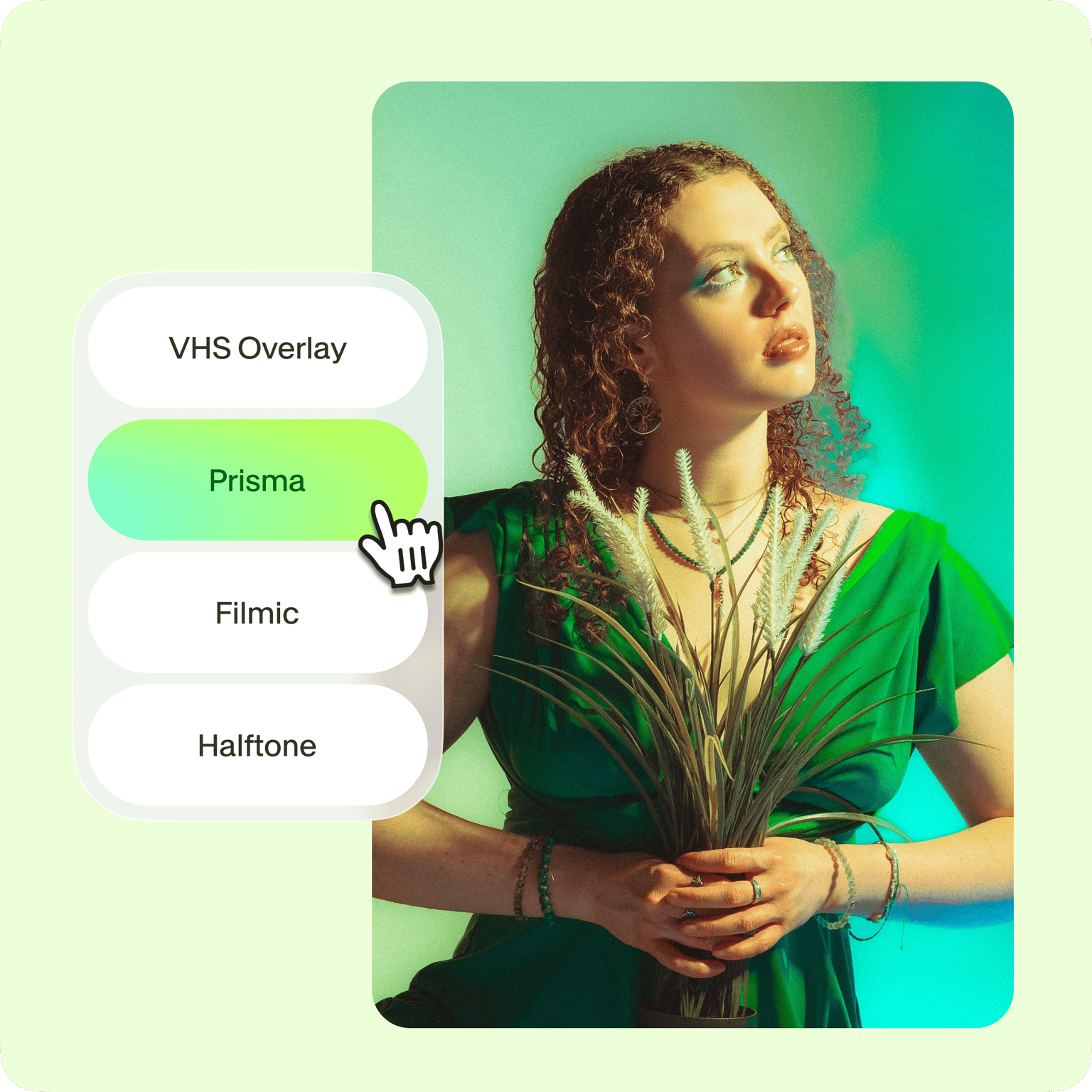
Video effects for every creator
VEED’s video editing software is designed with every creator in mind. Find all the tools you need to create the perfect look and feel that you want for your video. Choose from our professionally-designed video overlays and effects. Achieve a nostalgic effect, add light leaks to make your video look more dramatic, and more. You can also add color grading and other camera effects. It only takes one click. Whether you’re making videos for business, education, or personal use, VEED is the perfect software to use. Pixelate, blur, invert, animate, the choice is yours! VEED’s suite of effects will transform your marketing videos, YouTube videos, TikToks, IGTV videos, training & explainer videos, you name it!
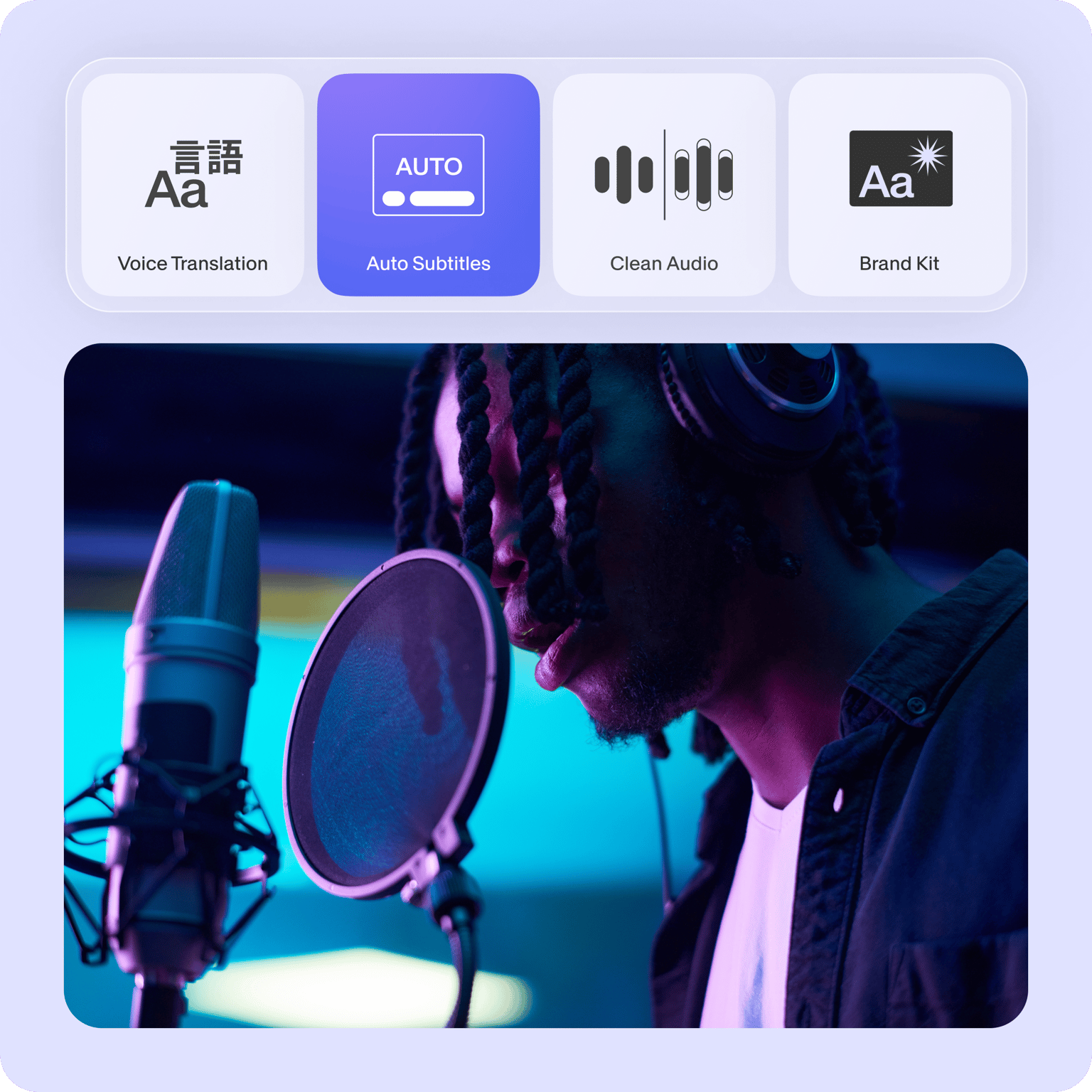
All the tools you need in a video editor
Apart from adding effects in one click, you can use VEED to do all sorts of editing to your video. You can cut, crop, rotate and resize your videos to fit different social media platforms. Split your videos into multiple clips and rearrange them on the timeline with our simple drag and drop feature. You don’t need any video editing experience to create professional-looking videos using VEED! Use our video templates and stock videos to create videos for all occasions and purposes. Create business presentation videos, marketing videos, or funny videos for your friends, and so much more!
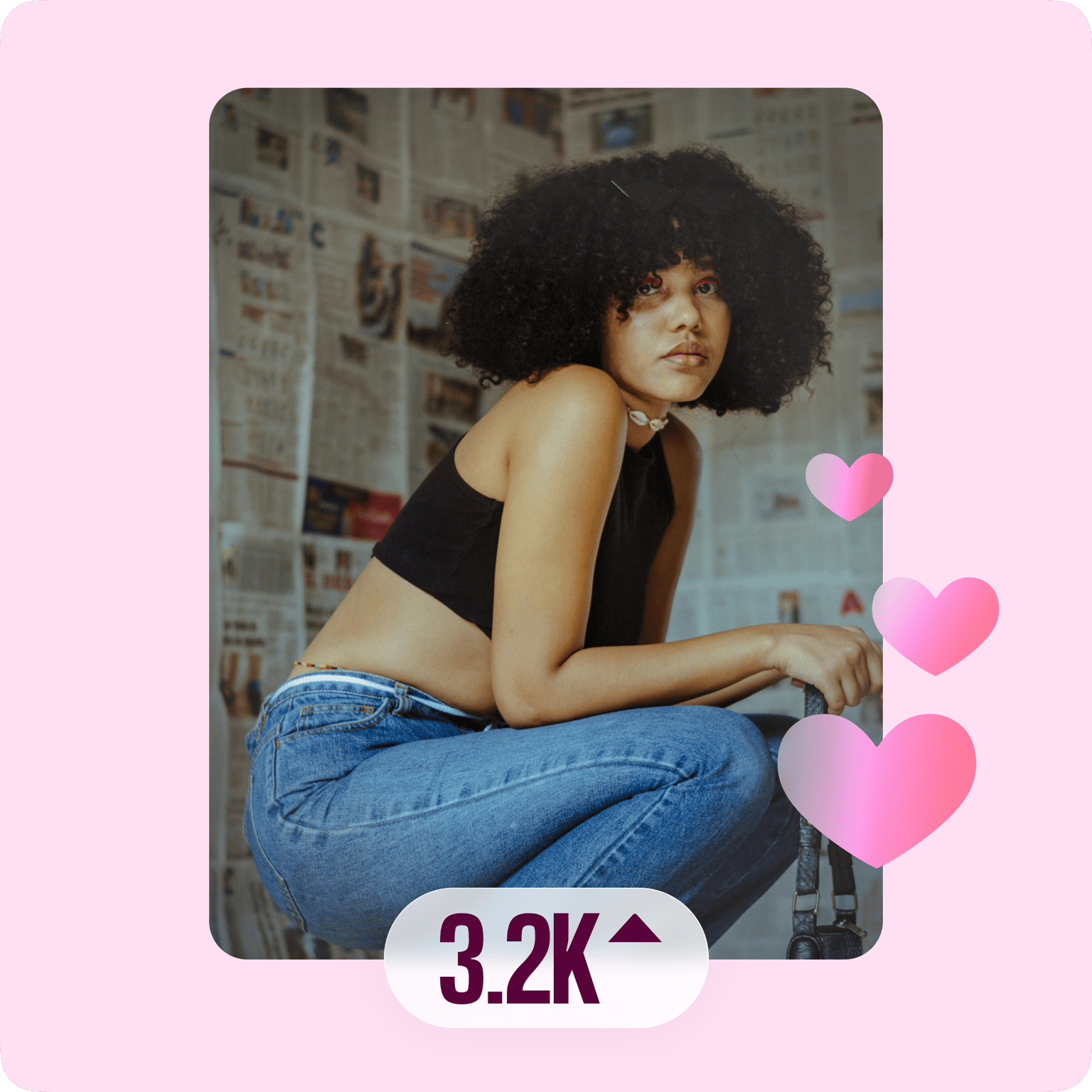
Get more engagement on your social media pages
VEED’s video overlay and effects can be used to align your videos to a specific trend, season, mood, or audience on social. Try our preset canvas sizes to download videos for YouTube, Facebook, Instagram, and more. Edit the length, thumbnail, audio, resolution, and size to customize your videos for different social media apps. Or, if you’d like to make your video more engaging to a younger audience, try out our “Strobe effect”. Keep your content up to date using our wide range of cool effects.
FAQ
Upload your video to veed and select from our collection of video overlays from the Filters menu on the left of the screen. That’s it! It will automatically be applied to your video and you can preview the overlay in real-time.
Every effect on VEED is FREE to use, for anyone and at any time. No fees, no subscription, and no “free trials”. Add any effect you wish for free, no need to dig your pockets!
Yes! Whilst you won’t be able to use the “visual” effects, obviously, VEED has no shortage of tools to edit your audio files! You can remove background noise, add background music, record voice commentary, or create a thumbnail for your podcasts!
VEED recognizes and uploads numerous video formats. These include AVI, GIF, M4V, MOV, MP3, MP4, MPE, MPG4, OGG, WEBM, and more!
A video overlay is an image, often subtle or transparent, that can be added to your video. It can be animated or still. It appears on the screen over your video—as the name suggests—to create a different look and feel.
On VEED, you certainly can! VEED is a creator-friendly tool that’s designed to protect the quality of every video it edits.
Loved by creators.
Loved by the Fortune 500
“
With VEED I didn't need 15 tutorials - I jumped straight in and started editing.

Gwenne Wilcox
Founder,
Brand Brainery
“
You can go beyond choppping things. VEED actually makes my videos look great.

Michael Glover
Demand Gen Manager,
ConvertFlow
“
The first four videos i created with VEED got over 40,000 impressions on LinkedIn.

Travis Tyler
Senior Content Producer,
PandaDoc
“
I found VEED at the right time: if you're making UGC ads and not using Eye Contact Correction and Noise Reduction on VEED you're missing out on ROI.

Sebastian Schurgers
Head of Growth Marketing,
Gronda
“
With VEED I didn't need 15 tutorials - I jumped straight in and started editing.
Gwenne Wilcox
Founder,
Brand Brainery
“
You can go beyond choppping things. VEED actually makes my videos look great.
Michael Glover
Demand Gen Manager,
ConvertFlow
“
The first four videos i created with VEED got over 40,000 impressions on LinkedIn.
Travis Tyler
Senior Content Producer,
PandaDoc
“
I found VEED at the right time: if you're making UGC ads and not using Eye Contact Correction and Noise Reduction on VEED you're missing out on ROI.
Sebastian Schurgers
Head of Growth Marketing,
Gronda
“
The first four videos i created with VEED got over 40,000 impressions on LinkedIn.
Travis Tyler
Senior Content Producer,
PandaDoc
“
I found VEED at the right time: if you're making UGC ads and not using Eye Contact Correction and Noise Reduction on VEED you're missing out on ROI.
Sebastian Schurgers
Head of Growth Marketing,
Gronda
“
With VEED I didn't need 15 tutorials - I jumped straight in and started editing.
Gwenne Wilcox
Founder,
Brand Brainery
“
You can go beyond choppping things. VEED actually makes my videos look great.
Michael Glover
Demand Gen Manager,
ConvertFlow
Discover more
More from VEED

105 YouTube video ideas for when you don't know what to post
Want to grow your YouTube channel but are stuck on what to post? We did the work and curated a list of 105 ideas every creator should know about.

13 Effective How-To Videos (and Why They Work)
If you’re looking for inspiration to create your next how-to video, you’re in the right place. We’ve collected 12 effective how-to videos and analyzed them to see why they work.

14 Best Video Editing Software for YouTube: The No-Nonsense Guide To Help You Find The Best Tool
We reviewed 13 different video editing tools for YouTubers and highlighted the 3 best ones whether you're a pro editor, beginner, or just want to edit on your phone.
Trusted by 1M+ creators
When it comes to amazing videos, all you need is VEED
No credit card required
More than just adding video overlays
VEED is the complete video editor package for all types of creators. It has no shortage of editing tools you might need! On our online video editor, you’ll find a selection of cool features you can use to create stunning videos. Add watermarks, logos, progress bars, emojis, cartoons, background music, subtitles, translations, and so much more! VEED is a powerful but easy-to-use video editor for content creators like you!