


Trusted by 1M+ creators
MOV Player
View your MOV videos online for free. No software download needed
No credit card required
4.6
2,100+ reviews















Play, edit, and share MOV videos on one platform
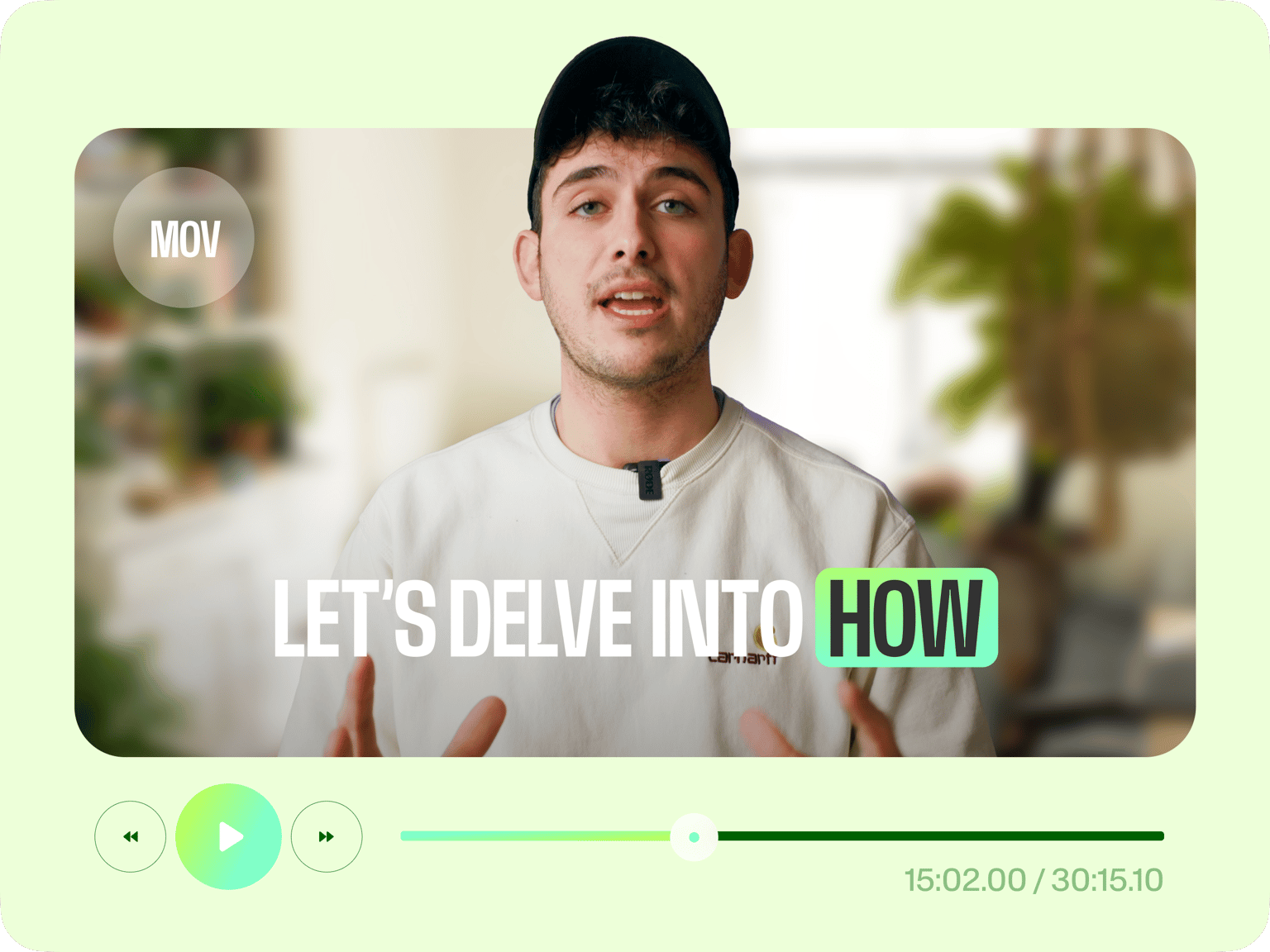
Trouble playing or sharing MOV files? VEED lets you play your MOV video directly from your browser – no need to install any software. Simply upload your video and enjoy seamless viewing. You can also edit your MOV or compress large files. If you need to trim your video, we also have Magic Cut for removing awkward pauses and interruptions in one click. When you’re video is ready, share the link or export your video.
How to play MOV files online:
Step 01
Upload
Upload your MOV file to VEED. You can drag and drop your file into the editor.
Step 02
Edit
Need to edit your video? Crop, trim, or merge clips with the video editor. You can also enhance your video with text, music, and captions.
Step 03
Share
Click ‘Done’ and export your video. Share the VEED link with your audience, so they can watch the video right from their browser.
Learn More
Learn how to edit your MOV videos:
Ad-free, secure playback across all devices
View or share your MOV videos without ads popping up. VEED’s free .mov player lets you set your video to Public or Private, giving you complete control over who can see your content. Share your videos with specific email addresses or embed the video to your website. Enjoy a seamless viewing experience and play your video from any device.
MOV compressor and converter
Our video compressor lets you easily compress large MOV files without losing quality. You can also convert MOV to MP4 and other file formats. Save storage space and optimize your video for various platforms. Need to edit your video? VEED offers a built-in MOV editor, so you can split, trim, and merge clips.
Seamless collaboration
Give and receive feedback on your video with our collaborative editing feature. Simply click ‘Share’ and invite reviewers to your team space. This lets you gather precise, context-specific feedback at exact moments in your video. No more back-and-forth emails and tedious MOV uploads. Gather input and polish your video with VEED’s video viewer.
FAQ
Yes. You can play MOV files online using VEED’s .mov player. Simply upload your video and play it from the timeline or export the file.
Use VEED’s online MOV file player:
- Upload your video.
- Split, trim, or merge video clips in our video editor.
- Share your video by clicking ‘Share’ and entering an email address or copying the project link.
Yes, free accounts have limited file uploads. You can enjoy unlimited MOV uploads and more video editing features by upgrading to one of our paid plans.
Absolutely. Convert MOV to MP4 using our free converter. Upload your video, set the output format to MP4, and download the converted file.
Loved by creators.
Loved by the Fortune 500
“
With VEED I didn't need 15 tutorials - I jumped straight in and started editing.

Gwenne Wilcox
Founder,
Brand Brainery
“
You can go beyond choppping things. VEED actually makes my videos look great.

Michael Glover
Demand Gen Manager,
ConvertFlow
“
The first four videos i created with VEED got over 40,000 impressions on LinkedIn.

Travis Tyler
Senior Content Producer,
PandaDoc
“
I found VEED at the right time: if you're making UGC ads and not using Eye Contact Correction and Noise Reduction on VEED you're missing out on ROI.

Sebastian Schurgers
Head of Growth Marketing,
Gronda
“
With VEED I didn't need 15 tutorials - I jumped straight in and started editing.
Gwenne Wilcox
Founder,
Brand Brainery
“
You can go beyond choppping things. VEED actually makes my videos look great.
Michael Glover
Demand Gen Manager,
ConvertFlow
“
The first four videos i created with VEED got over 40,000 impressions on LinkedIn.
Travis Tyler
Senior Content Producer,
PandaDoc
“
I found VEED at the right time: if you're making UGC ads and not using Eye Contact Correction and Noise Reduction on VEED you're missing out on ROI.
Sebastian Schurgers
Head of Growth Marketing,
Gronda
“
The first four videos i created with VEED got over 40,000 impressions on LinkedIn.
Travis Tyler
Senior Content Producer,
PandaDoc
“
I found VEED at the right time: if you're making UGC ads and not using Eye Contact Correction and Noise Reduction on VEED you're missing out on ROI.
Sebastian Schurgers
Head of Growth Marketing,
Gronda
“
With VEED I didn't need 15 tutorials - I jumped straight in and started editing.
Gwenne Wilcox
Founder,
Brand Brainery
“
You can go beyond choppping things. VEED actually makes my videos look great.
Michael Glover
Demand Gen Manager,
ConvertFlow
More from VEED

6 Easy Ways to Compress Video Files (Without Losing Quality)
Figuring out how to compress a video file without losing quality doesn’t have to be a long and drawn-out process. Try these simple methods now!

How to Send Large Video Files (from Desktop, iPhone, and Android)
Have a large video file that you'd like to share? Check out the 7 best methods that can help with that.

The Best Instagram Video Formats and Specifications for 2023
By the end of this article, you’ll know how to use Instagram’s four video formats, find the best Instagram video editing program for beginners, and even figure out why your Instagram Stories look blurry. We’re going to make you a professional in no time!
Trusted by 1M+ creators
When it comes to amazing videos, all you need is VEED
No credit card required
More than an MOV file player
VEED lets you view MOV files and edit videos all in one platform. Our powerful video editing software lets you create professional-looking videos in just a few clicks. Record video intros and walkthroughs, and trim your recording with Magic Cut. Then, you can add images, music, text, and subtitles to your videos. You don’t need any video editing experience. With VEED, anyone can create stunning videos in minutes.