


Trusted by 1M+ creators
Video Speed Editor
Create a new viewing experience: Speed up or slow down your video’s speed
No credit card required
4.6
2,100+ reviews















Edit your video’s speed with precision
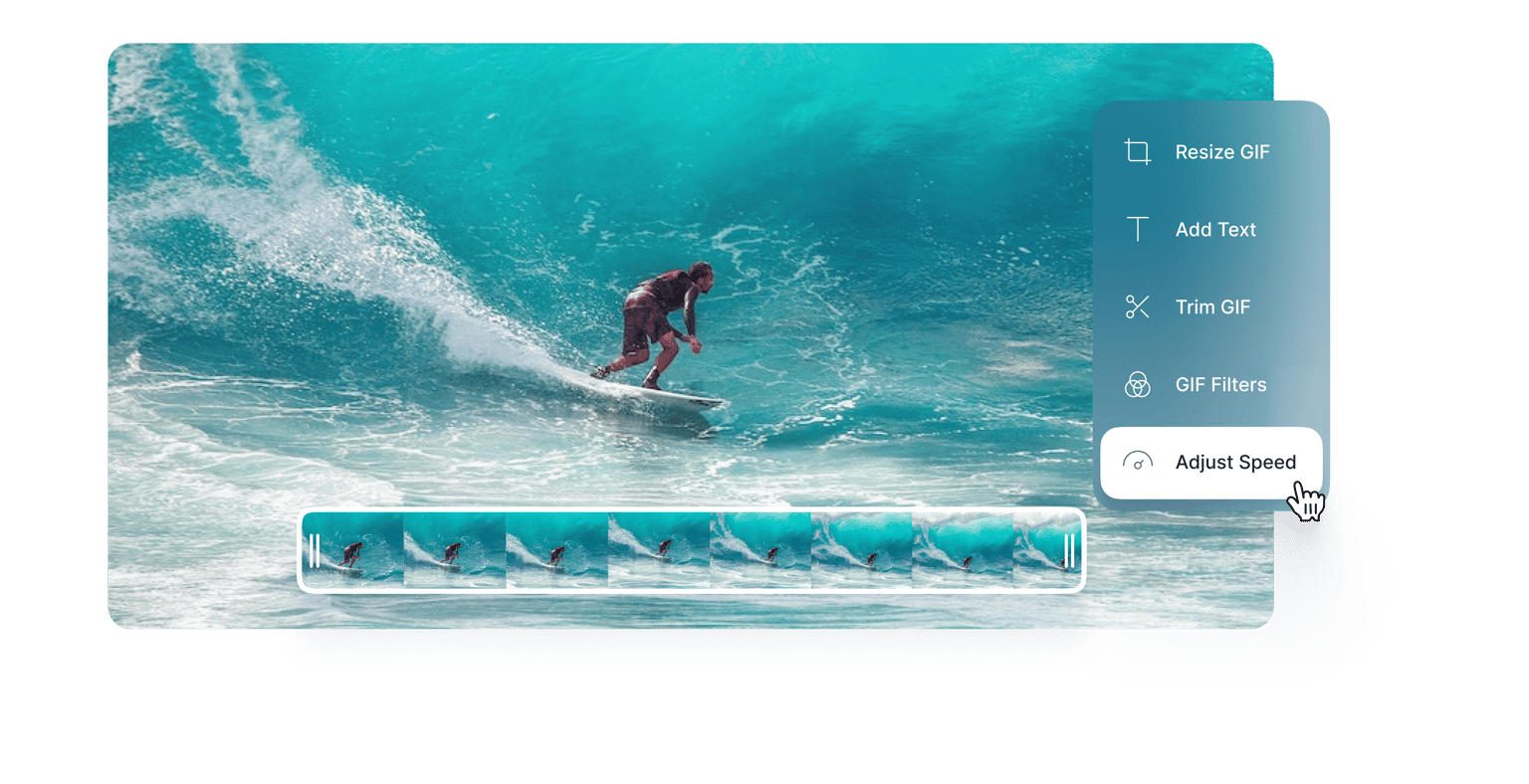
Speed up or slow down your video’s playback speed using VEED’s professional video editor. Create slow-motion videos and time-lapse videos in just a few clicks. Controlling the speed of your video lets you create a new effect; you can make the tone more exciting by speeding it up or go for a more dramatic effect by slowing down the playback. Enhance your storytelling style and captivate your audience with seamless speed adjustments. Plus, you can add background music to match the style!
How to make a video faster or slower:
Step 01
Upload, record, or start with a template
Upload your video to VEED or record one using our free webcam recorder. You can also start with our customizable video templates.
Step 02
Set a speed
Select your video on the editor, then set a speed. You can choose from 0.5x, 1x, 1.5x, and so on. Or click on ‘Custom’ and enter a speed.
Step 03
Export or keep creating!
Export your video or keep exploring our full range of video editing tools. You can cut, trim, and rearrange your video clips on the timeline. Add captions, music, and more!
Learn More
Watch this to learn more about our video speed editor:
Repurpose your content by changing your video’s speed
Quickly and effortlessly create fresh content by repurposing your videos. By changing the speed of some parts of your video, you can create new effects. Share them on various social media platforms to gain more followers and increase your engagement. Adding background music that suits the speed and other media can also help you craft new content. Take a look at some of our stock video and audio clips from the Media menu!
The perfect free tool with no risks involved
VEED is the perfect alternative for expensive and complicated online video software. Our intuitive timeline, snap-to-grid, and drag-and-drop interface easily beat complicated apps like Da Vinci Resolve. It offers more room for creativity than Adobe Premier Pro. Plus, you will have access to all our pro tools that you’ll usually find are paid features in other video editing apps. Rearrange your video clips in a cinch, add captions, video effects, and more.
Create your next masterpiece on VEED
Discover the power to control time and transform your videos into captivating masterpieces with VEED’s video speed editor. Whether you're a content creator, filmmaker, or simply a video enthusiast, our intuitive tool empowers you to manipulate speed effortlessly. Tell stories through videos in different styles, enhance visual impact, and create a viewing experience that leaves an indelible mark.
FAQ
VEED lets you quickly and effortlessly edit a video’s speed. Upload your video, select a speed, and export. You can also use our full range of video editing tools to create fresh content out of your videos. Cut, split, and rearrange your video clips, add music, and more.
VEED supports all popular video file types, including MP4. All you have to do is upload your MP4 video to VEED, select a custom speed, or enter your desired speed, and export it to your device!
Absolutely! VEED lets you manipulate the playback speed of your videos. Slow down the video to create a slow-mo effect. All you have to do is select a lower speed on the menu.
In this case, you will select a speed starting from 0.5x and below. You can also enter a custom speed.
Loved by creators.
Loved by the Fortune 500
“
With VEED I didn't need 15 tutorials - I jumped straight in and started editing.

Gwenne Wilcox
Founder,
Brand Brainery
“
You can go beyond choppping things. VEED actually makes my videos look great.

Michael Glover
Demand Gen Manager,
ConvertFlow
“
The first four videos i created with VEED got over 40,000 impressions on LinkedIn.

Travis Tyler
Senior Content Producer,
PandaDoc
“
I found VEED at the right time: if you're making UGC ads and not using Eye Contact Correction and Noise Reduction on VEED you're missing out on ROI.

Sebastian Schurgers
Head of Growth Marketing,
Gronda
“
With VEED I didn't need 15 tutorials - I jumped straight in and started editing.
Gwenne Wilcox
Founder,
Brand Brainery
“
You can go beyond choppping things. VEED actually makes my videos look great.
Michael Glover
Demand Gen Manager,
ConvertFlow
“
The first four videos i created with VEED got over 40,000 impressions on LinkedIn.
Travis Tyler
Senior Content Producer,
PandaDoc
“
I found VEED at the right time: if you're making UGC ads and not using Eye Contact Correction and Noise Reduction on VEED you're missing out on ROI.
Sebastian Schurgers
Head of Growth Marketing,
Gronda
“
The first four videos i created with VEED got over 40,000 impressions on LinkedIn.
Travis Tyler
Senior Content Producer,
PandaDoc
“
I found VEED at the right time: if you're making UGC ads and not using Eye Contact Correction and Noise Reduction on VEED you're missing out on ROI.
Sebastian Schurgers
Head of Growth Marketing,
Gronda
“
With VEED I didn't need 15 tutorials - I jumped straight in and started editing.
Gwenne Wilcox
Founder,
Brand Brainery
“
You can go beyond choppping things. VEED actually makes my videos look great.
Michael Glover
Demand Gen Manager,
ConvertFlow
Discover more
Trusted by 1M+ creators
When it comes to amazing videos, all you need is VEED
No credit card required
More than a video speed editor
VEED is so much more than just a video speed editor. It’s an all-in-one professional software that lets you create amazing-looking videos for all your channels. Grow your following by establishing your brand online using our brand kit (available to premium subscribers)—add your logo, brand colors, fonts, and more! Repurpose your content quickly without sacrificing the quality of your videos.