


Trusted by 1M+ creators
Video to Video AI
Restyle videos, replace characters, or create animations instantly
No credit card required
4.6
2,100+ reviews















Create character animations from any video
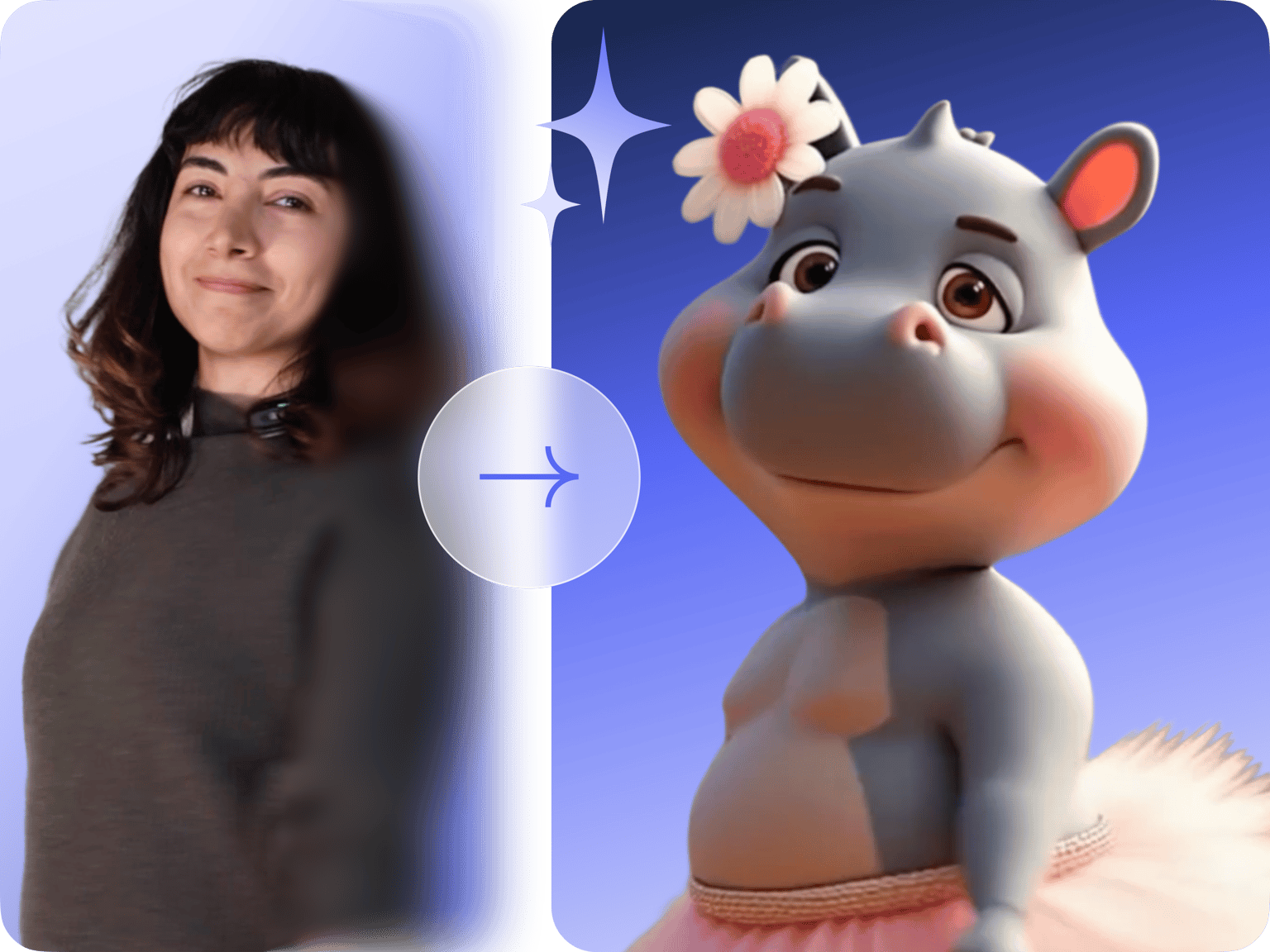
Video to video AI transforms any video into an animated character or swaps the person in your footage. Upload your video and choose a character—the AI transfers movements and expressions onto that character. Turn yourself into cartoon mascots, 3D avatars, clay characters, or hand-drawn personas. Or replace the person with a stylized character while keeping backgrounds, lighting, and everything else intact.
The AI captures every detail—head tilts, hand gestures, facial expressions. Content creators can make eye-catching social media videos. Marketers can test different brand characters in existing footage without expensive reshoots. Generate your video, then polish it in our AI video editor with subtitles, effects, and more.
How to use video to video AI:

Step 01
Choose your video to video mode
Select Animate Move to animate a character image with your video's movements, or Animate Replace to swap the person in your footage with a different character.
Step 02
Upload your video and add your character
Upload your source video (2-30 seconds works best). Then add a character image—either upload your own or choose from VEED's character presets. For best results, match your character's posture and camera angle to your video.

Step 03
Generate and download video
The AI transfers movements and expressions—head tilts, hand gestures, facial expressions—onto your character. Preview your animation, then download it in high quality. Move it into VEED's editor to combine clips, add text overlays, and more.
Learn More
Also learn how to turn photos into videos:
Video to video AI with high-fidelity character animation
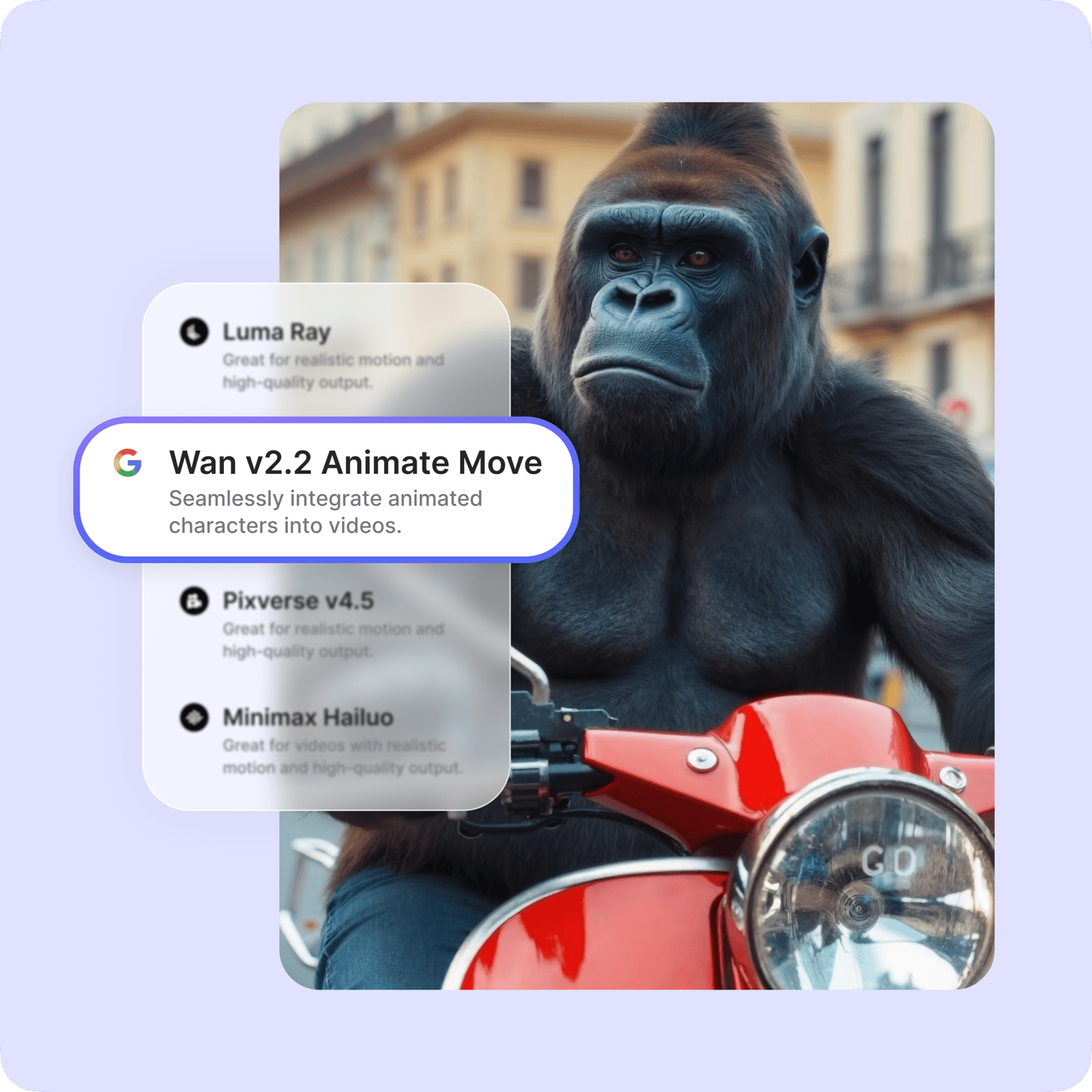
Have ordinary footage that needs more personality? The AI captures every detail—head tilts, hand gestures, facial expressions—and transfers them to your character with realistic motion. Animate Replace blends swapped characters naturally into scenes, matching the original lighting.
Video to animation converter for any style
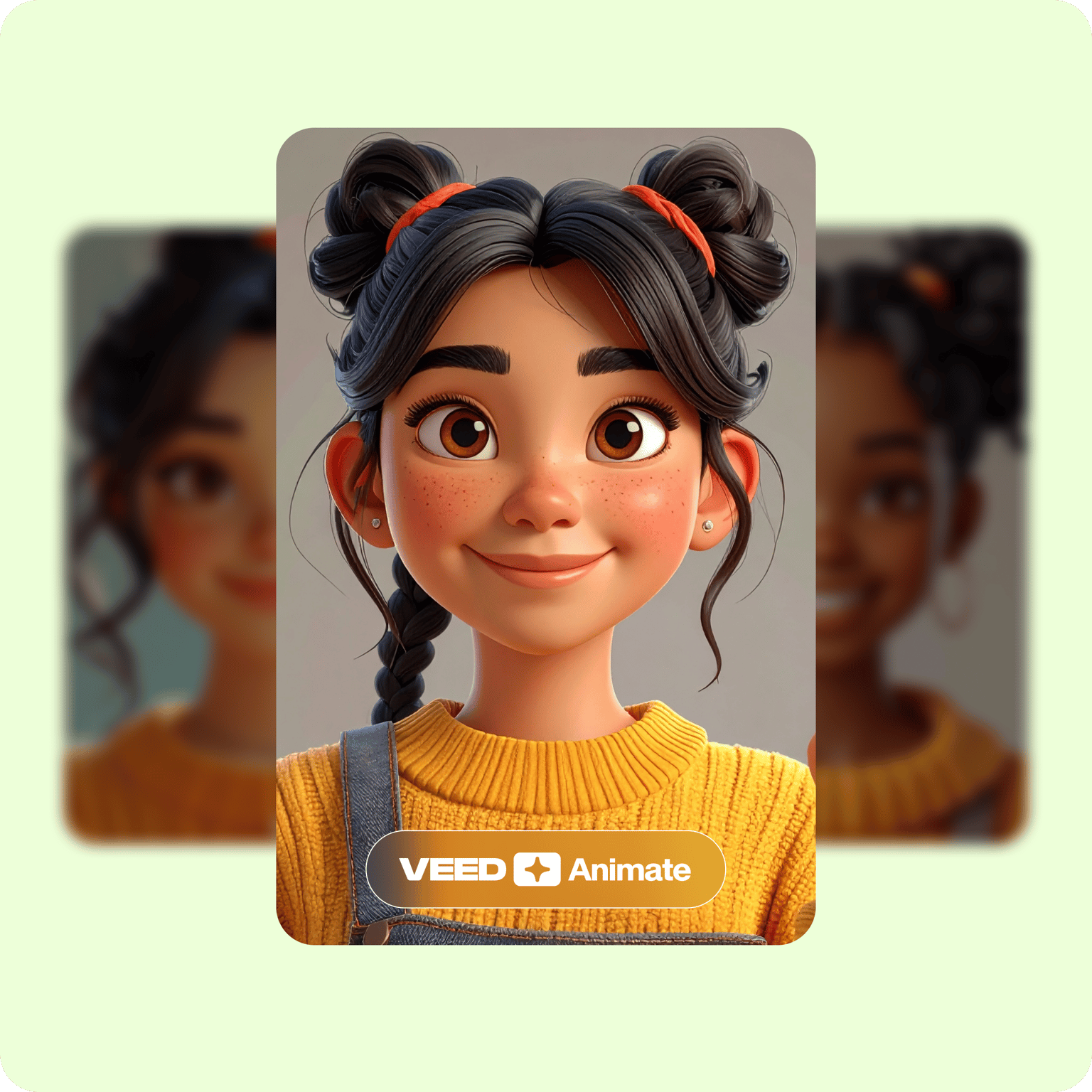
Turn your video into clay-style animations, cartoon characters, 3D renders, or hand-drawn personas. Social media creators can build character brands, and marketers can test different mascot styles. Turn your video into any animation style you can dream up. No need to spend hours navigating animation software.
Video to video generator and editor in one workflow
Generate your animated video, then add your personal touches. Add text, AI voiceovers, music, and your brand assets using our built-in video editor. Combine multiple AI-generated clips into complete videos. No jumping between platforms. With VEED, creating and polishing your videos happen in one place.
FAQ
Video to video AI is a technology that enhances or transforms existing video footage. It can restyle videos into animations, swap characters in videos, or transfer actions to a reference image. VEED's video to video tool offers both style transfer and character replacement options.
VEED offers two main AI models:
- Animate Move transfers movements and expressions from your video onto a character image, creating realistic animations.
- Animate Replace swaps the person in your footage with a character based on your reference image.
- Both models are built on Wan v2.2 technology for high-quality results.
Use videos that are 2-30 seconds long with clear footage of movements and expressions you want to transfer. Follow these tips:
- Record on clean backgrounds without clutter.
- Stick to 2/3 body shots (avoid full-body).
- For best results with Animate Move, the character image should match the video's posture and camera angle. Match portrait videos with portrait character images, or torso videos with torso character images.
- If you already have footage: Generate a matching character using a text-to-image AI generator. Describe your reference video's composition—like "front-facing portrait, shoulders visible, looking at camera."
- If you're planning your shoot: Record front-facing with 2/3 body shots. Match your character reference image to this standard composition, keeping the same camera angle, posture, and framing.
- Social media & marketing: Turn yourself into cartoon characters or animate brand mascots for campaigns
- Education & demos: Create illustrated personas for tutorials or product demonstrations
- Character replacement: Swap people in existing footage with stylized characters
Video-to-video models on VEED work on a credit-based system. Paid plans include monthly credits, with each AI model requiring different credit amounts per generation. You’ll see the credit cost before generating a video, so you can manage your credits effectively.
Loved by creators.
Loved by the Fortune 500
“
With VEED I didn't need 15 tutorials - I jumped straight in and started editing.

Gwenne Wilcox
Founder,
Brand Brainery
“
You can go beyond choppping things. VEED actually makes my videos look great.

Michael Glover
Demand Gen Manager,
ConvertFlow
“
The first four videos i created with VEED got over 40,000 impressions on LinkedIn.

Travis Tyler
Senior Content Producer,
PandaDoc
“
I found VEED at the right time: if you're making UGC ads and not using Eye Contact Correction and Noise Reduction on VEED you're missing out on ROI.

Sebastian Schurgers
Head of Growth Marketing,
Gronda
“
With VEED I didn't need 15 tutorials - I jumped straight in and started editing.
Gwenne Wilcox
Founder,
Brand Brainery
“
You can go beyond choppping things. VEED actually makes my videos look great.
Michael Glover
Demand Gen Manager,
ConvertFlow
“
The first four videos i created with VEED got over 40,000 impressions on LinkedIn.
Travis Tyler
Senior Content Producer,
PandaDoc
“
I found VEED at the right time: if you're making UGC ads and not using Eye Contact Correction and Noise Reduction on VEED you're missing out on ROI.
Sebastian Schurgers
Head of Growth Marketing,
Gronda
“
The first four videos i created with VEED got over 40,000 impressions on LinkedIn.
Travis Tyler
Senior Content Producer,
PandaDoc
“
I found VEED at the right time: if you're making UGC ads and not using Eye Contact Correction and Noise Reduction on VEED you're missing out on ROI.
Sebastian Schurgers
Head of Growth Marketing,
Gronda
“
With VEED I didn't need 15 tutorials - I jumped straight in and started editing.
Gwenne Wilcox
Founder,
Brand Brainery
“
You can go beyond choppping things. VEED actually makes my videos look great.
Michael Glover
Demand Gen Manager,
ConvertFlow
Discover more
Explore related tools
More from VEED
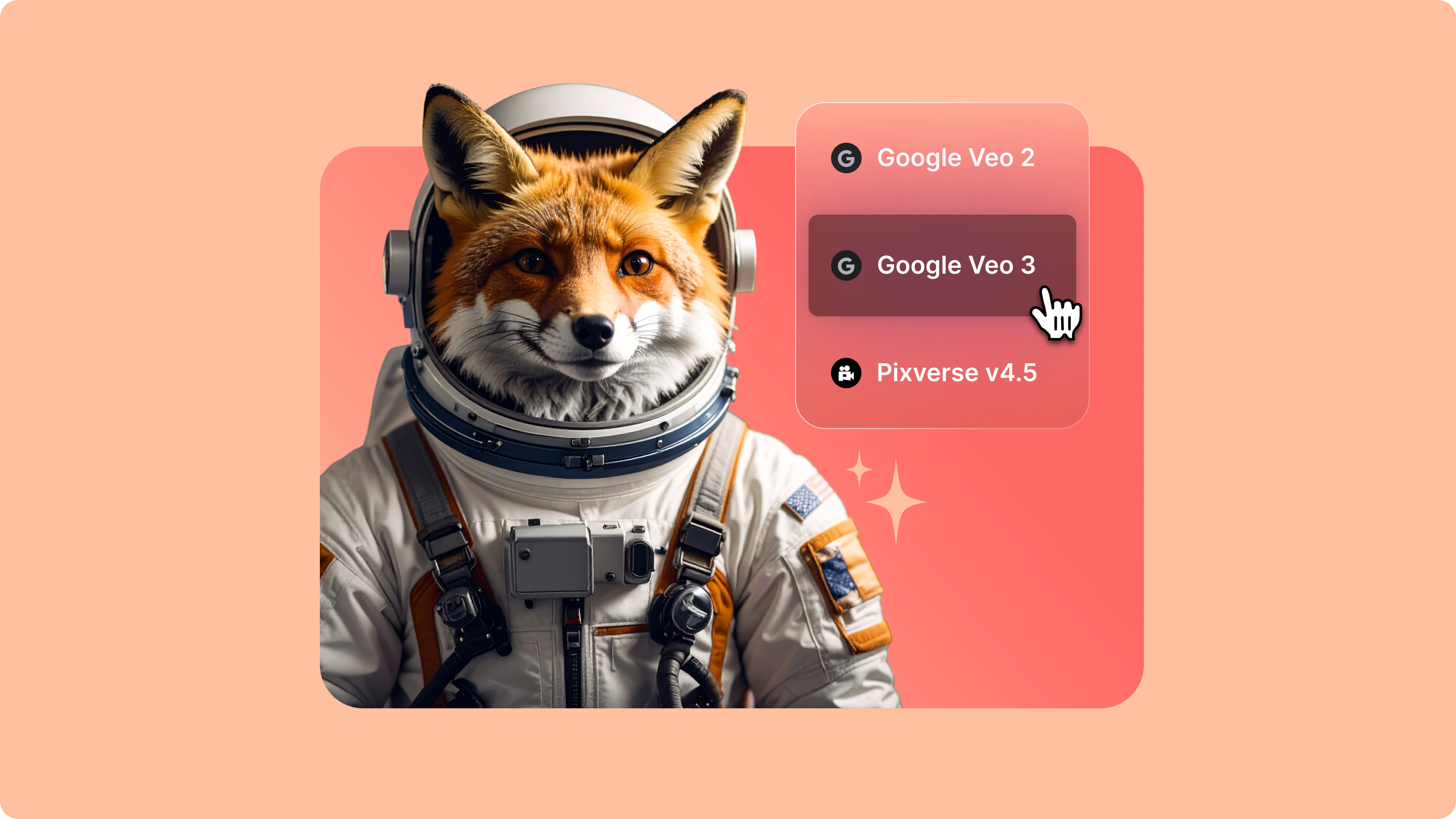
Introducing Your AI Video Playground
If you’ve spent any time on LinkedIn or your favourite creator forums lately, you’ve probably seen the buzz: Minimax, PixVerse, Google Veo, and a growing list of next-gen generative AI models that are redefining how video gets made. But with new models launching every week, it’s hard to know what’s worth your time—or how they actually fit into your workflow.
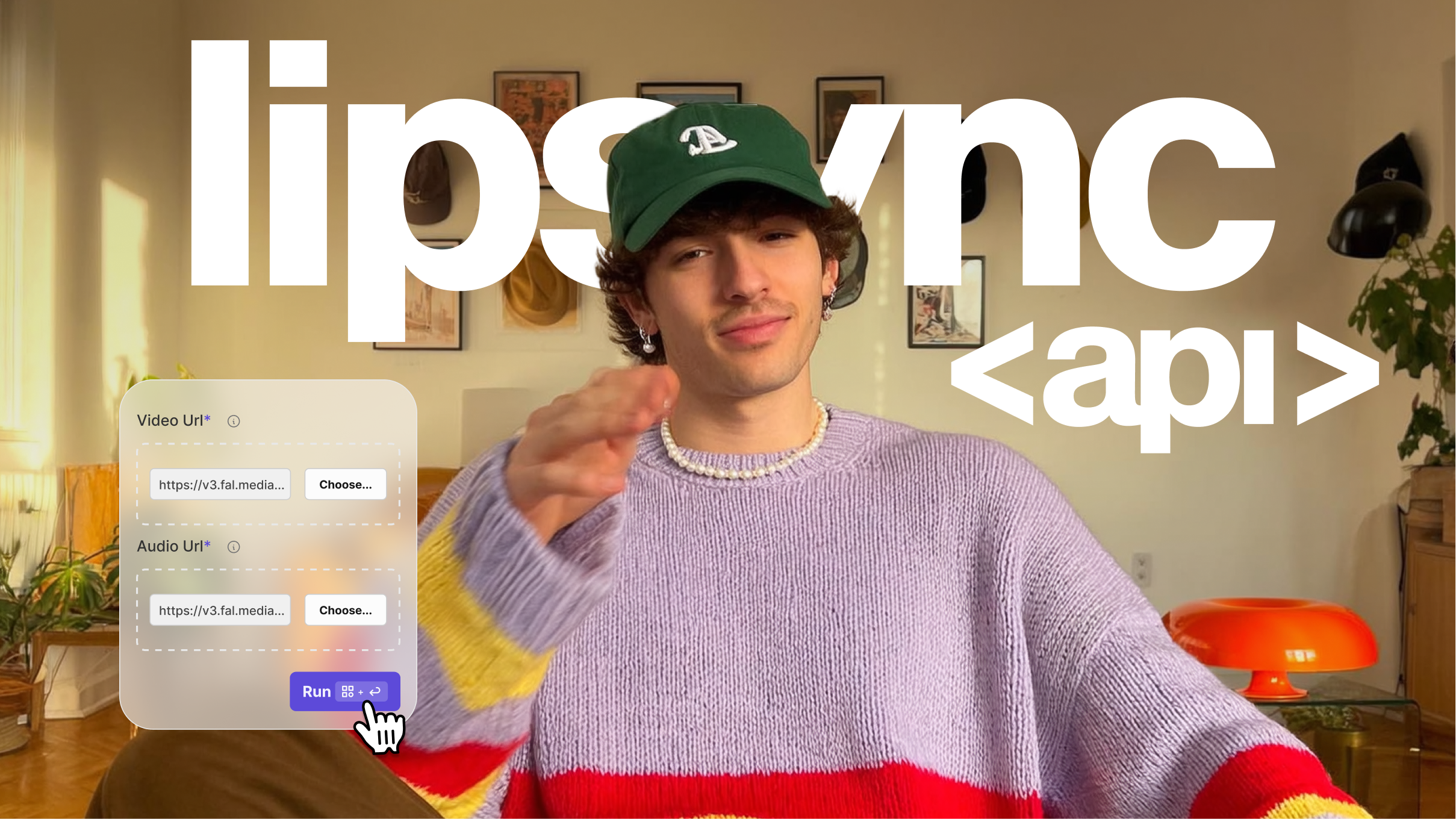
Launching VEED’s Lipsync API: World's Most Powerful Lip-Syncing Tech
We’re excited to introduce the VEED Lipsync API—the world’s most powerful lip-syncing technology, now available for developers and teams.
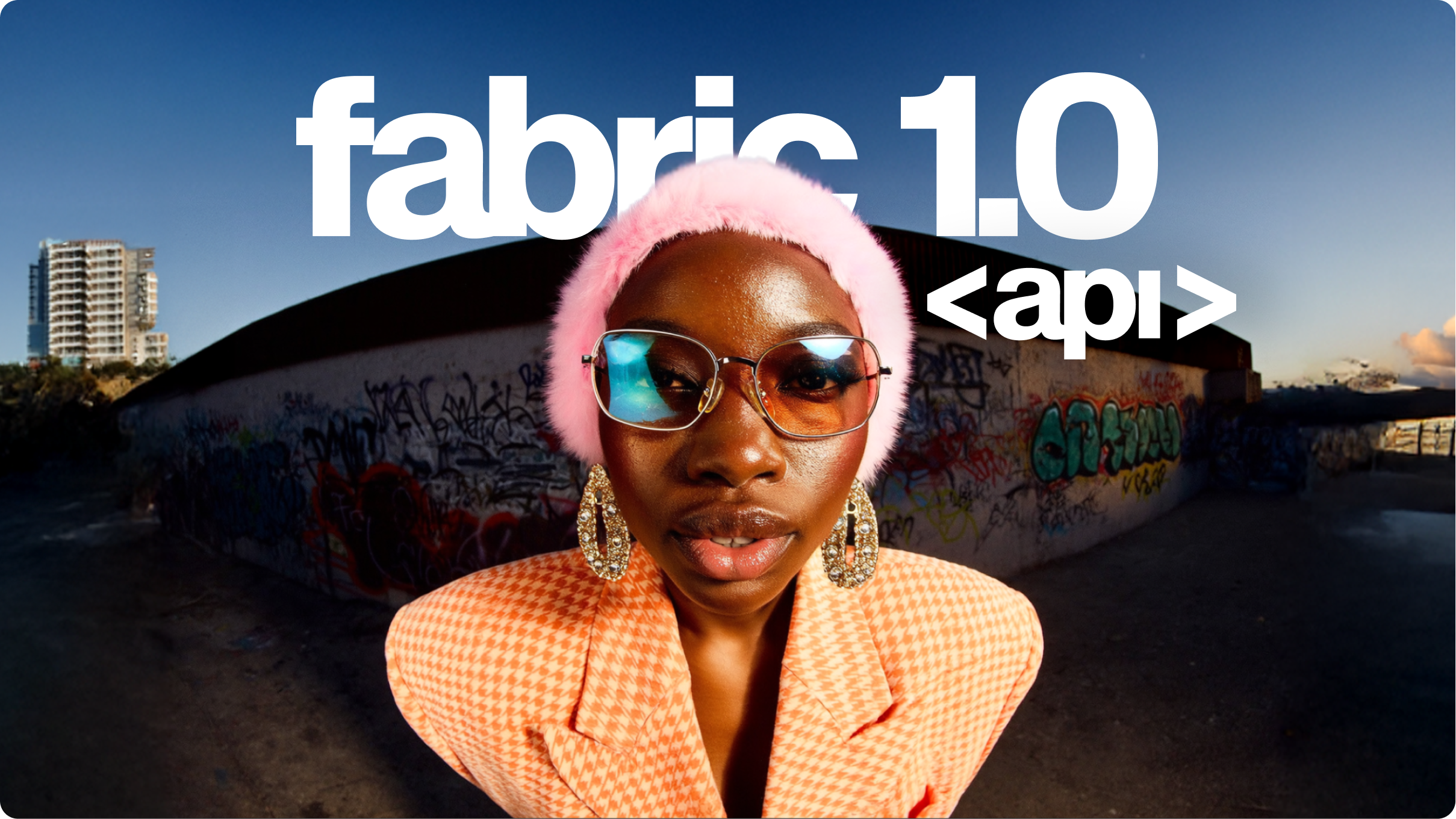
Launching VEED Fabric 1.0 API: World's First-Ever AI Talking Video Model
We’re excited to launch Fabric 1.0 API, the world’s first talking video model. It's 60x cheaper and 7x faster than comparable options. Learn more here.
Trusted by 1M+ creators
When it comes to amazing videos, all you need is VEED
No credit card required
More than a video to video AI tool
AI video-to-video transformation is one part of VEED's complete creative suite. Generate new videos from scratch with our text-to-video generator, create custom images using text-to-image, or animate static photos with image-to-video. Add subtitles automatically, create AI voiceovers, and edit videos all in one place. VEED gives content creators and marketers all the tools they need to produce professional videos—no complex software, no complicated workflows. Start creating today.