


Trusted by 1M+ creators
Tamil Dubbing
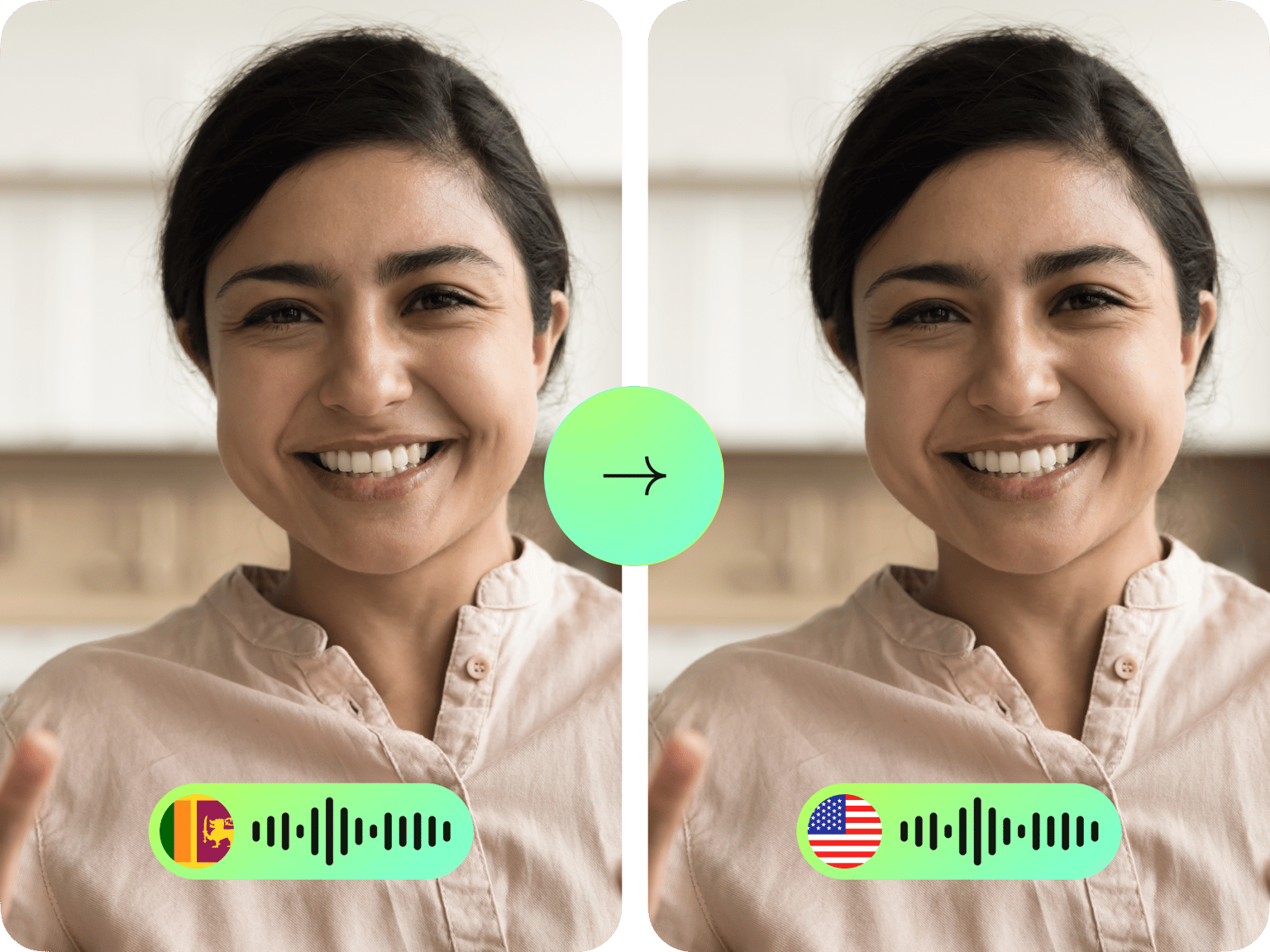
Automatic Tamil dubbing tool. Instantly translate videos with AI
No credit card required
4.6
2,100+ reviews















Instantly translate videos: Automatic Tamil dubbing
Dub your videos into Tamil in minutes. Upload your video and get natural-sounding Tamil dubs — either by cloning the original speaker's voice or choosing from our library of stock voices. Localize your content for Tamil viewers while preserving its emotional impact.
You can take your Tamil videos further with our complete editing suite. Generate subtitles, trim clips, or add animations. With VEED, anyone can create polished educational, marketing, or entertainment content for Tamil-speaking audiences.
How to dub a video in Tamil:
Step 01
Upload video
Upload the video you’d like to translate. You can drag and drop the file into the dubbing tool.
Step 02
Customize
Select ‘Tamil’ as your target language. You can clone the original voice or choose one of our stock voices.
Step 03
Preview and download
Download your Tamil-dubbed video. Or add subtitles and enhance your video in our editor.
Learn More
Learn how to translate a video into another language:
Natural-sounding Tamil dubs in a few clicks
Our AI dubs your video into Tamil and many more languages. Translate your content in a few clicks, making them more relatable to Tamil viewers. Need to add new voiceovers to your video? Simply type your script and select the target language using our voice generator. You can also convert text to speech instantly.
Add subtitles to create fully accessible content
The AI video localization tool also lets you automatically generate subtitles to match the audio. It produces subtitles with 99.9% accuracy. Get contextually relevant closed captions in a few clicks. Reach both hearing-impaired viewers and those who prefer watching with sound off. No more spending hours manually transcribing or worrying about caption sync issues.
Your one-stop AI suite for video content creation
Within this powerful video editor, you can auto-generate videos from text using AI text-to-video, personalize your content with text-to-speech avatars, and add music and sound effects. Say goodbye to juggling multiple tools – dub, edit, and polish your content in one seamless workspace.
FAQ
Follow these steps:
- Upload your video.
- Choose ‘Tamil’ in the language dropdown.
- Select ‘Your voice’ to clone the original voice, or choose one of the stock voices.
- Preview the dubbed video and download it.
Our Tamil dubbing tool is free to try. You can then upgrade to a Pro plan to unlock higher usage limits, best for regular translation needs. Enterprise plan users can access custom limits for their specific needs.
Yes, our AI tool can clone the speaker's voice from your video and use it to create Tamil dubs. Simply select 'Your voice' in the voice dropdown menu.
Yes. Aside from AI voice dubbing, here are other ways to create Tamil dubs:
- Voice recorder - Upload your footage and record your voice in real-time. Easily trim your recording afterward.
- Tamil text-to-speech - Generate AI voiceovers by typing your script.
- Voice cloning - Convert text to speech in your unique voice.
Loved by creators.
Loved by the Fortune 500
“
With VEED I didn't need 15 tutorials - I jumped straight in and started editing.

Gwenne Wilcox
Founder,
Brand Brainery
“
You can go beyond choppping things. VEED actually makes my videos look great.

Michael Glover
Demand Gen Manager,
ConvertFlow
“
The first four videos i created with VEED got over 40,000 impressions on LinkedIn.

Travis Tyler
Senior Content Producer,
PandaDoc
“
I found VEED at the right time: if you're making UGC ads and not using Eye Contact Correction and Noise Reduction on VEED you're missing out on ROI.

Sebastian Schurgers
Head of Growth Marketing,
Gronda
“
With VEED I didn't need 15 tutorials - I jumped straight in and started editing.
Gwenne Wilcox
Founder,
Brand Brainery
“
You can go beyond choppping things. VEED actually makes my videos look great.
Michael Glover
Demand Gen Manager,
ConvertFlow
“
The first four videos i created with VEED got over 40,000 impressions on LinkedIn.
Travis Tyler
Senior Content Producer,
PandaDoc
“
I found VEED at the right time: if you're making UGC ads and not using Eye Contact Correction and Noise Reduction on VEED you're missing out on ROI.
Sebastian Schurgers
Head of Growth Marketing,
Gronda
“
The first four videos i created with VEED got over 40,000 impressions on LinkedIn.
Travis Tyler
Senior Content Producer,
PandaDoc
“
I found VEED at the right time: if you're making UGC ads and not using Eye Contact Correction and Noise Reduction on VEED you're missing out on ROI.
Sebastian Schurgers
Head of Growth Marketing,
Gronda
“
With VEED I didn't need 15 tutorials - I jumped straight in and started editing.
Gwenne Wilcox
Founder,
Brand Brainery
“
You can go beyond choppping things. VEED actually makes my videos look great.
Michael Glover
Demand Gen Manager,
ConvertFlow
Discover more
- Afrikaans Dubbing
- AI Dubbing
- AI Video Localization
- Arabic Dubbing
- Audio Dubbing
- Auto Dubbing
- Bangla Dubbing
- Bulgarian Dubbing
- Chinese Dubbing
- Croatian Dubbing
- Czech Dubbing
- Danish Dubbing
- Dutch Dubbing
- English Dubbing
- Farsi Dubbing
- Finnish Dubbing
- French Dubbing
- German Dubbing
- Greek Dubbing
- Hebrew Dubbing
- Hindi Dubbing
- Icelandic Dubbing
- Indonesian Dubbing
- Italian Dubbing
- Japanese Dubbing
- Korean Dubbing
- Language Dubbing
- Malay Dubbing
- Norwegian Dubbing
- Polish Dubbing
- Portuguese Dubbing
- Romanian Dubbing
- Russian Dubbing
- Slovak Dubbing
- Slovenian Dubbing
- Somali Dubbing
- Spanish Dub
- Swedish Dubbing
- Tagalog Dubbing
- Talking Translator
- Telugu Dubbing
- Thai Dubbing
- Turkish Dubbing
- Ukrainian Dubbing
- Video Dub
- Video Dubbing for Educational Content
- Video Dubbing Service
- Vietnamese Dubbing
- Voice Over Narration
- YouTube Dubbing
- YouTube Voice Over
Explore related tools
More from VEED

How to Translate Subtitles in 2026: The Complete Guide
This article explains how to translate subtitles online using AI, covering SRT files, foreign films, Japanese and Arabic translations, Netflix workarounds, and videos without any existing subtitles.

How to Get the Transcript of a YouTube Video [Fast & Easy]
The easiest way to get the transcript of a YouTube video without jumping through a million hoops. Here's how.

How to Download SRT Subtitle Files Online (Quick and Easy)
Want to bump up your engagement, improve video SEO, and make your content more inclusive? Here's how to download and upload SRT files for your next video!
Trusted by 1M+ creators
When it comes to amazing videos, all you need is VEED
No credit card required
More than AI Tamil dubbing
Automatic Tamil dubbing is just one of our extensive list of AI tools. Once you’ve dubbed your video, you can refine it and add creative touches with our complete editing suite. Trim videos and add visuals to your recordings. Plus, personalize presentations with AI avatars or generate entire videos from text prompts. Explore VEED’s full range of video creation tools today!