


Trusted by 1M+ creators
Video Dubbing for Educational Content
Translate your e-learning content with AI dubbing. Generate natural-sounding voices and professional subtitles
No credit card required
4.6
2,100+ reviews















Dubbing AI: Make your educational content accessible to all
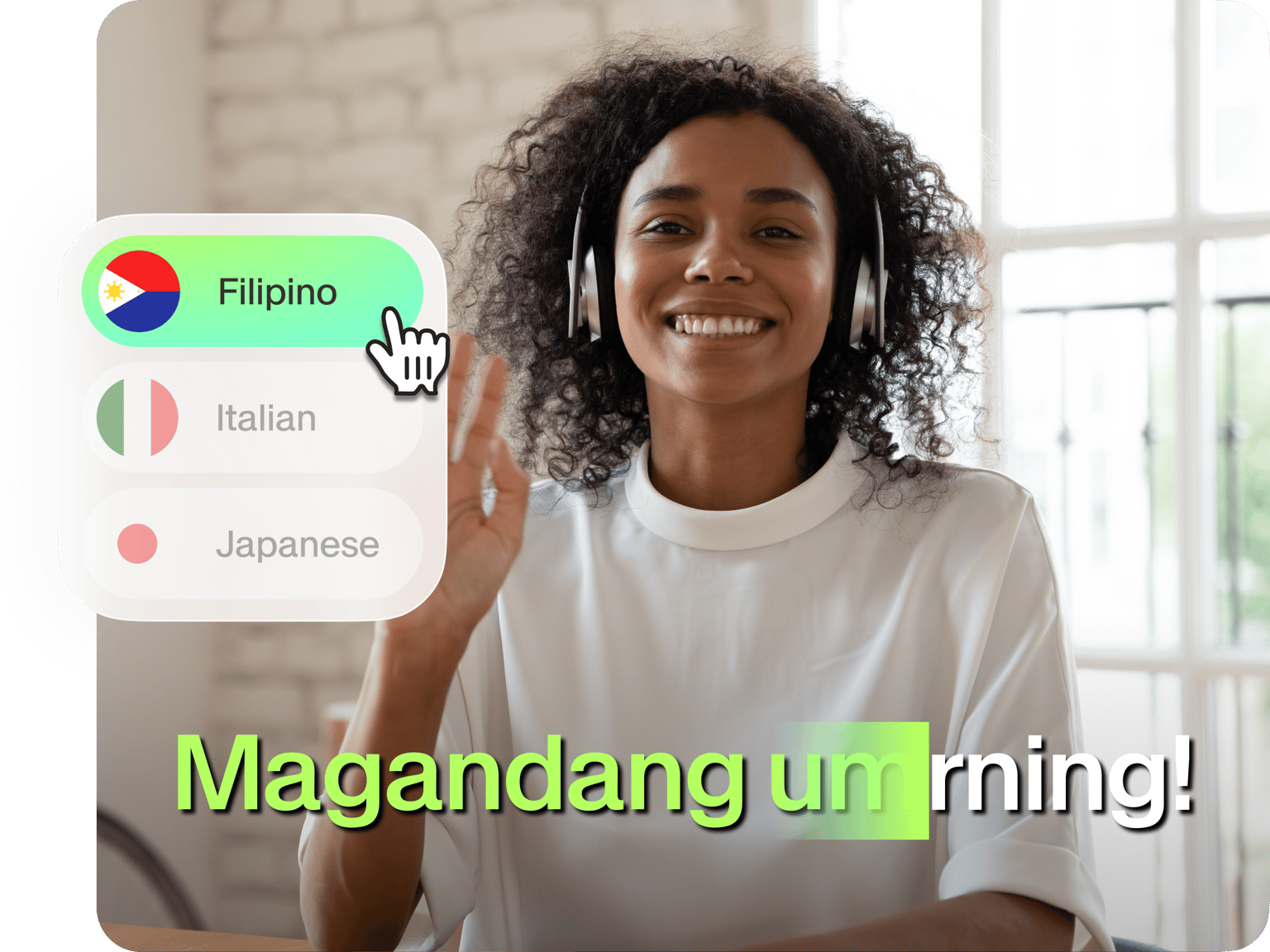
Dub e-learning videos into any language while preserving the instructor's voice. Students worldwide can now learn topics in their native language—no expensive translation services needed! Our dubbing AI retains ambient sounds for a more immersive experience. Break language barriers and reach new audiences.
VEED offers more than just AI video dubbing. It’s an intuitive video editor you can access online. Add automatic subtitles, explanatory text, and your branding—all in one seamless platform. Create educational content that resonates with learners everywhere, in any language. Try our AI dubbing tool for free.
How to dub an educational video:
Step 01
Upload video
Drag and drop the file into the dubbing tool. Our dubbing AI supports MP4, WebM, MKV, MOV, and AVI file formats.
Step 02
Customize
Select your target language and preferred voice. You can clone the original voice or choose one of our stock voices.
Step 03
Download or enhance
Download the dubbed video or apply more edits. You can add subtitles, text, and stock footage to make your video more engaging.
Learn More
Watch this AI video dubbing tutorial:
Localize lessons in minutes with AI dubbing
Keep students engaged with materials in their native language. Our dubbing AI translates and voices your video in minutes. Focus on sharing your knowledge, while AI handles the complex dubbing work that once required voice actors and weeks of waiting. Auto-generate captions in any language to complement your dubs. Try our AI dubbing tool for free.
Preserve the instructor’s voice
VEED uses AI to match the original voice across different languages—preserving tone, style, and personality. Students connect better with personalized content that maintains the speaker's unique delivery, even in a new language. Our voice cloning tool also creates new voiceovers—just enter your script, and the AI generates narration matching your speaking style.
Intuitive video editing for educators
Record, edit, and localize educational videos in one platform. VEED helps you every step of the way. Teach and record topics with confidence; our built-in prompter keeps you on script. Then, use Magic Cut to clean up filler words and unwanted pauses. You can even convert slides into videos with realistic avatars. Create professional videos in a few clicks.
FAQ
Dubbing replaces the original audio with translated speech using AI. It works automatically, unlike traditional voiceovers that need manual recording. AI dubbing can clone the speaker's voice, preserving their unique sound while speaking different languages.
VEED offers 29 languages, including English, Spanish, Mandarin, and Hindi with voice cloning. It's built into a user-friendly editor with a brand kit feature, avatars, subtitle templates, and an AI editing assistant.
Our AI dubbing tool is free to try. You can upgrade to a Pro plan to unlock higher usage limits, ideal for regular translation needs. Enterprise plan users can access custom limits tailored to their specific requirements.
Enterprise users can edit translated scripts using the Proofread button on the settings panel. This feature helps organizations control terminology and maintain brand language.
Loved by creators.
Loved by the Fortune 500
“
With VEED I didn't need 15 tutorials - I jumped straight in and started editing.

Gwenne Wilcox
Founder,
Brand Brainery
“
You can go beyond choppping things. VEED actually makes my videos look great.

Michael Glover
Demand Gen Manager,
ConvertFlow
“
The first four videos i created with VEED got over 40,000 impressions on LinkedIn.

Travis Tyler
Senior Content Producer,
PandaDoc
“
I found VEED at the right time: if you're making UGC ads and not using Eye Contact Correction and Noise Reduction on VEED you're missing out on ROI.

Sebastian Schurgers
Head of Growth Marketing,
Gronda
“
With VEED I didn't need 15 tutorials - I jumped straight in and started editing.
Gwenne Wilcox
Founder,
Brand Brainery
“
You can go beyond choppping things. VEED actually makes my videos look great.
Michael Glover
Demand Gen Manager,
ConvertFlow
“
The first four videos i created with VEED got over 40,000 impressions on LinkedIn.
Travis Tyler
Senior Content Producer,
PandaDoc
“
I found VEED at the right time: if you're making UGC ads and not using Eye Contact Correction and Noise Reduction on VEED you're missing out on ROI.
Sebastian Schurgers
Head of Growth Marketing,
Gronda
“
The first four videos i created with VEED got over 40,000 impressions on LinkedIn.
Travis Tyler
Senior Content Producer,
PandaDoc
“
I found VEED at the right time: if you're making UGC ads and not using Eye Contact Correction and Noise Reduction on VEED you're missing out on ROI.
Sebastian Schurgers
Head of Growth Marketing,
Gronda
“
With VEED I didn't need 15 tutorials - I jumped straight in and started editing.
Gwenne Wilcox
Founder,
Brand Brainery
“
You can go beyond choppping things. VEED actually makes my videos look great.
Michael Glover
Demand Gen Manager,
ConvertFlow
Discover more
- Afrikaans Dubbing
- AI Dubbing
- AI Video Localization
- Arabic Dubbing
- Audio Dubbing
- Auto Dubbing
- Bangla Dubbing
- Bulgarian Dubbing
- Chinese Dubbing
- Croatian Dubbing
- Czech Dubbing
- Danish Dubbing
- Dutch Dubbing
- English Dubbing
- Farsi Dubbing
- Finnish Dubbing
- French Dubbing
- German Dubbing
- Greek Dubbing
- Hebrew Dubbing
- Hindi Dubbing
- Icelandic Dubbing
- Indonesian Dubbing
- Italian Dubbing
- Japanese Dubbing
- Korean Dubbing
- Language Dubbing
- Malay Dubbing
- Norwegian Dubbing
- Polish Dubbing
- Portuguese Dubbing
- Romanian Dubbing
- Russian Dubbing
- Slovak Dubbing
- Slovenian Dubbing
- Somali Dubbing
- Spanish Dub
- Swedish Dubbing
- Tagalog Dubbing
- Talking Translator
- Tamil Dubbing
- Telugu Dubbing
- Thai Dubbing
- Turkish Dubbing
- Ukrainian Dubbing
- Video Dub
- Video Dubbing Service
- Vietnamese Dubbing
- Voice Over Narration
- YouTube Dubbing
- YouTube Voice Over
Explore related tools
More from VEED

Best Video Translation Software to Try in 2025
Translate your videos like a pro! Check out the best video translation software of 2025 to boost engagement worldwide.

How to Translate Subtitles in 2026: The Complete Guide
This article explains how to translate subtitles online using AI, covering SRT files, foreign films, Japanese and Arabic translations, Netflix workarounds, and videos without any existing subtitles.
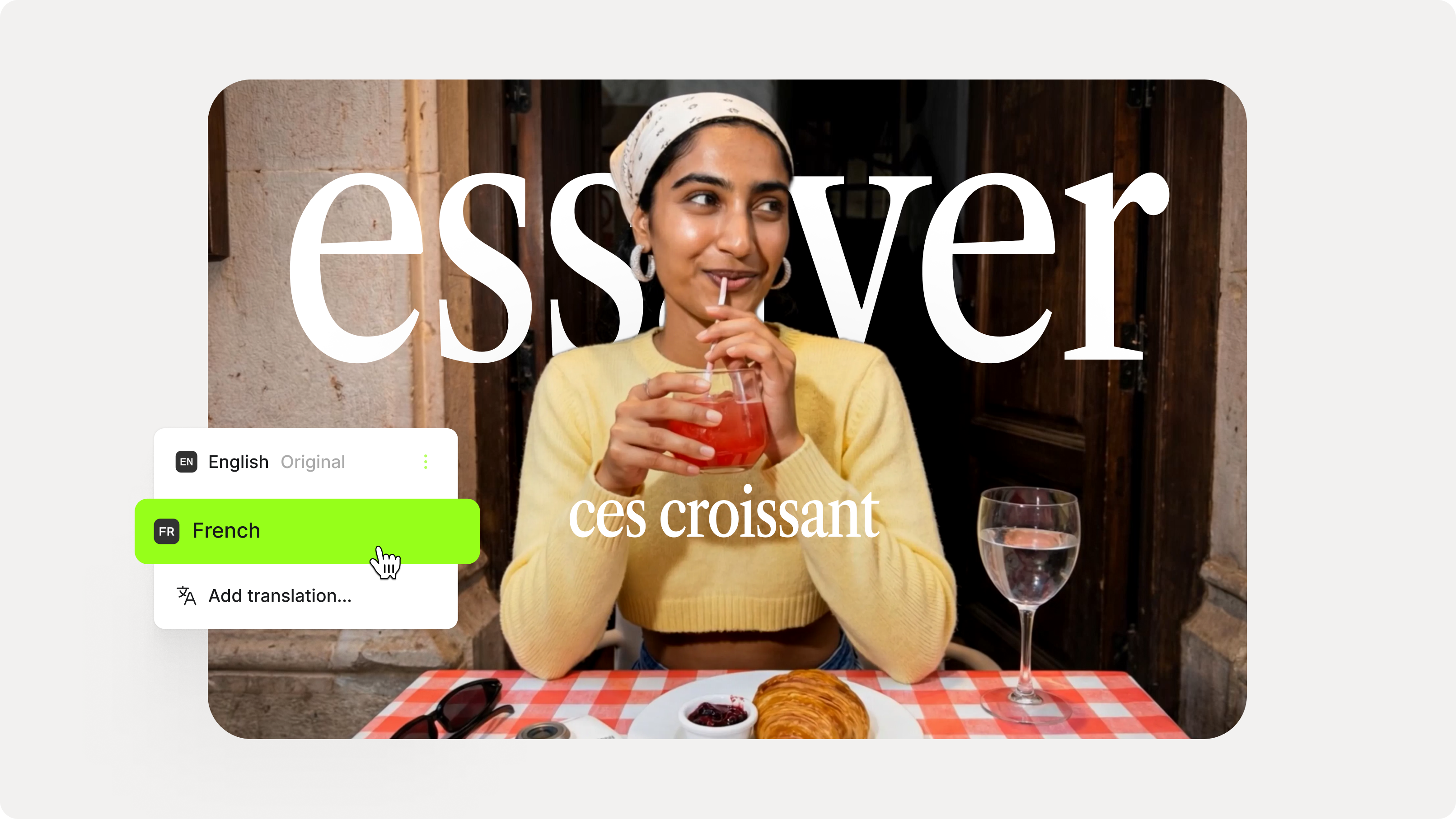
How to Add Translation Subtitles to a Video (Step-by-Step Guide)
A step-by-step guide to adding translation subtitles to any video using VEED. Covers auto-subtitle generation, AI translation into 125+ languages, customization, and export.
Trusted by 1M+ creators
When it comes to amazing videos, all you need is VEED
No credit card required
More than a dubbing AI software
VEED streamlines your entire workflow. Record, edit, and localize videos in one platform. Our AI video generator lets you create content from scratch; simply describe your topic. Drag and drop text overlays, music, and animations. And turn your long-form videos into snappy clips and shareable Reels. You get all these tools and more, all in one place. Start creating with VEED today.