


Trusted by 1M+ creators
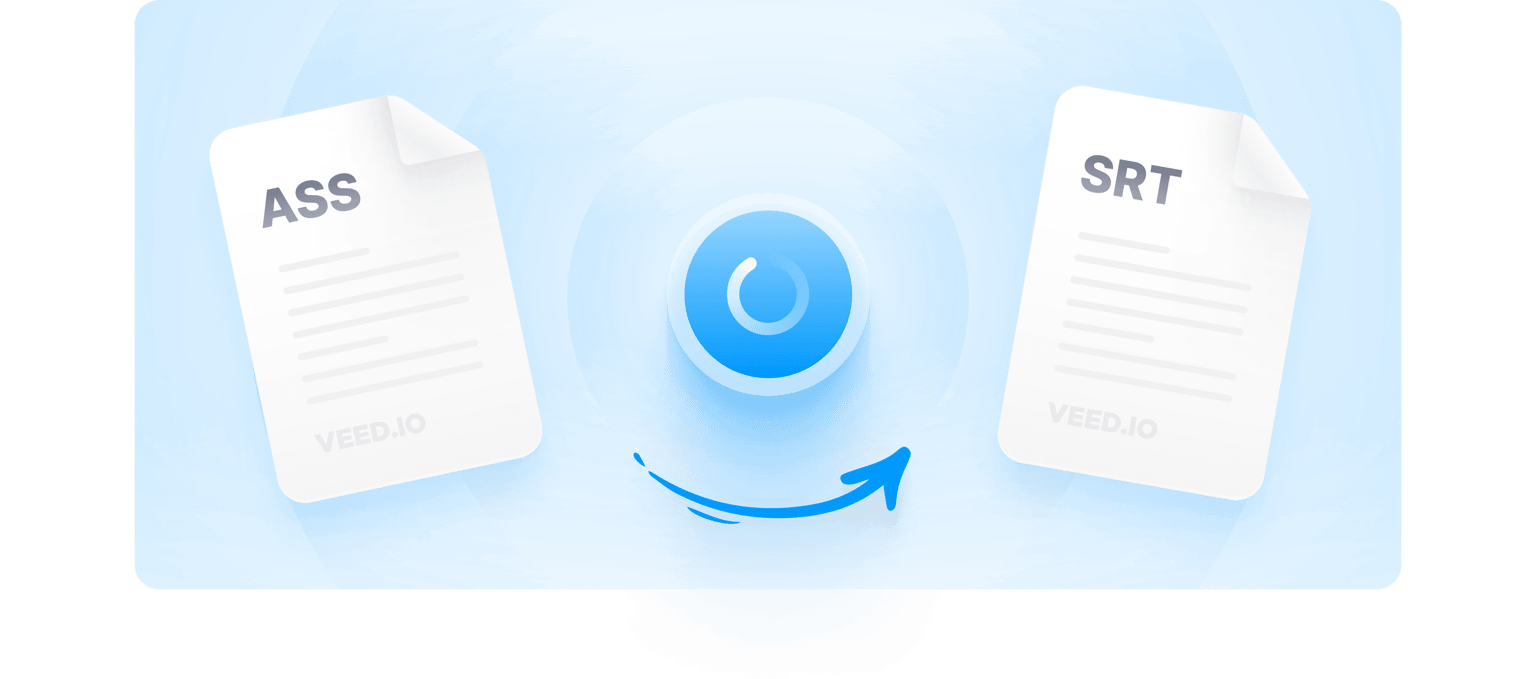
ASS to SRT
Quickly convert subtitles to SRT online. Subtitle file conversion and editing made easier!
No credit card required
4.6
2,100+ reviews















Online ASS to SRT Converter - Affordable, Fast & Easy-to-Use
VEED’s online subtitle converter tool to effortlessly convert ASS files into SRT. VEED is an online caption converter that can re-encode your subtitles into multiple formats in only a few clicks. Use VEED to convert subtitles to any file extension. You can also auto-transcribe subtitles into SRT, and download the SRT file directly from your browser. No need to download annoying apps or software, every feature in VEED can be accessed online.
VEED also lets you convert your captions to transcription or subtitle files and automatically generate subtitles. This will save you a lot of time from manually typing captions and subtitles. You can also highlight important parts and animate subtitles to engage viewers and encourage them to watch the complete video. Hardcode into MP4 - Export your video and subtitles as a single MP4 file and save time. Whether you want to convert, edit or hardcode subtitles, VEED makes captioning a simple and stress-free process. It helps in substantially improving search engine ranking and traffic.
How to Convert Subtitles ASS to SRT Format:
Step 01
Upload Your Transcript
Upload your ASS file to VEED by clicking on ‘Choose Subtitle File’. Your subtitles will open on the Subtitles page.
Step 02
Auto Convert ASS to SRT
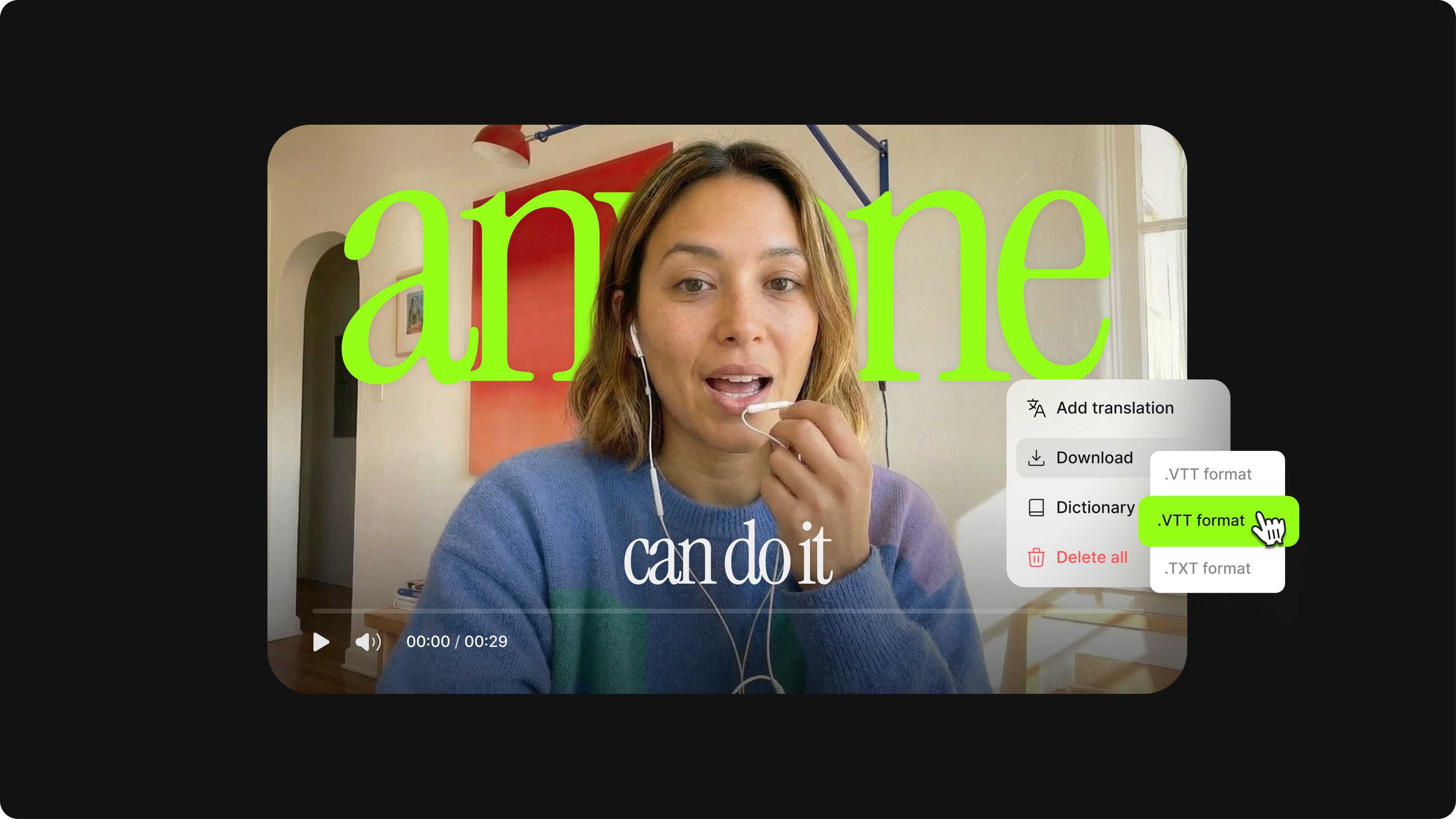
To convert into SRT, click on Options and select the .SRT file format from the dropdown list next to the download button. Edit the subtitles if you’d like.
Step 03
Export Your Converted Subtitle File
Now, you’re ready to download! Simply click the download button and your file will download as SRT.
Learn More
‘Convert ASS to SRT File’ Tutorial
Online Converter and Video Editor to Save Time
VEED is a fully browser-based online SRT converter. No need to download software. Convert and transcribe captions in several formats without leaving the browser. You can even edit or auto generate subtitles to save time.
AI-Powered Closed Captioning Service
Need to generate new subtitles? Then use VEED’s AI-powered closed caption generator to do it for you! Simply upload your video, visit the ‘Subtitles’ section, and auto-transcribe subtitles. Moreover, you can easily upload and edit YouTube videos.
Multiple File Types Supported to Offer a One-Stop Solution
VEED supports different subtitle files and you can easily convert one to another with just a few clicks. Convert SRT to VTT, VTT to SRT, TXT, to SRT, and so on. All you have to do is upload your subtitle file, click on Options, and select the subtitle format that you want.
Hardcoding Subtitles to Video, to Improve SEO
VEED lets you add captions in any file format to an MP4 video. Convert ASS to MP4 and export as a single file. Subtitles can help improve SEO and search engine ranking. This attracts more traffic to your videos.
FAQ
Open VEED’s video editor. Click ‘Subtitles’. Upload ASS subtitle file. Head to ‘Options’. Choose SRT format on the dropdown menu. Download
Good question. Upload your video with subtitles to VEED. Then, click ‘Subtitles’ > ‘Options’. On the ‘Download Subtitles’ dropdown menu, select ‘.SRT Format’ and download.
Yes, here’s how to do it - Upload your SRT file, select the VTT format from the options, and click on Download! Easy and straightforward.
- Upload video file 2. Hit ‘Subtitles’ on the left 3. Upload subtitle file 4. Press ‘Export’ on the top-right. 5. Your video will render with subtitles included.
Loved by creators.
Loved by the Fortune 500
“
With VEED I didn't need 15 tutorials - I jumped straight in and started editing.

Gwenne Wilcox
Founder,
Brand Brainery
“
You can go beyond choppping things. VEED actually makes my videos look great.

Michael Glover
Demand Gen Manager,
ConvertFlow
“
The first four videos i created with VEED got over 40,000 impressions on LinkedIn.

Travis Tyler
Senior Content Producer,
PandaDoc
“
I found VEED at the right time: if you're making UGC ads and not using Eye Contact Correction and Noise Reduction on VEED you're missing out on ROI.

Sebastian Schurgers
Head of Growth Marketing,
Gronda
“
With VEED I didn't need 15 tutorials - I jumped straight in and started editing.
Gwenne Wilcox
Founder,
Brand Brainery
“
You can go beyond choppping things. VEED actually makes my videos look great.
Michael Glover
Demand Gen Manager,
ConvertFlow
“
The first four videos i created with VEED got over 40,000 impressions on LinkedIn.
Travis Tyler
Senior Content Producer,
PandaDoc
“
I found VEED at the right time: if you're making UGC ads and not using Eye Contact Correction and Noise Reduction on VEED you're missing out on ROI.
Sebastian Schurgers
Head of Growth Marketing,
Gronda
“
The first four videos i created with VEED got over 40,000 impressions on LinkedIn.
Travis Tyler
Senior Content Producer,
PandaDoc
“
I found VEED at the right time: if you're making UGC ads and not using Eye Contact Correction and Noise Reduction on VEED you're missing out on ROI.
Sebastian Schurgers
Head of Growth Marketing,
Gronda
“
With VEED I didn't need 15 tutorials - I jumped straight in and started editing.
Gwenne Wilcox
Founder,
Brand Brainery
“
You can go beyond choppping things. VEED actually makes my videos look great.
Michael Glover
Demand Gen Manager,
ConvertFlow
Discover more
More from VEED
What is an SRT File? How to Create & Upload SRT Files [Complete Guide]
This article covers how to create an SRT subtitle file from video, audio, or text

How to Hardcode Subtitles with VEED
A lot of social media platforms don't actually allow you to upload SRT files with your videos. This is where hard coded subtitles comes in.
12 Best Subtitle Fonts for Video Editing (Free and Paid Options)
Want videos that are more engaging because they're easier to follow along? Here's 12 of the best free and paid subtitle fonts for better video content.
Trusted by 1M+ creators
When it comes to amazing videos, all you need is VEED
No credit card required
More Than Just a ASS to SRT Subtitles Converter
Not to state the obvious, but VEED can do a lot more than just converting subtitle files! VEED is built with an extensive range of tools to help you create top-quality video content. Cut, compress, split or filter your videos to boost quality and shareability. VEED is easy to use, works everywhere and performs its magic in only a few clicks. Make video editing a smoother and stress-free experience with VEED.