


Trusted by 1M+ creators
Twitch Editor
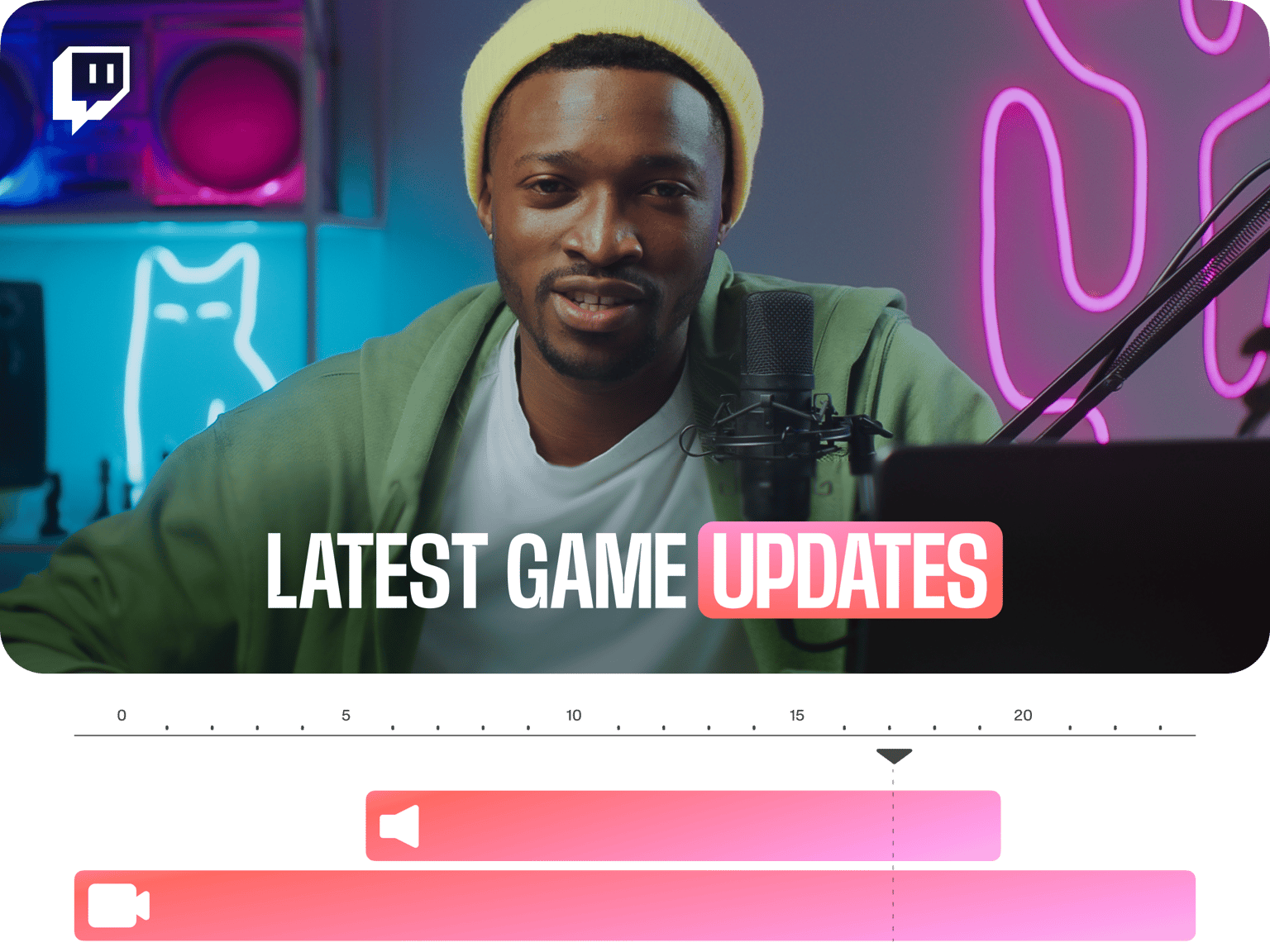
Need to edit your Twitch videos? Look no further! Use VEED’s free online editor.
No credit card required
4.6
2,100+ reviews















Create and Edit Amazing Twitch Videos Online
Edit videos for your Twitch Channel online with VEED. VEED is an all-in-one video editing software. It comes with a full suite of tools that you can use to create stunning videos in just a few clicks. Level up with stunning videos, create YouTube shorts, or share your videos on Twitch, Facebook, YouTube, and other platforms. With VEED’s AI-powered video editing, video creation has been made easier than ever! See your social media engagement and followers go up with quality videos.
How to Edit Your Twitch Video:
Step 01
Upload or Record
Upload your video to VEED or start recording using our built-in webcam recorder. You can also drag and drop your file into the editor.
Step 02
Edit with Animations, Images and More
Make use of our wide range of video editing tools to make the perfect video. You can resize, crop, add filters, images, music, and so much more!
Step 03
Auto-Transcribe Subtitles & Download
You can add audio from text or add subtitles to increase accessibility. When you’re happy with your edits, click on Export. Download your video and share!
Learn More
Walkthrough of Our Twitch Editor:
The Best Video Editing App for Twitch Creators
VEED makes video editing easy for Twitch and all other video content creators. Whether you’re creating videos for TikTok, YouTube, or other social media platforms, VEED has all the tools you need to make them look amazing. And it works straight from your browser. No need to install software; create and edit videos online and save everything in our cloud storage.
Subtitles to Make Videos Accessible & Reach More Viewers
Without installing any plugins or downloading any bulky software, you can easily use VEED to add subtitles to your videos. Auto-generate subtitles from the audio script with high accuracy. Our Ai-powered subtitle generator tool helps you optimize your videos for SEO and even increase video accessibility to reach a wider audience.
Add Music, Sound Effects, Images and More!
Make your Twitch videos look even more amazing by using our wide array of Twitch editing tools. Add your own voice overs or select from royalty-free background music, sound effects, and even video clips from our stock library. Detach audio from your video and replace it with another clip. Do all these in just one place!
FAQ
Absolutely! And it’s made even faster and simpler with VEED. Edit your Twitch videos straight from your browser.
VEED is free to use for everyone. You don’t even need to sign in or create an account. There are some features that are only available to premium users, but you get access to more free tools than other video editors can ever offer. Check out our pricing page for more.
Look no further! VEED works smoothly on desktop and all mobile devices. No need to install clunky apps. Edit videos and make them look professional in minutes!
VEED lets you easily cut, trim, and edit your videos online. Just upload your video, select a location on the timeline, and click “Cut”. Or you can drag and drop the tail end of your video on the timeline.
Loved by creators.
Loved by the Fortune 500
“
With VEED I didn't need 15 tutorials - I jumped straight in and started editing.

Gwenne Wilcox
Founder,
Brand Brainery
“
You can go beyond choppping things. VEED actually makes my videos look great.

Michael Glover
Demand Gen Manager,
ConvertFlow
“
The first four videos i created with VEED got over 40,000 impressions on LinkedIn.

Travis Tyler
Senior Content Producer,
PandaDoc
“
I found VEED at the right time: if you're making UGC ads and not using Eye Contact Correction and Noise Reduction on VEED you're missing out on ROI.

Sebastian Schurgers
Head of Growth Marketing,
Gronda
“
With VEED I didn't need 15 tutorials - I jumped straight in and started editing.
Gwenne Wilcox
Founder,
Brand Brainery
“
You can go beyond choppping things. VEED actually makes my videos look great.
Michael Glover
Demand Gen Manager,
ConvertFlow
“
The first four videos i created with VEED got over 40,000 impressions on LinkedIn.
Travis Tyler
Senior Content Producer,
PandaDoc
“
I found VEED at the right time: if you're making UGC ads and not using Eye Contact Correction and Noise Reduction on VEED you're missing out on ROI.
Sebastian Schurgers
Head of Growth Marketing,
Gronda
“
The first four videos i created with VEED got over 40,000 impressions on LinkedIn.
Travis Tyler
Senior Content Producer,
PandaDoc
“
I found VEED at the right time: if you're making UGC ads and not using Eye Contact Correction and Noise Reduction on VEED you're missing out on ROI.
Sebastian Schurgers
Head of Growth Marketing,
Gronda
“
With VEED I didn't need 15 tutorials - I jumped straight in and started editing.
Gwenne Wilcox
Founder,
Brand Brainery
“
You can go beyond choppping things. VEED actually makes my videos look great.
Michael Glover
Demand Gen Manager,
ConvertFlow
Discover more
Trusted by 1M+ creators
When it comes to amazing videos, all you need is VEED
No credit card required
More Than a Twitch Video Editor
VEED lets you do so much more than just edit your Twitch videos. Apart from the full suite of video editing tools it offers, you can use our free webcam and screen recorder. You can also edit videos for YouTube or other social media channels (whether screen recordings or from your camera or phone) - add text, add captions automatically, add audio, draw on your videos and more!