


Trusted by 1M+ creators
Add SRT to MKV
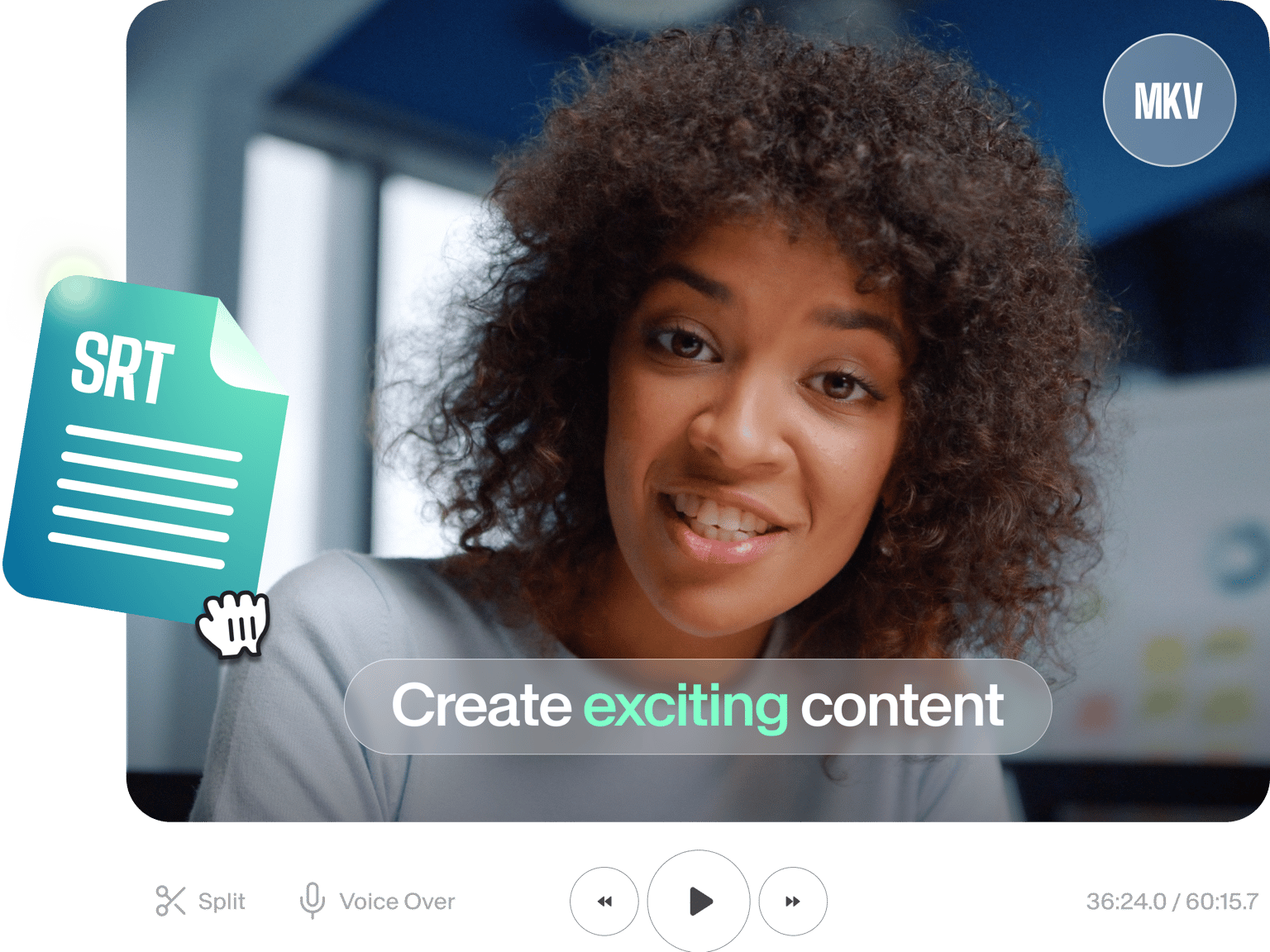
Upload subtitles files and merge with MKV videos
No credit card required
4.6
2,100+ reviews















Add SRT to your MKV, Online
You can merge your SRT subtitle files with your MKV files online without downloading any software. You can burn (hardcode) your subtitles to your video permanently. You can edit the subtitles and choose size, font, color, and style. Instantly convert your videos to text, translate your videos automatically, and add captions to your content!
How to Add SRT to MKV
Step 01
Upload MKV File
Pick your video file. Simply drag & drop it into the editor
Step 02
Add SRT (subtitles)
Choose ‘Subtitles’ from the sidebar menu, ‘Upload Subtitle File’, then upload your SRT file
Step 03
Add subtitles to video permanently
To burn your subtitles to the video, simply press ‘Export’. Your video and subtitles will saved as one single file
Learn More
‘Adding SRT to MKV’ Tutorial
Always Visible
Your hardcoded (burned) subtitles will now always be visible to viewers. No need to turn them on. Auto-generate subtitles and make them available at all times.
Accessible
Your MKV videos will be accessible to more viewers. People who are deaf or hard of hearing, people who speak a different language, and people watching videos without sound. Convert audio to text to reach a wider audience.
Translation
You can even Translate your subtitles. Create multiple subtitle tracks in different languages and burn each one to your MKV video
FAQ
VEED supports almost all subtitle files - SRT, SSA, VTT, TXT, ASS and more. VEED also supports a wide range of video file formats - MKV, MP4, AVI, MOV, WMV and many more.
Easy. Once you have added your subs, just click on the text box and start typing. Each subtitle line will appear in its own text box. You can change timing, text, and even font, size and colour (just click on ‘Subtitles’ > ‘Styles’)
Loved by creators.
Loved by the Fortune 500
“
With VEED I didn't need 15 tutorials - I jumped straight in and started editing.

Gwenne Wilcox
Founder,
Brand Brainery
“
You can go beyond choppping things. VEED actually makes my videos look great.

Michael Glover
Demand Gen Manager,
ConvertFlow
“
The first four videos i created with VEED got over 40,000 impressions on LinkedIn.

Travis Tyler
Senior Content Producer,
PandaDoc
“
I found VEED at the right time: if you're making UGC ads and not using Eye Contact Correction and Noise Reduction on VEED you're missing out on ROI.

Sebastian Schurgers
Head of Growth Marketing,
Gronda
“
With VEED I didn't need 15 tutorials - I jumped straight in and started editing.
Gwenne Wilcox
Founder,
Brand Brainery
“
You can go beyond choppping things. VEED actually makes my videos look great.
Michael Glover
Demand Gen Manager,
ConvertFlow
“
The first four videos i created with VEED got over 40,000 impressions on LinkedIn.
Travis Tyler
Senior Content Producer,
PandaDoc
“
I found VEED at the right time: if you're making UGC ads and not using Eye Contact Correction and Noise Reduction on VEED you're missing out on ROI.
Sebastian Schurgers
Head of Growth Marketing,
Gronda
“
The first four videos i created with VEED got over 40,000 impressions on LinkedIn.
Travis Tyler
Senior Content Producer,
PandaDoc
“
I found VEED at the right time: if you're making UGC ads and not using Eye Contact Correction and Noise Reduction on VEED you're missing out on ROI.
Sebastian Schurgers
Head of Growth Marketing,
Gronda
“
With VEED I didn't need 15 tutorials - I jumped straight in and started editing.
Gwenne Wilcox
Founder,
Brand Brainery
“
You can go beyond choppping things. VEED actually makes my videos look great.
Michael Glover
Demand Gen Manager,
ConvertFlow
Discover more
More from VEED
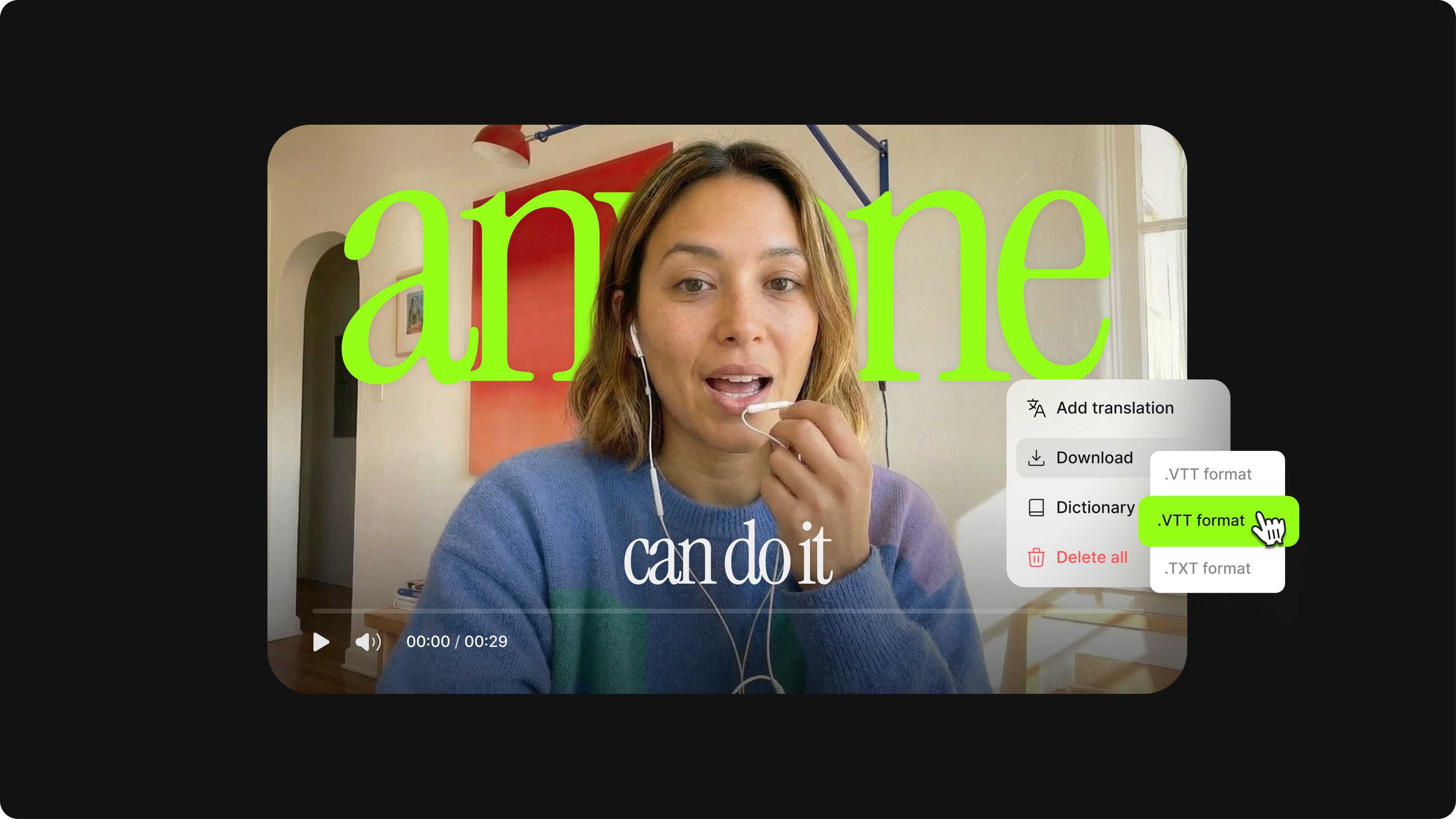
What is an SRT File? How to Create & Upload SRT Files [Complete Guide]
This article covers how to create an SRT subtitle file from video, audio, or text
12 Best Subtitle Fonts for Video Editing (Free and Paid Options)
Want videos that are more engaging because they're easier to follow along? Here's 12 of the best free and paid subtitle fonts for better video content.
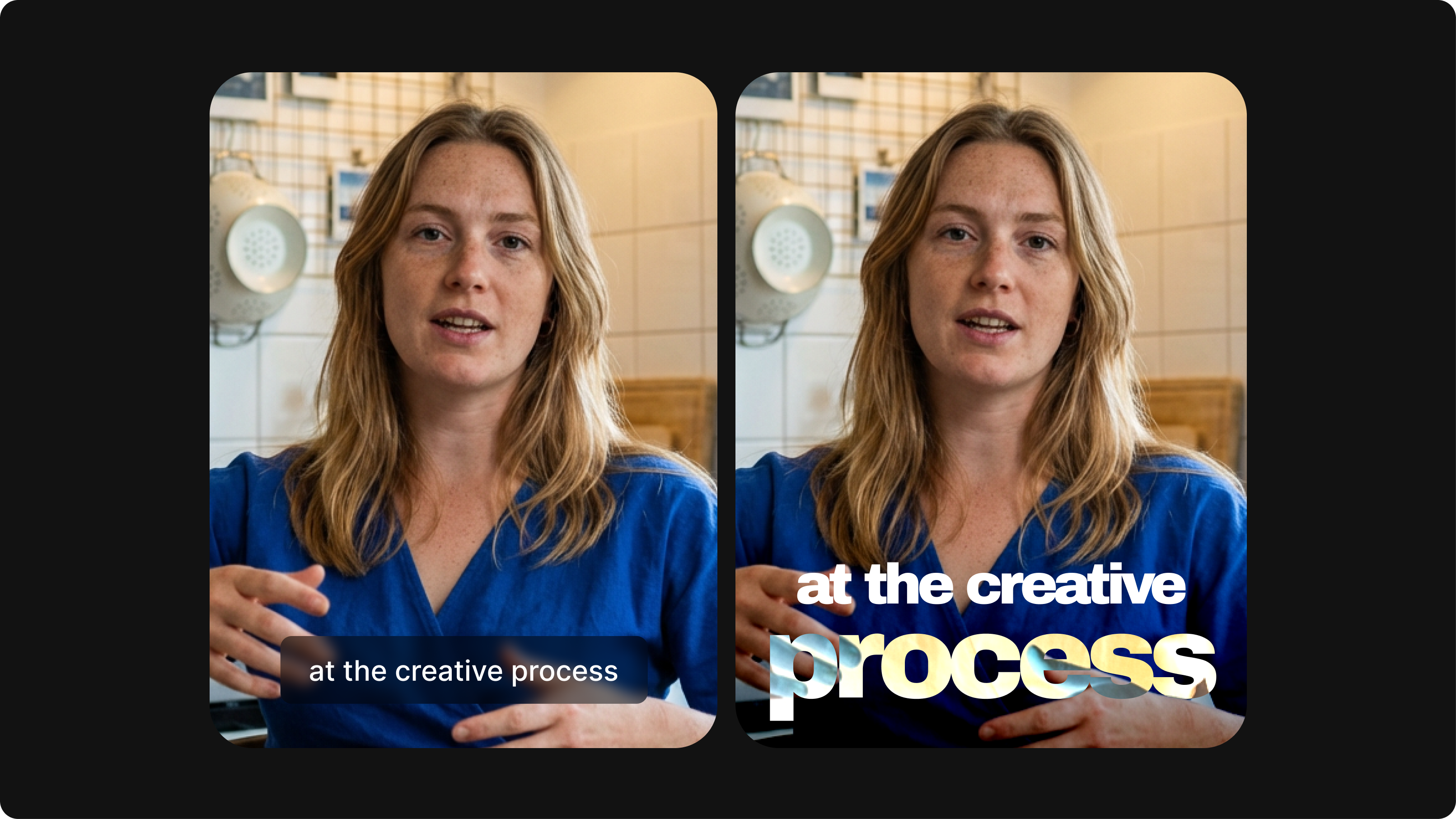
Closed Captioning VS Subtitles: Differences & When to Use Them
Understand what differentiates subtitles and closed captioning and how to add them to your own videos with ease.
Trusted by 1M+ creators
When it comes to amazing videos, all you need is VEED
No credit card required
More than an SRT to MKV merger
VEED is a fully-fledged online video editing platform that allows you to create stunning videos for online viewing and beyond. All you need to do is hit that blue button and you can try the range of editing tools - text, subtitles, color grading, progress bar animations and more. Enter the world of online video editing, with VEED